Substack
A home for readers
iOS
News
Reading
Blogs
Substack App UI design
Substack App UI design
Substack is a popular place for writers and creators to publish newsletters and monetize their content through subscriptions.
Substack is a popular place for writers and creators to publish newsletters and monetize their content through subscriptions.
It's the benchmark for minimal reader-first app design. Browse Substack app screens — login, browsing, reading & more — on our free Mobbin alternative!
It's the benchmark for minimal reader-first app design. Browse Substack app screens — login, browsing, reading & more — on our free Mobbin alternative!
Onboarding
Onboarding
8 screens

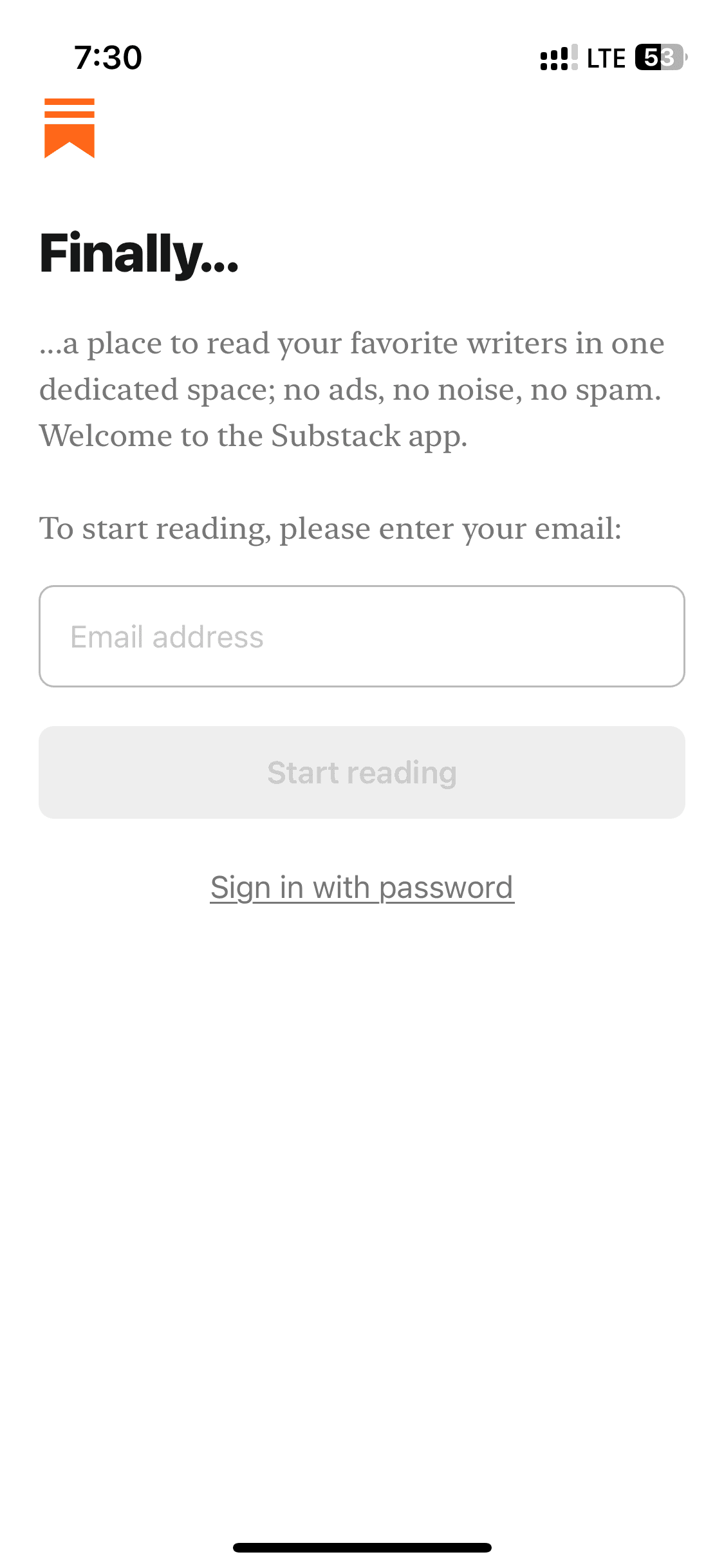
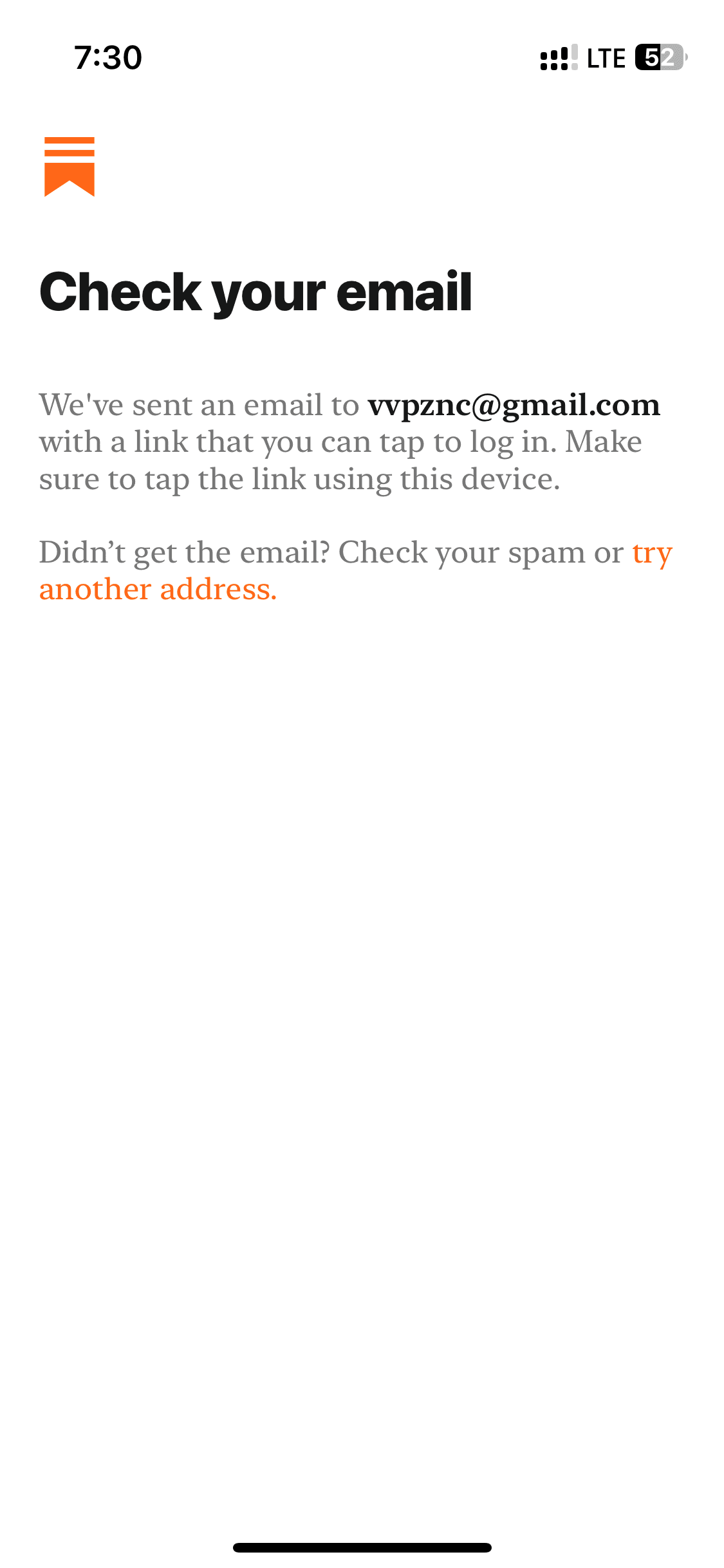
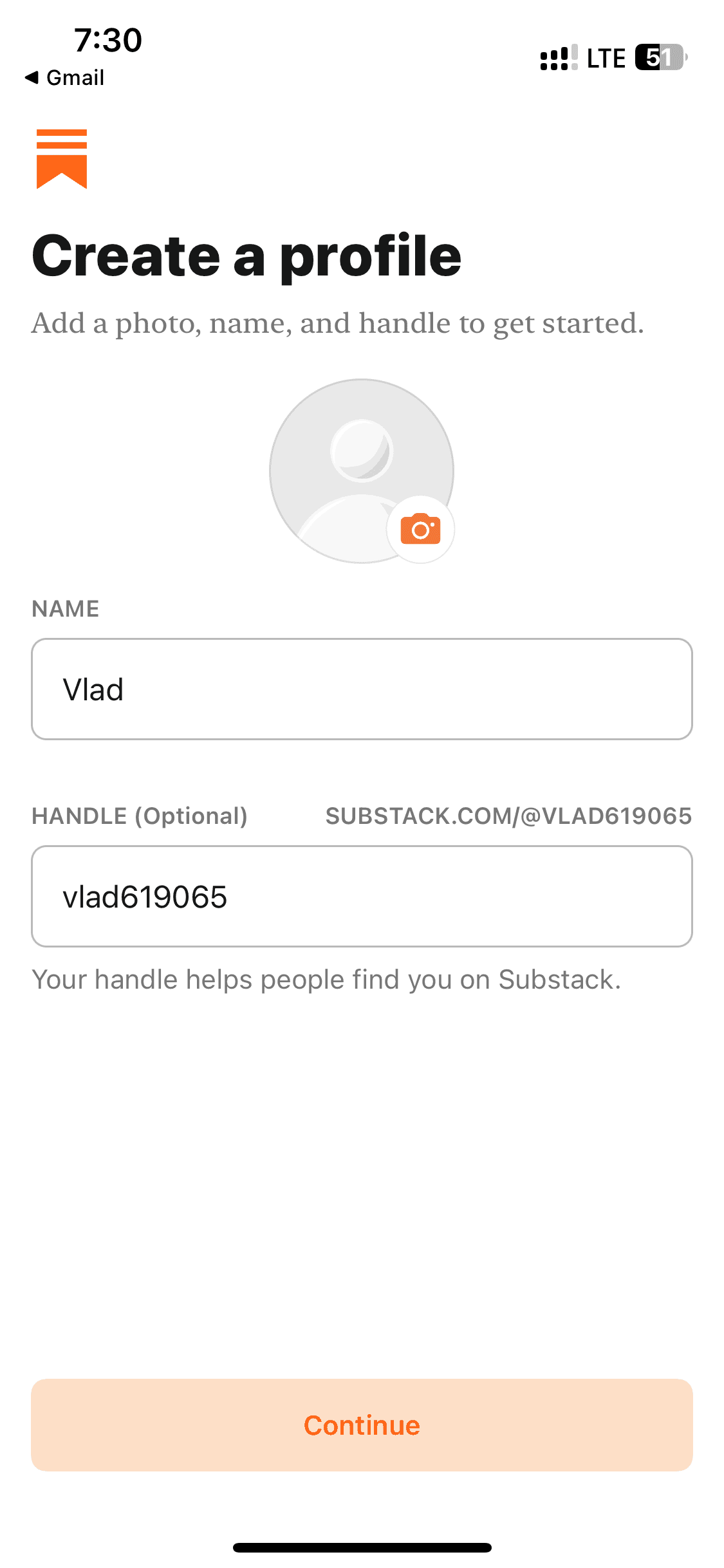
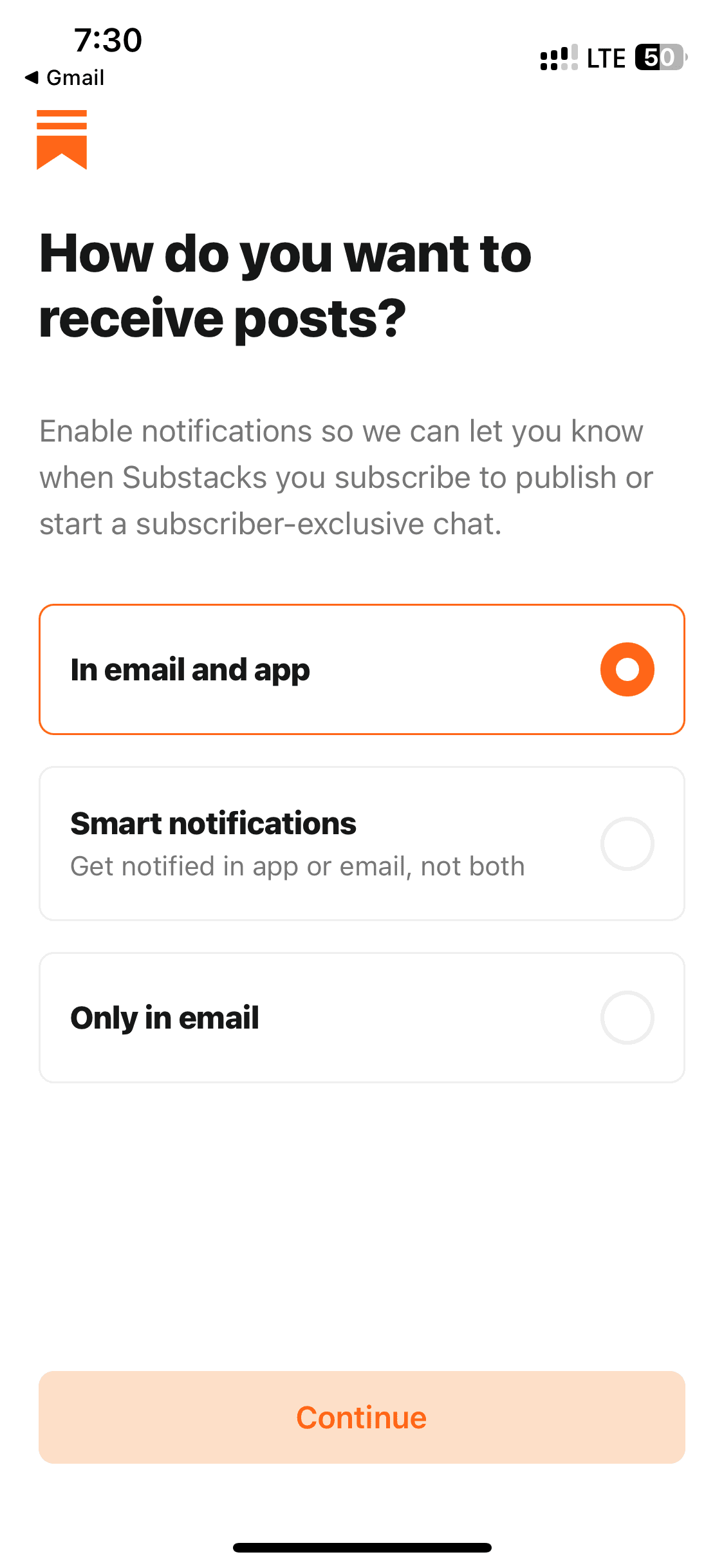
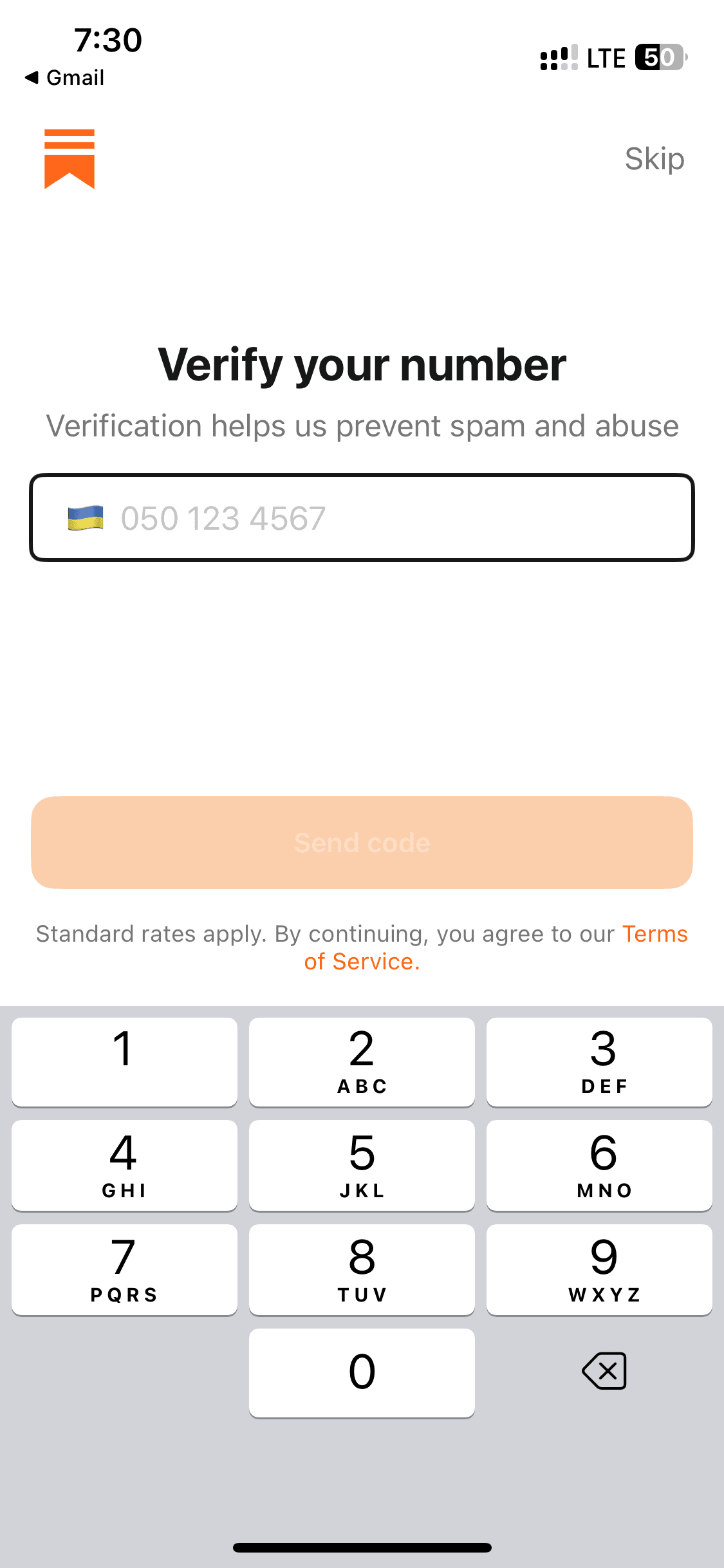
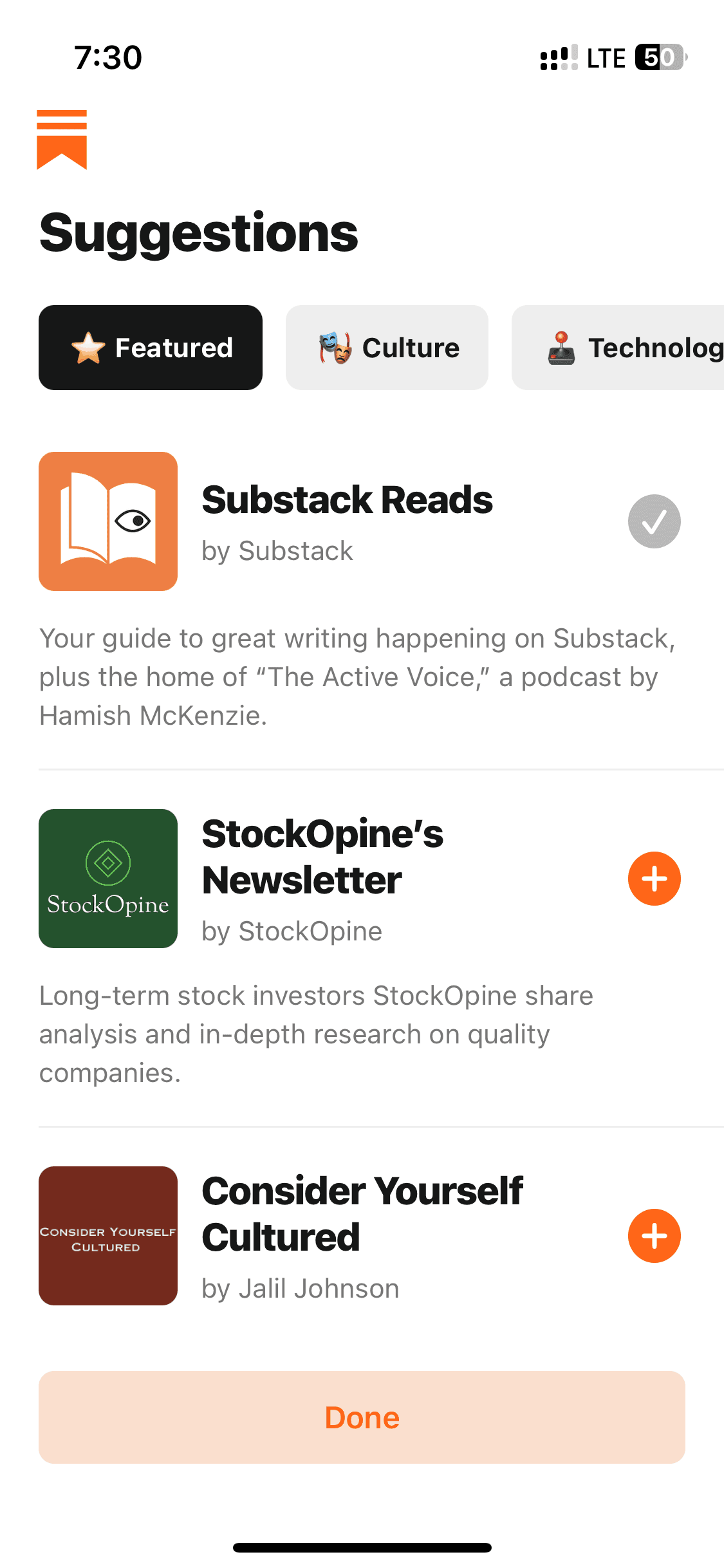
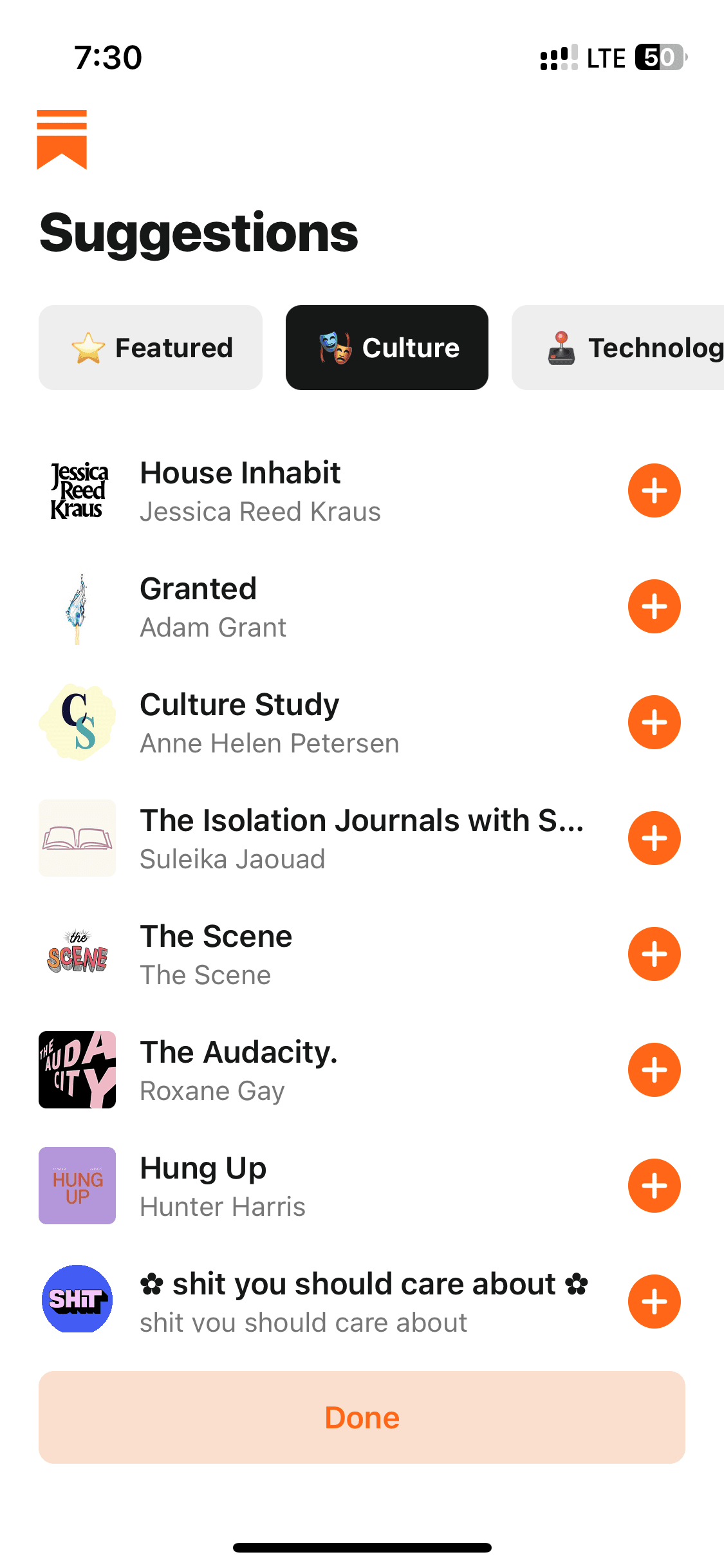
How to reference Substack screens with Banani AI?
1
Copy a UI Screen
Select to download or copy a UI screen you like.
Select to download or copy a UI screen you like.
2
Edit UI with AI
Upload in Banani and type the changes you want.
Upload in Banani and type the changes you want.
2
Get wireframes
Upload in Banani and type the changes you want.
3
Figma or Code Export
Export the new design as Figma or clean HTML/CSS.
Export the new design as Figma or clean HTML/CSS.
Browsing
Browsing
10 screens
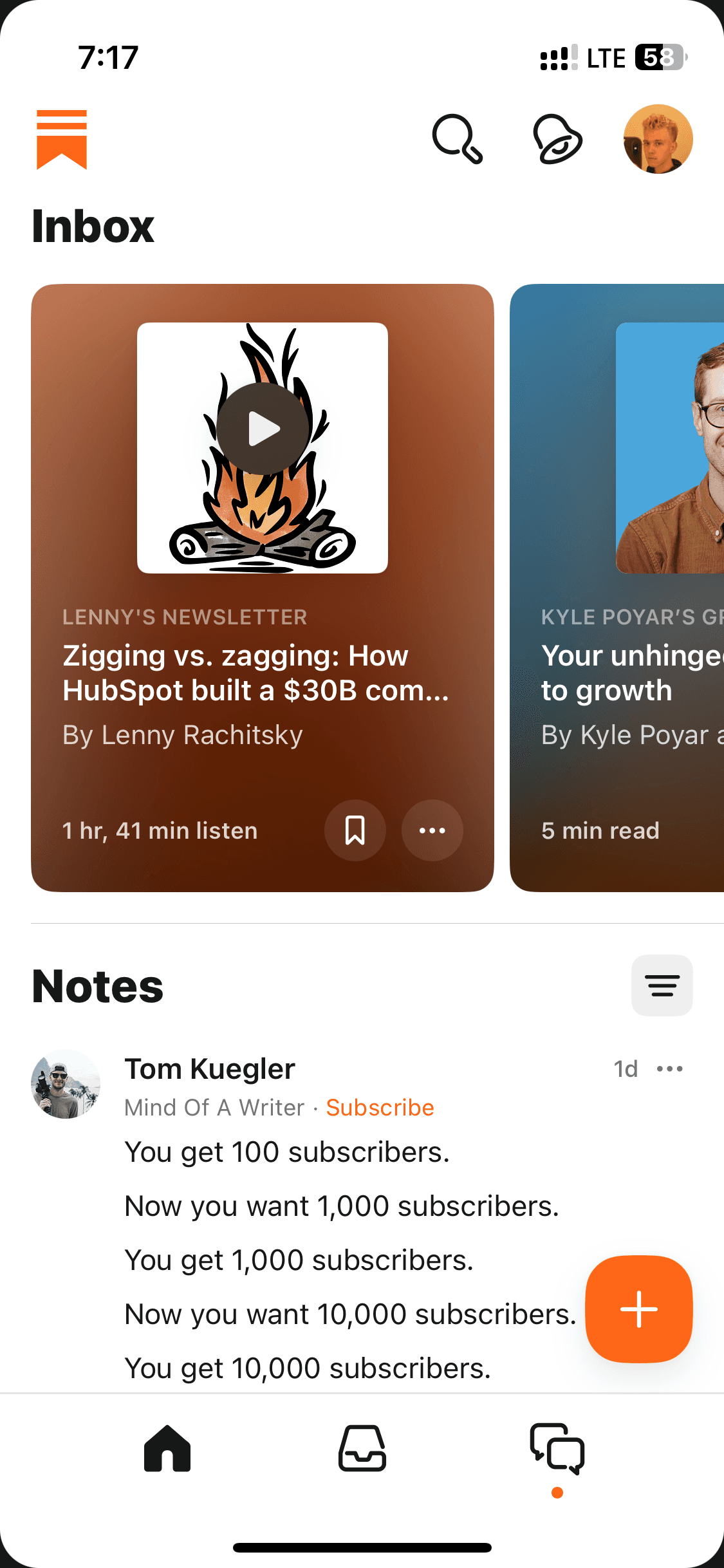
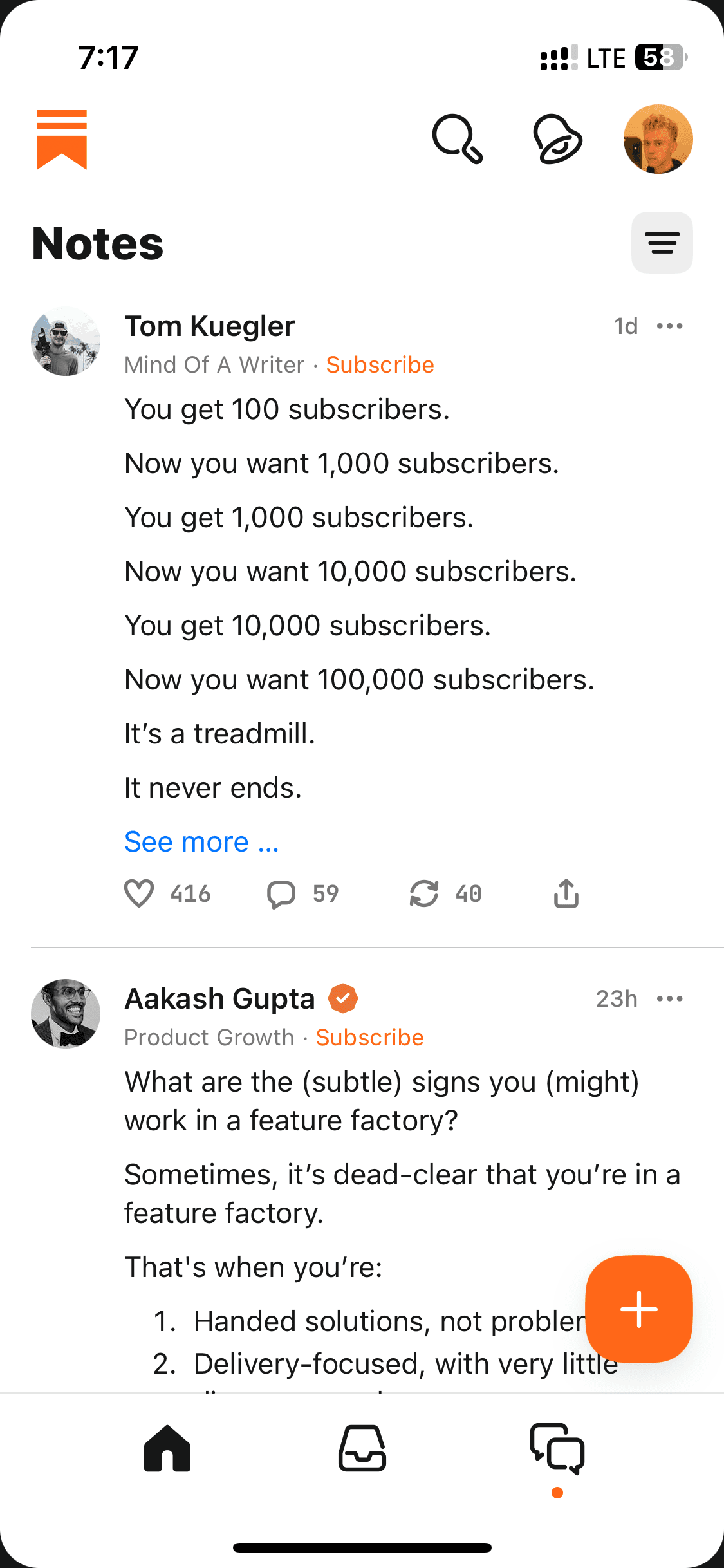
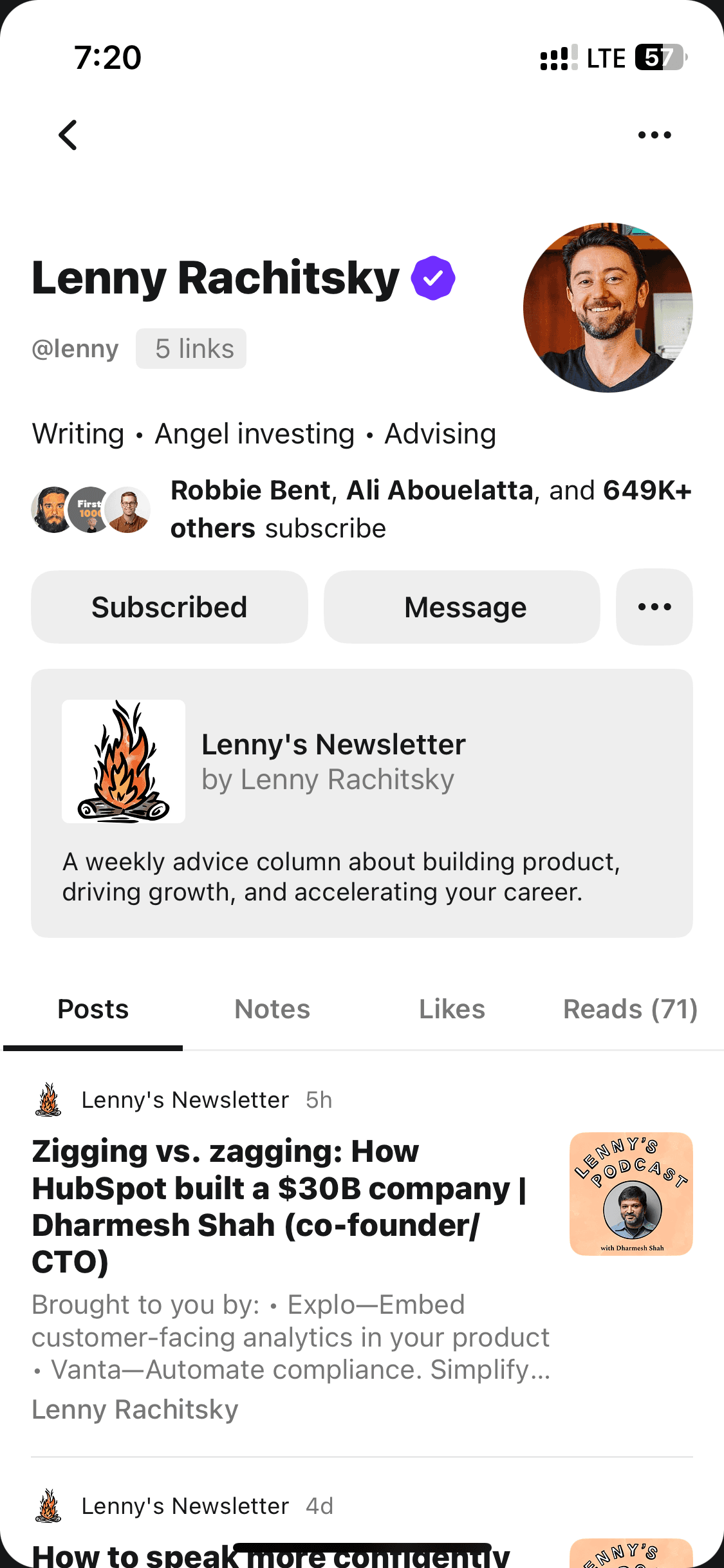
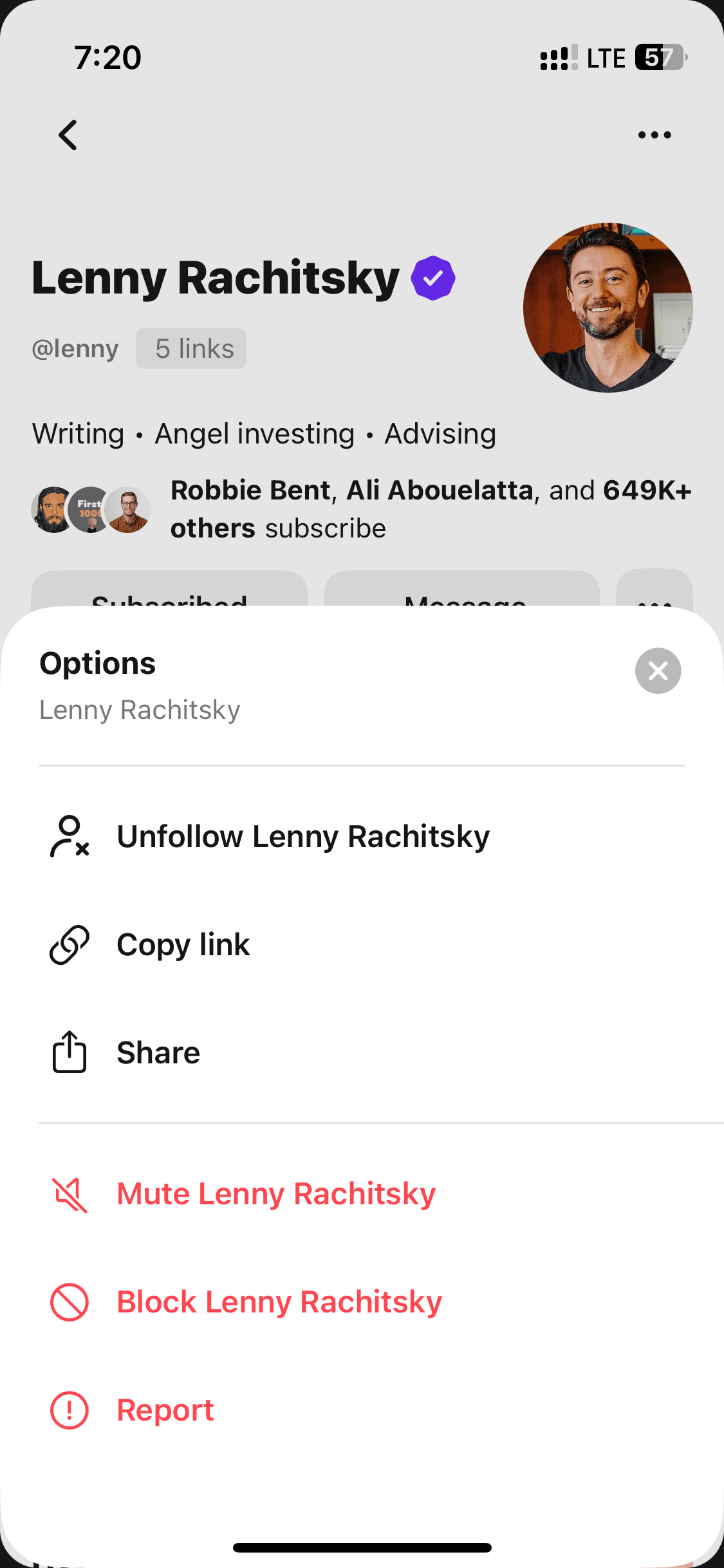
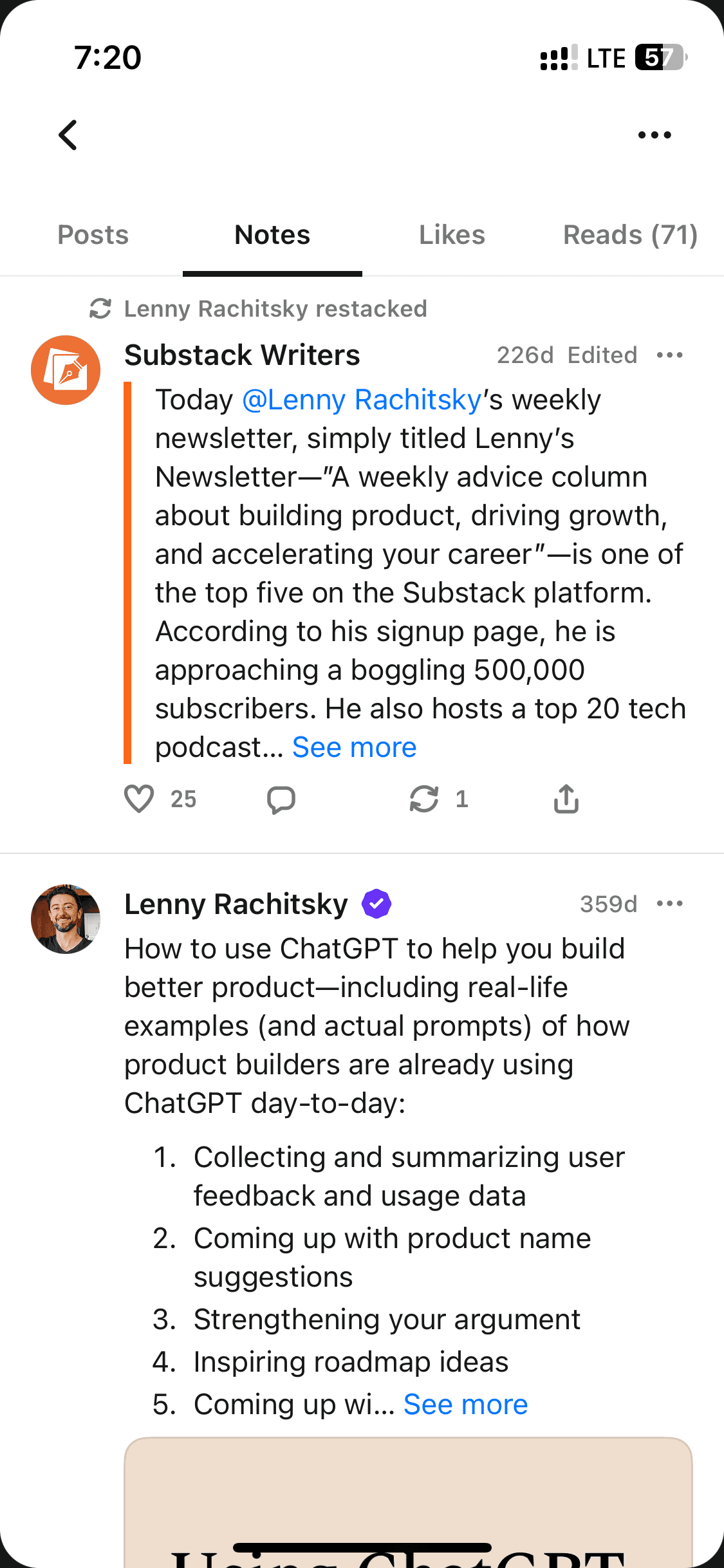
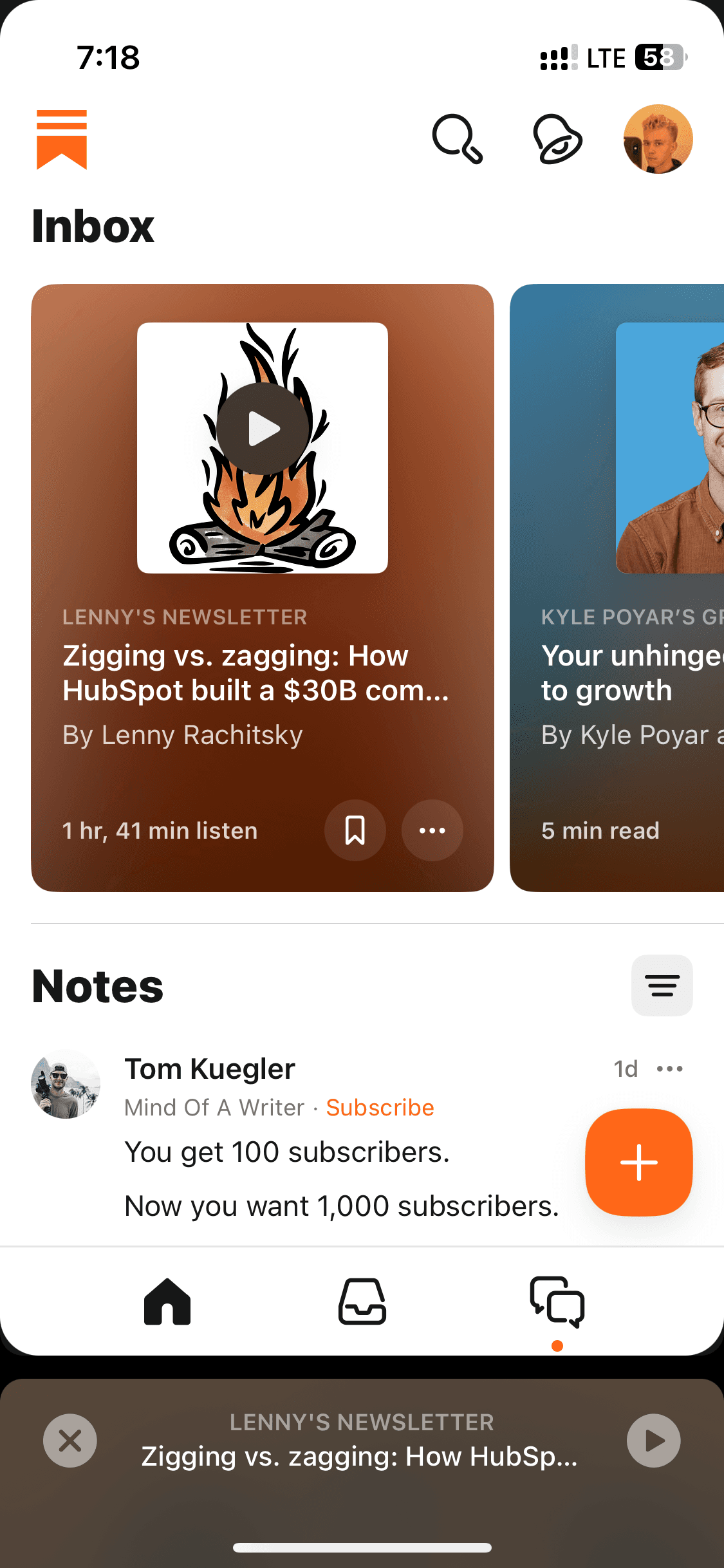
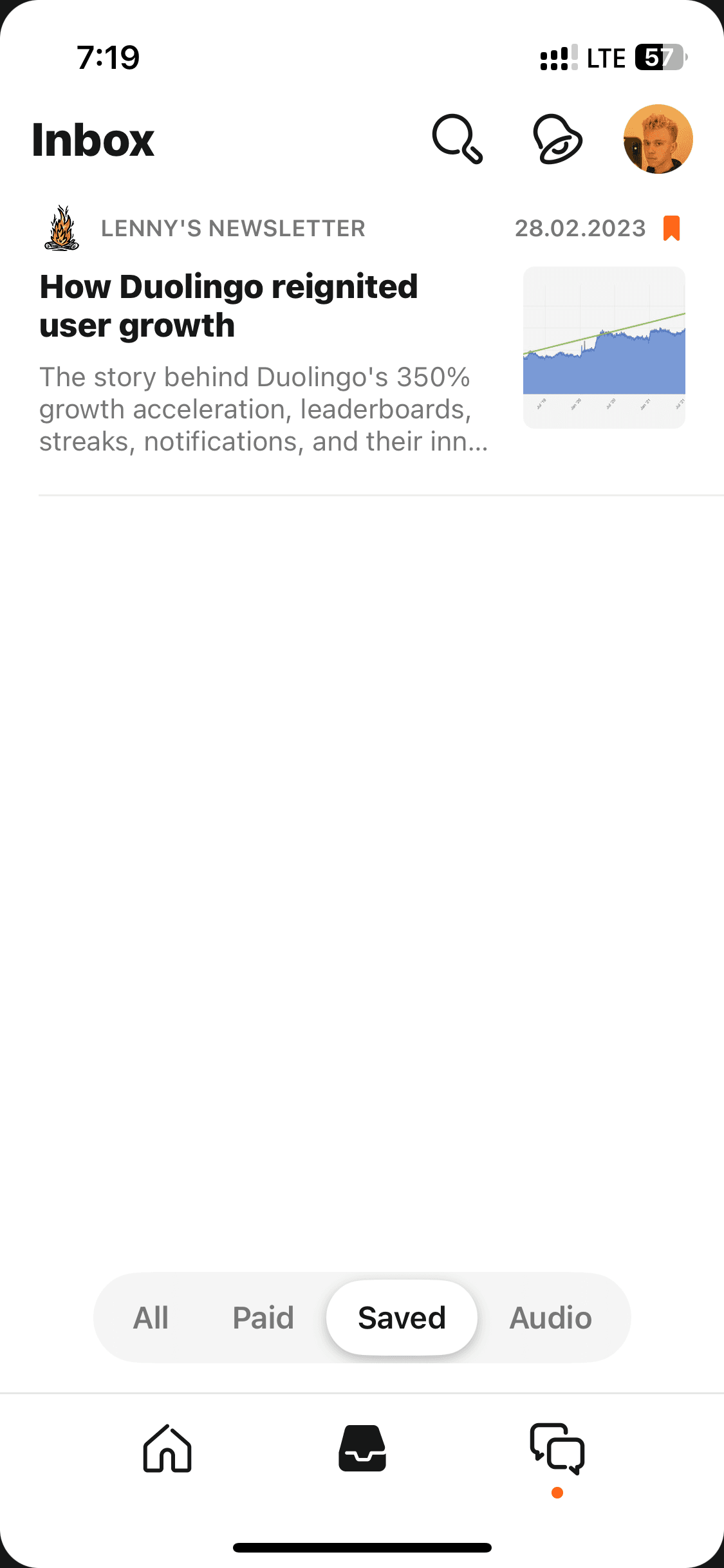
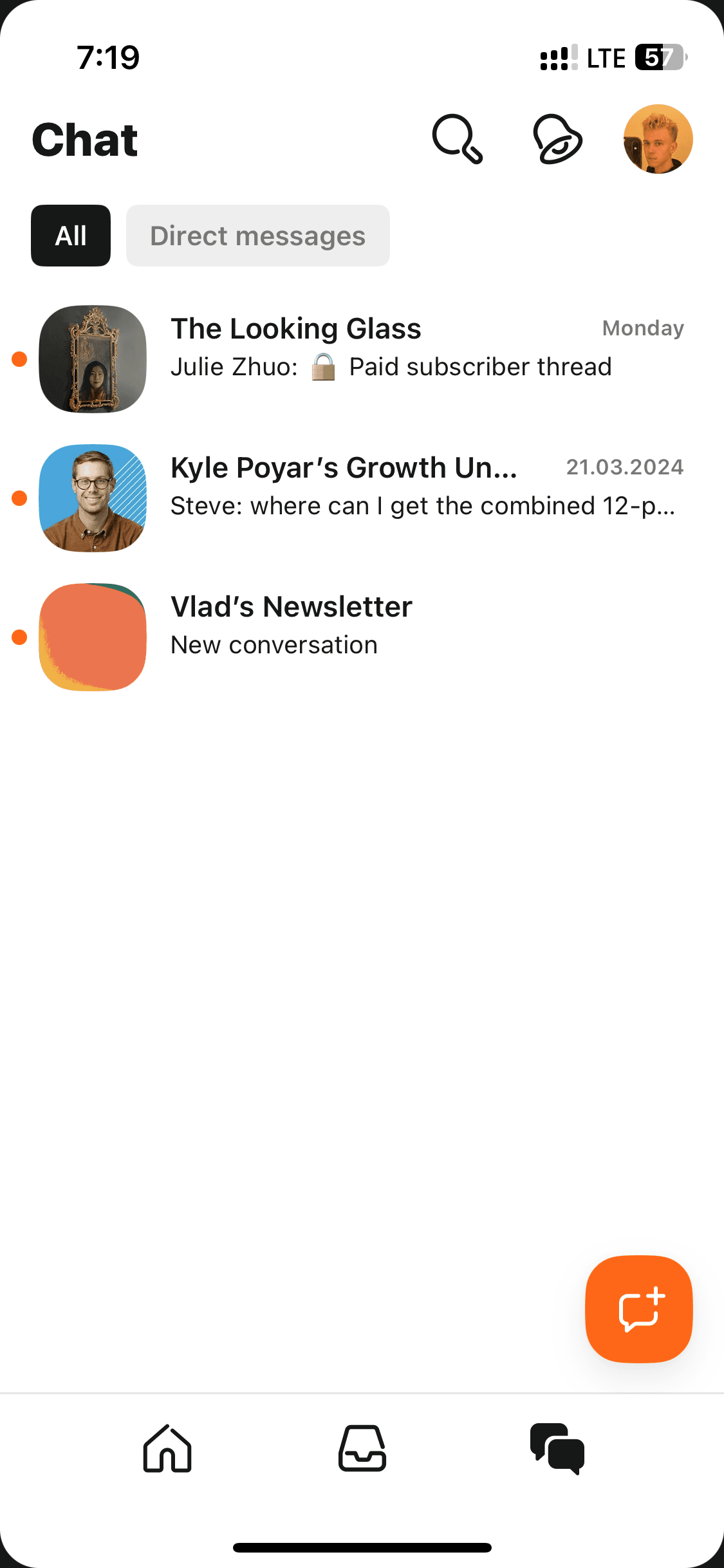
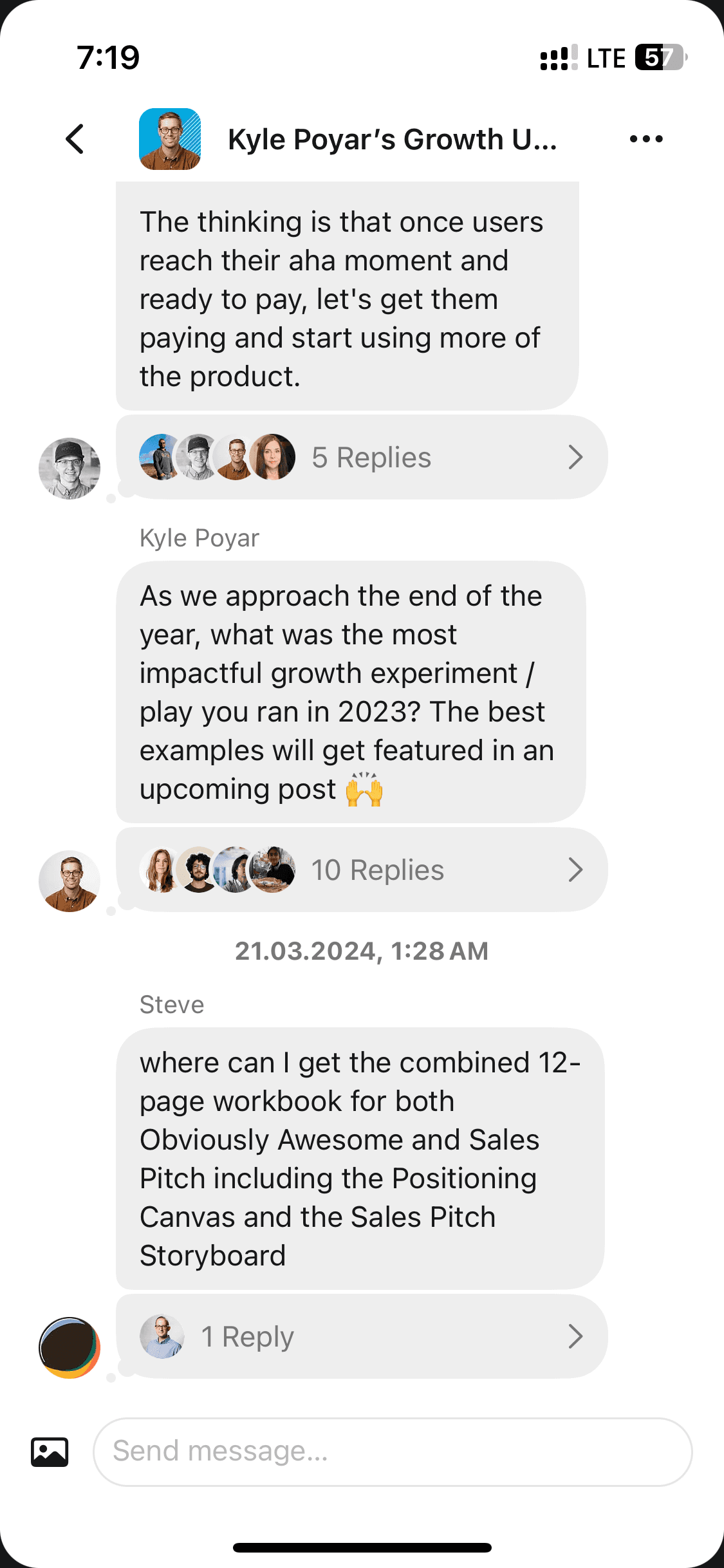
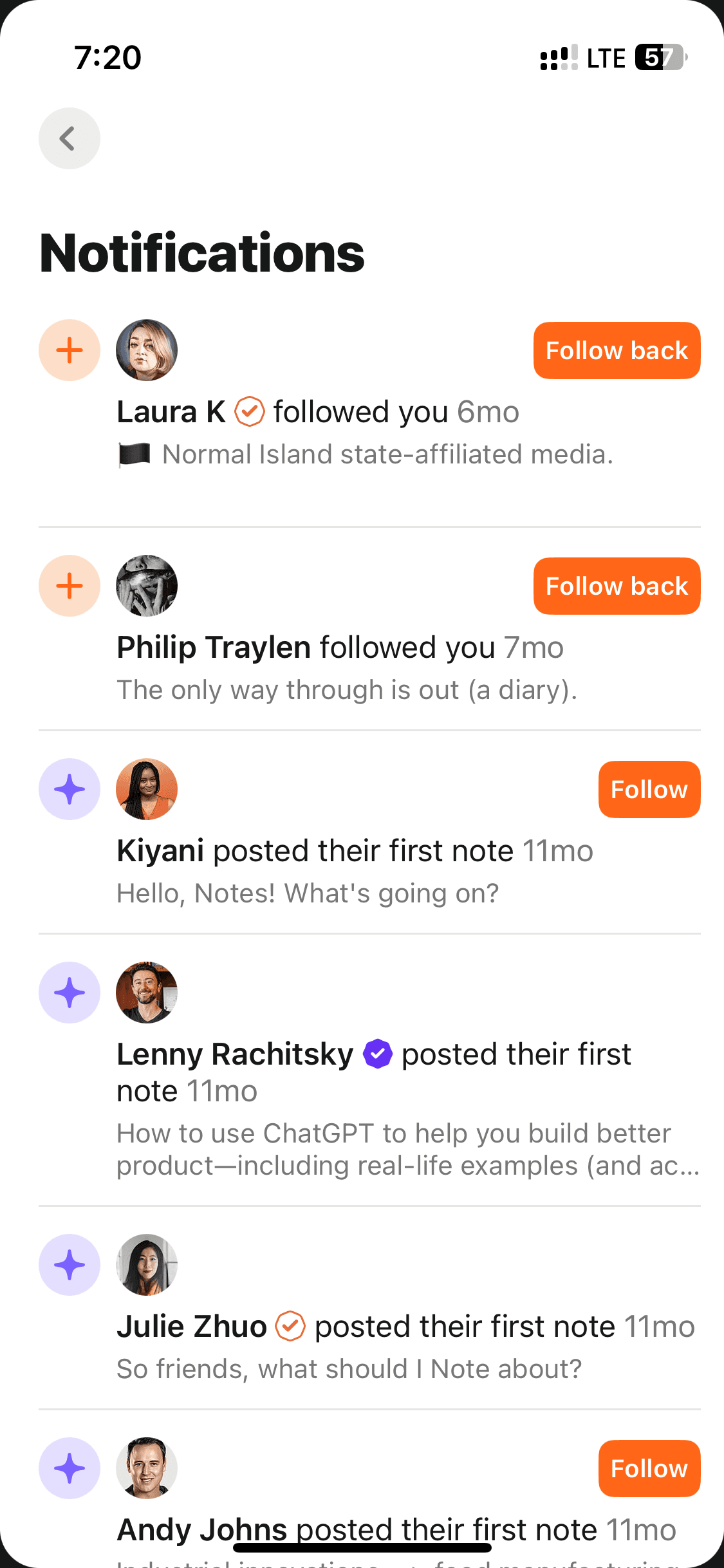
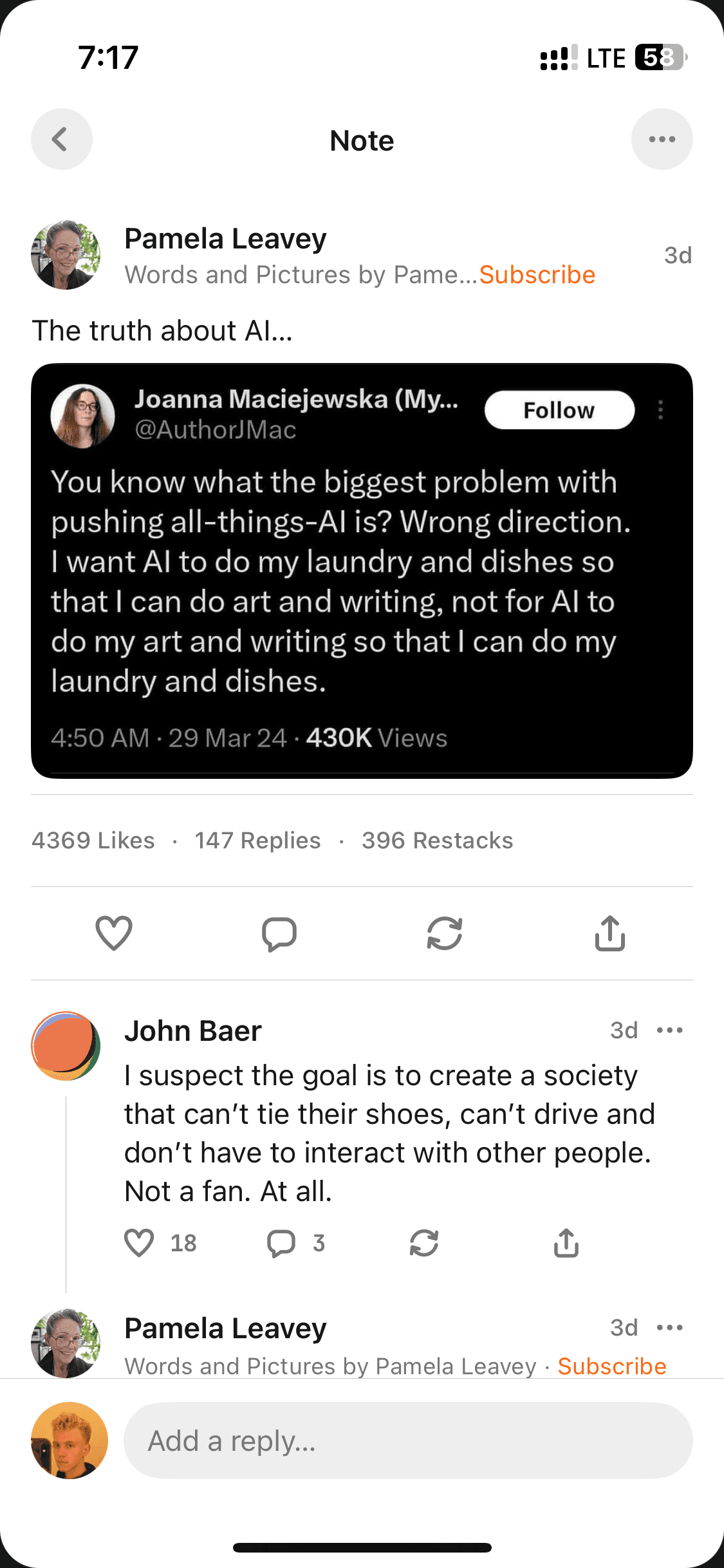
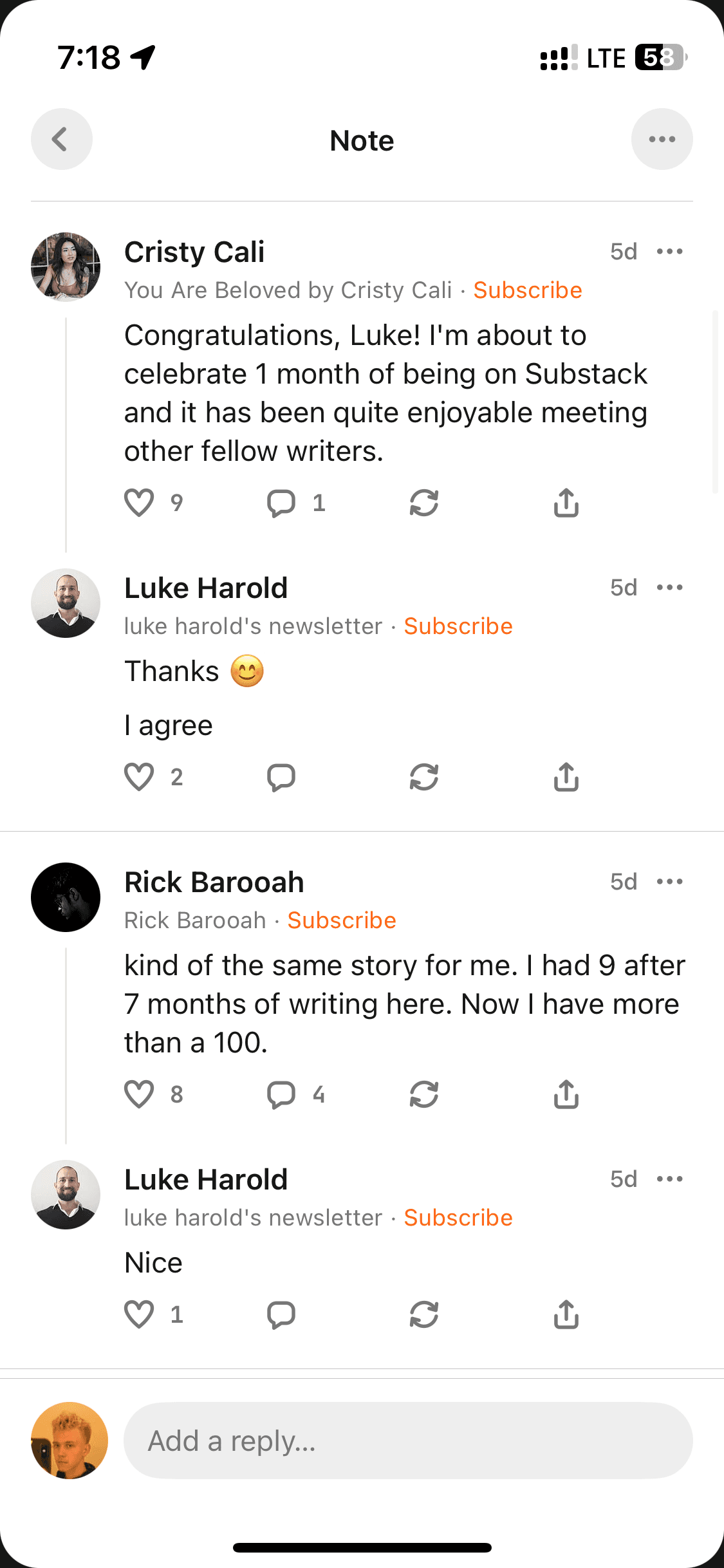
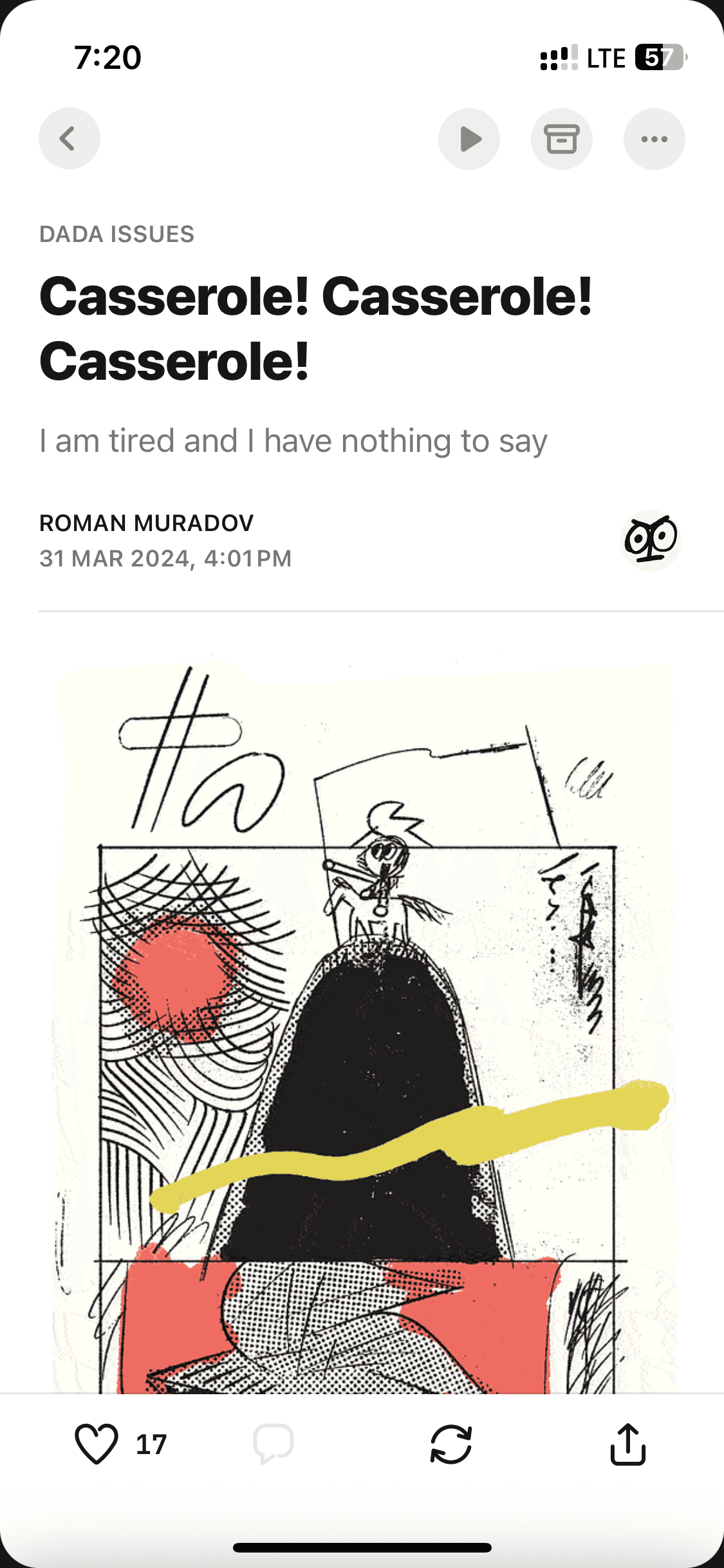
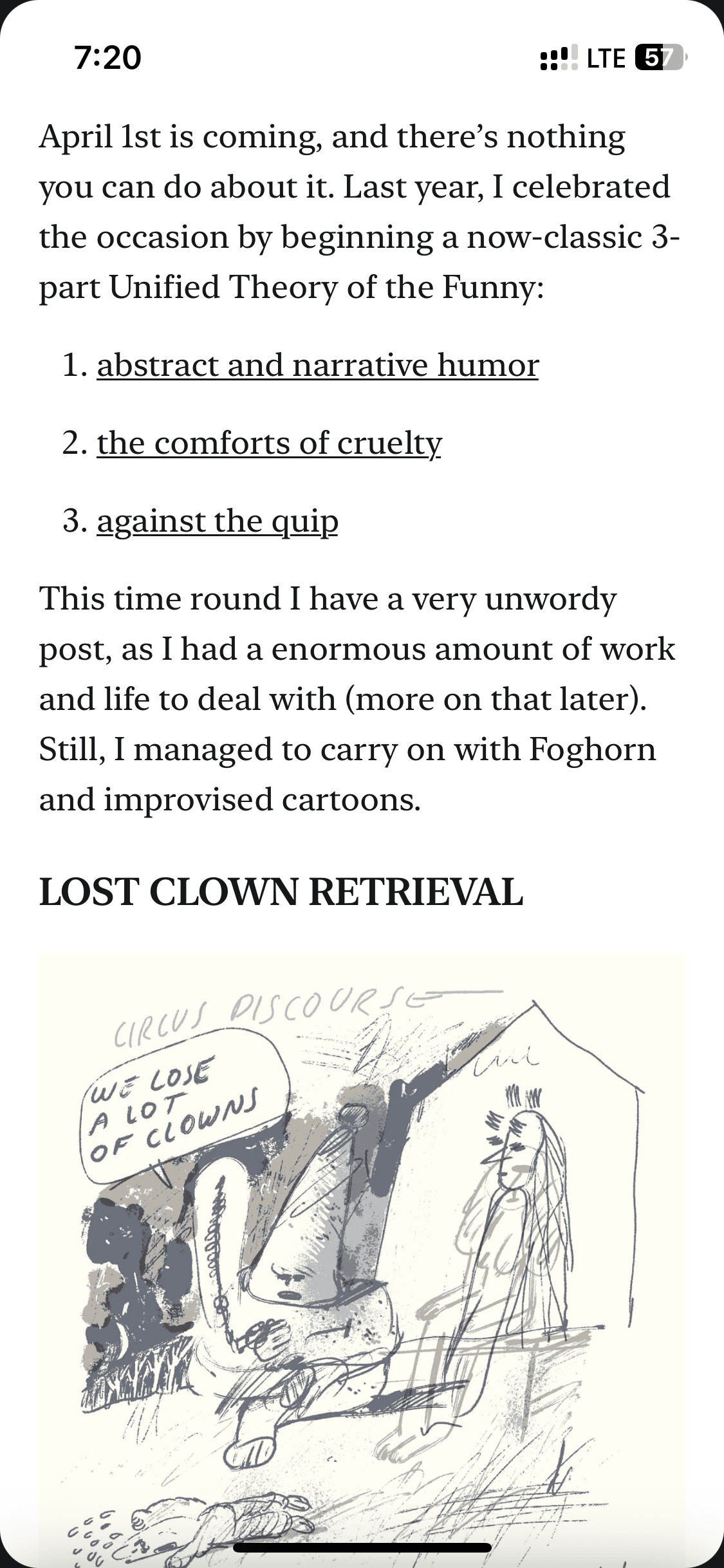
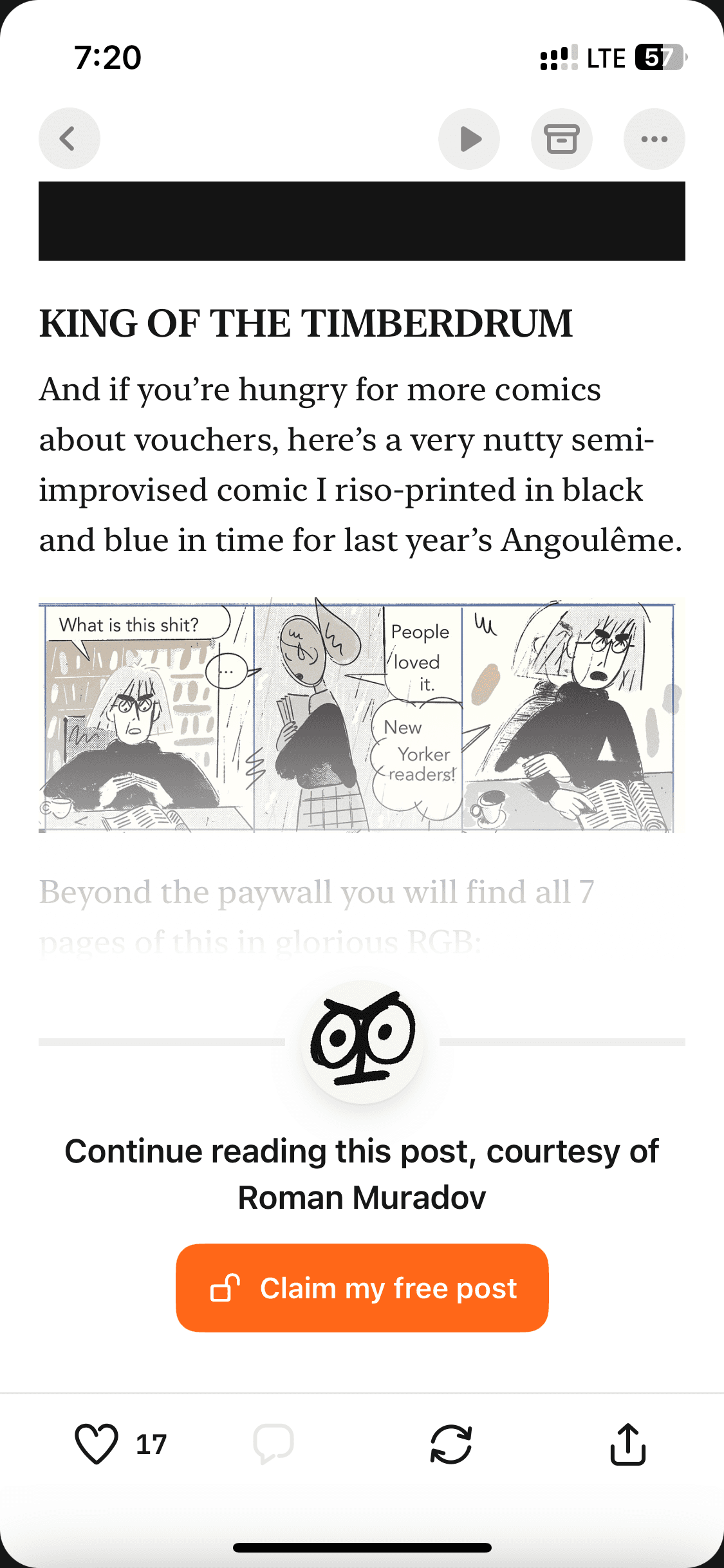
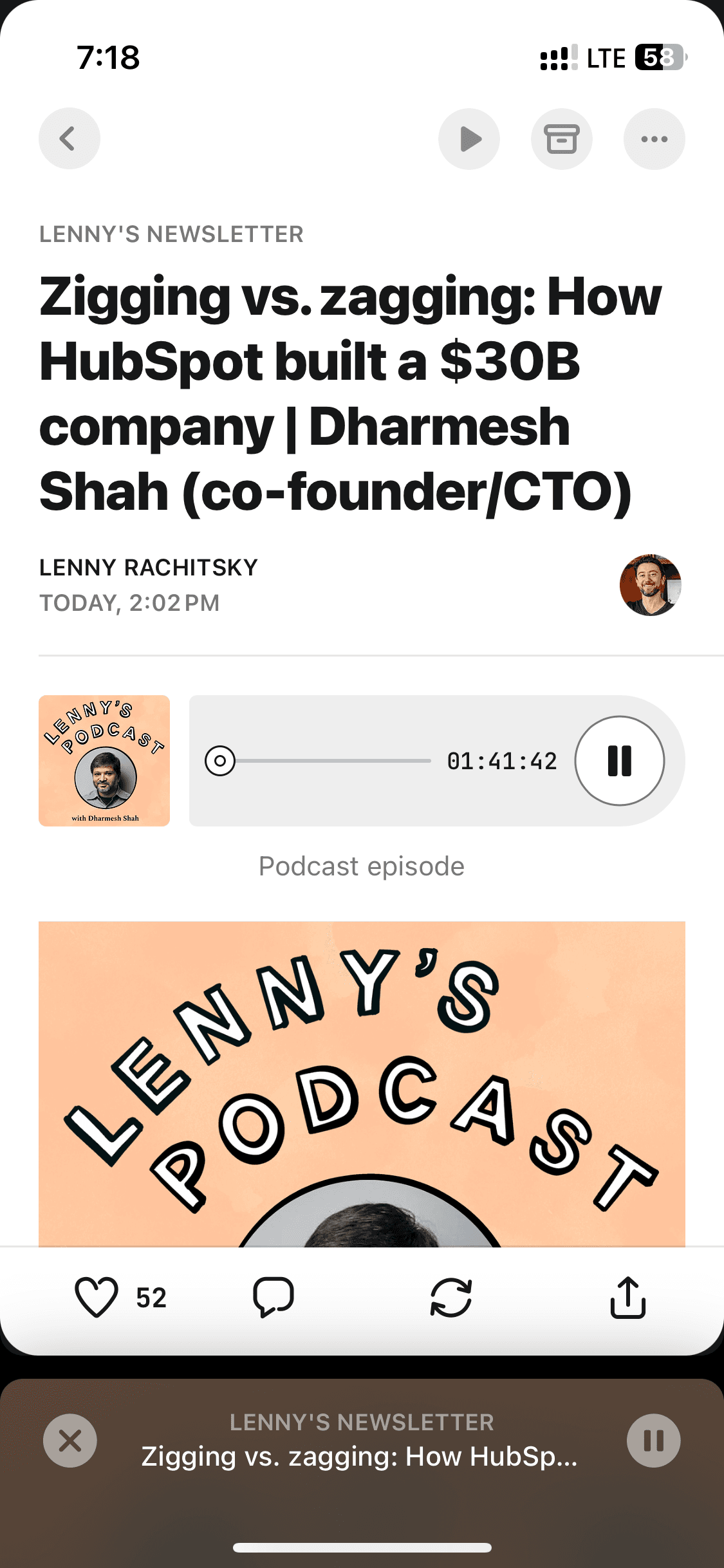
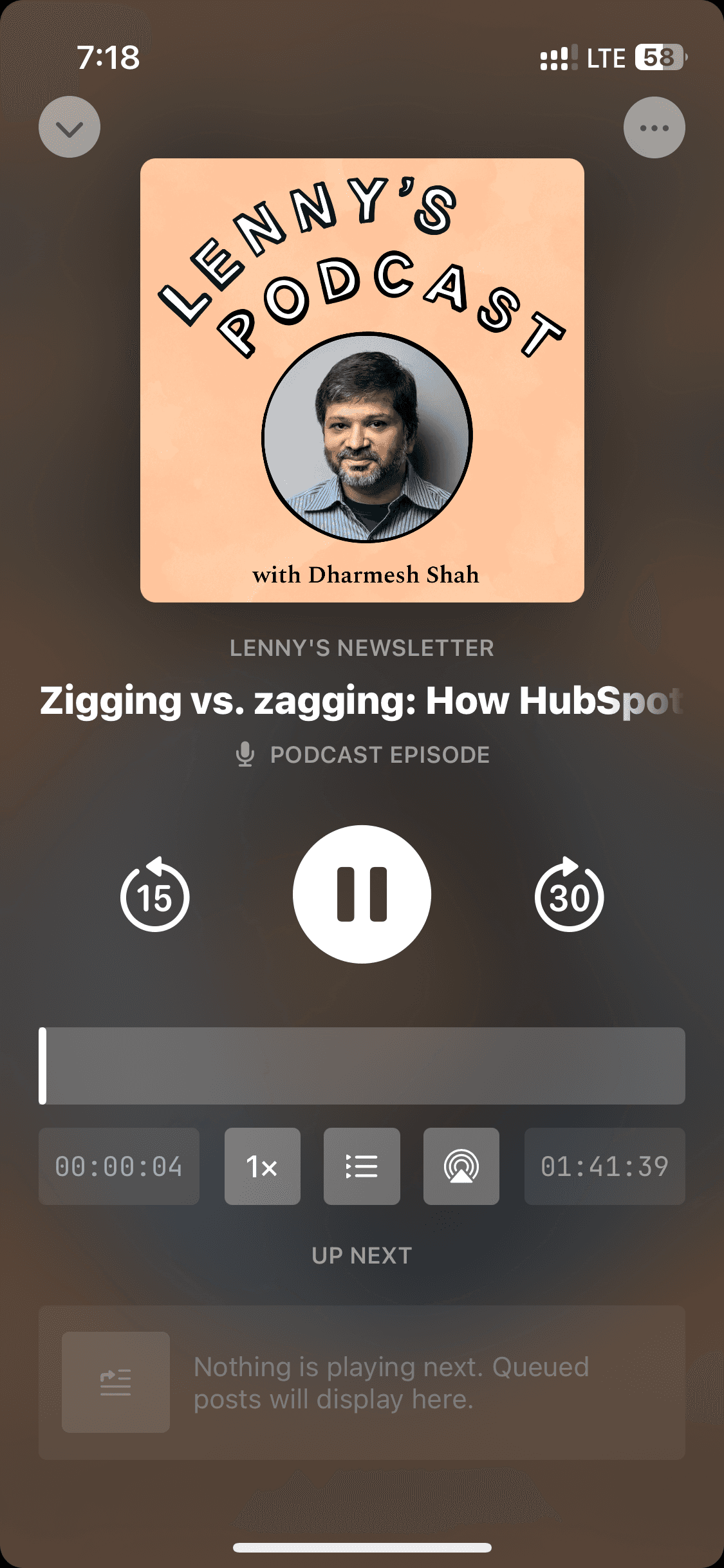
Posts, articles, podcasts
Posts, articles, podcasts
8 screens





Recently added
View all

Tinder
NEW
Meet New People & Date Singles
Calm
Sleep, Meditation, Relaxation

Threads
Share ideas & trends with text

Blinkist
Learn something new every day

ChatGPT
The official app by OpenAI

Airbnb
Vacation Rentals & Experiences

Things 3
Organize your life
Arc Search
Find it, Faster
FAQs on Substack UI
Why reference Substack UI for app design?
Substack made one bold design bet: that content deserves the full screen. Its reading interface is one of the cleanest, with generous typography, zero clutter, and a listening mode that transitions from article to podcast without friction. Its subscription and community UI are also worth studying to serve both readers and writers in the same app.
If you're designing a newsletter app or a reading platform, Substack UI screens are a solid reference.
Substack made one bold design bet: that content deserves the full screen. Its reading interface is one of the cleanest, with generous typography, zero clutter, and a listening mode that transitions from article to podcast without friction. Its subscription and community UI are also worth studying to serve both readers and writers in the same app.
If you're designing a newsletter app or a reading platform, Substack UI screens are a solid reference.
Is Substack UI available on Mobbin?
Yes, Substack screens are on Mobbin. But full flow access is behind a paid plan. You can still view and explore the complete Substack UI on a free Mobbin alternative, alongside several other mobile UI/UX templates.
Yes, Substack screens are on Mobbin. But full flow access is behind a paid plan. You can still view and explore the complete Substack UI on a free Mobbin alternative, alongside several other mobile UI/UX templates.
Why use Banani AI as a Mobbin alternative to view Substack screens UI?
On Banani, Substack's full UI — onboarding, browsing, posts, articles, and podcasts — is free to browse, no sign-up needed. Copy any screen, upload to Banani AI, and adapt the reading or subscription layout for your own app. You can also export your edited Substack UI screens as Figma files or HTML/CSS.
On Banani, Substack's full UI — onboarding, browsing, posts, articles, and podcasts — is free to browse, no sign-up needed. Copy any screen, upload to Banani AI, and adapt the reading or subscription layout for your own app. You can also export your edited Substack UI screens as Figma files or HTML/CSS.