Arc Search
Find it, Faster
iOS
Browser
Artificial Intelligence
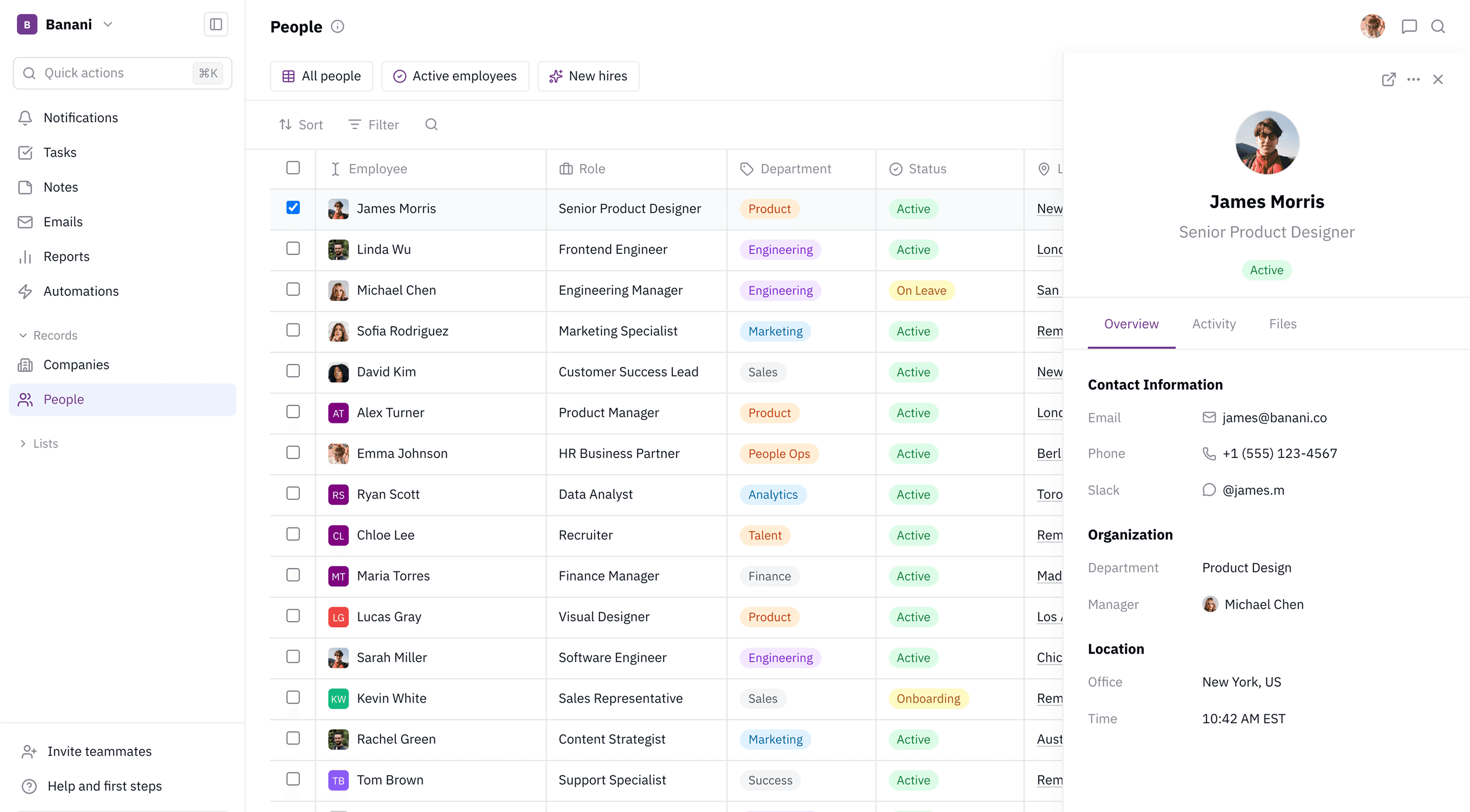
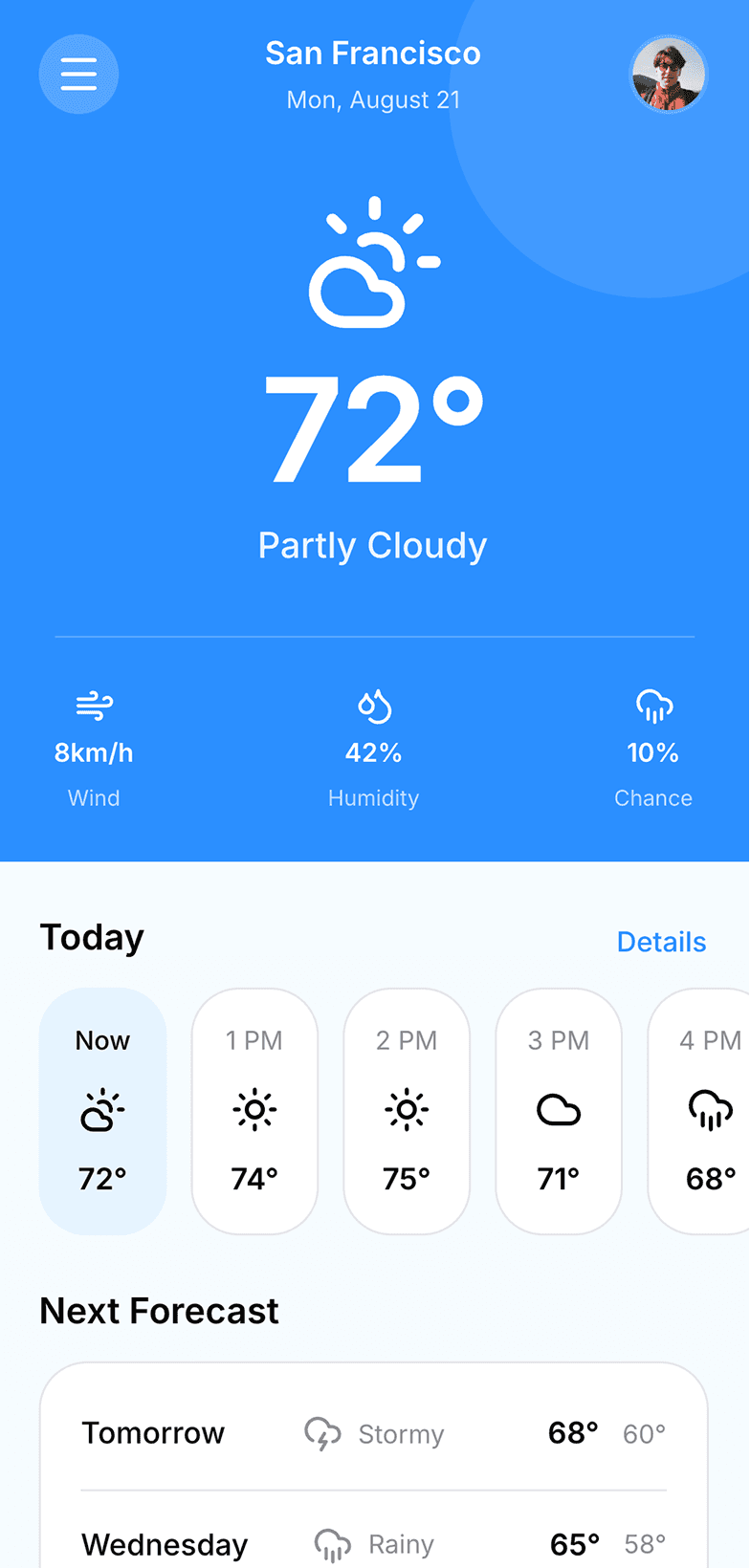
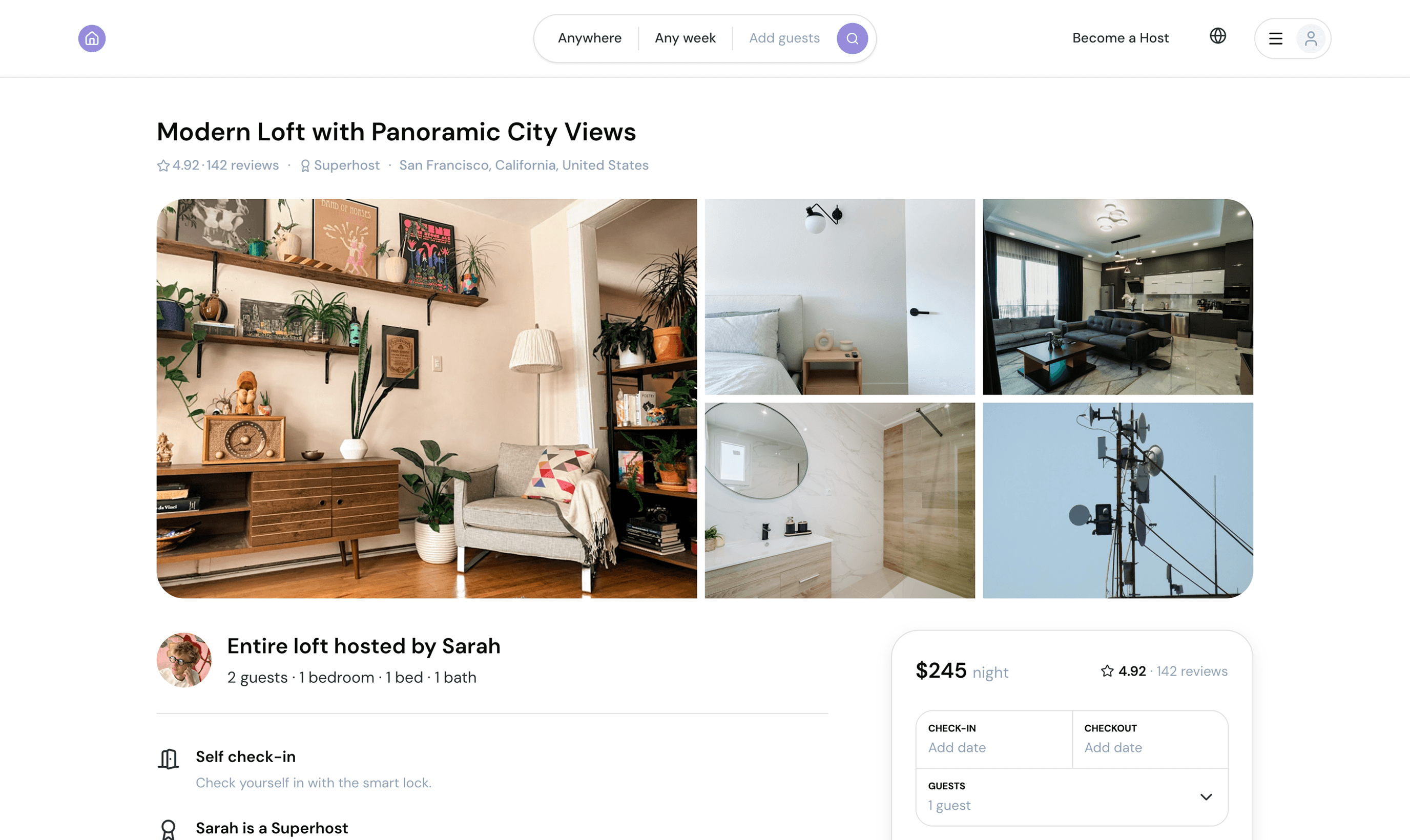
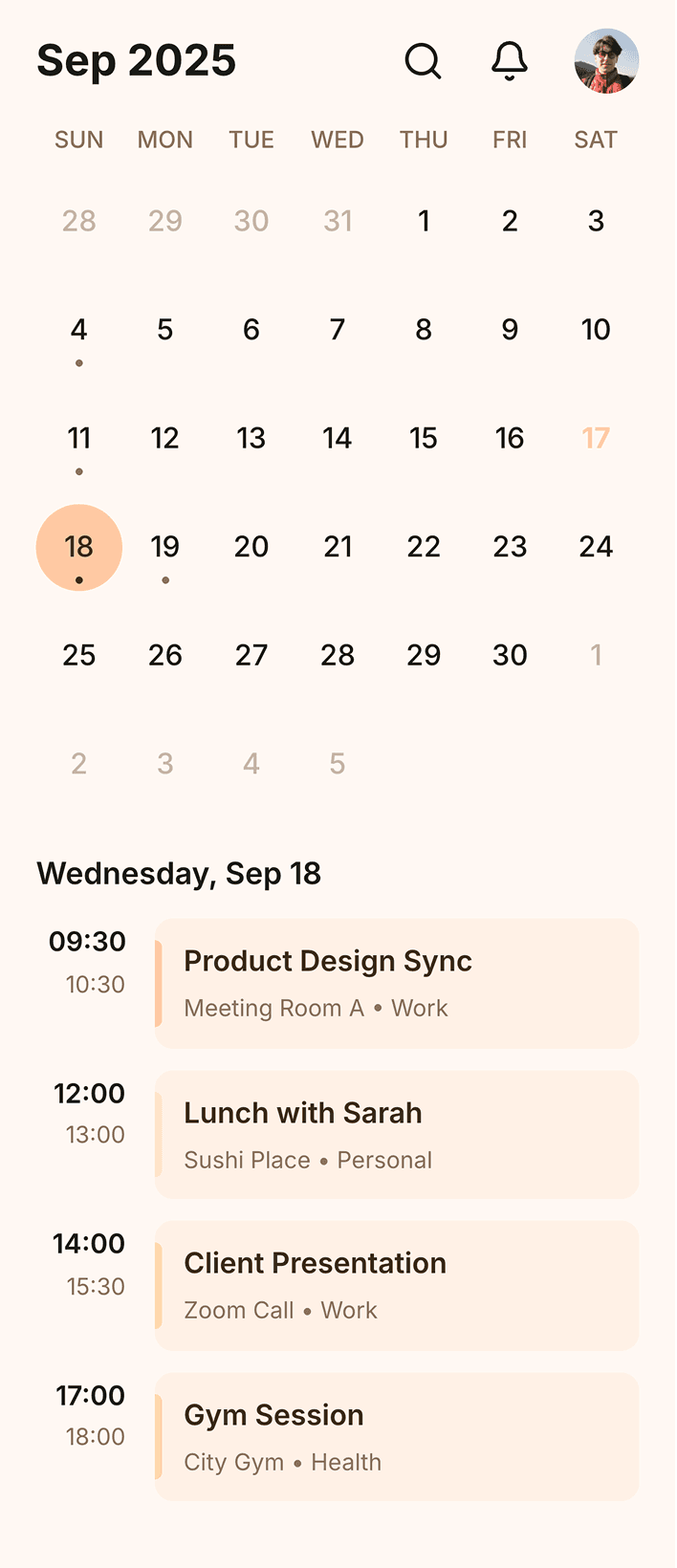
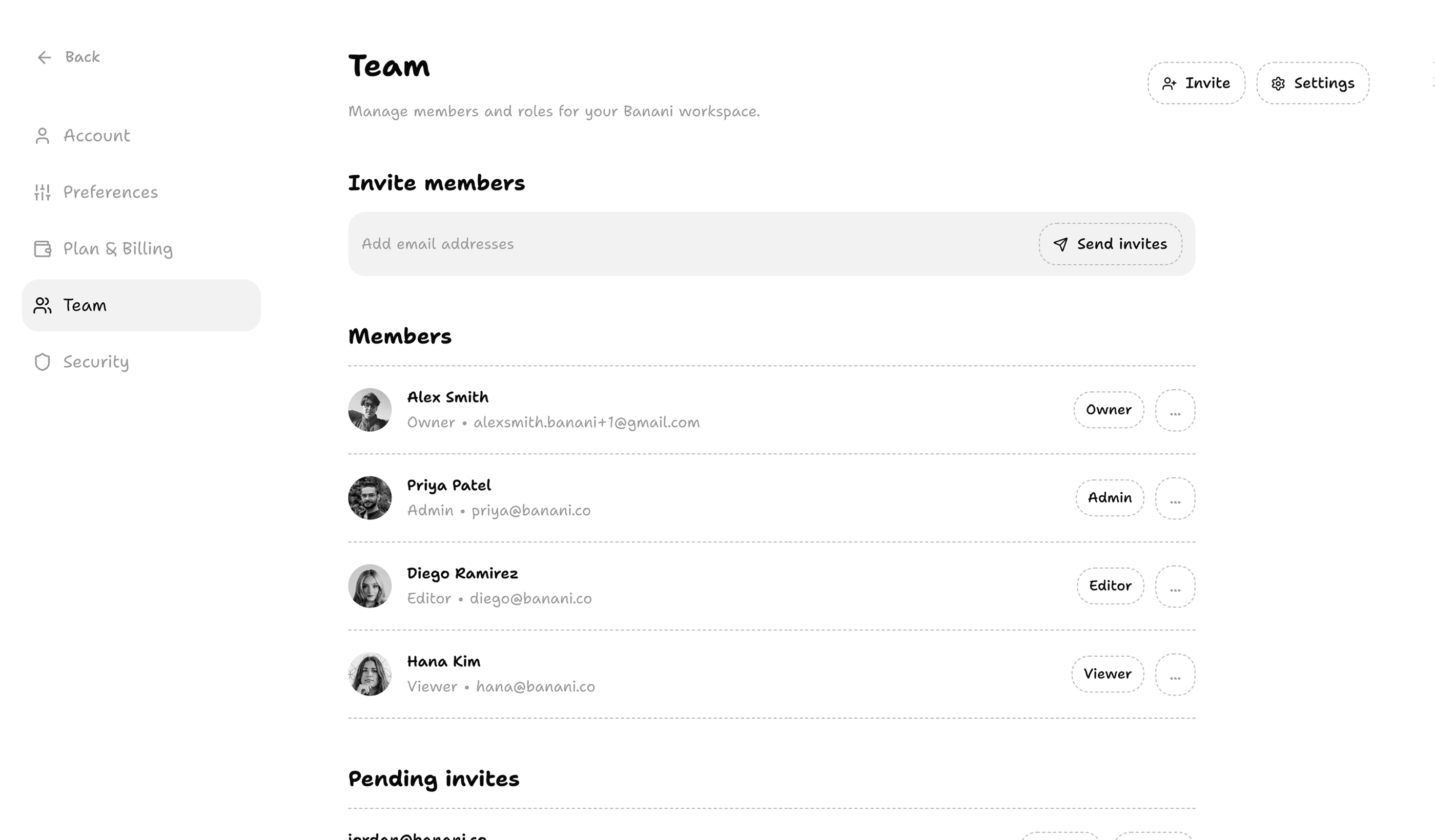
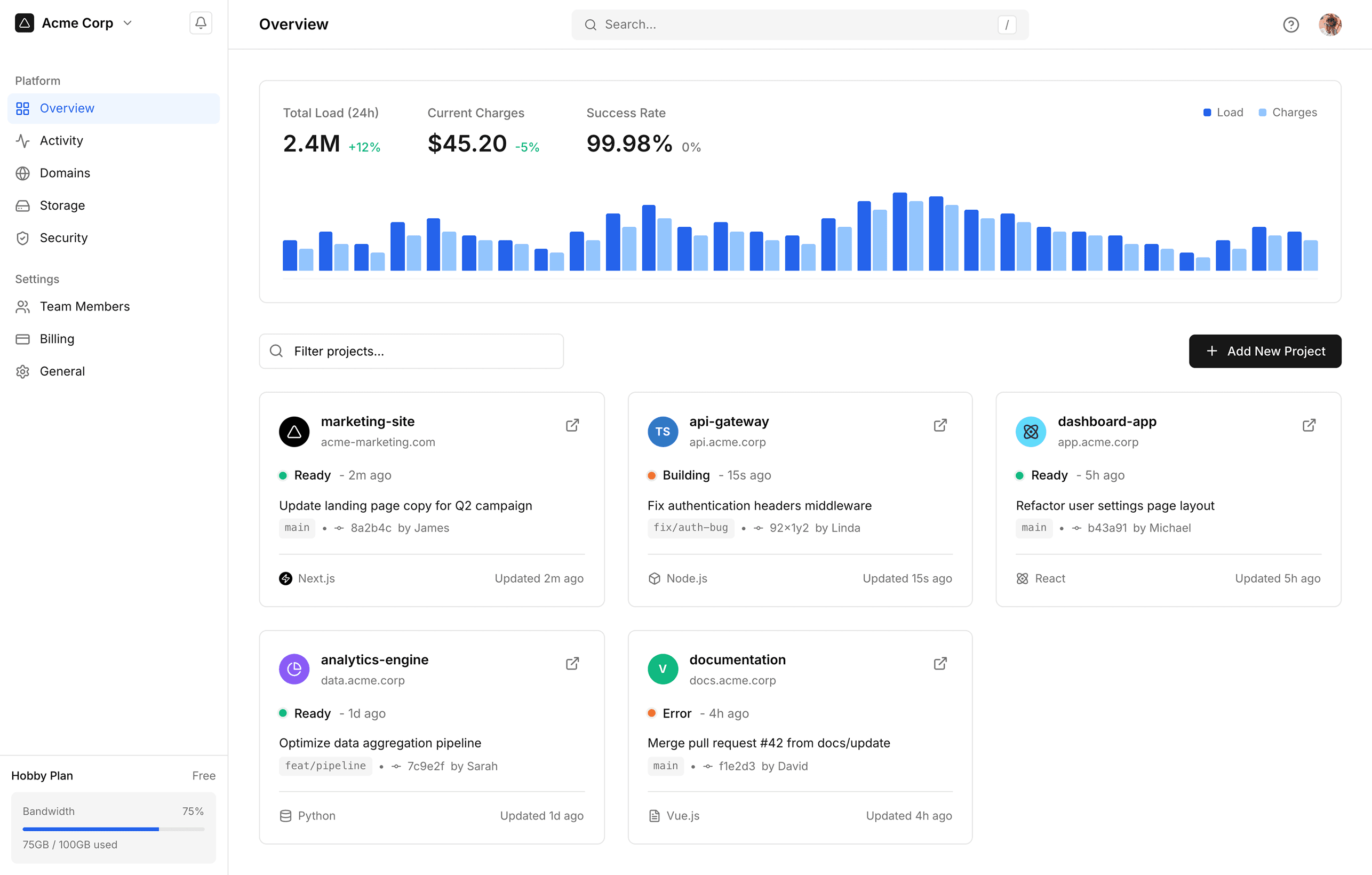
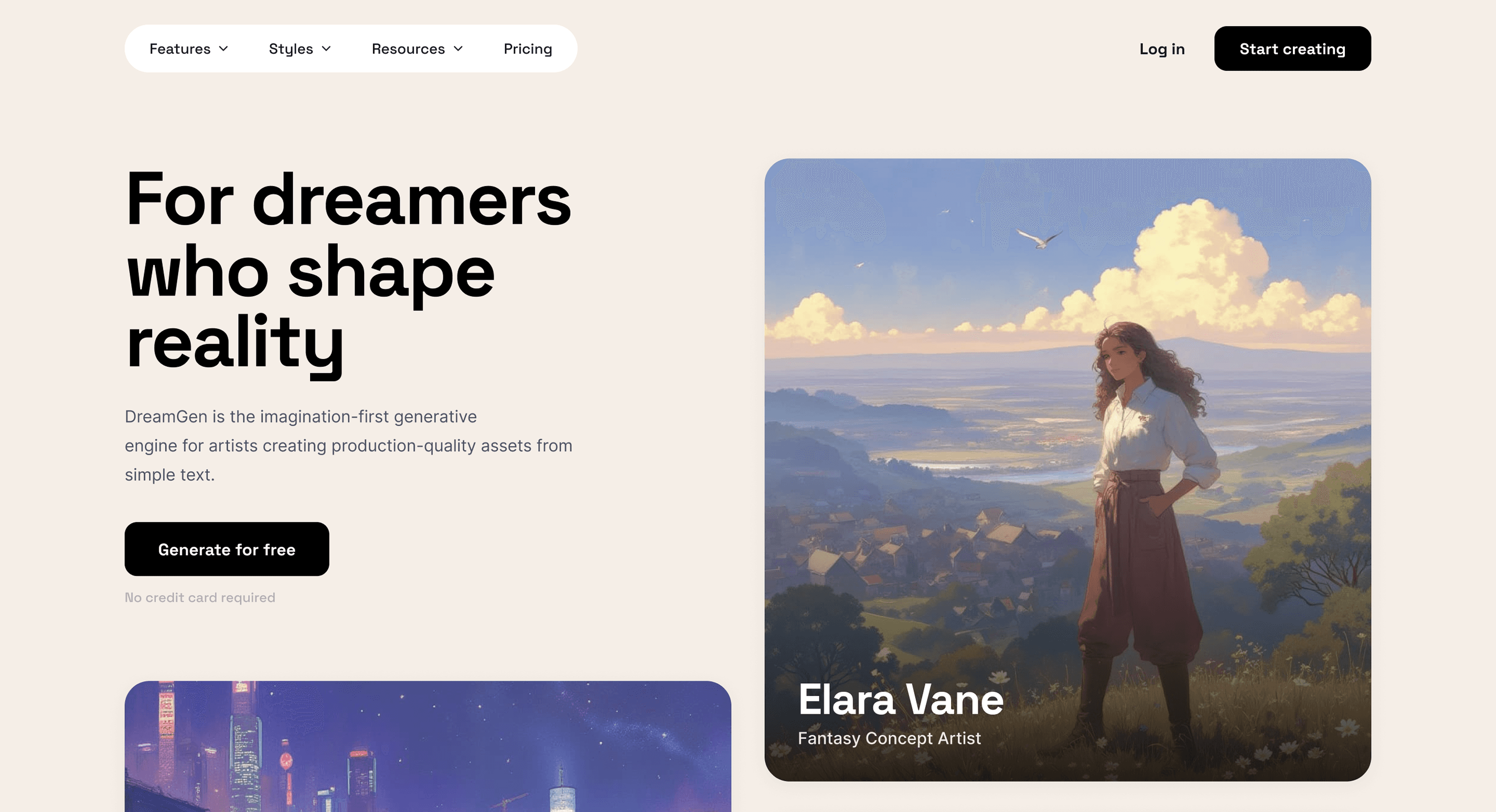
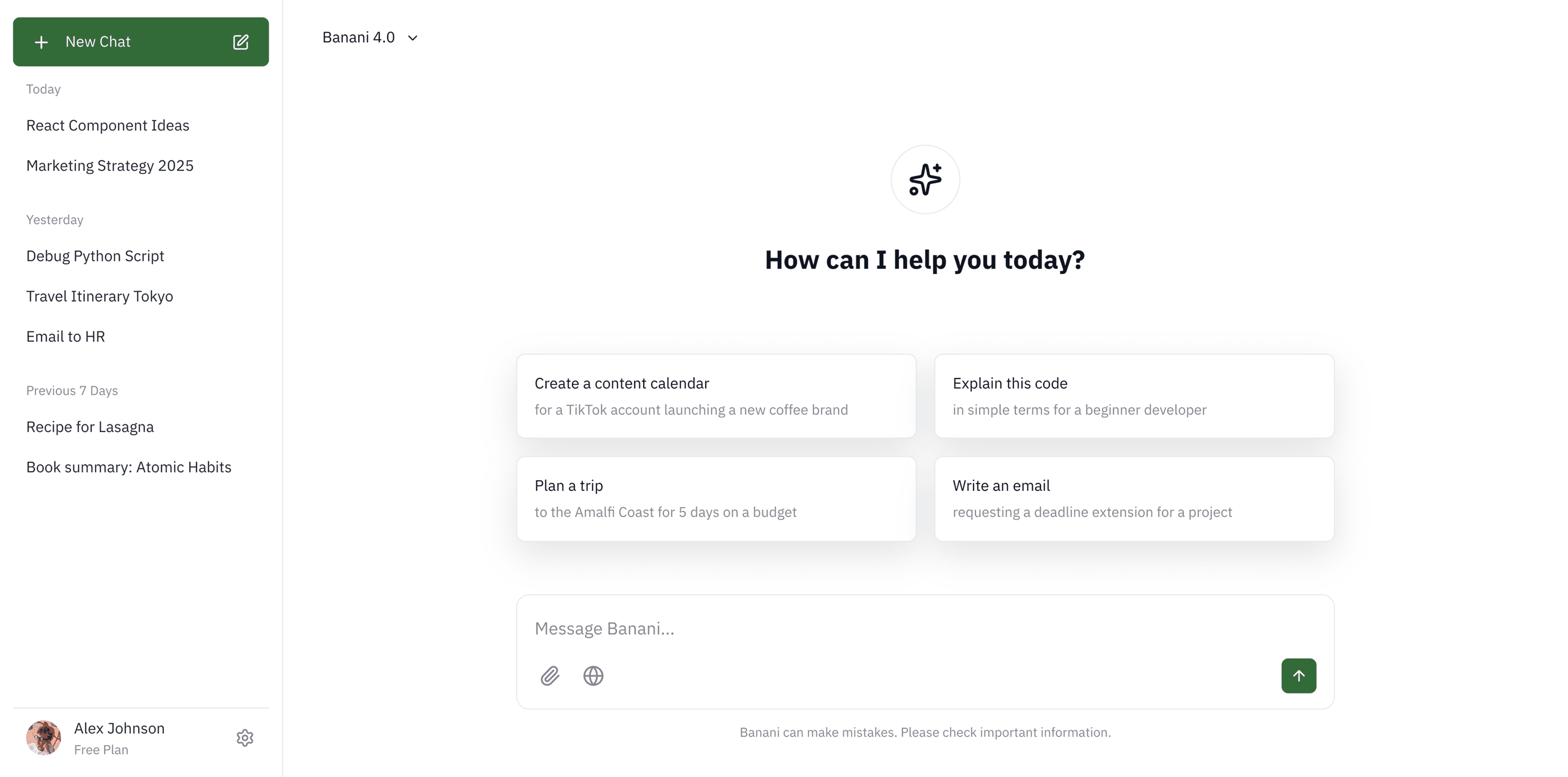
Arc Browser app UI design
Arc Browser app UI design
Arc Search is a modern, AI-enabled mobile browser. In Mid 2025, they announced pivoting their focus to develop a new AI-focused product called Dia.
Arc Search is a modern, AI-enabled mobile browser. In Mid 2025, they announced pivoting their focus to develop a new AI-focused product called Dia.
However, they remain a standout in smart organization design. Browse Arc Search app screens — login, browsing & tabs — on our free Mobbin alternative!
However, they remain a standout in smart organization design. Browse Arc Search app screens — login, browsing & tabs — on our free Mobbin alternative!
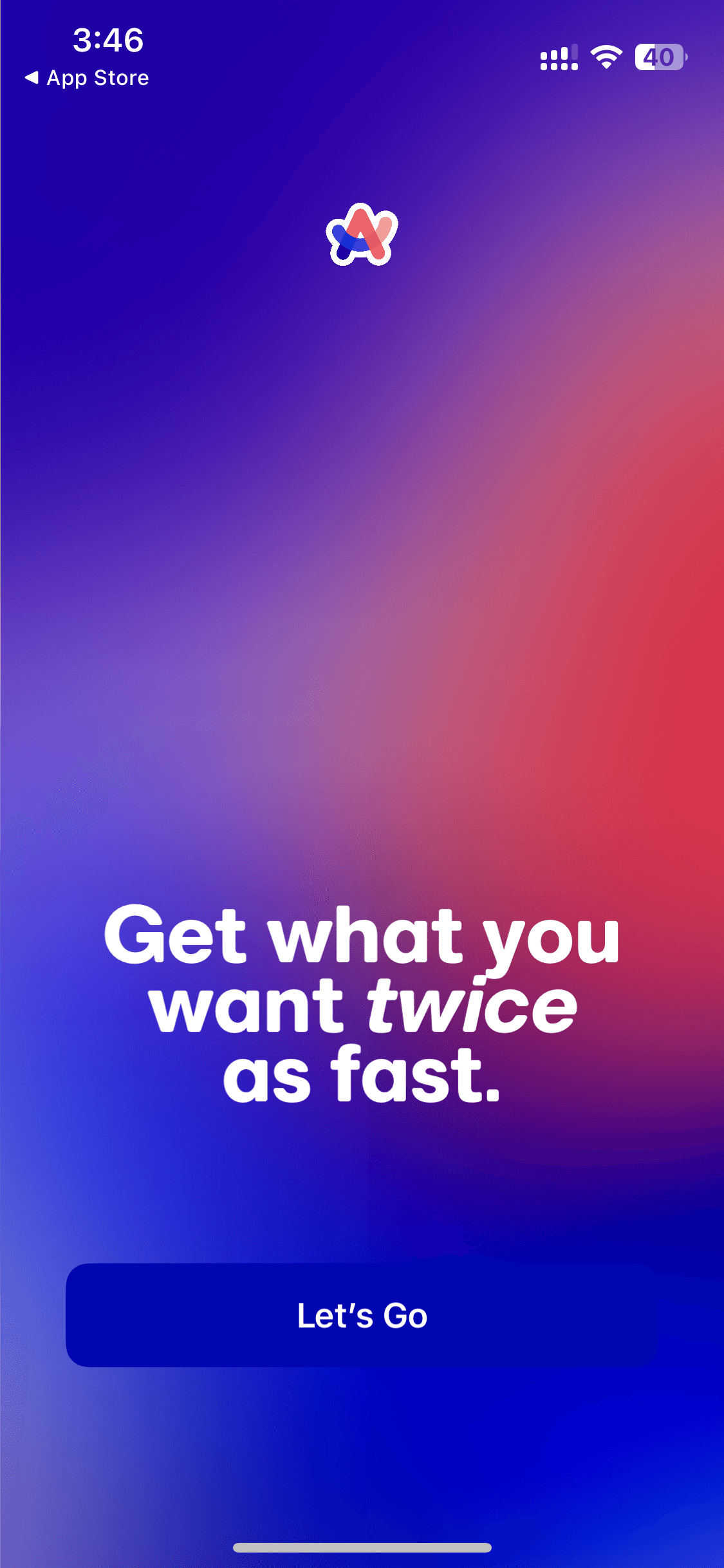
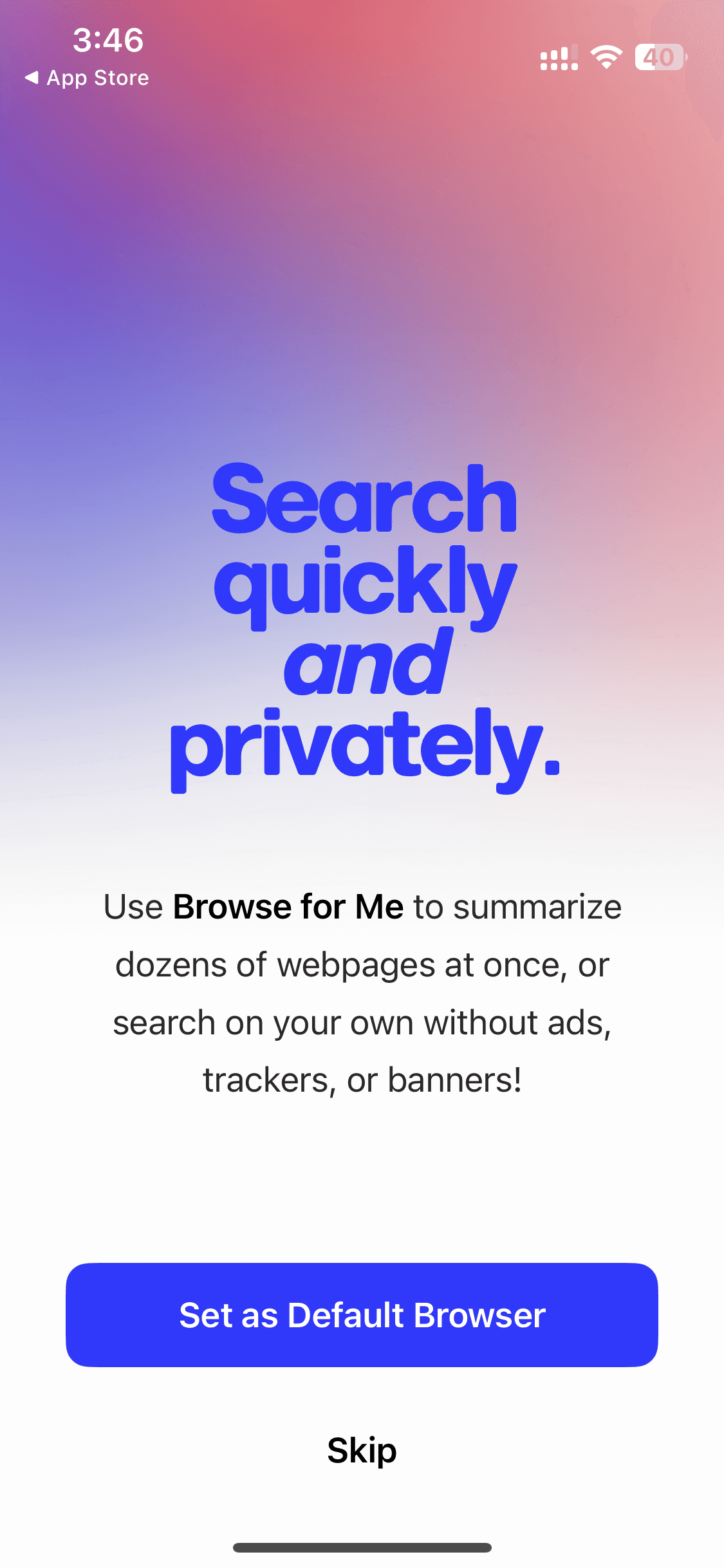
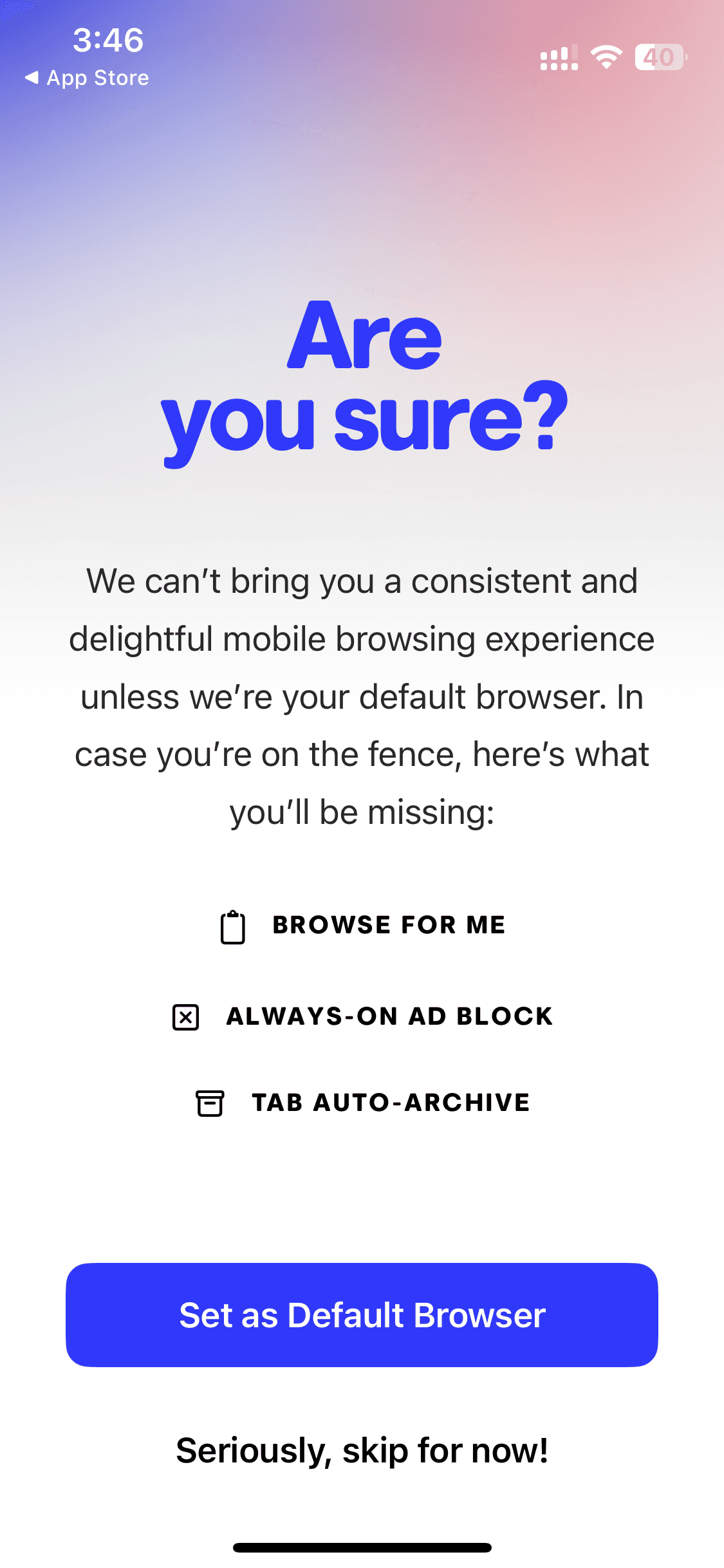
Onboarding
Onboarding
5 screens

How to reference Arc Search screens with Banani AI?
1
Copy a UI Screen
Select to download or copy a UI screen you like.
Select to download or copy a UI screen you like.
2
Edit UI with AI
Upload in Banani and type the changes you want.
Upload in Banani and type the changes you want.
2
Get wireframes
Upload in Banani and type the changes you want.
3
Figma or Code Export
Export the new design as Figma or clean HTML/CSS.
Export the new design as Figma or clean HTML/CSS.
Browsing
Browsing
8 screens



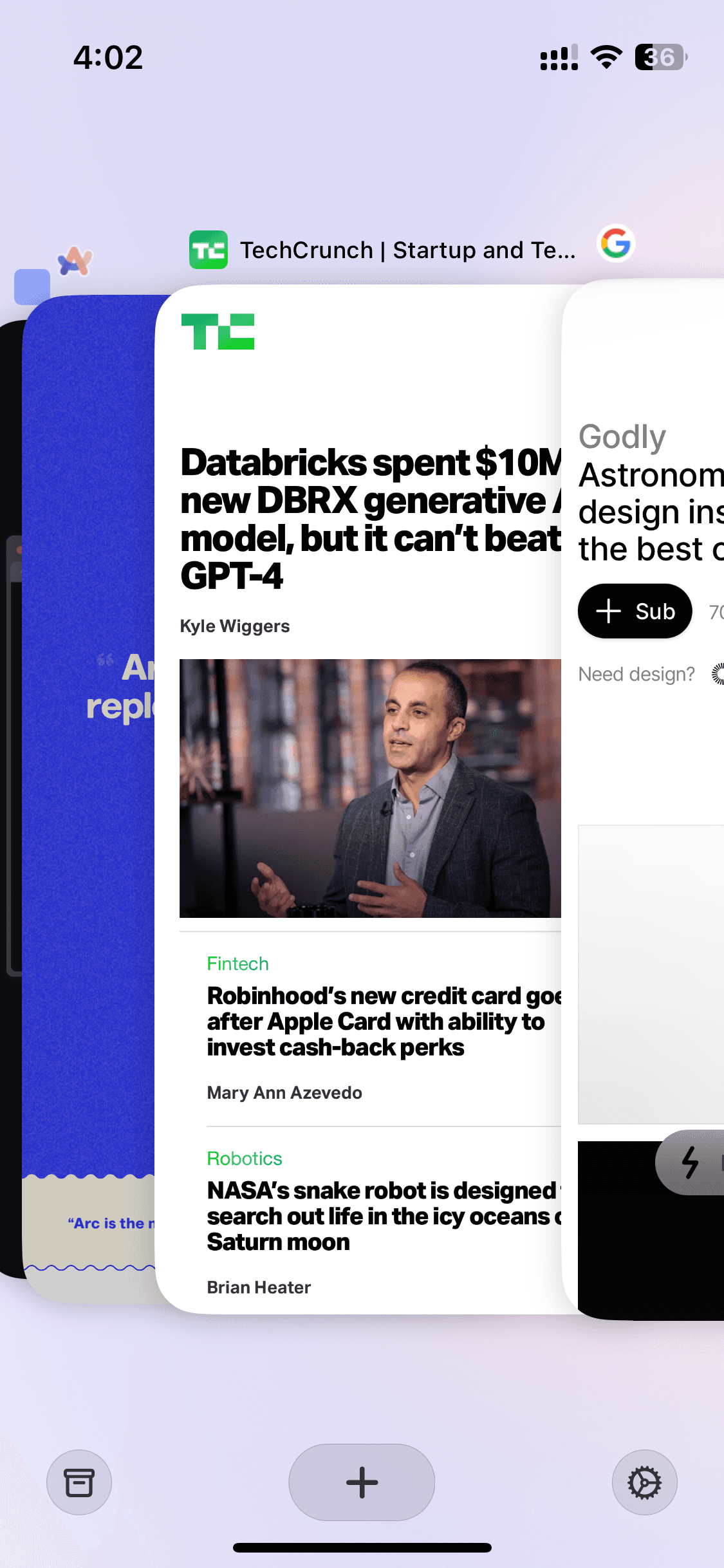
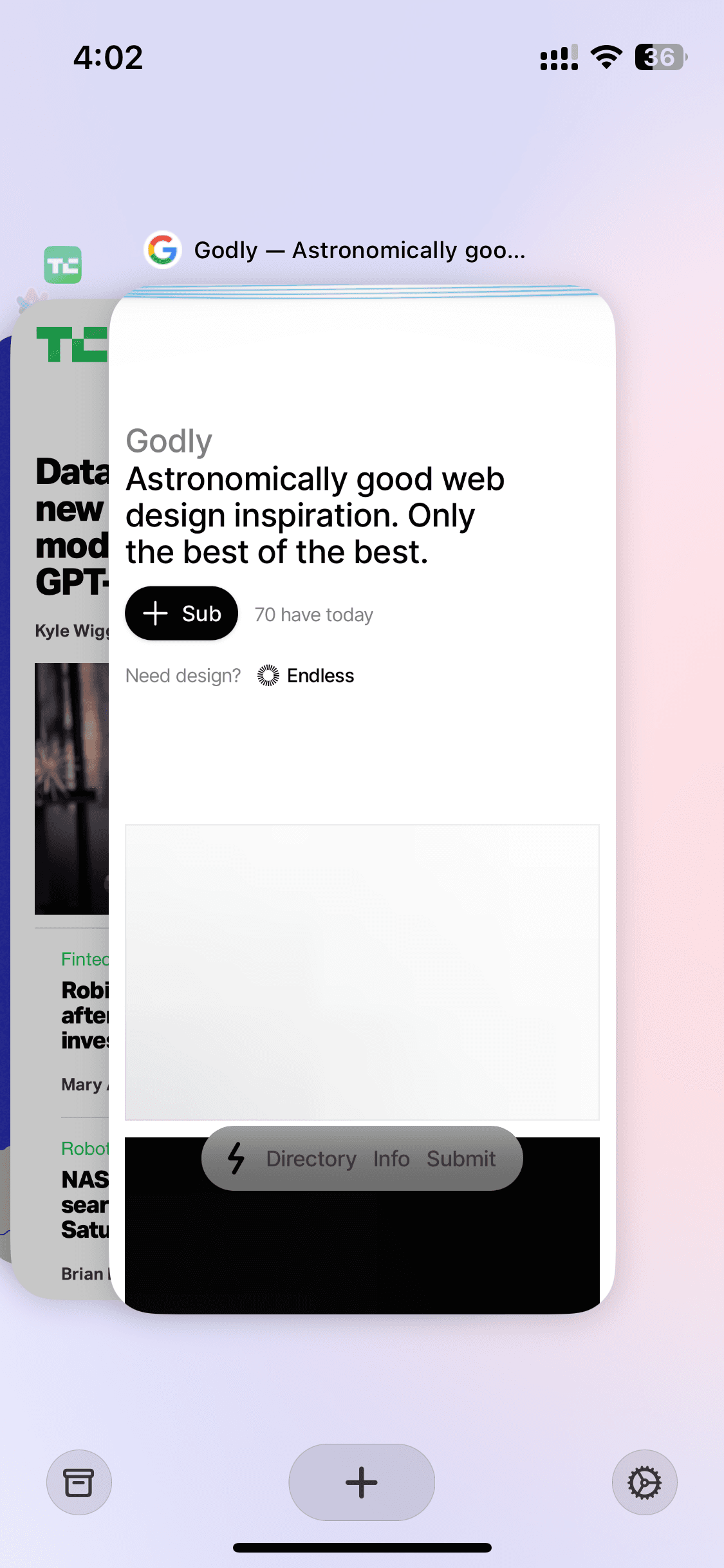
Tabs overview
Tabs overview
3 screens




Recently added
View all

Tinder
NEW
Meet New People & Date Singles

Calm
Sleep, Meditation, Relaxation

Threads
Share ideas & trends with text

Blinkist
Learn something new every day

ChatGPT
The official app by OpenAI

Airbnb
Vacation Rentals & Experiences

Things 3
Organize your life
Arc Search
Find it, Faster
FAQs on Arc Search UI
Why reference Arc Search UI for app design?
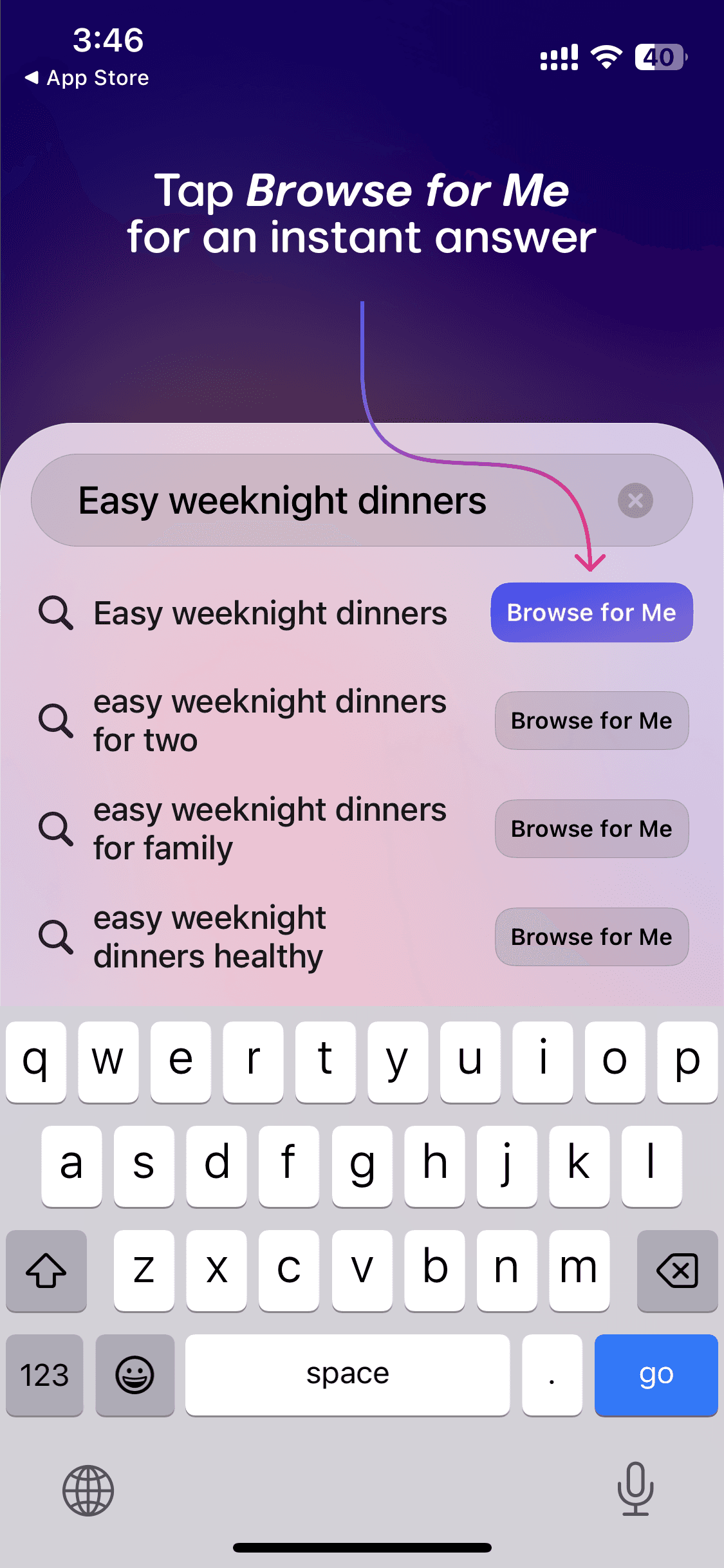
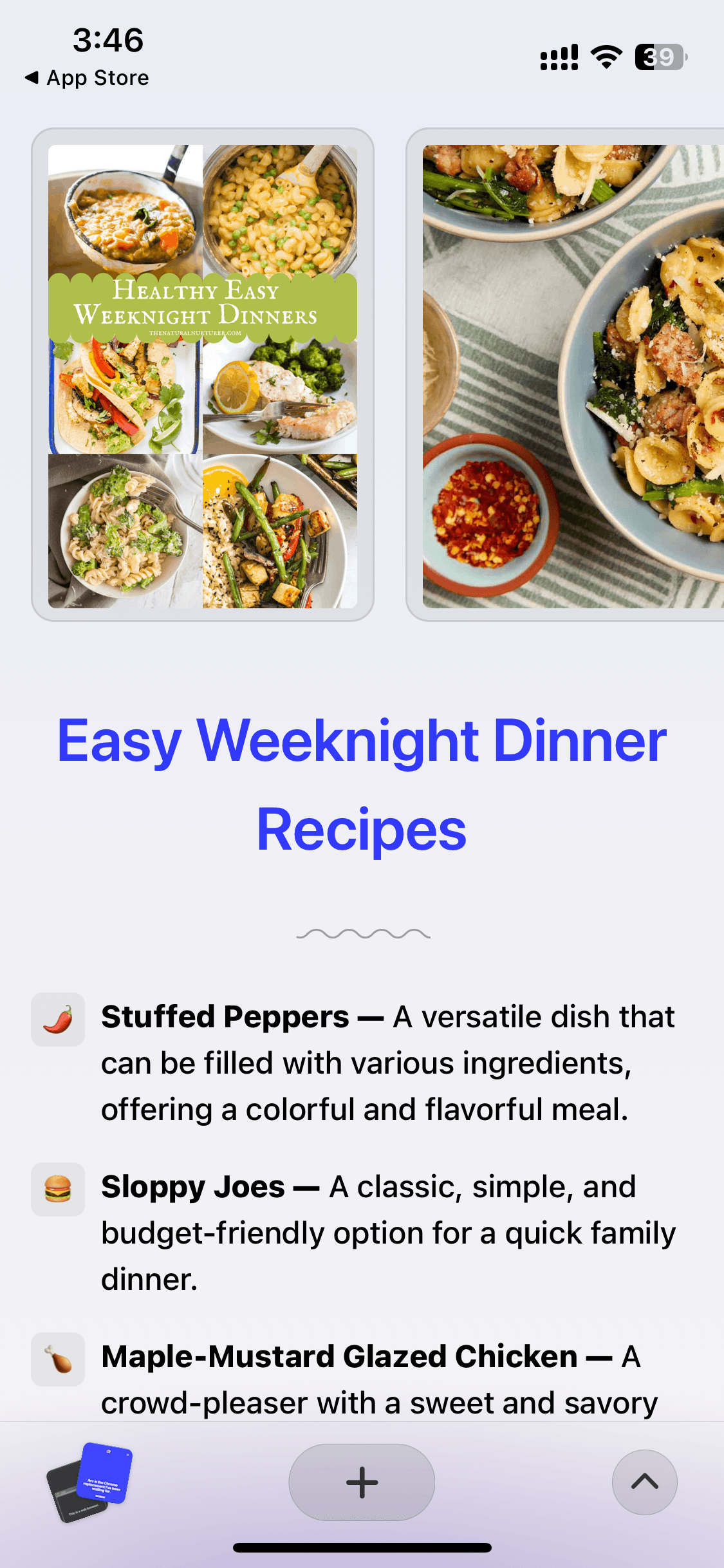
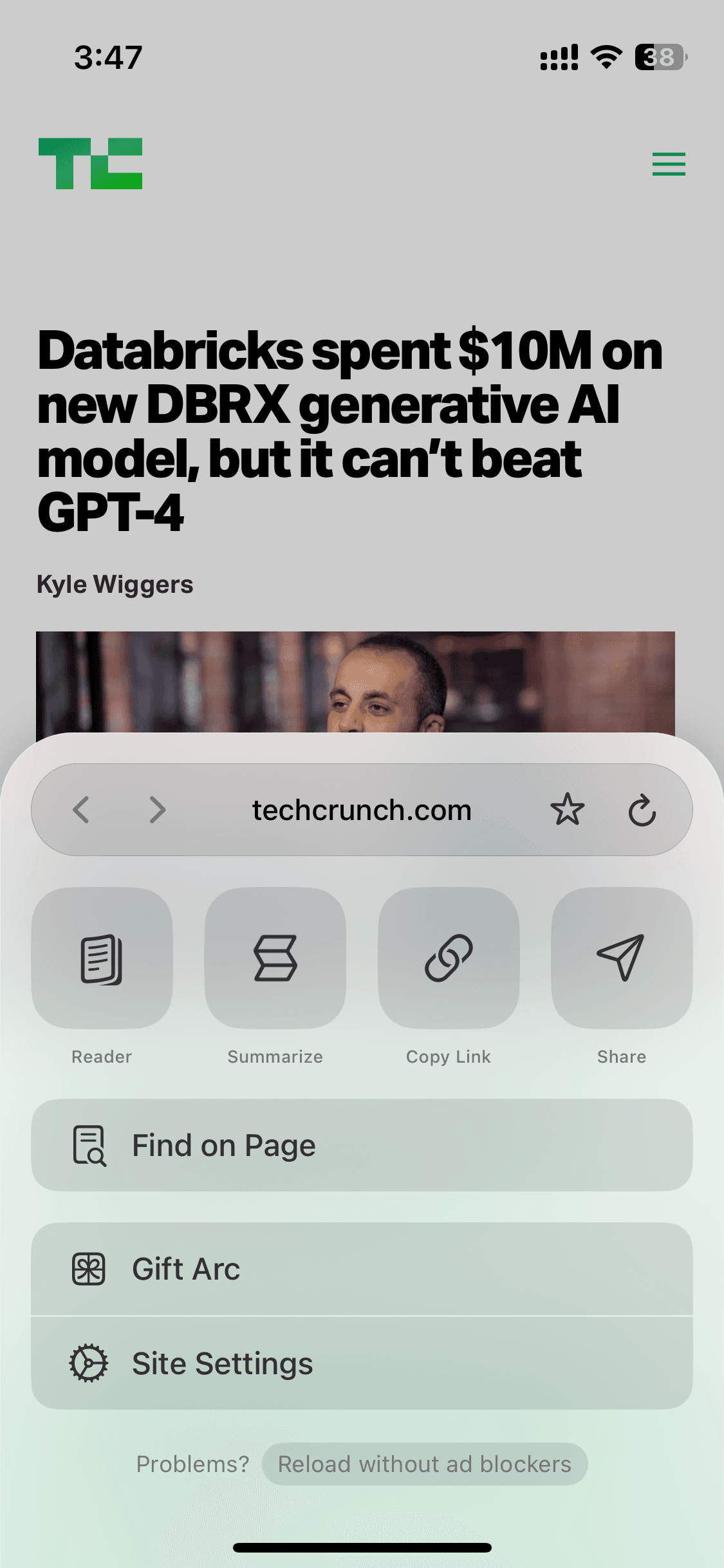
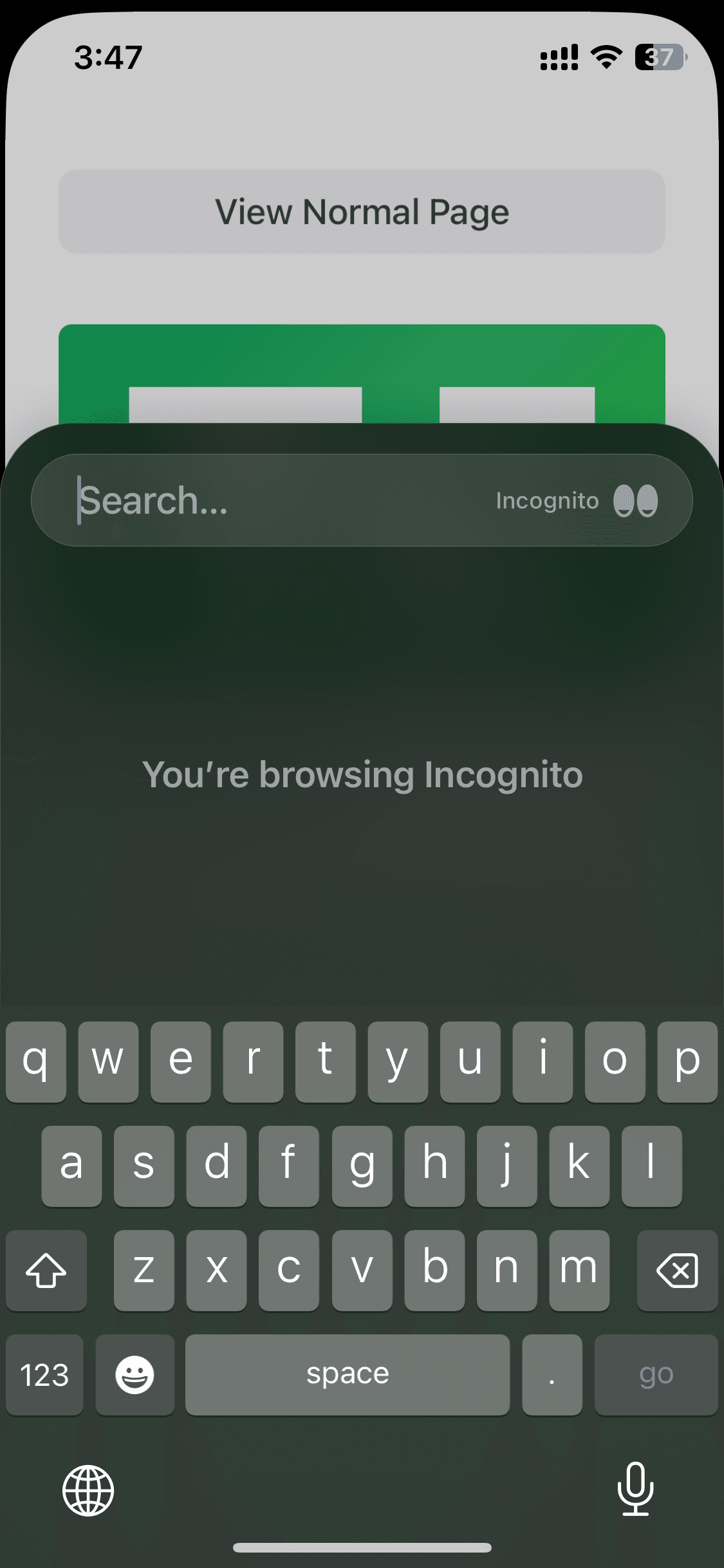
The Arc Search UI/UX team reimagined what a mobile browser could look like. Instead of just displaying web pages, it introduced "Browse for Me", an AI feature that reads multiple pages and synthesizes a clean, distraction-free answer. The result is a browser UI that makes AI-generated content feel trustworthy and navigable on a small screen. Its tab management, incognito mode, and settings UI are also worth studying for their radical simplicity.
If you're designing a browser, a search experience, or need an AI-first product UI reference, Arc Search's UI screens are great inspirations.
The Arc Search UI/UX team reimagined what a mobile browser could look like. Instead of just displaying web pages, it introduced "Browse for Me", an AI feature that reads multiple pages and synthesizes a clean, distraction-free answer. The result is a browser UI that makes AI-generated content feel trustworthy and navigable on a small screen. Its tab management, incognito mode, and settings UI are also worth studying for their radical simplicity.
If you're designing a browser, a search experience, or need an AI-first product UI reference, Arc Search's UI screens are great inspirations.
Is Arc Search UI available on Mobbin?
Yes, though Arc Search is a niche product and Mobbin's free coverage is limited. You can always find Arc Search UI for free on Mobbin alternatives, though; which can also have many other mobile UI templates.
Yes, though Arc Search is a niche product and Mobbin's free coverage is limited. You can always find Arc Search UI for free on Mobbin alternatives, though; which can also have many other mobile UI templates.
Why use Banani AI as a Mobbin alternative to view Arc Search screens UI?
On Banani, Arc Search's key UI — login, browsing, and tabs — is free to view and download; no sign-up needed. Further, copy any App Search screen, upload to Banani AI, and edit it for your own browser or search product. Then, can also export as Figma or HTML/CSS.
On Banani, Arc Search's key UI — login, browsing, and tabs — is free to view and download; no sign-up needed. Further, copy any App Search screen, upload to Banani AI, and edit it for your own browser or search product. Then, can also export as Figma or HTML/CSS.