Calm
Sleep, Meditation, Relaxation
iOS
Health
Fitness
Calm App UI design
Calm App UI design
Calm is a meditation and sleep app offering guided sessions, sleep stories, breathing exercises, and music for focus and relaxation.
Calm is a meditation and sleep app offering guided sessions, sleep stories, breathing exercises, and music for focus and relaxation.
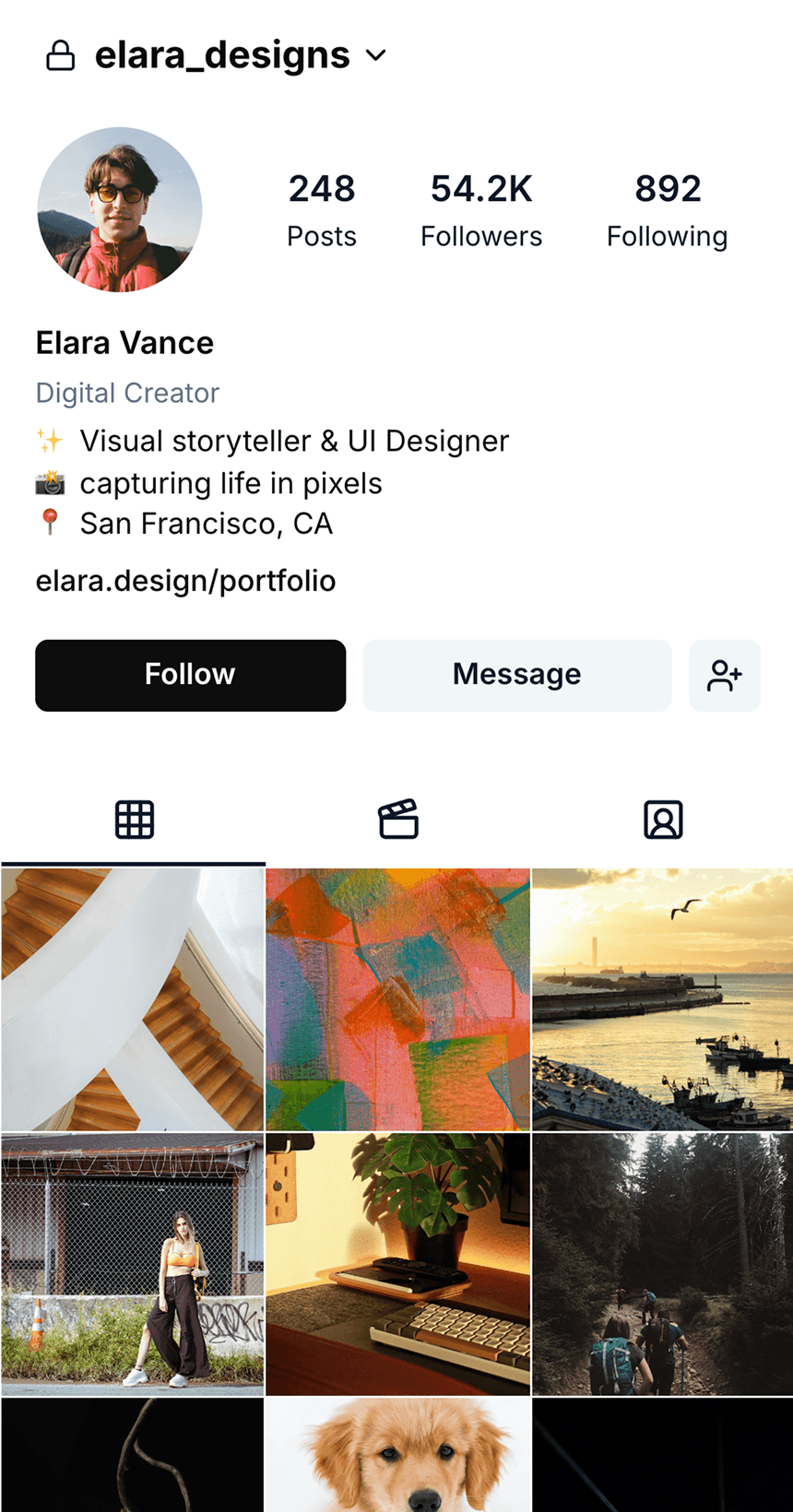
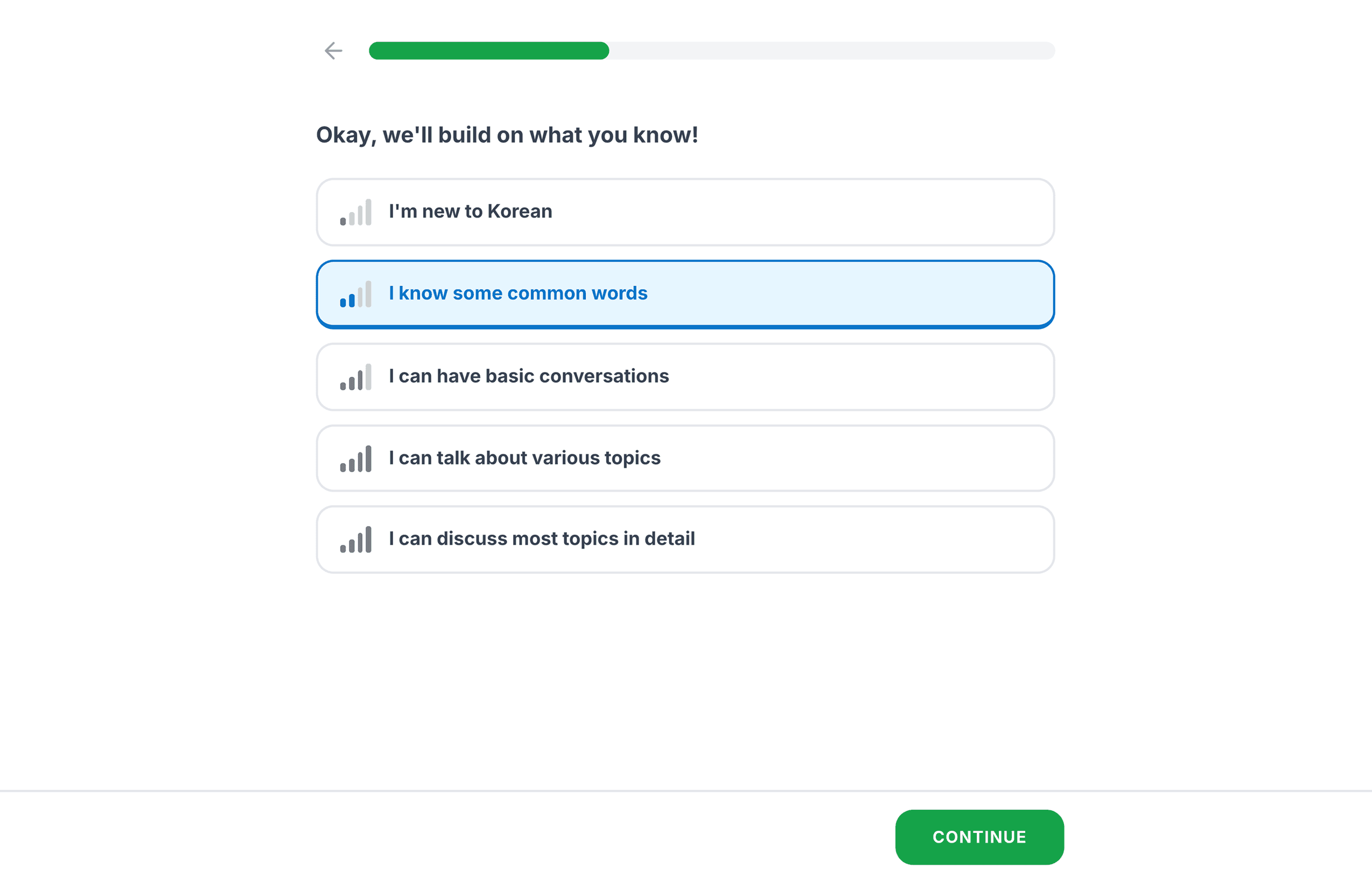
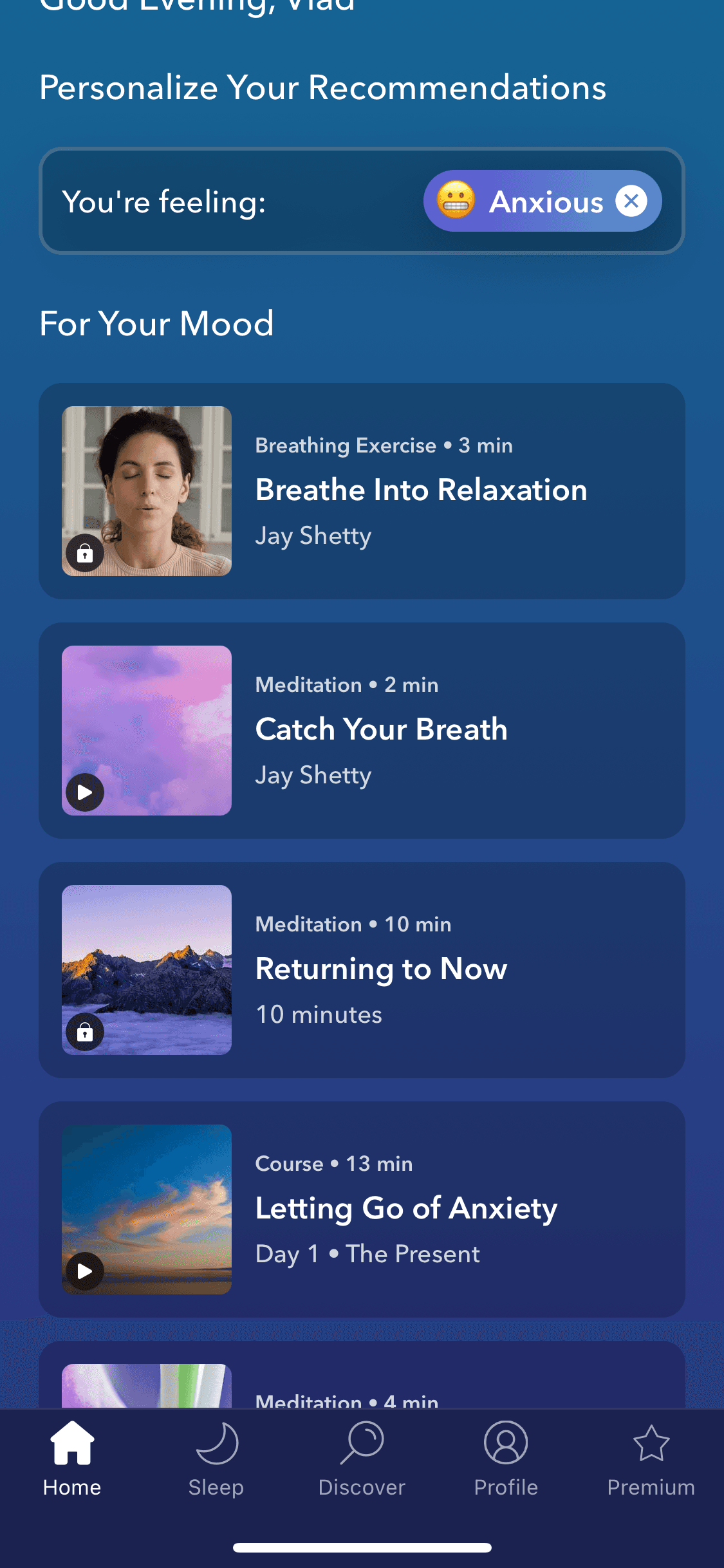
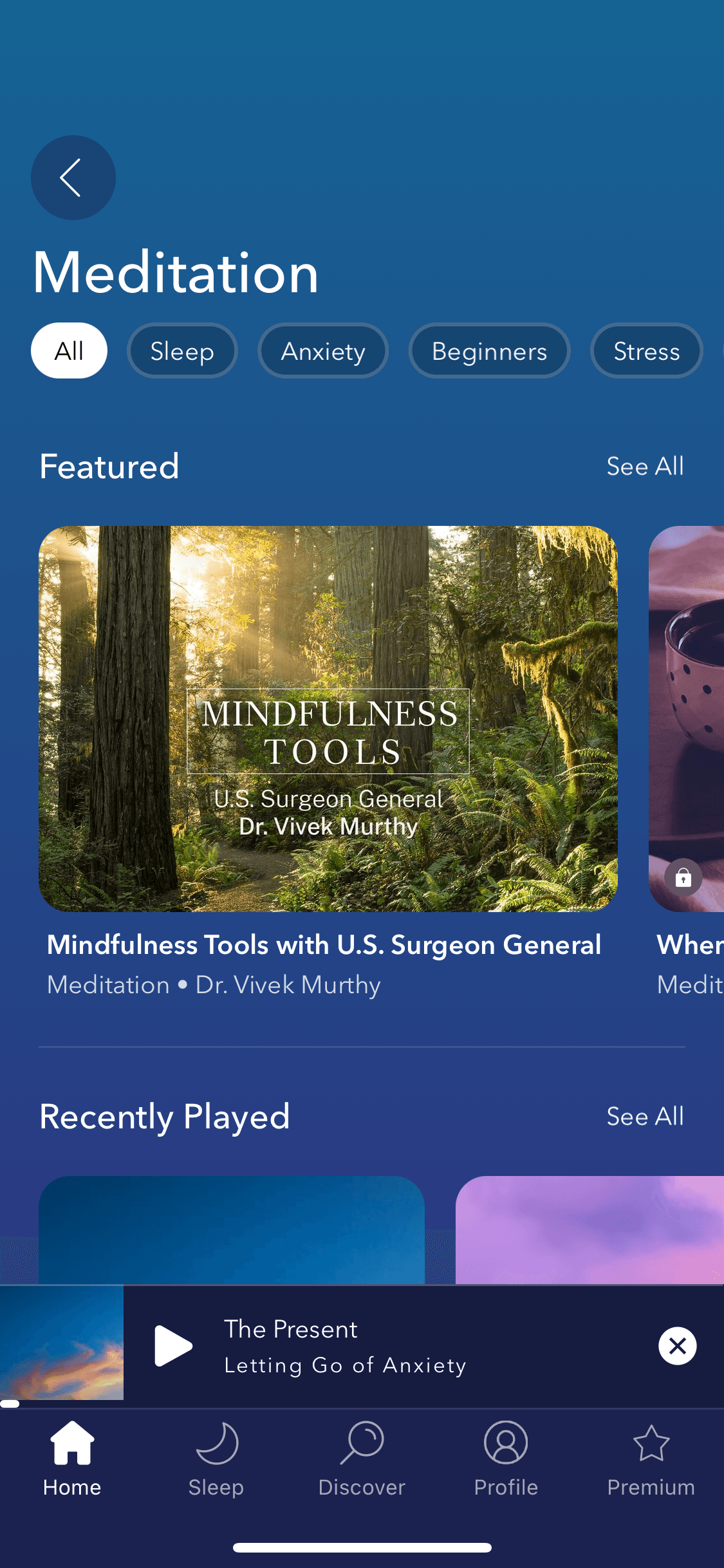
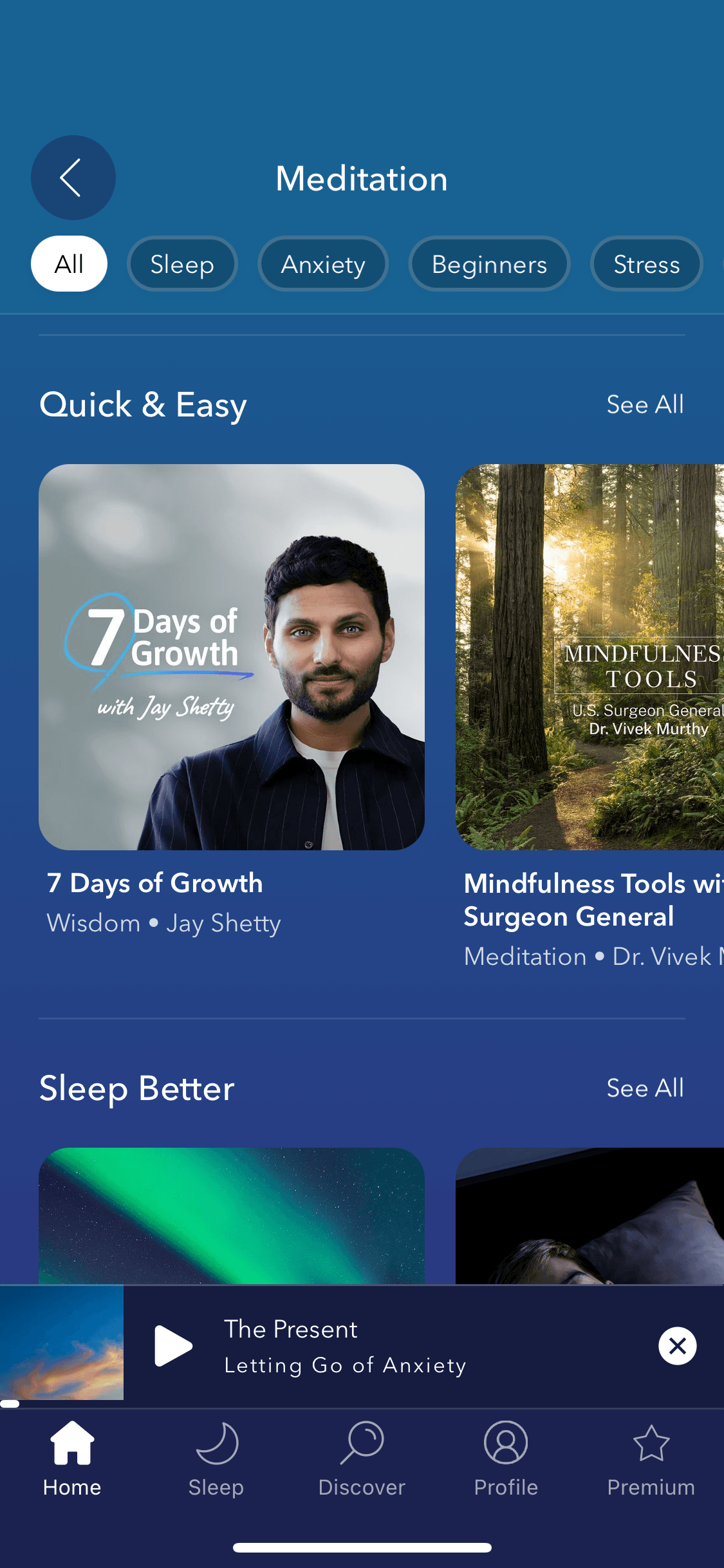
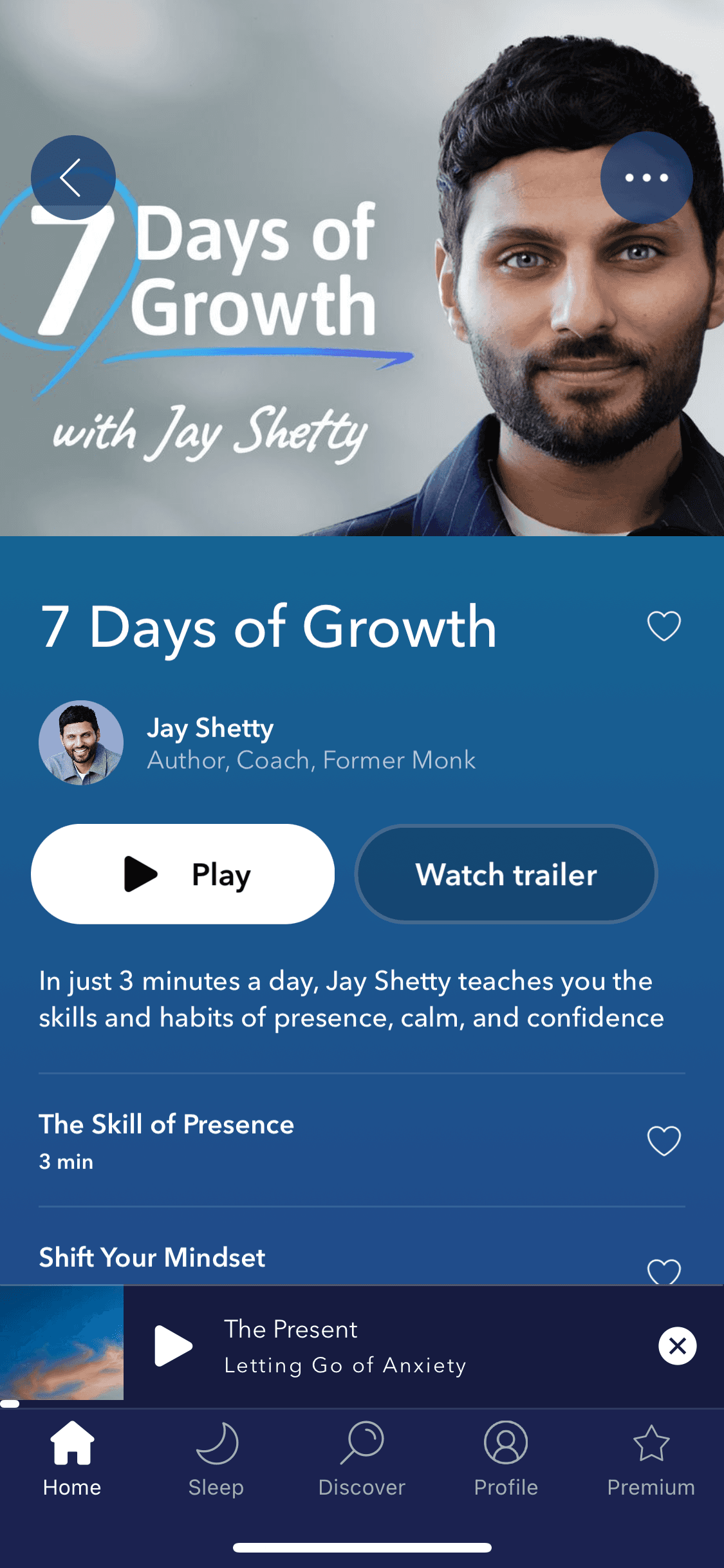
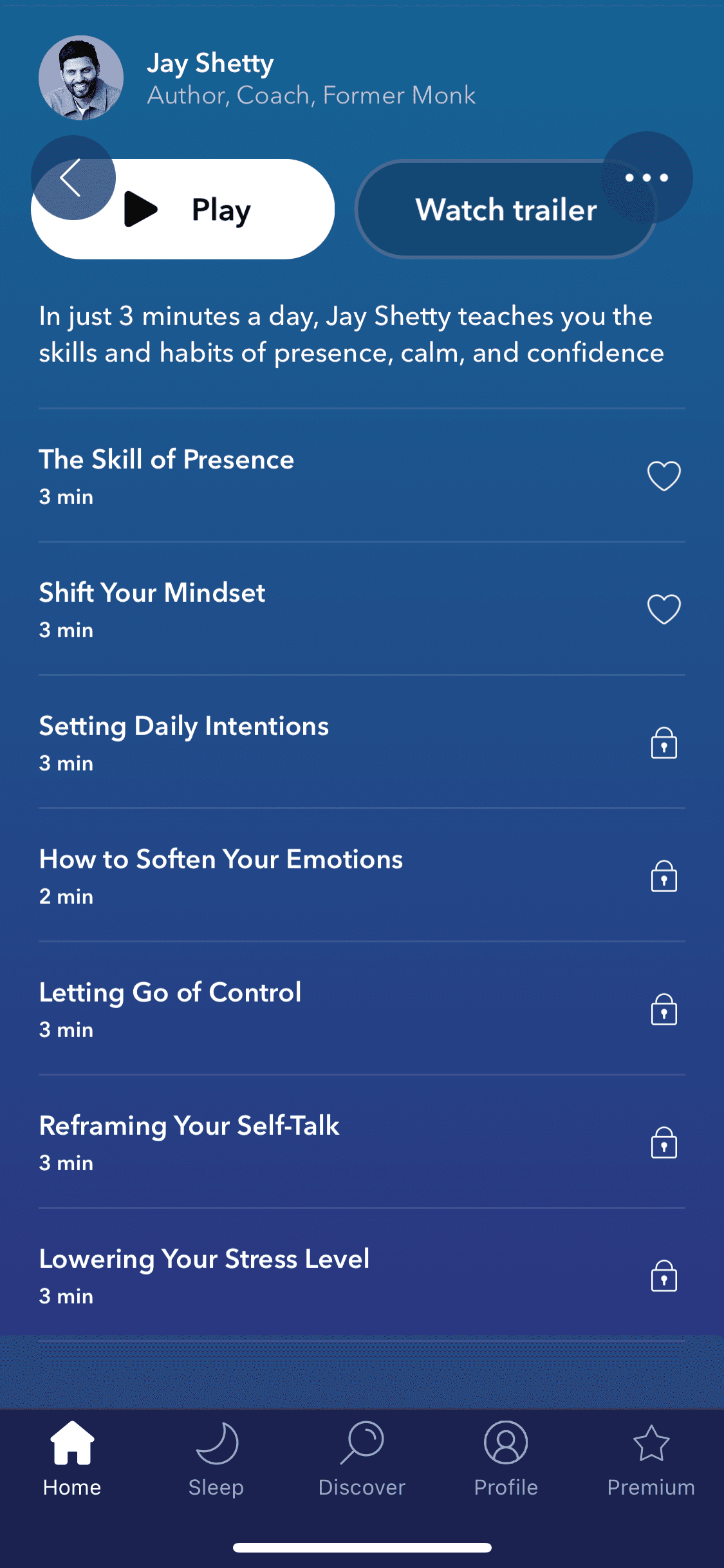
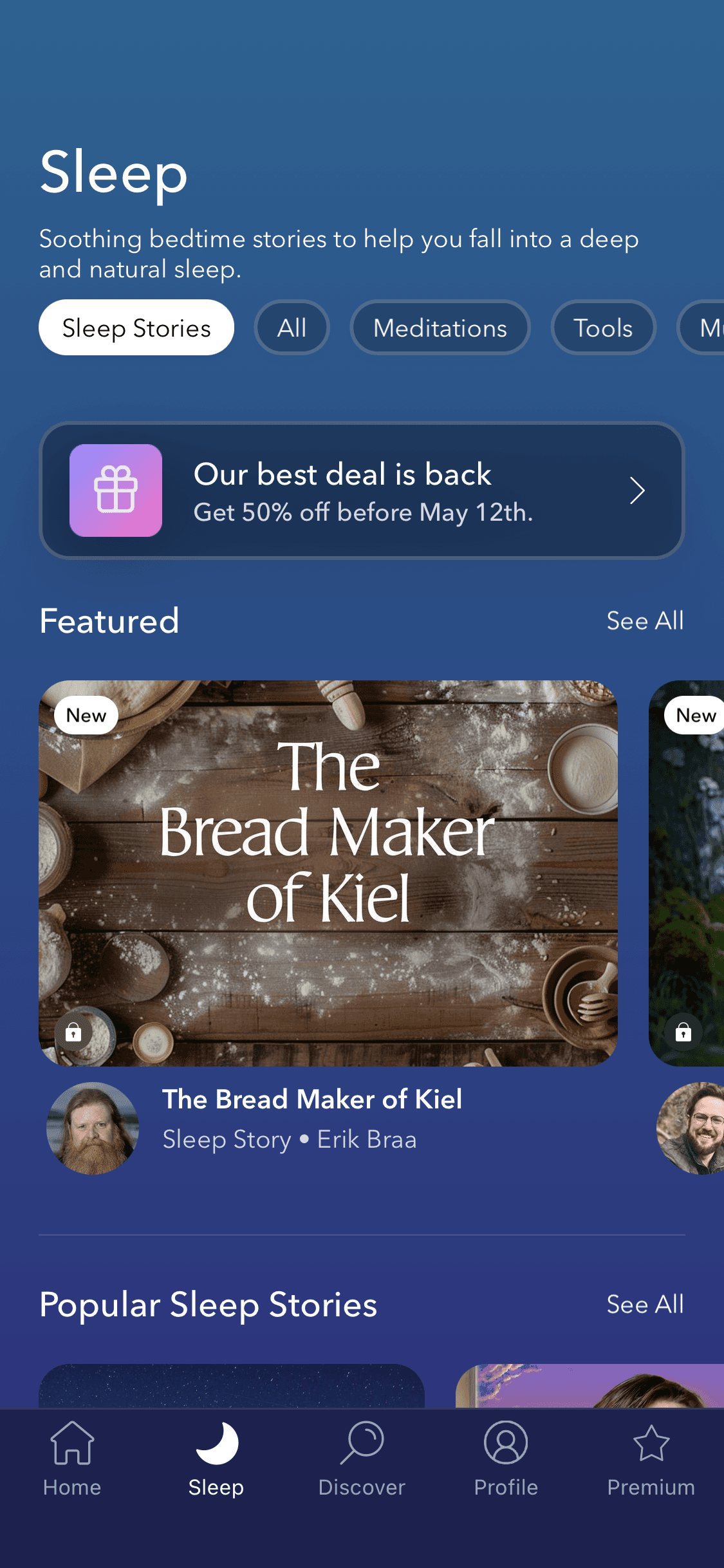
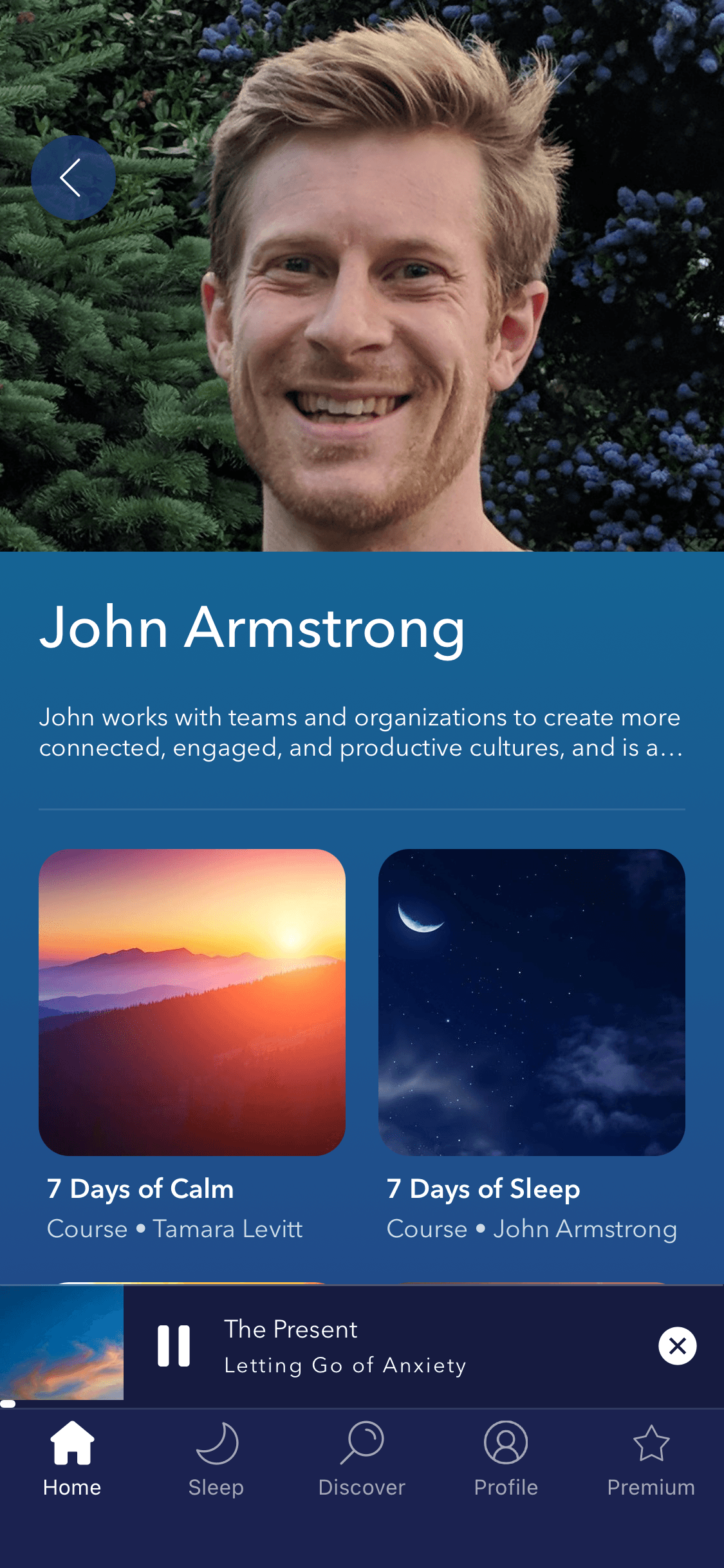
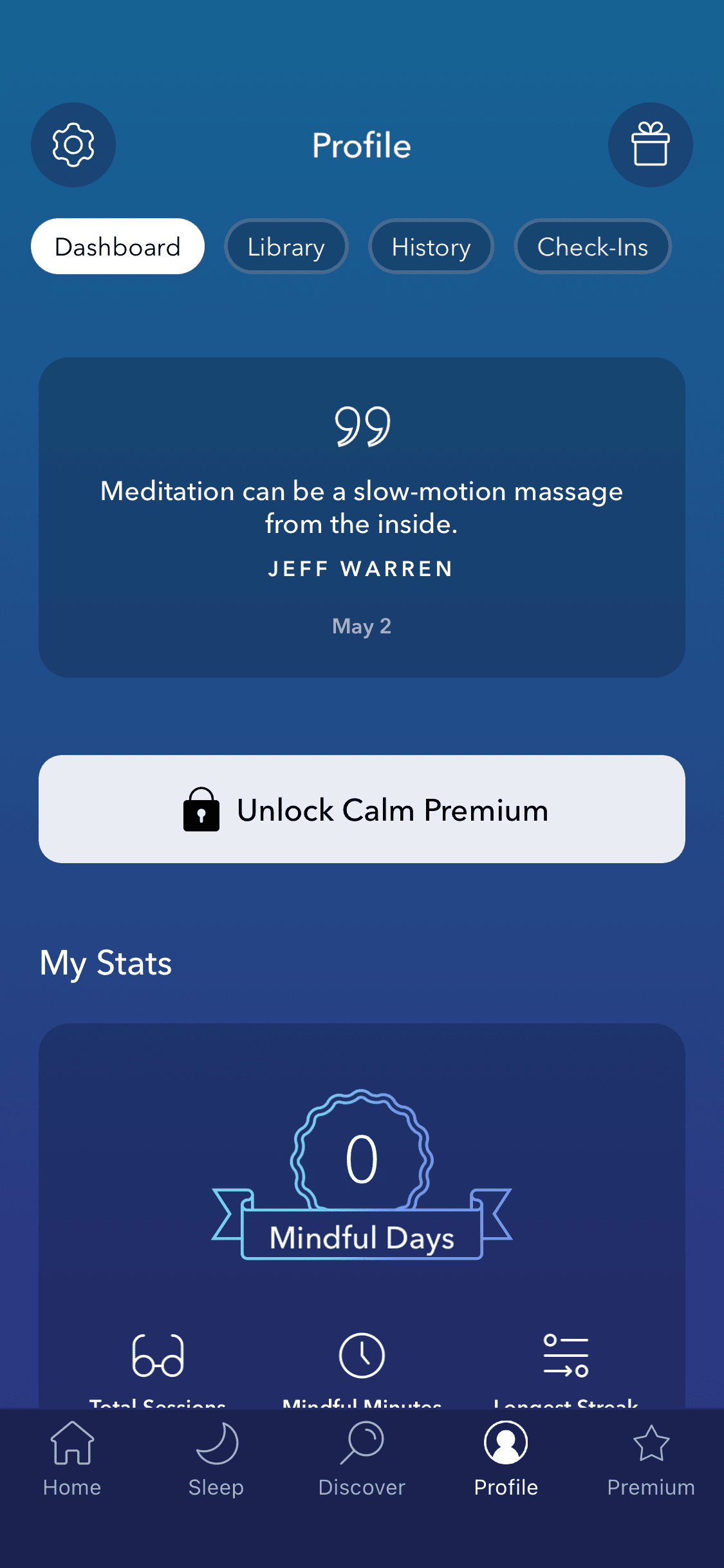
It's the benchmark for wellness app design. Browse Calm app screens — login, browsing, searching & more — on our free Mobbin alternative!
It's the benchmark for wellness app design. Browse Calm app screens — login, browsing, searching & more — on our free Mobbin alternative!
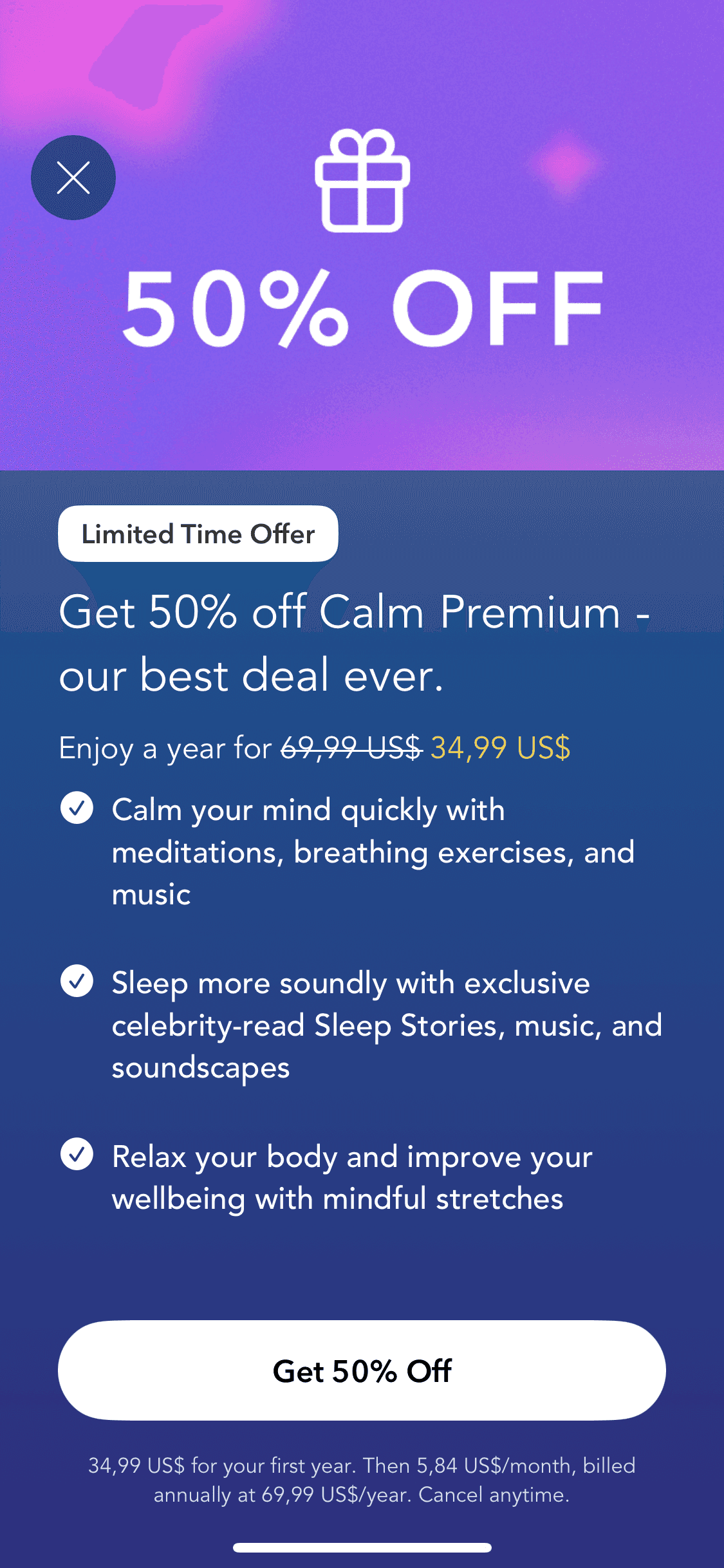
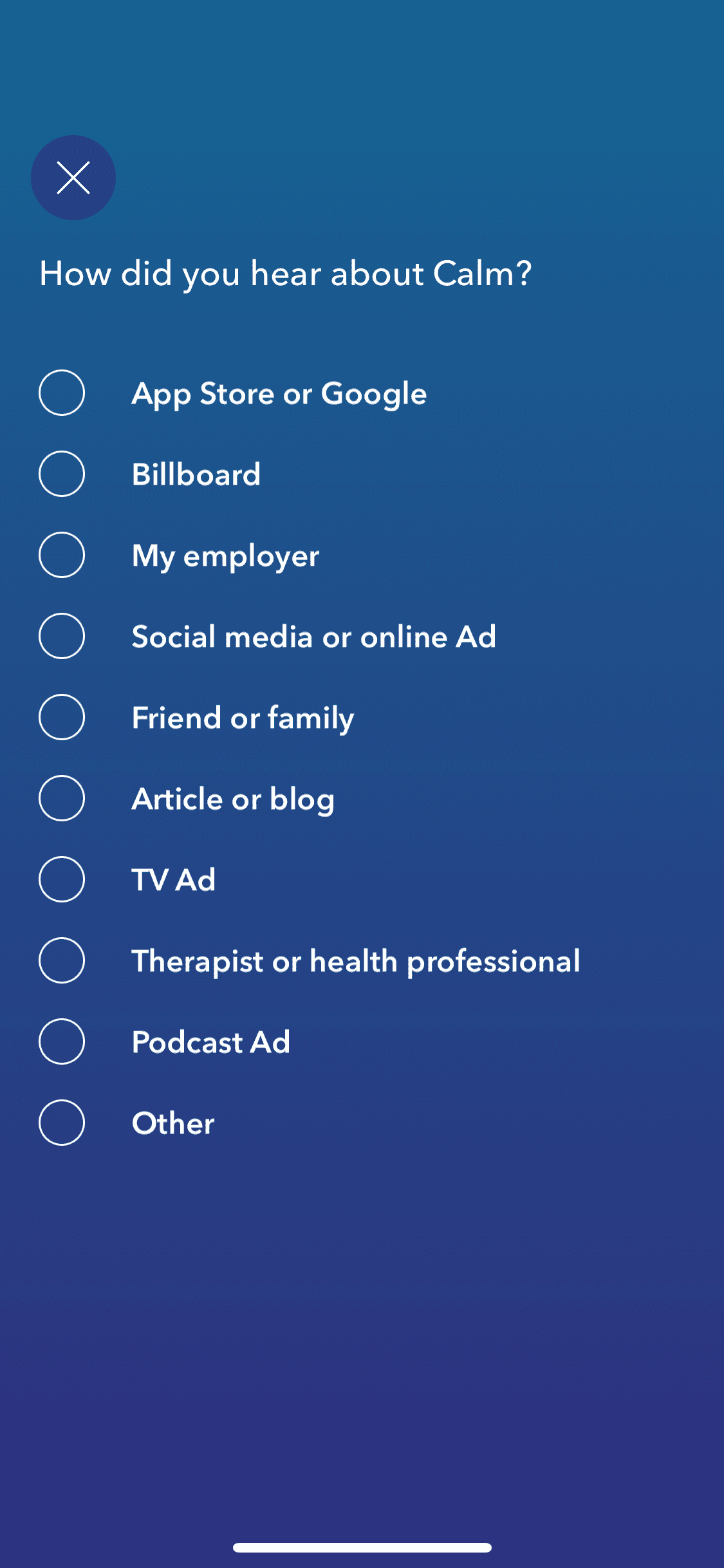
Onboarding
Onboarding
7 screens

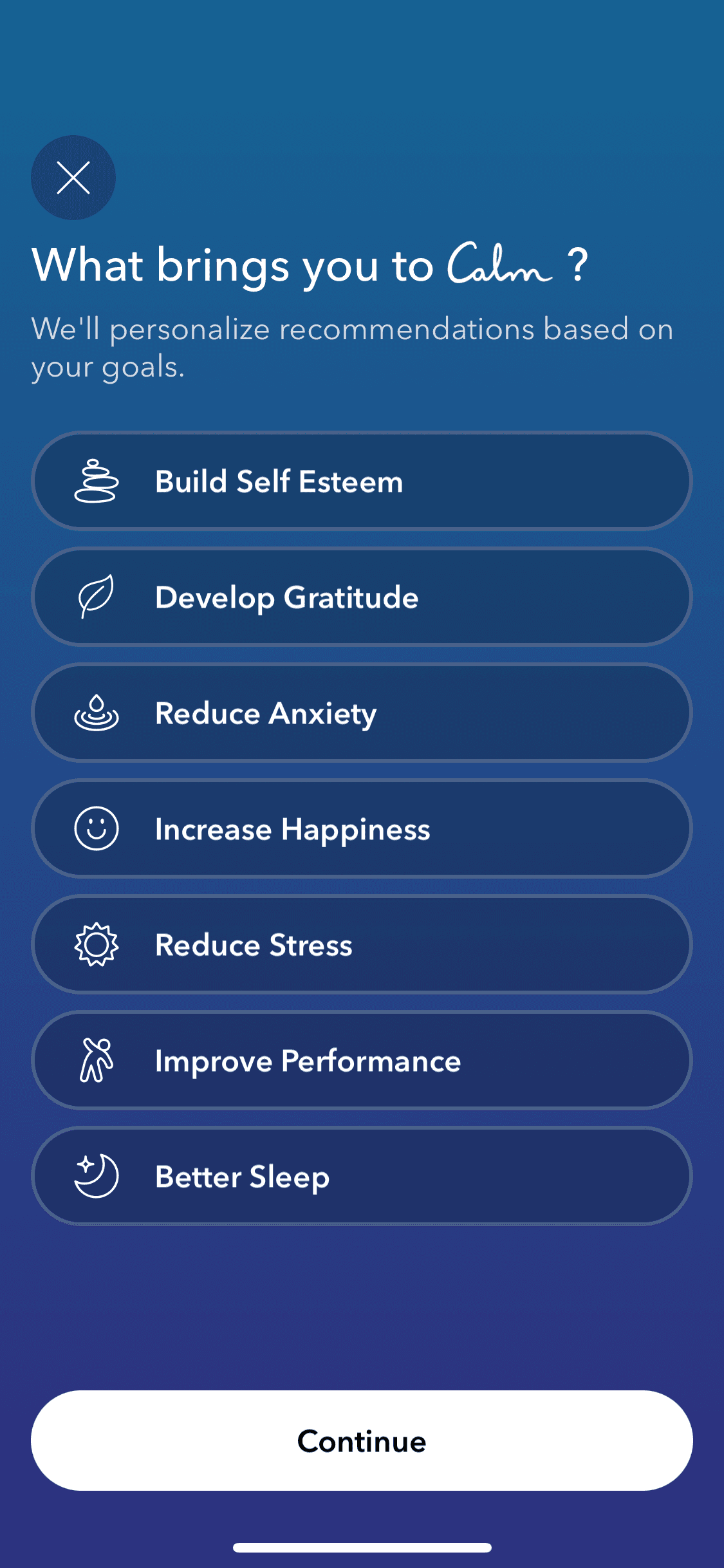
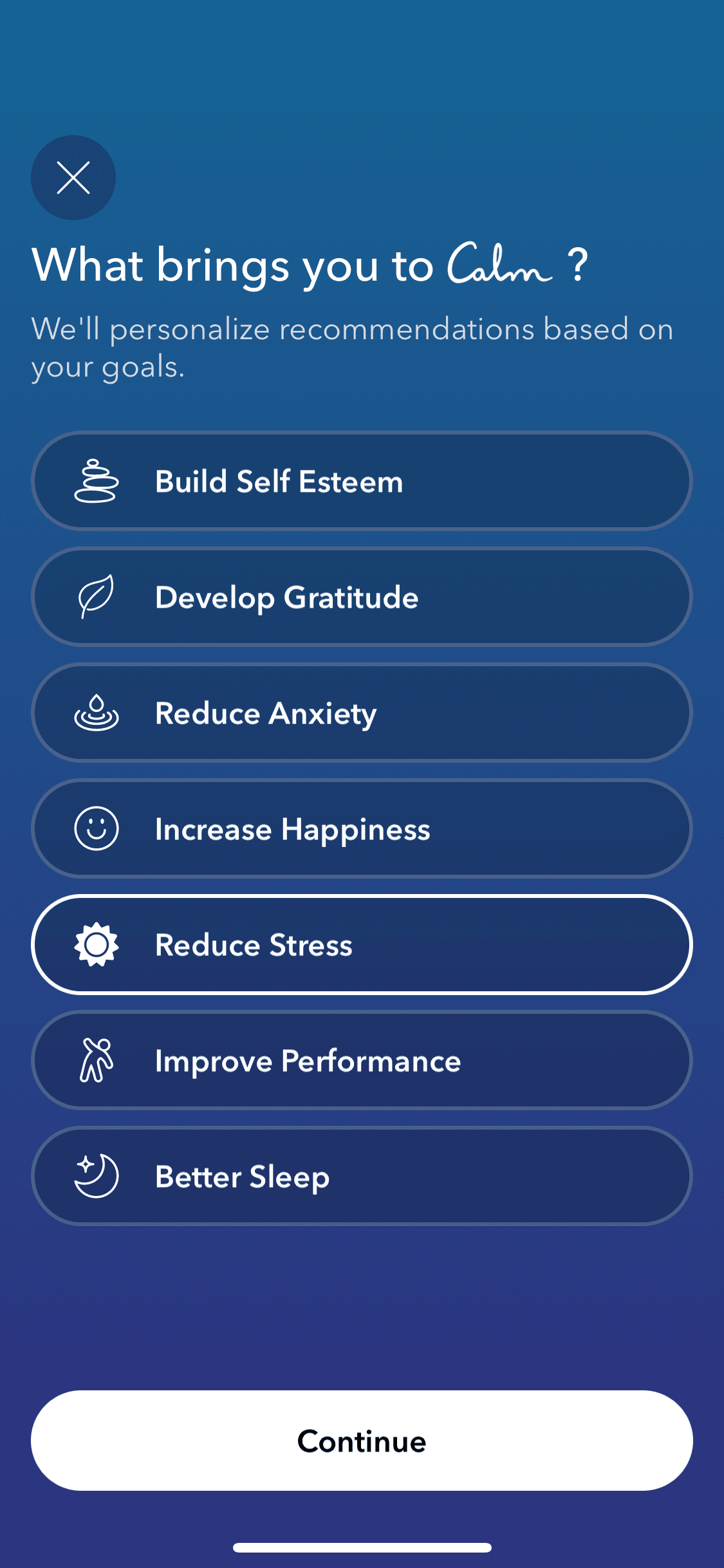
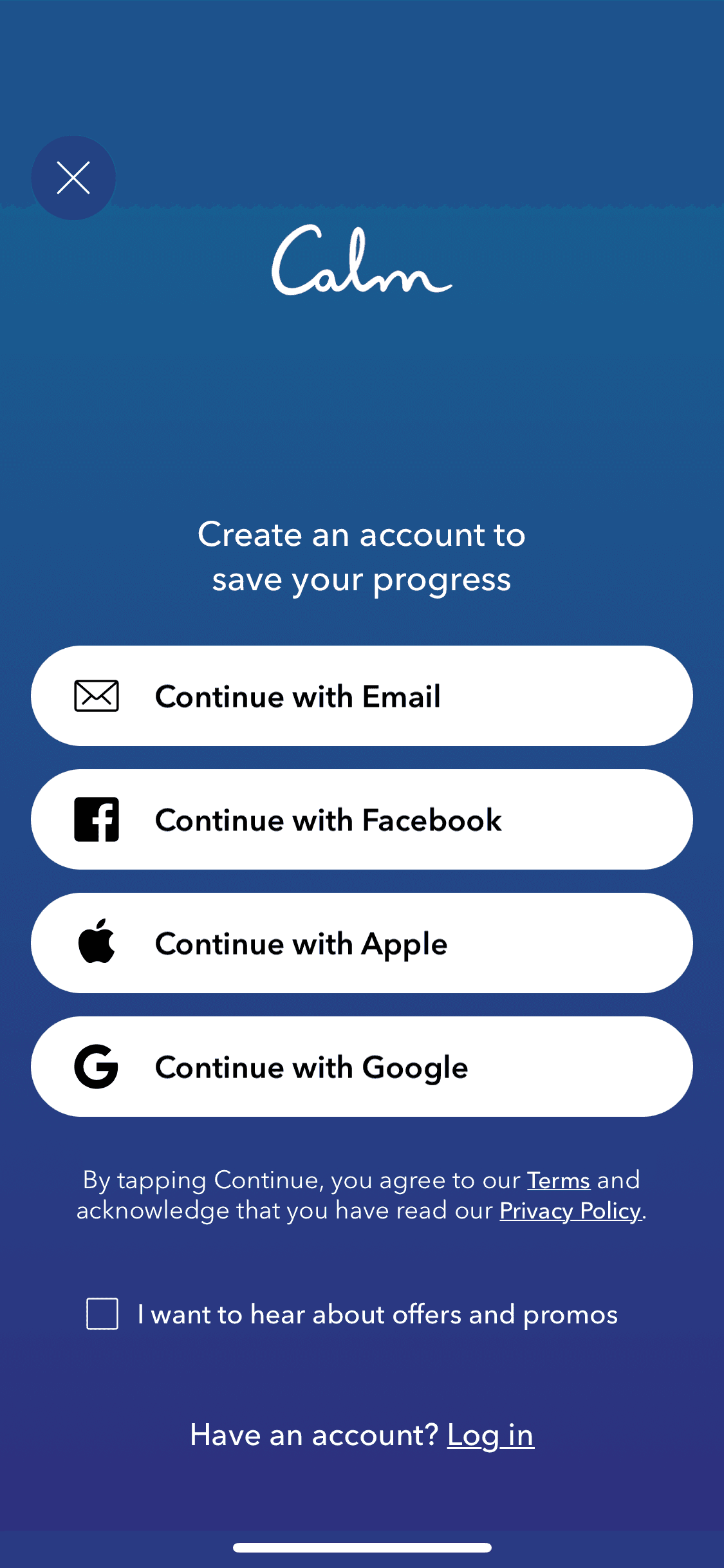
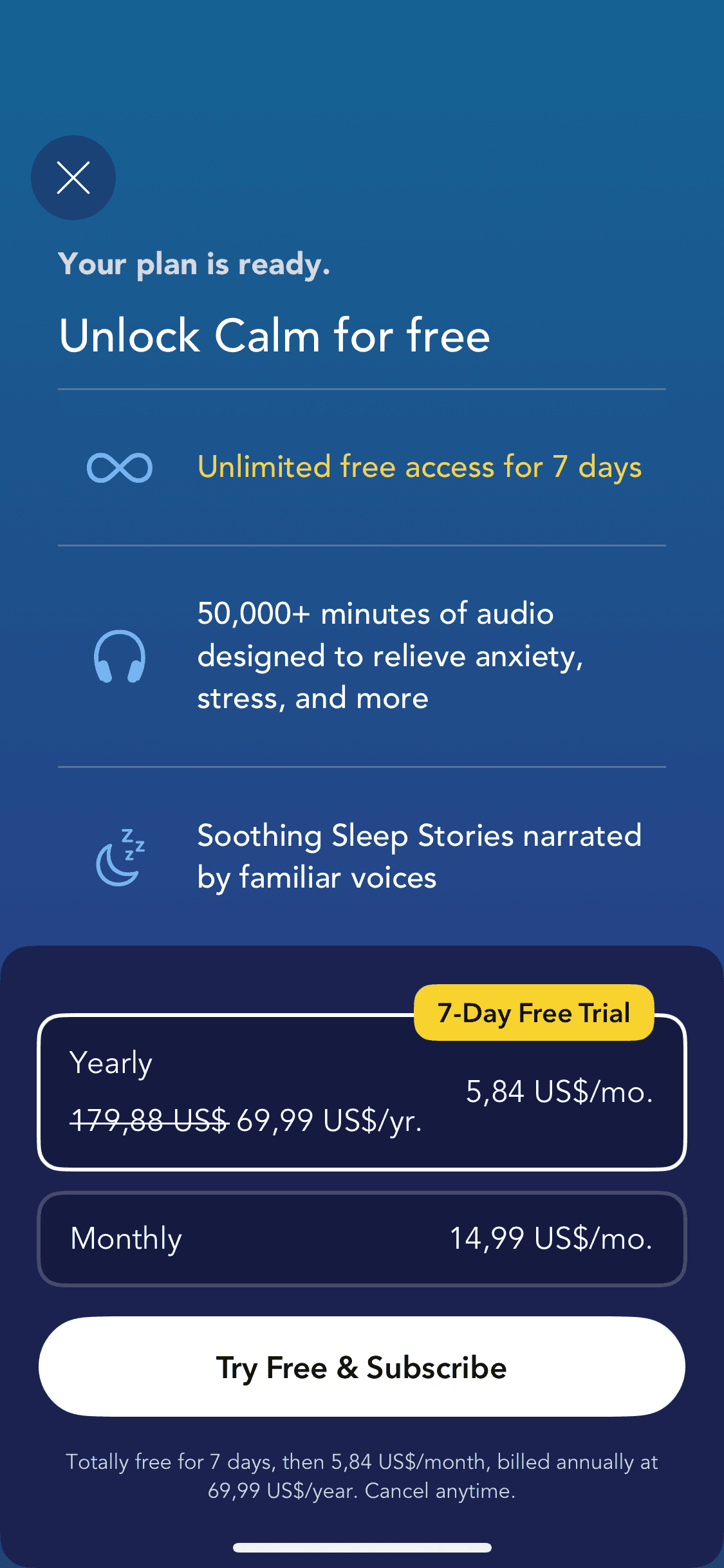
How to reference Calm screens with Banani AI?
1
Copy a UI Screen
Select to download or copy a UI screen you like.
Select to download or copy a UI screen you like.
2
Edit UI with AI
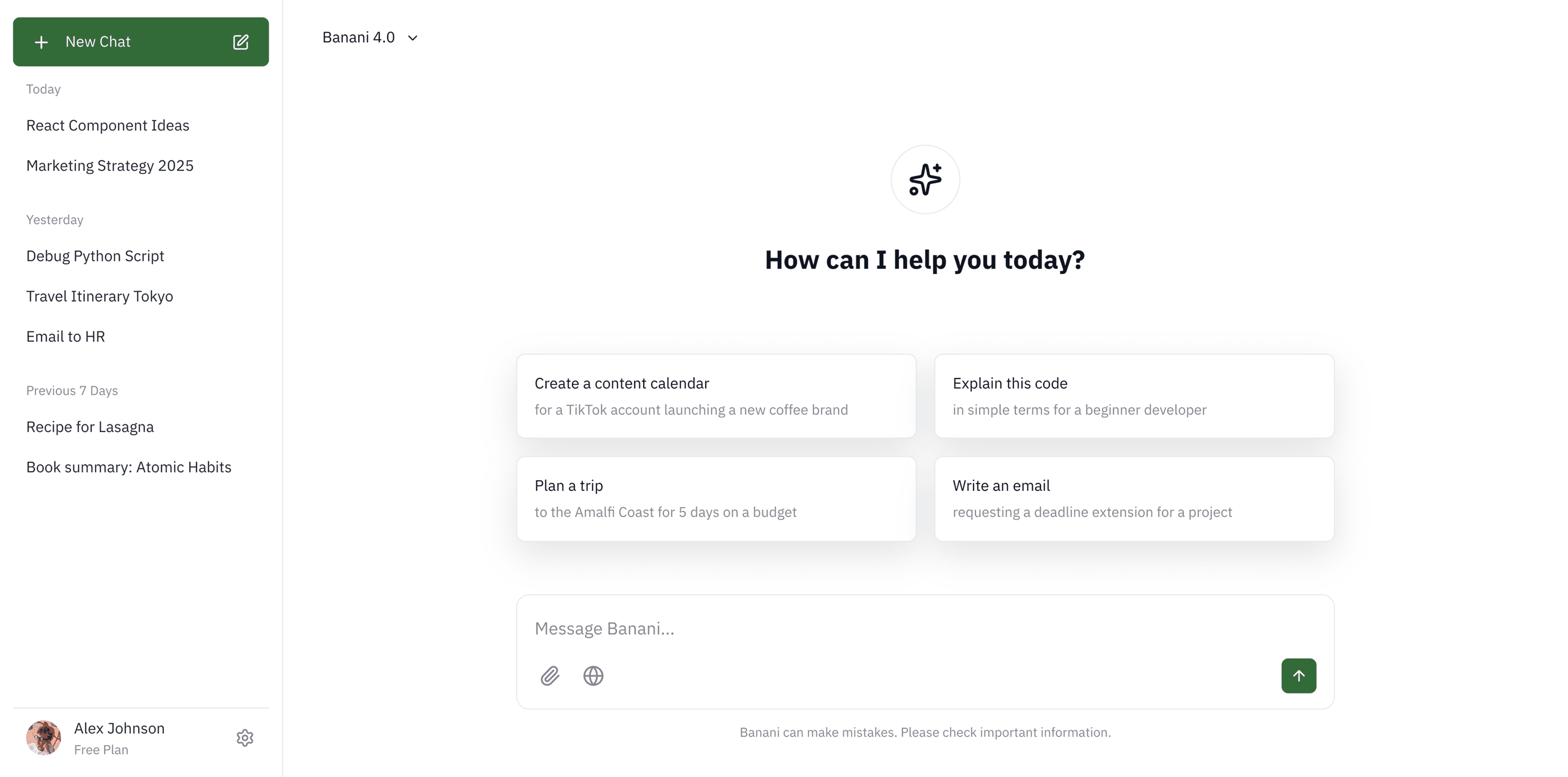
Upload in Banani and type the changes you want.
Upload in Banani and type the changes you want.
2
Get wireframes
Upload in Banani and type the changes you want.
3
Figma or Code Export
Export the new design as Figma or clean HTML/CSS.
Export the new design as Figma or clean HTML/CSS.
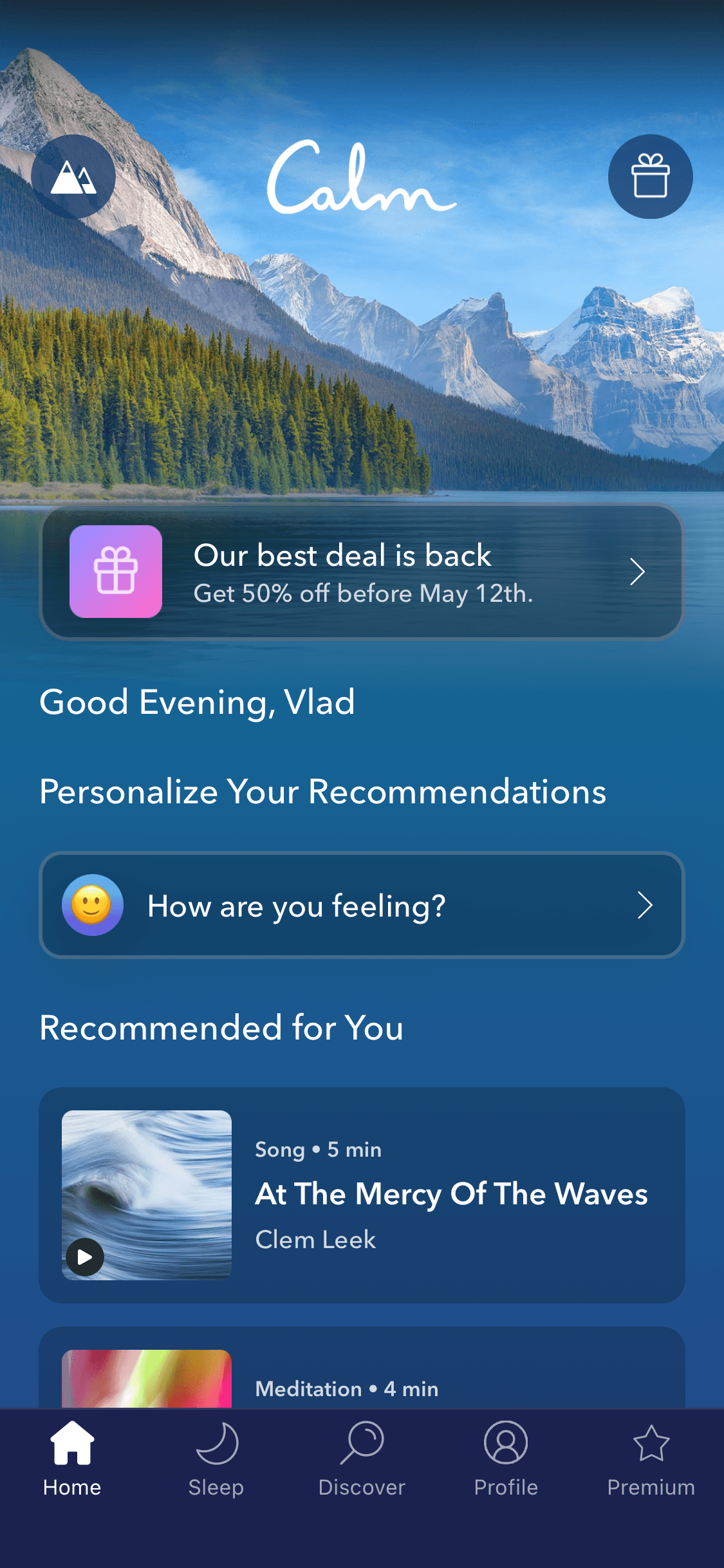
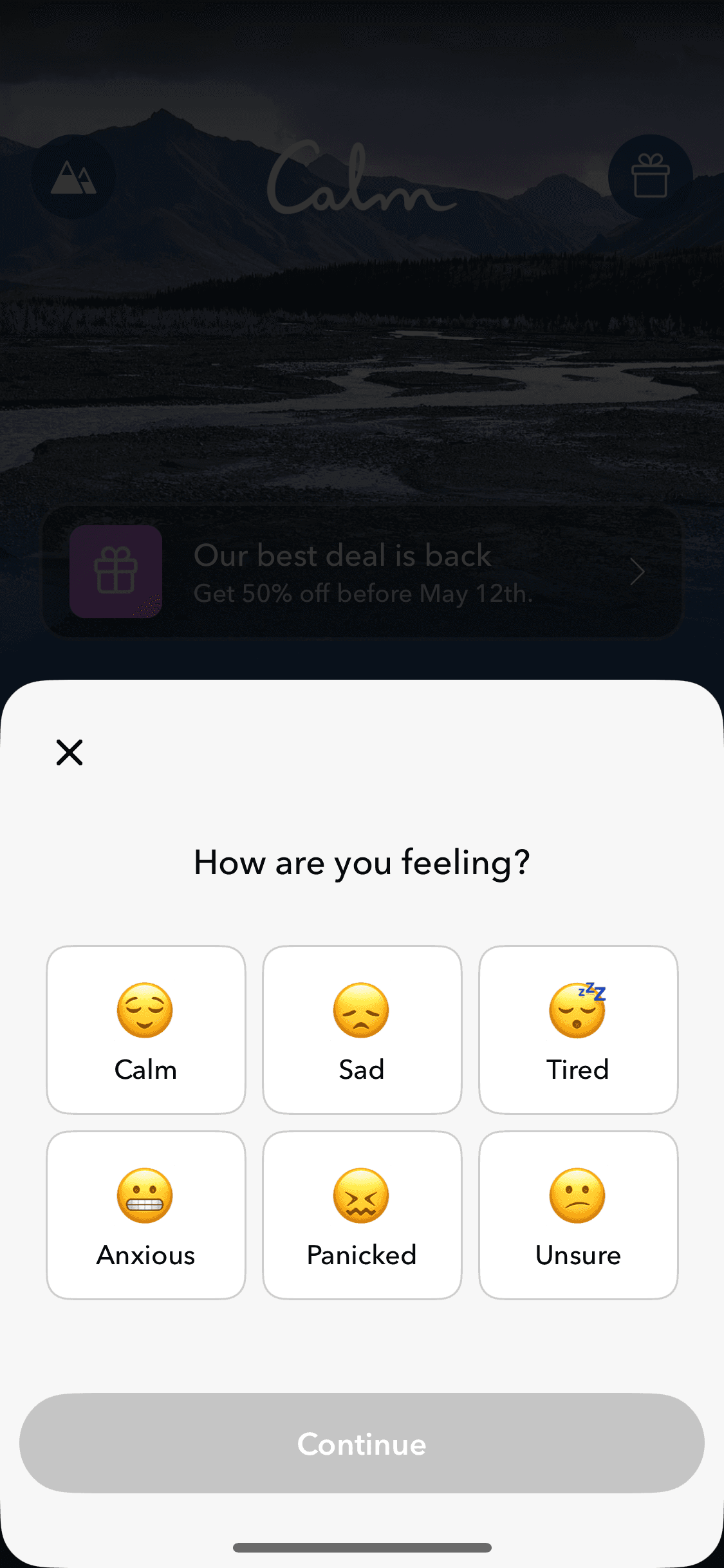
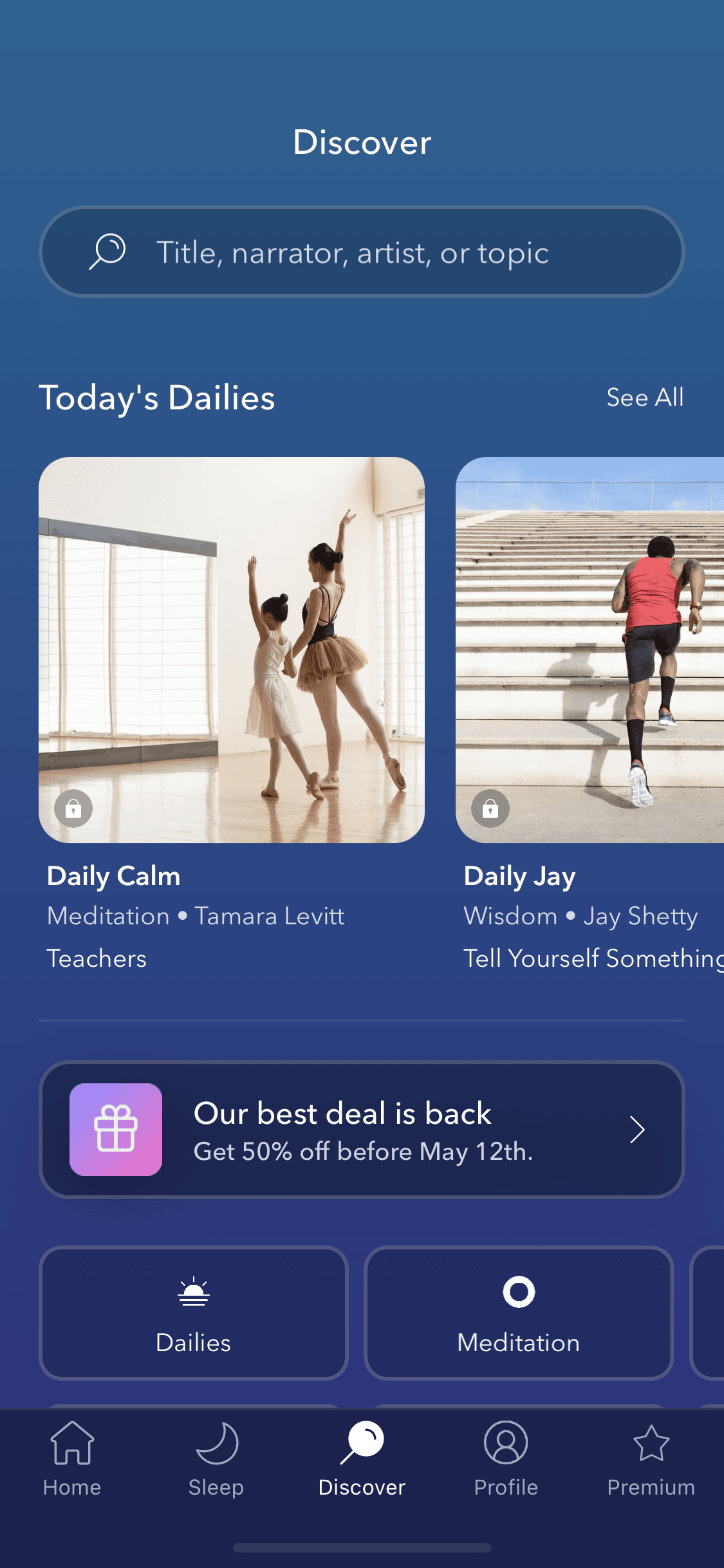
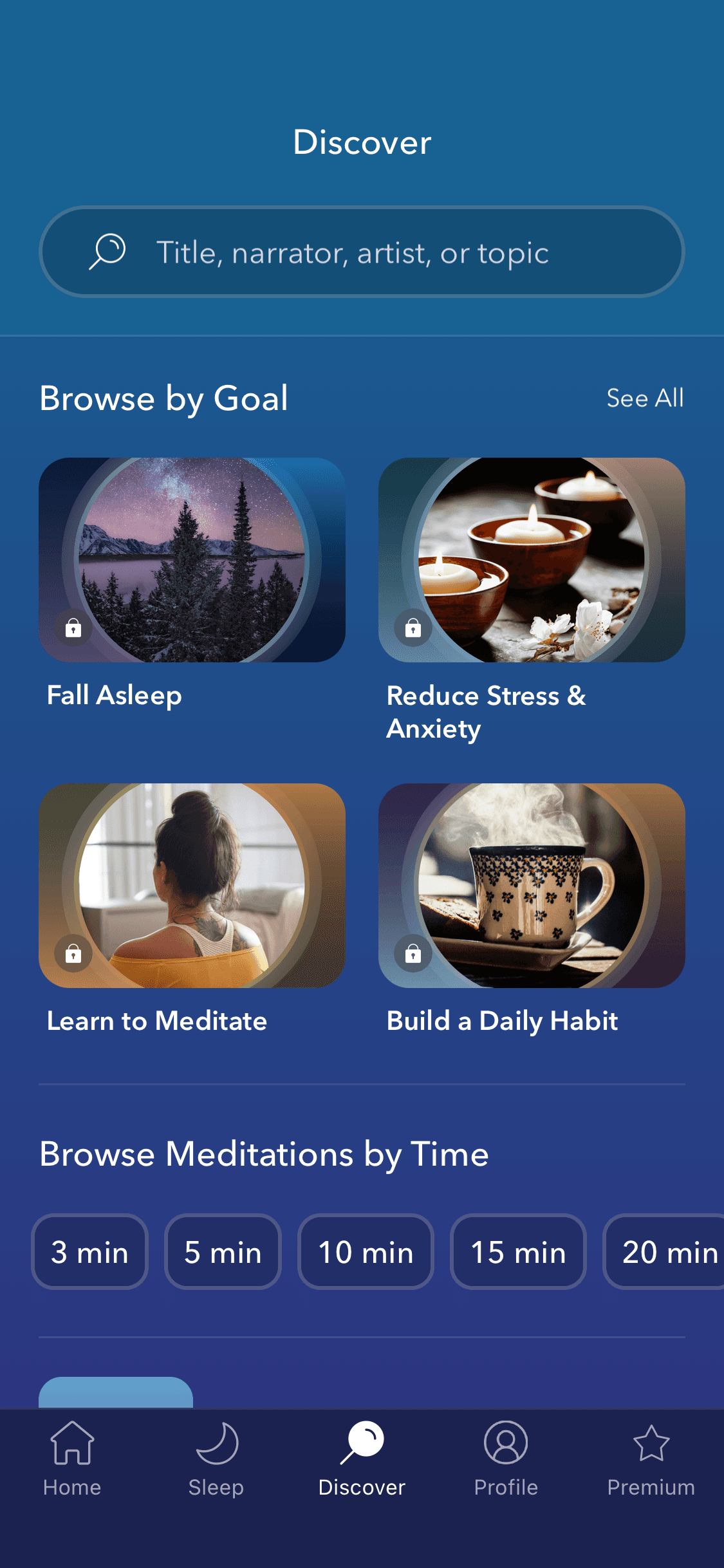
Browsing
Browsing
11 screens
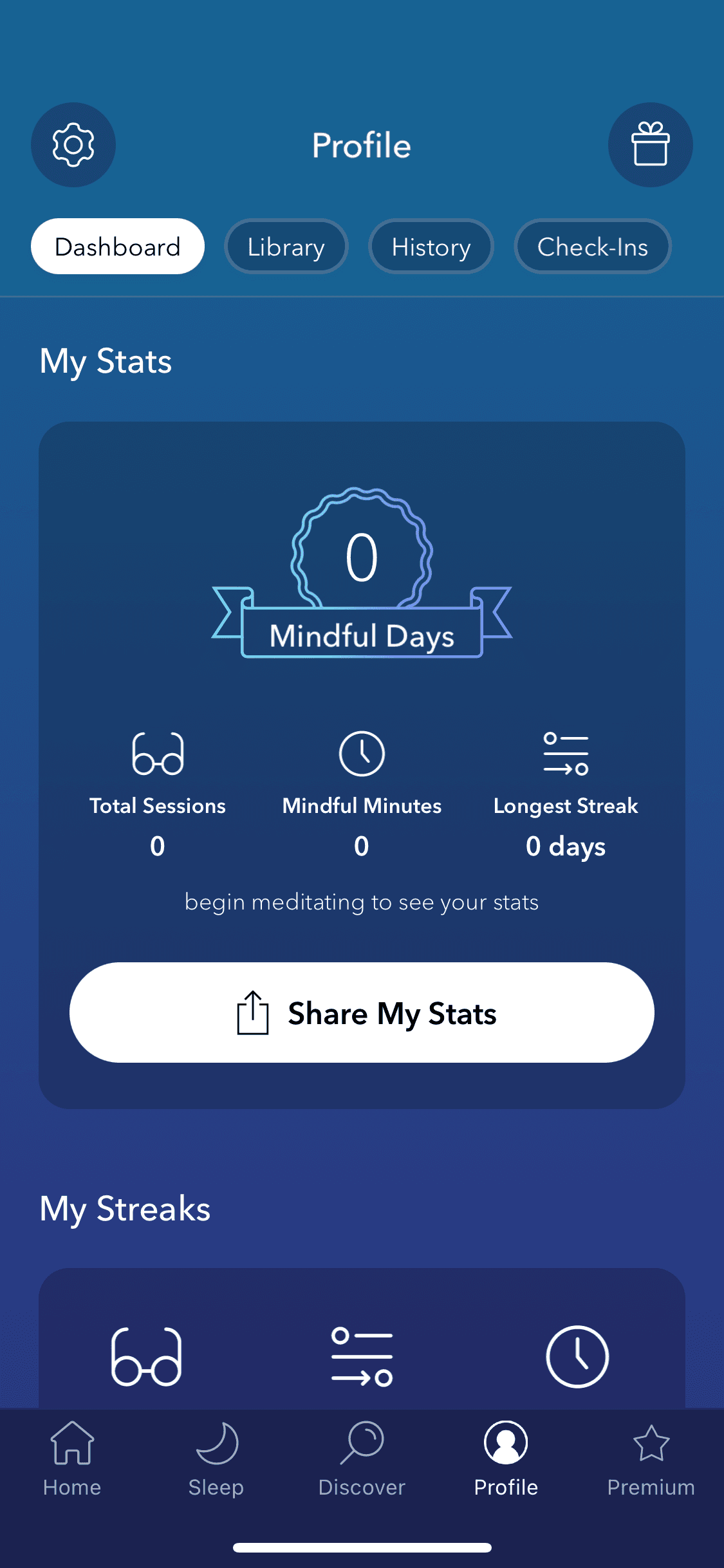
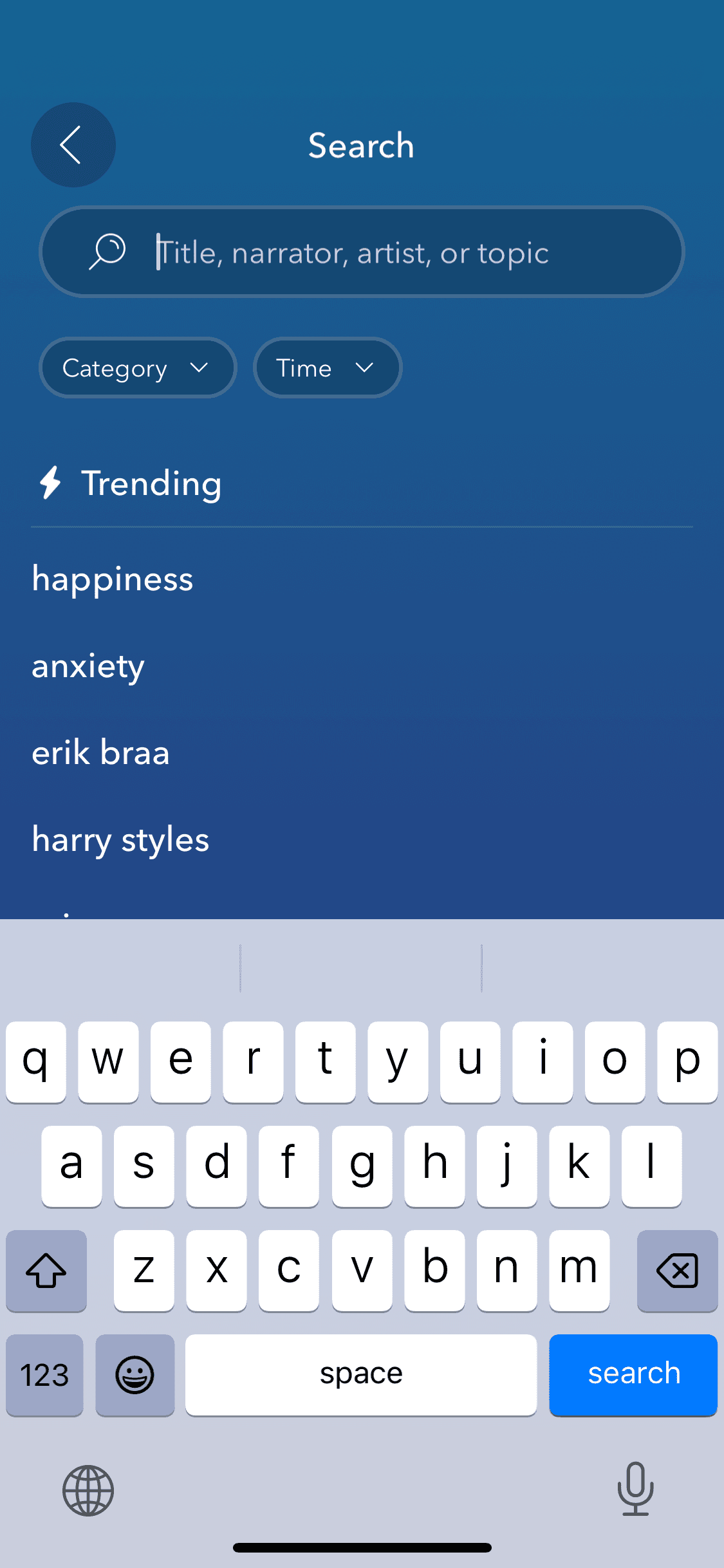
Searching
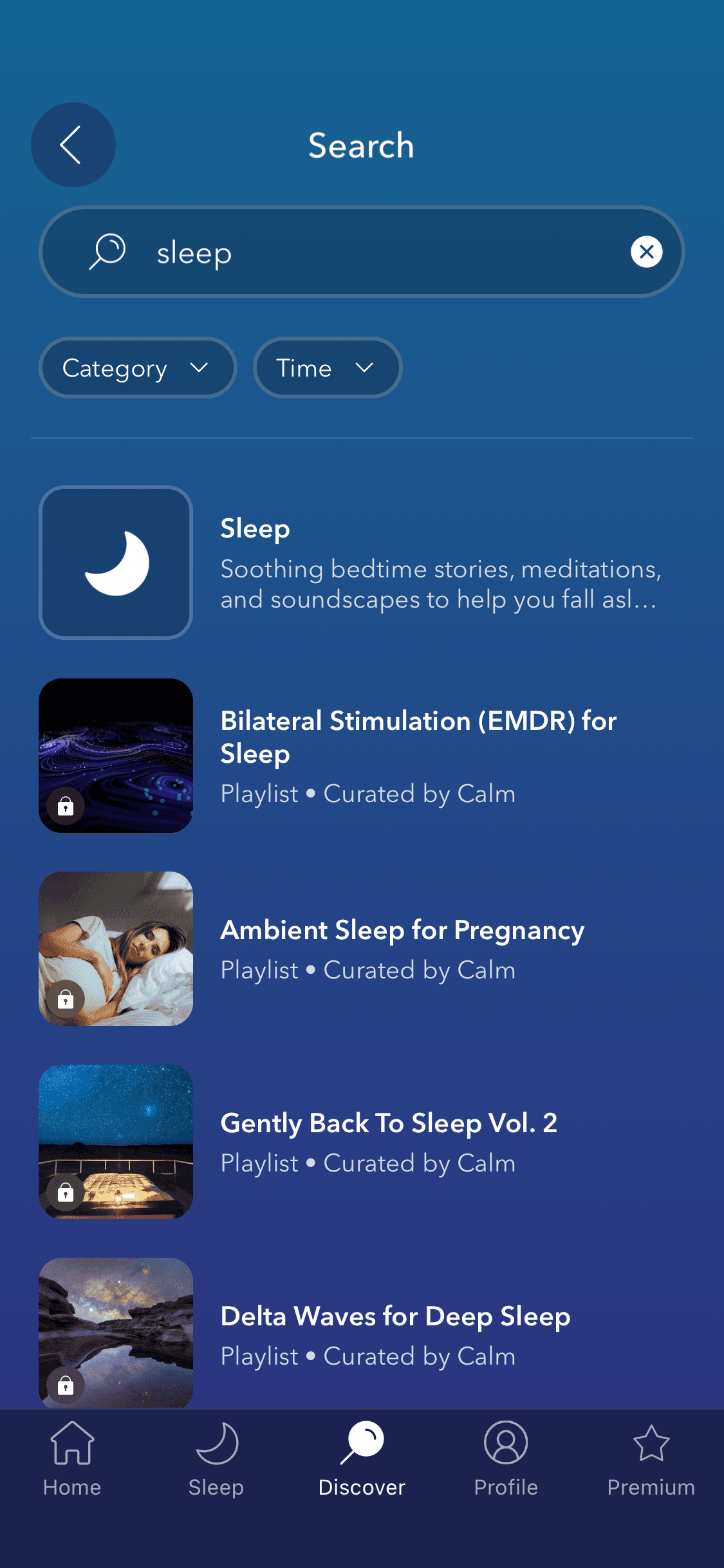
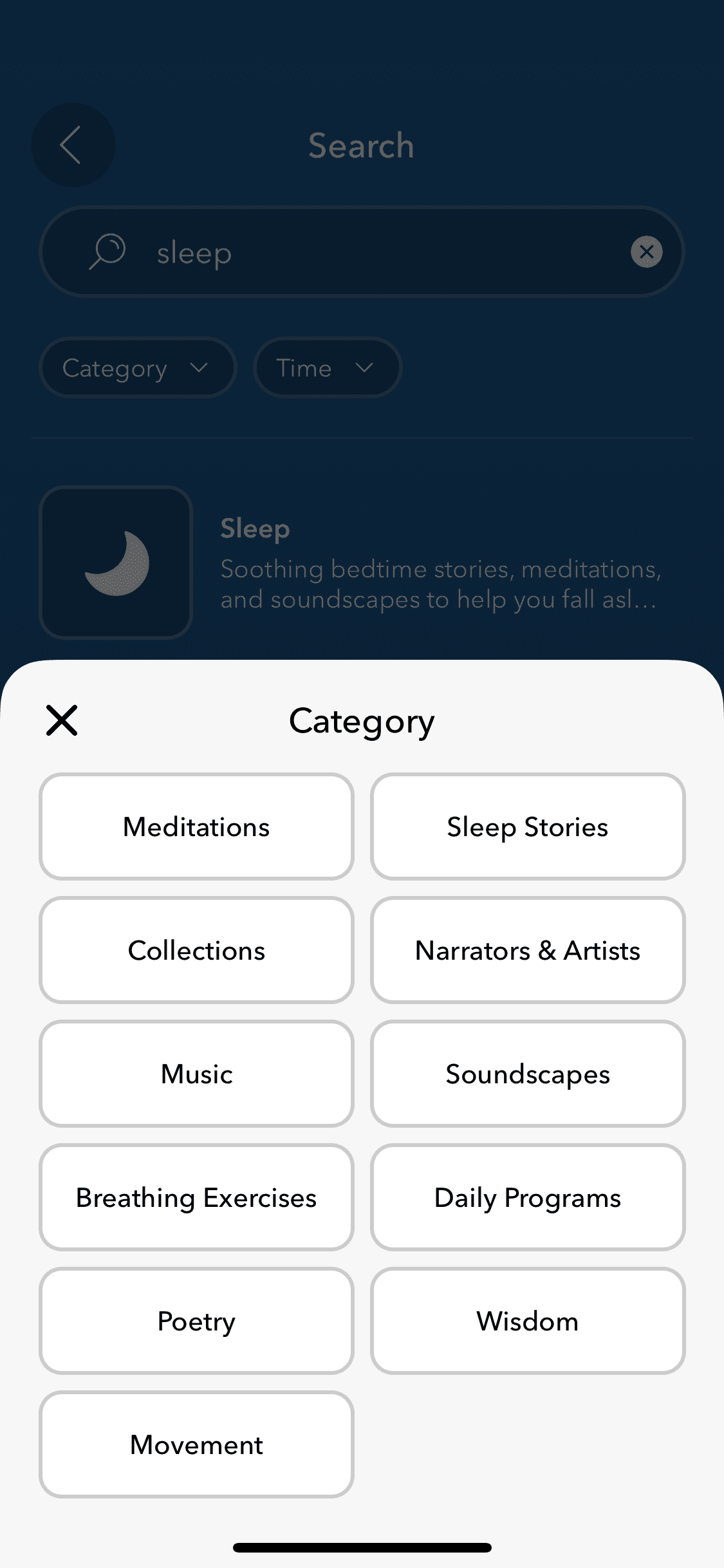
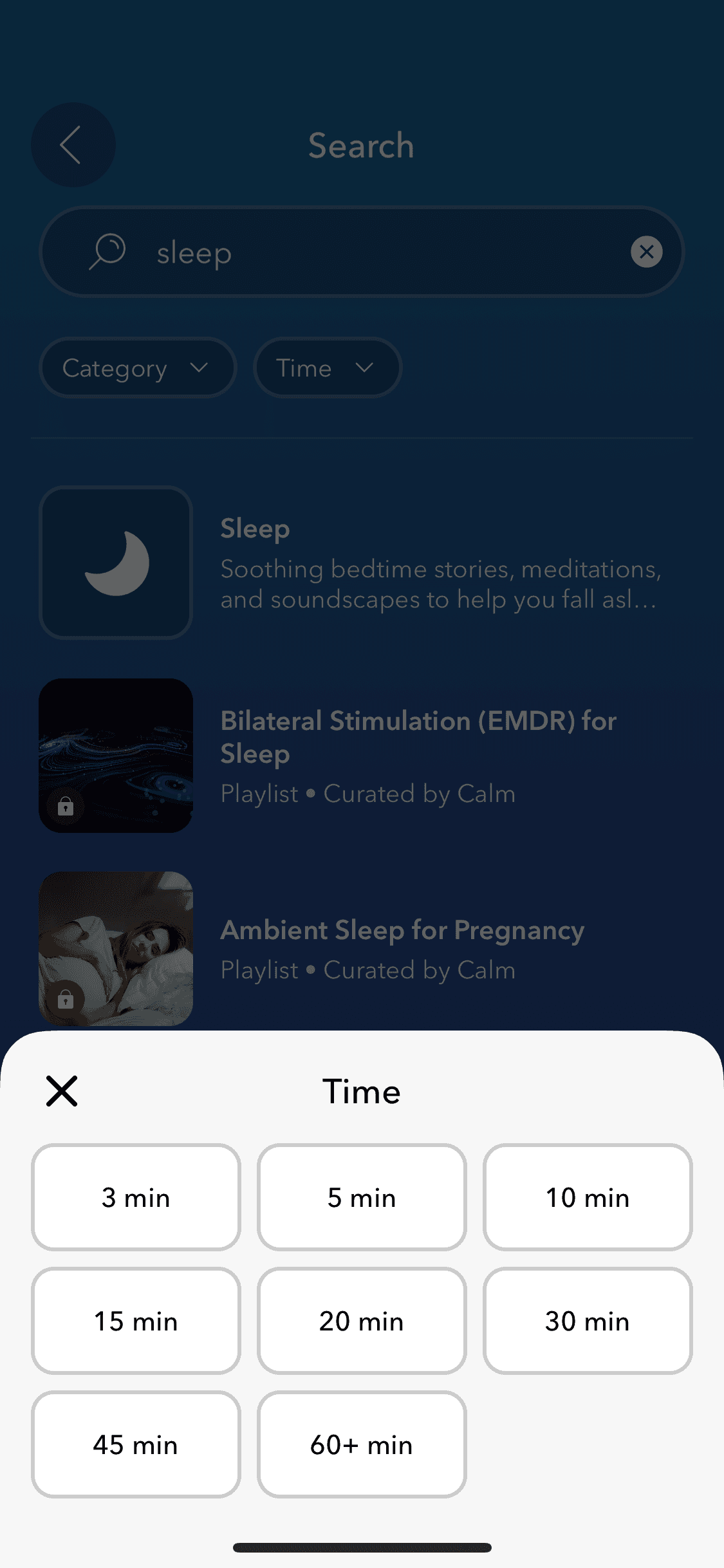
Searching
6 screens
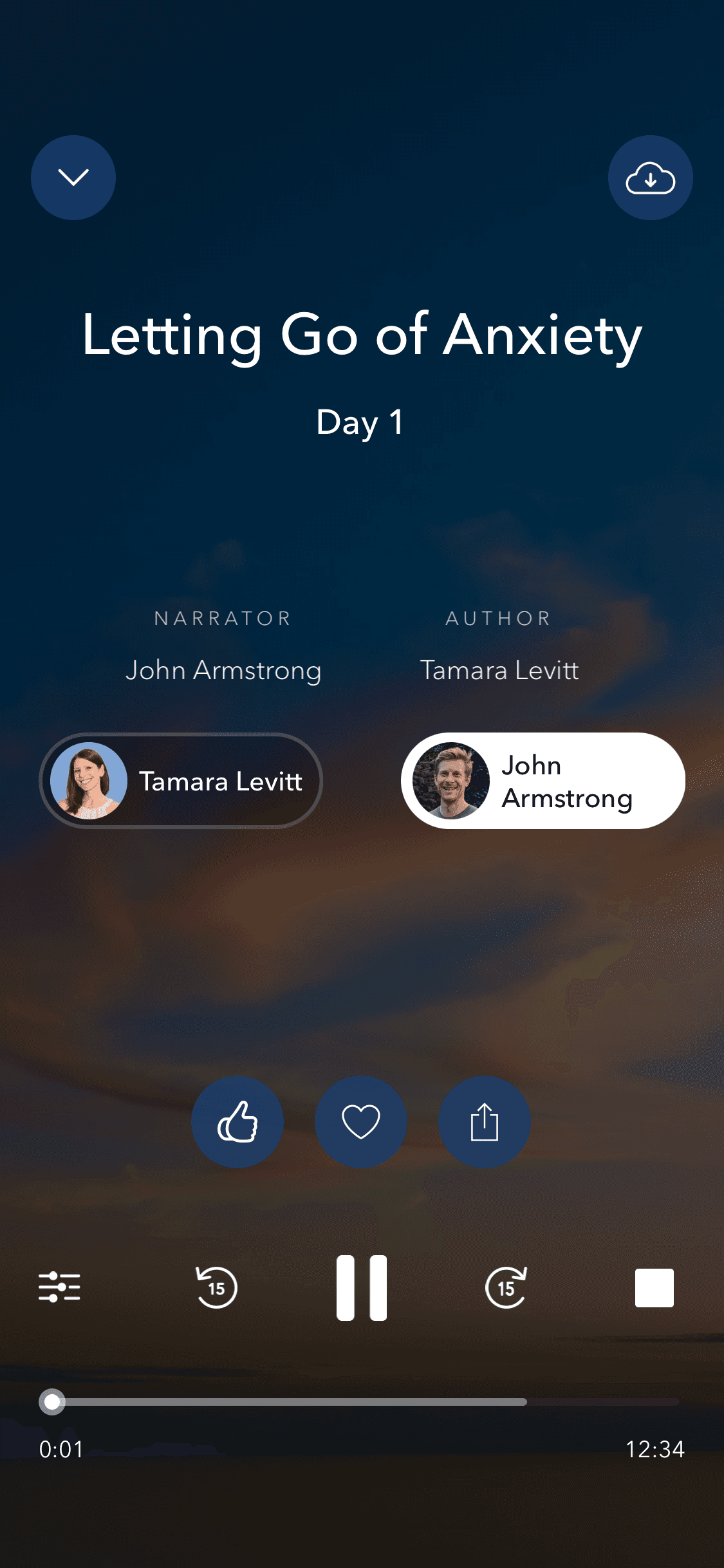
Player
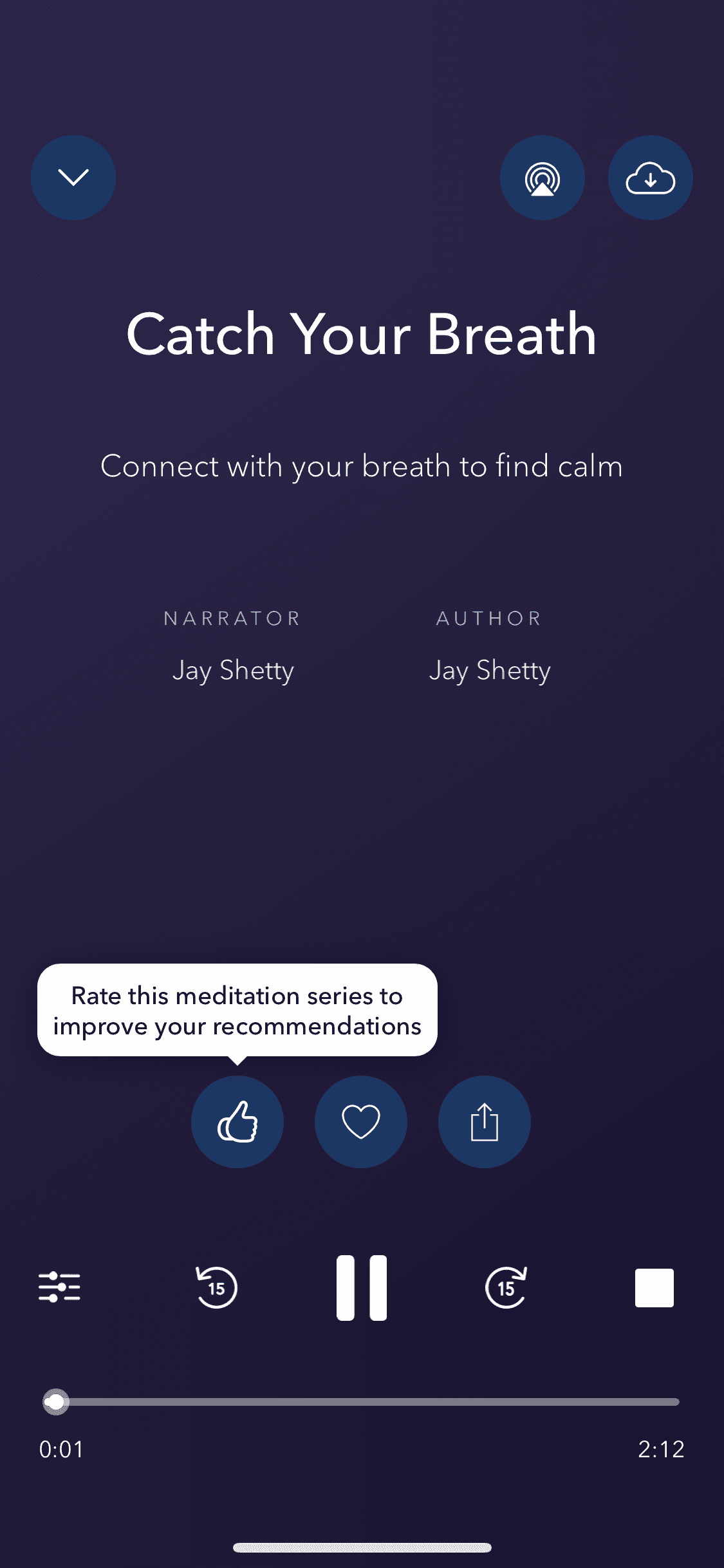
Player
6 screens
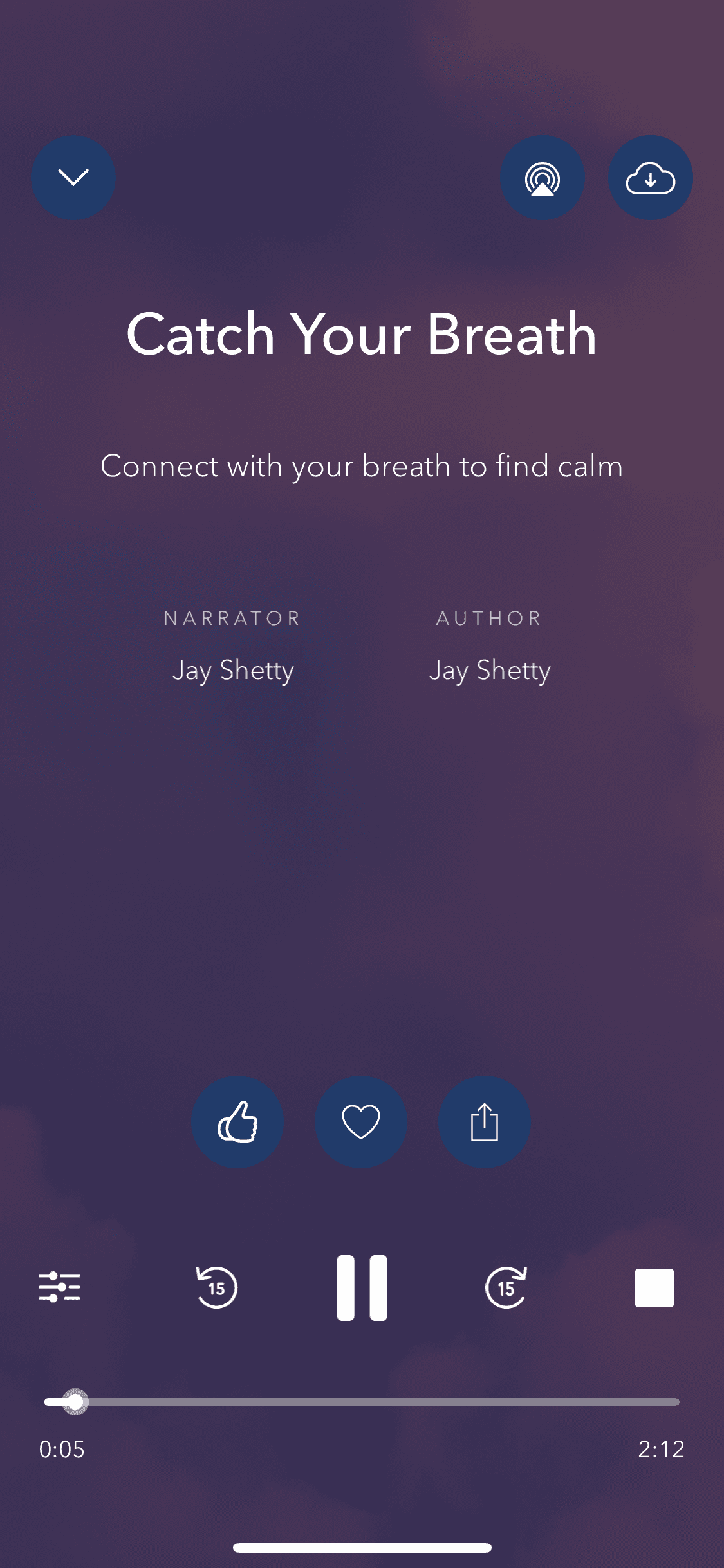
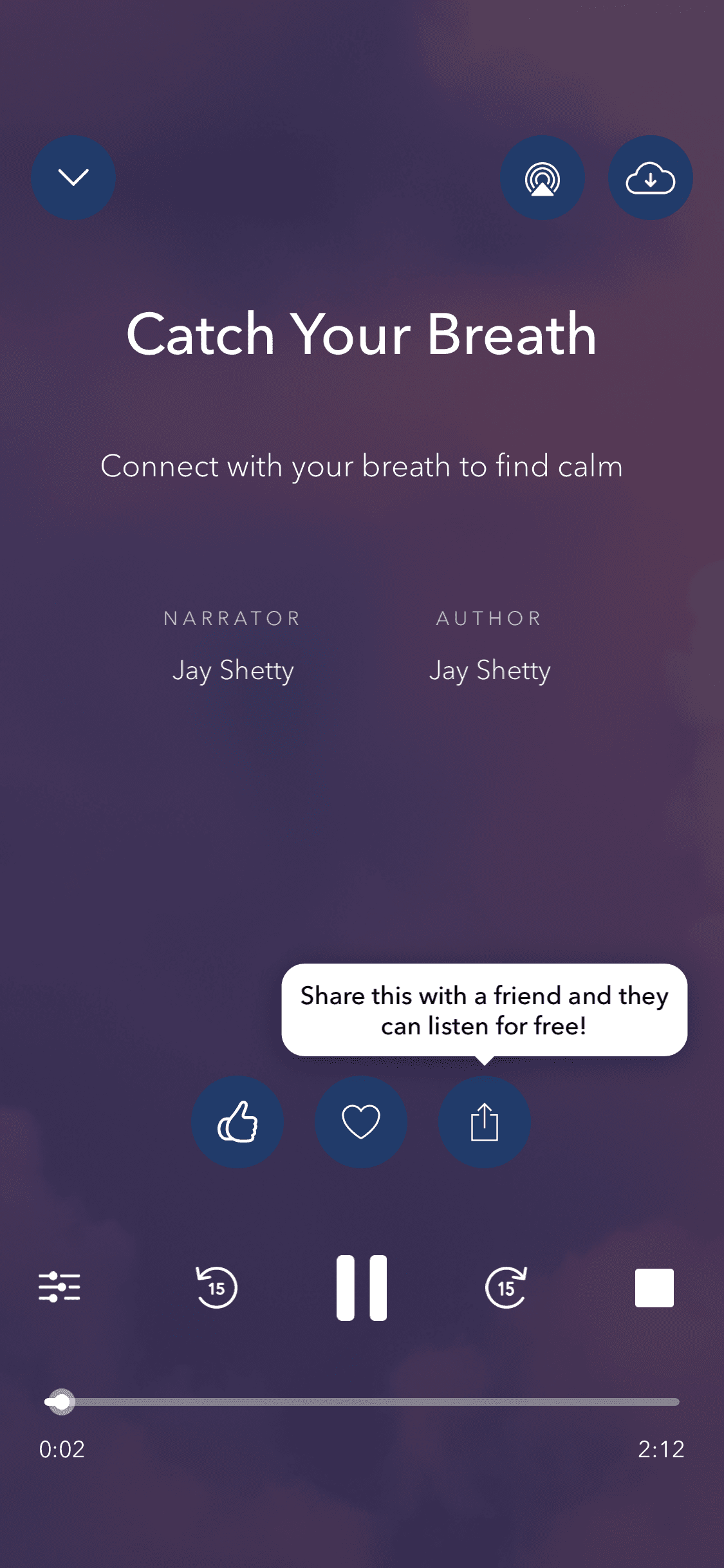
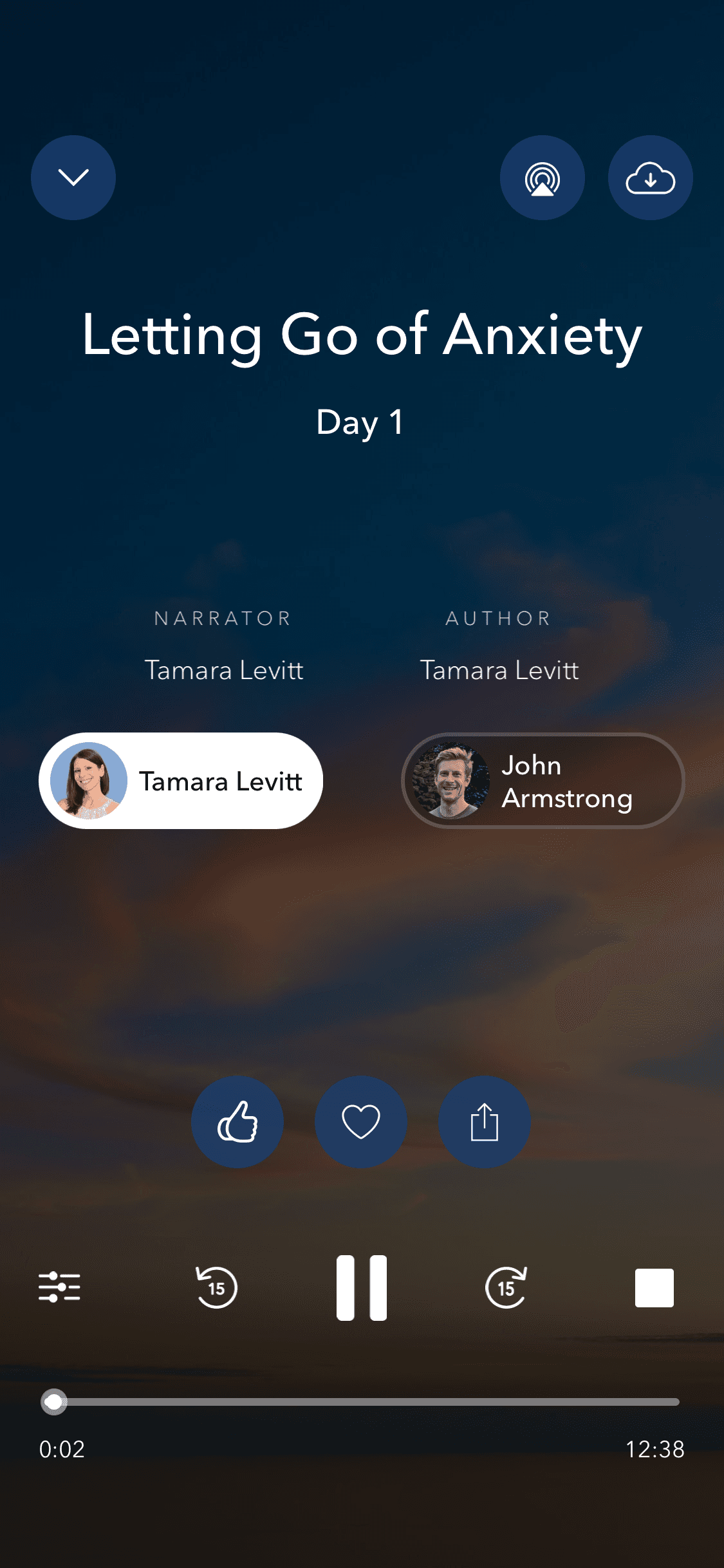
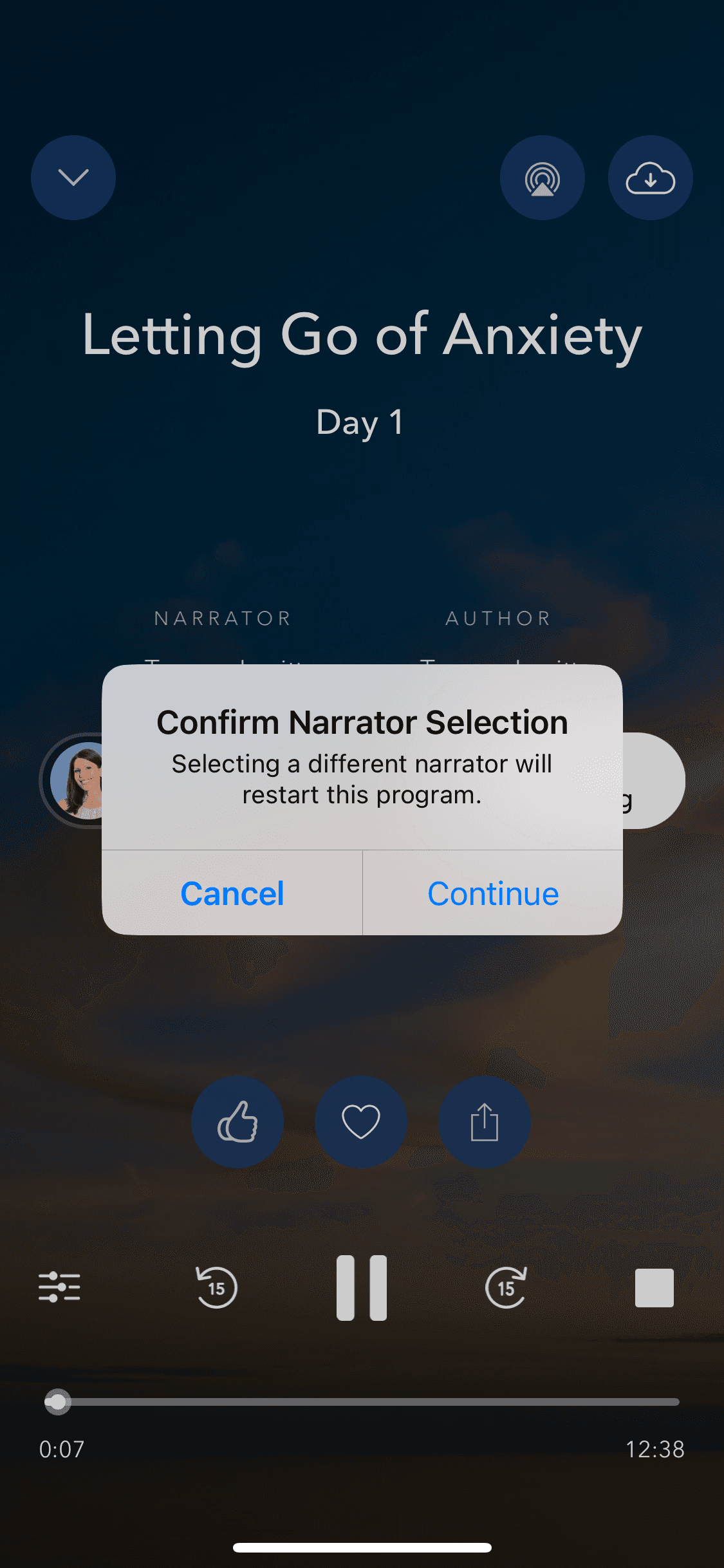




Recently added
View all

Tinder
NEW
Meet New People & Date Singles
Calm
Sleep, Meditation, Relaxation

Threads
Share ideas & trends with text

Blinkist
Learn something new every day
ChatGPT
The official app by OpenAI

Airbnb
Vacation Rentals & Experiences

Things 3
Organize your life
Arc Search
Find it, Faster
FAQs on Calm UI
Why reference Calm UI for app design?
Calm is one of the most referenced wellness app UIs. And, interestingly, other than Calm meditation UI, its most studied screen is the paywall screen. Calm's subscription prompt is widely cited as a best-in-class example of a soft, non-aggressive upsell. Its content browsing UI handles a large library of audio and video content with remarkable calm (pun intended) — clean cards, muted colors, and zero visual noise.
If you're designing a wellness, meditation, or any content-subscription app, Calm UI screens are great references.
Calm is one of the most referenced wellness app UIs. And, interestingly, other than Calm meditation UI, its most studied screen is the paywall screen. Calm's subscription prompt is widely cited as a best-in-class example of a soft, non-aggressive upsell. Its content browsing UI handles a large library of audio and video content with remarkable calm (pun intended) — clean cards, muted colors, and zero visual noise.
If you're designing a wellness, meditation, or any content-subscription app, Calm UI screens are great references.
Is Calm UI available on Mobbin?
Yes, Calm screens are on Mobbin. But like other apps there, full flow access and downloads sit behind a paid plan. Still, you can access the full Calm UI flow for free using a Mobbin alternative, which hosts 100s of other UI screen templates.
Yes, Calm screens are on Mobbin. But like other apps there, full flow access and downloads sit behind a paid plan. Still, you can access the full Calm UI flow for free using a Mobbin alternative, which hosts 100s of other UI screen templates.
Why use Banani AI as a Mobbin alternative to view Calm screens UI?
On Banani, Calm's full UI — onboarding, browsing, searching, and player — is free to browse, no sign-up needed. Copy any screen, upload to Banani AI, and adapt it for your own wellness or subscription app. Can even export your remixed Calm UI screen as Figma or HTML/CSS.
On Banani, Calm's full UI — onboarding, browsing, searching, and player — is free to browse, no sign-up needed. Copy any screen, upload to Banani AI, and adapt it for your own wellness or subscription app. Can even export your remixed Calm UI screen as Figma or HTML/CSS.