Perplexity
Search and discovery with AI
iOS
Artificial Intelligence
Productivity
Chatbots
Perplexity App UI design
Perplexity App UI design
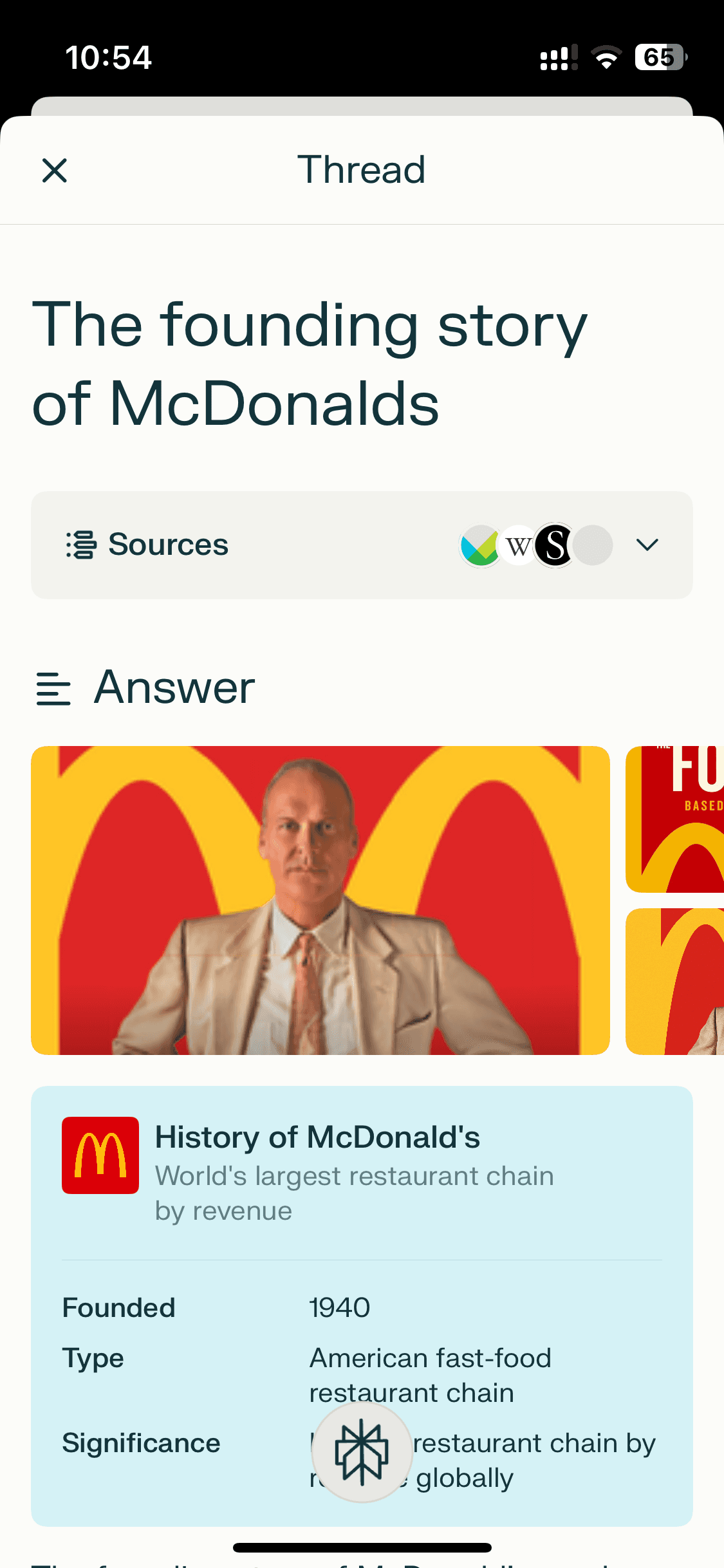
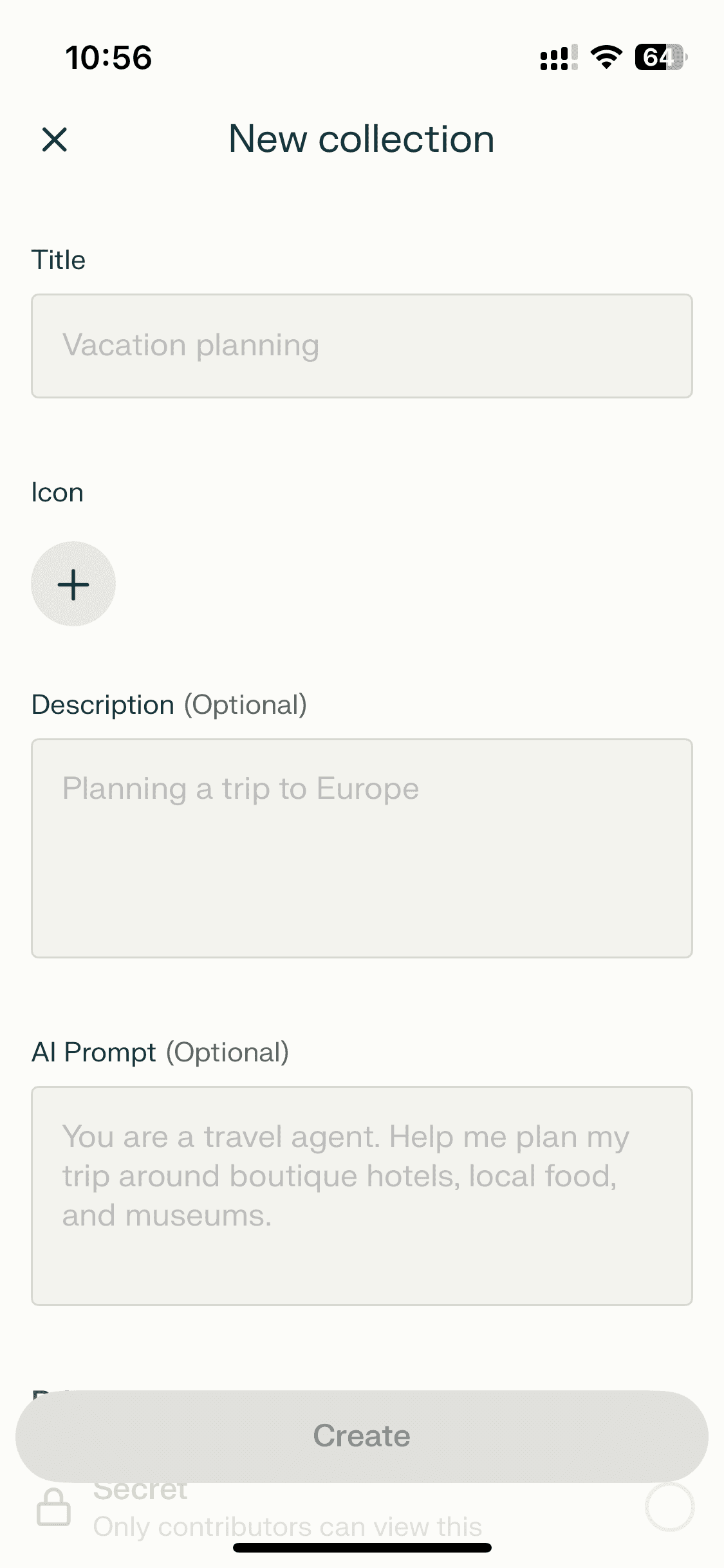
Perplexity is an AI-powered search engine. It generates answers from web sources, providing citations within its responses.
Perplexity is an AI-powered search engine. It generates answers from web sources, providing citations within its responses.
A unique reference for AI chat design that’s clean and trustworthy. Browse Perplexity app screens — login, chat, etc. — on our free Mobbin alternative!
A unique reference for AI chat design that’s clean and trustworthy. Browse Perplexity app screens — login, chat, etc. — on our free Mobbin alternative!
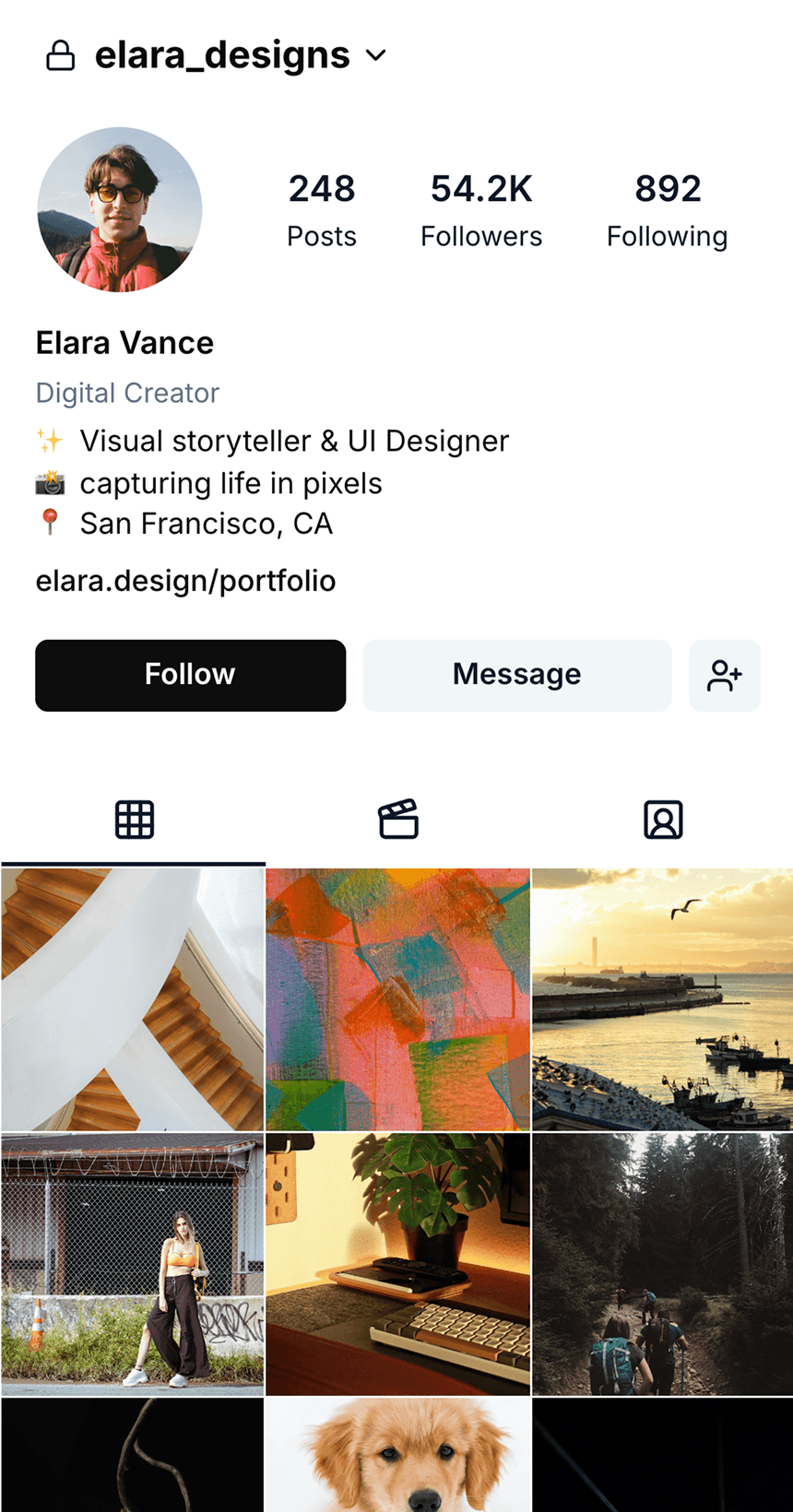
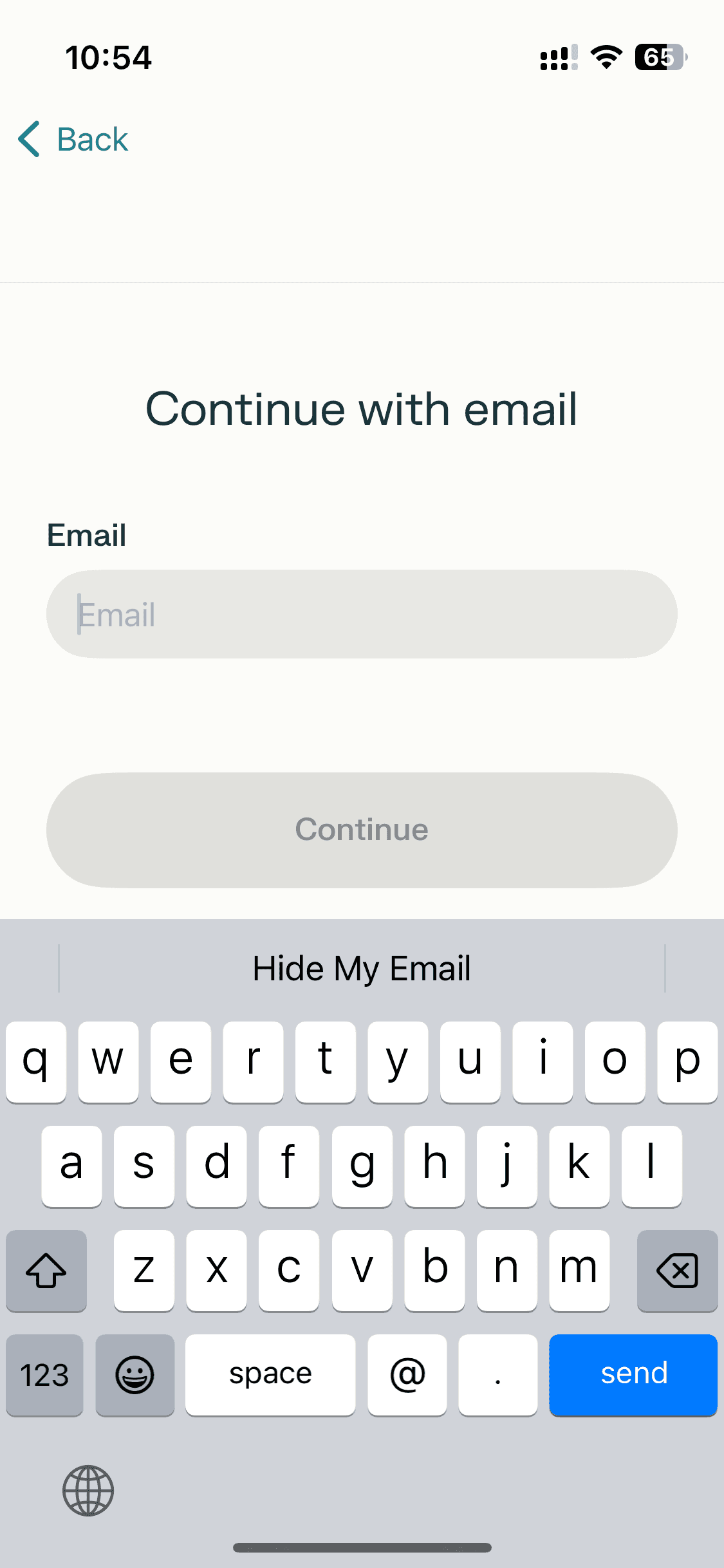
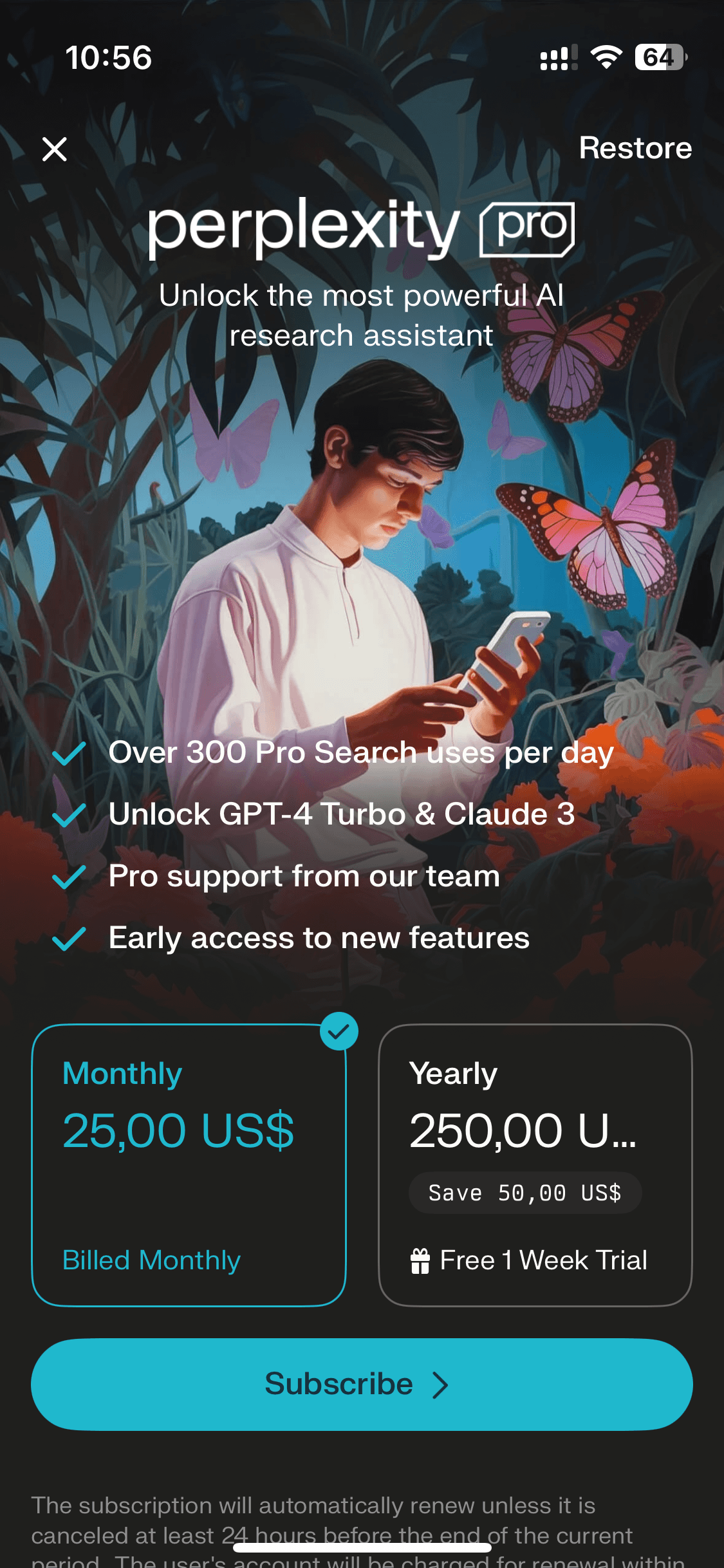
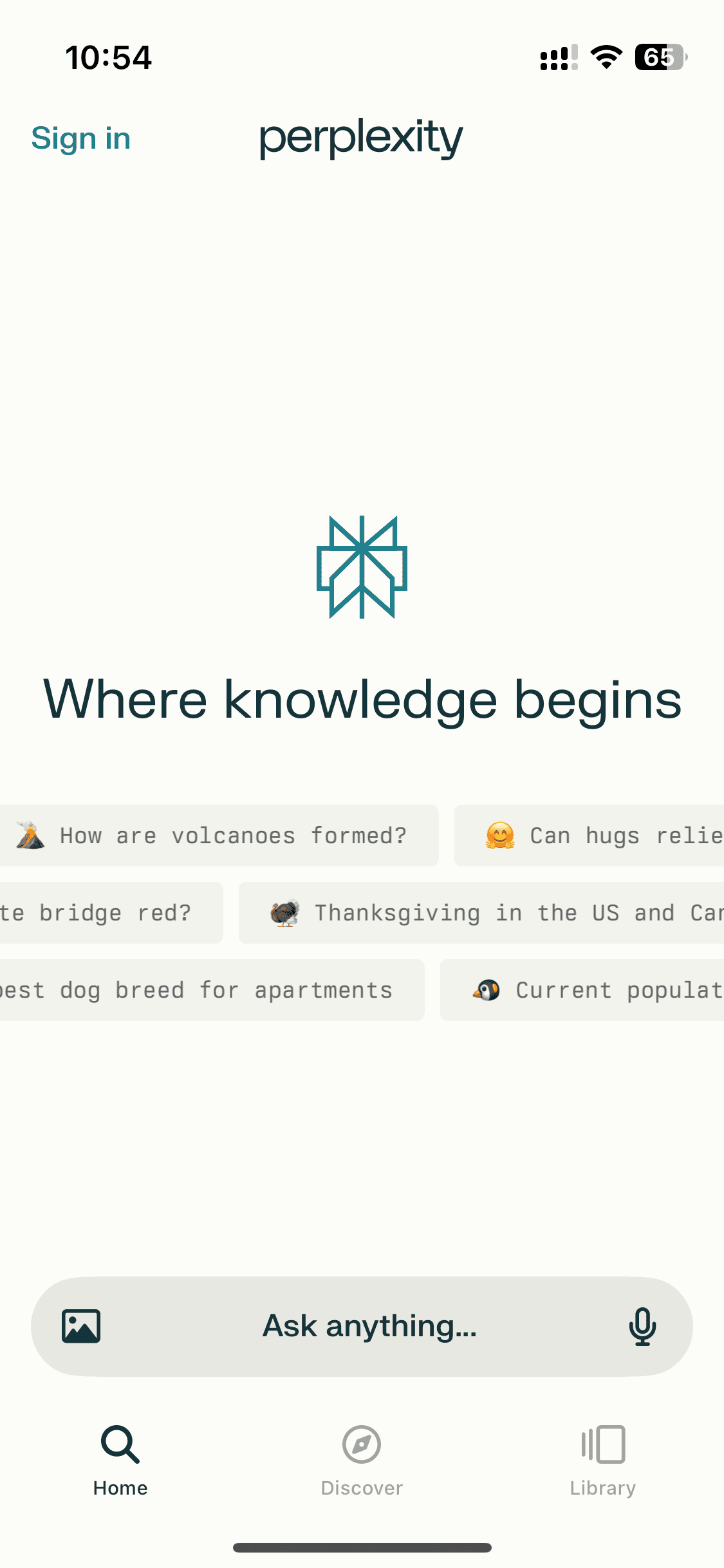
Onboarding
Onboarding
13 screens
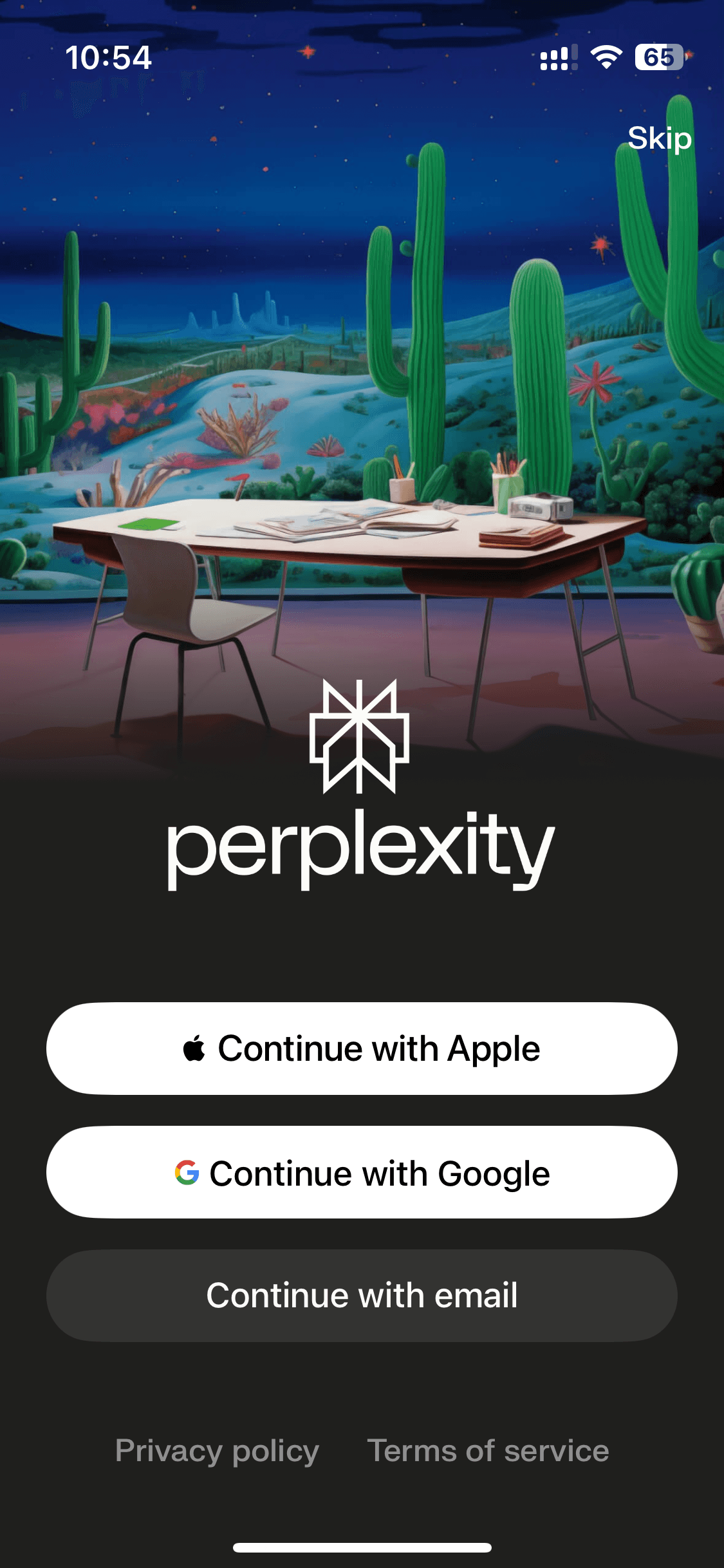
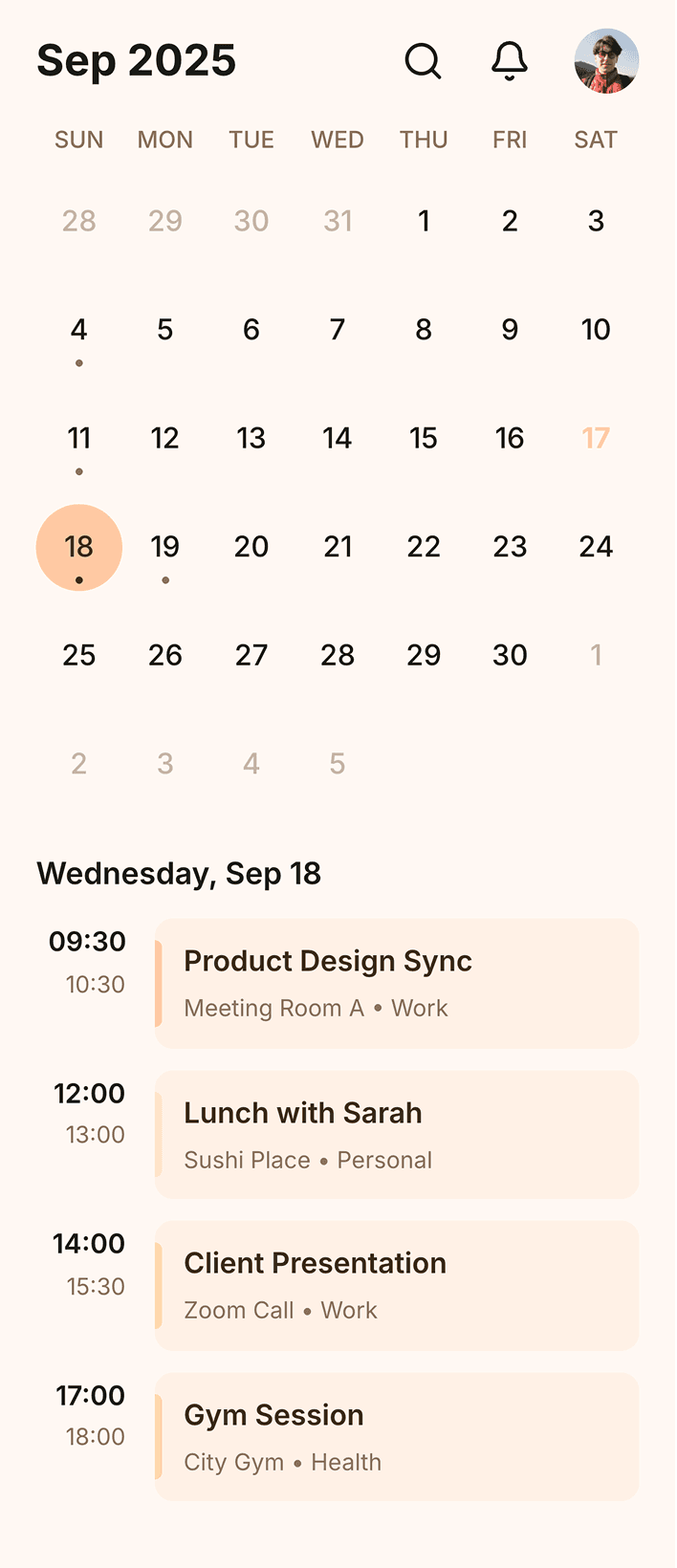
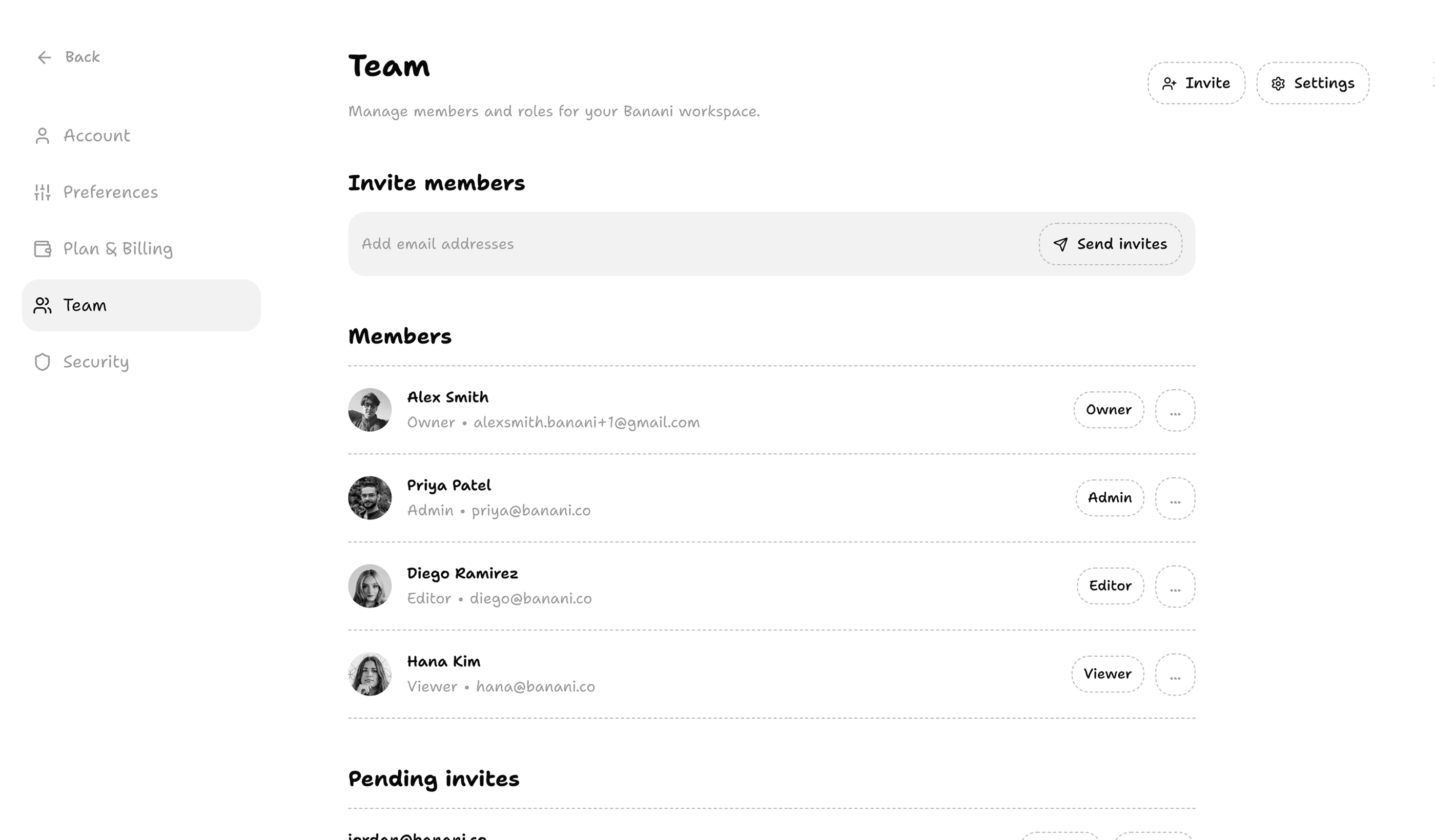
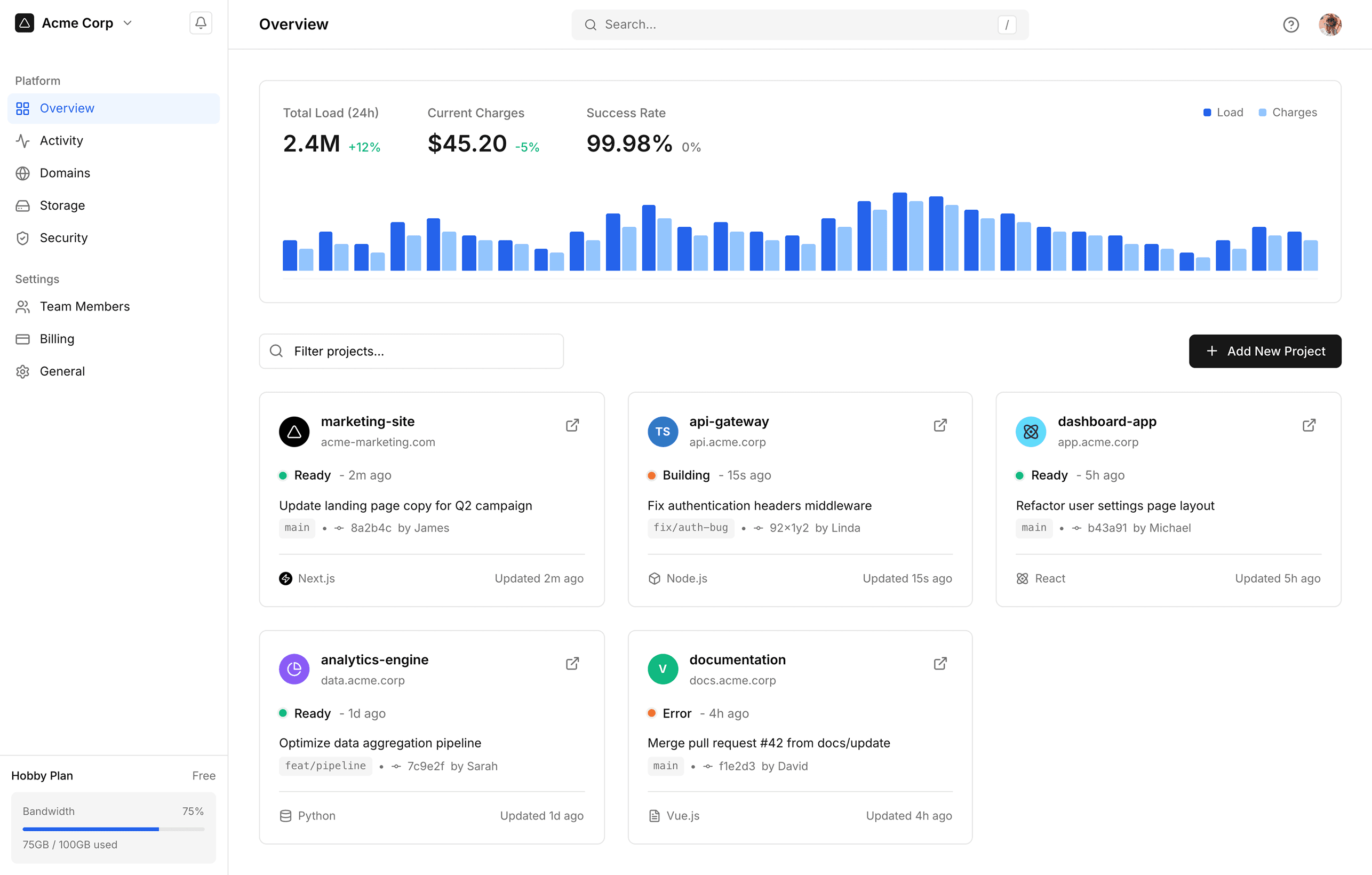
How to reference Perplexity screens with Banani AI?
1
Copy a UI Screen
Select to download or copy a UI screen you like.
Select to download or copy a UI screen you like.
2
Edit UI with AI
Upload in Banani and type the changes you want.
Upload in Banani and type the changes you want.
2
Get wireframes
Upload in Banani and type the changes you want.
3
Figma or Code Export
Export the new design as Figma or clean HTML/CSS.
Export the new design as Figma or clean HTML/CSS.
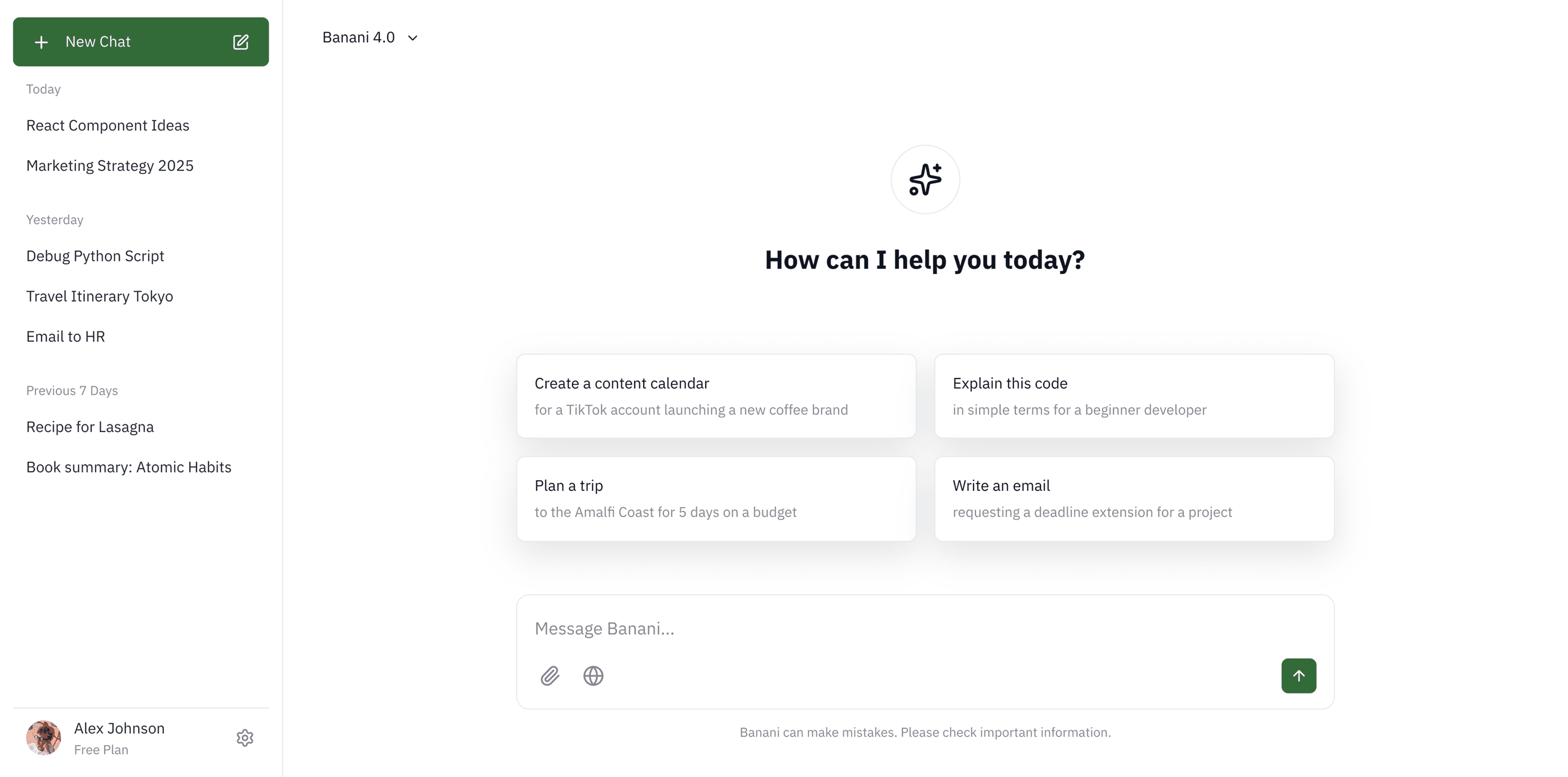
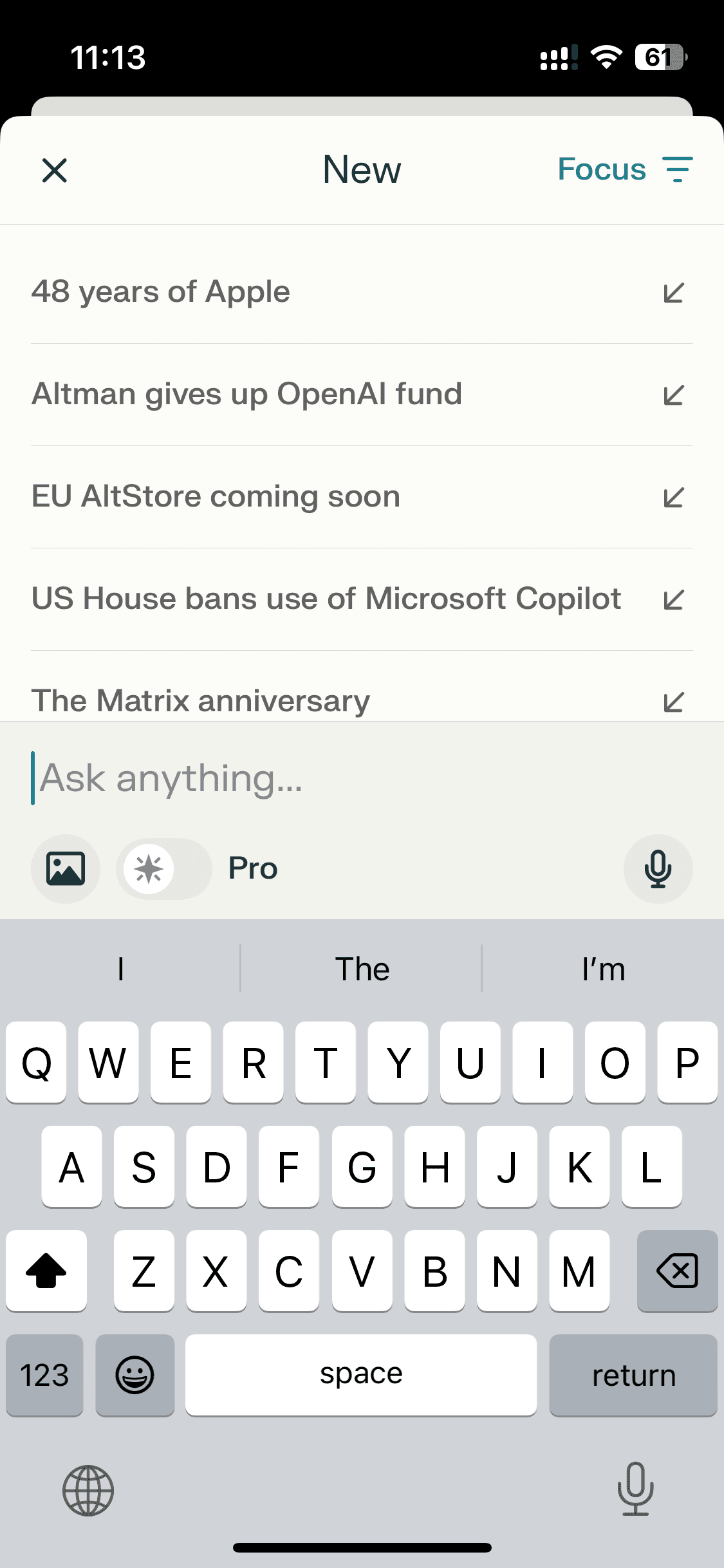
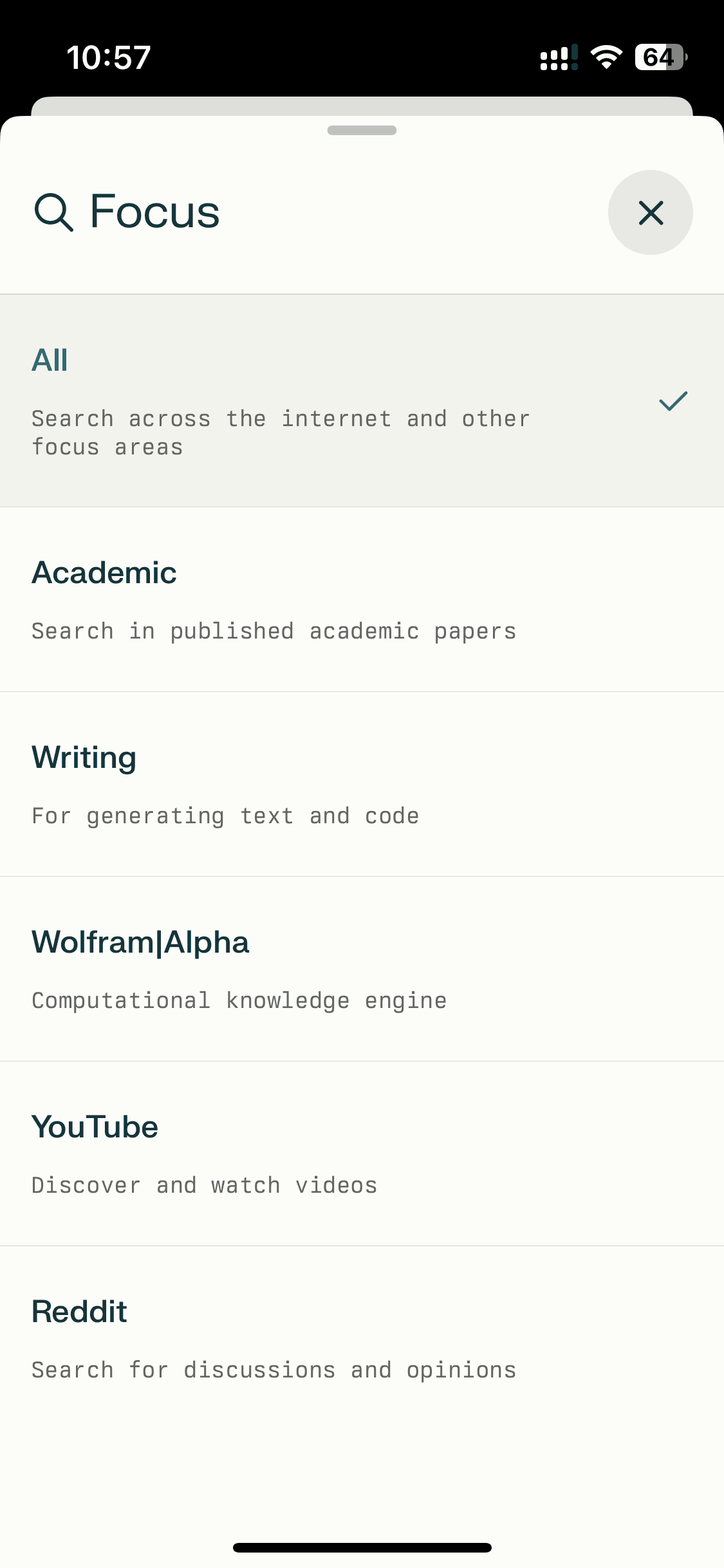
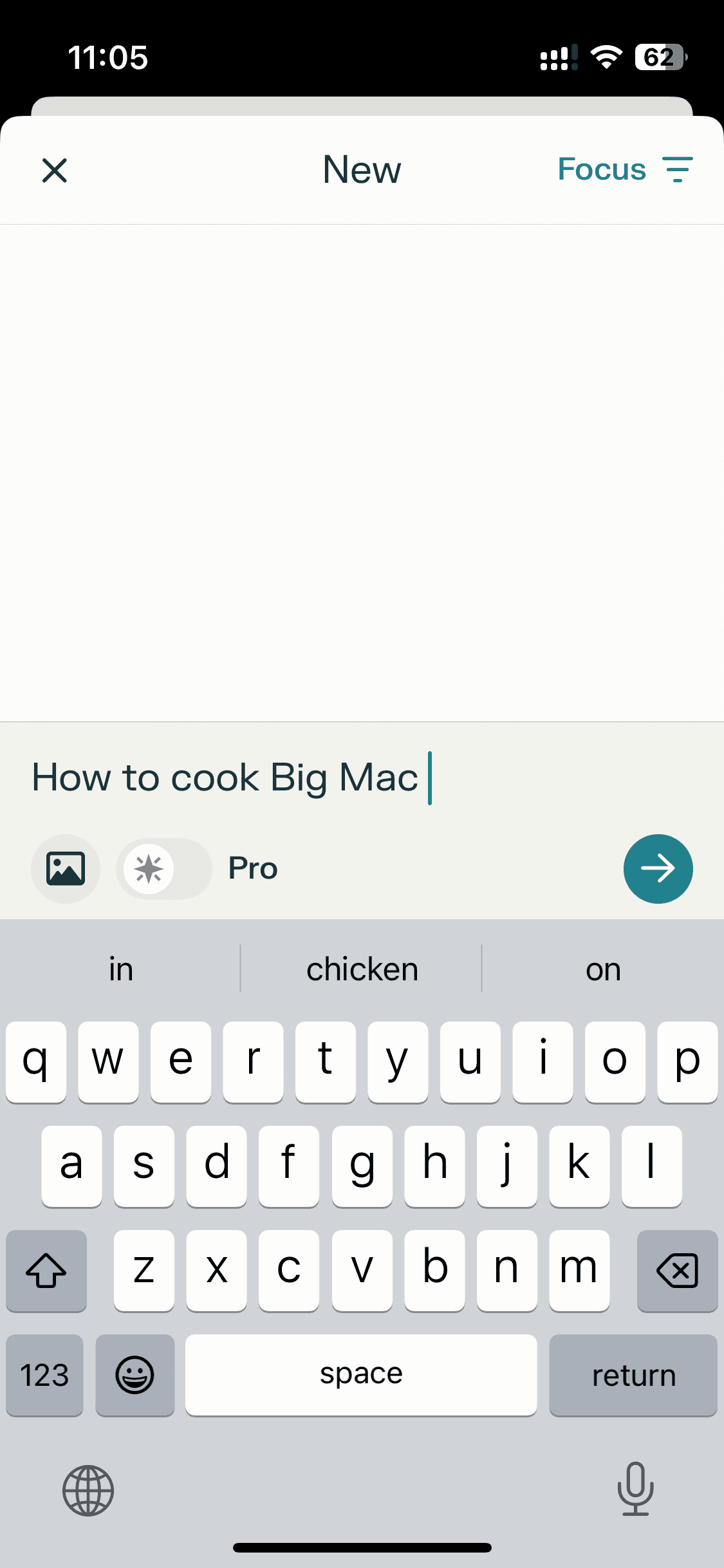
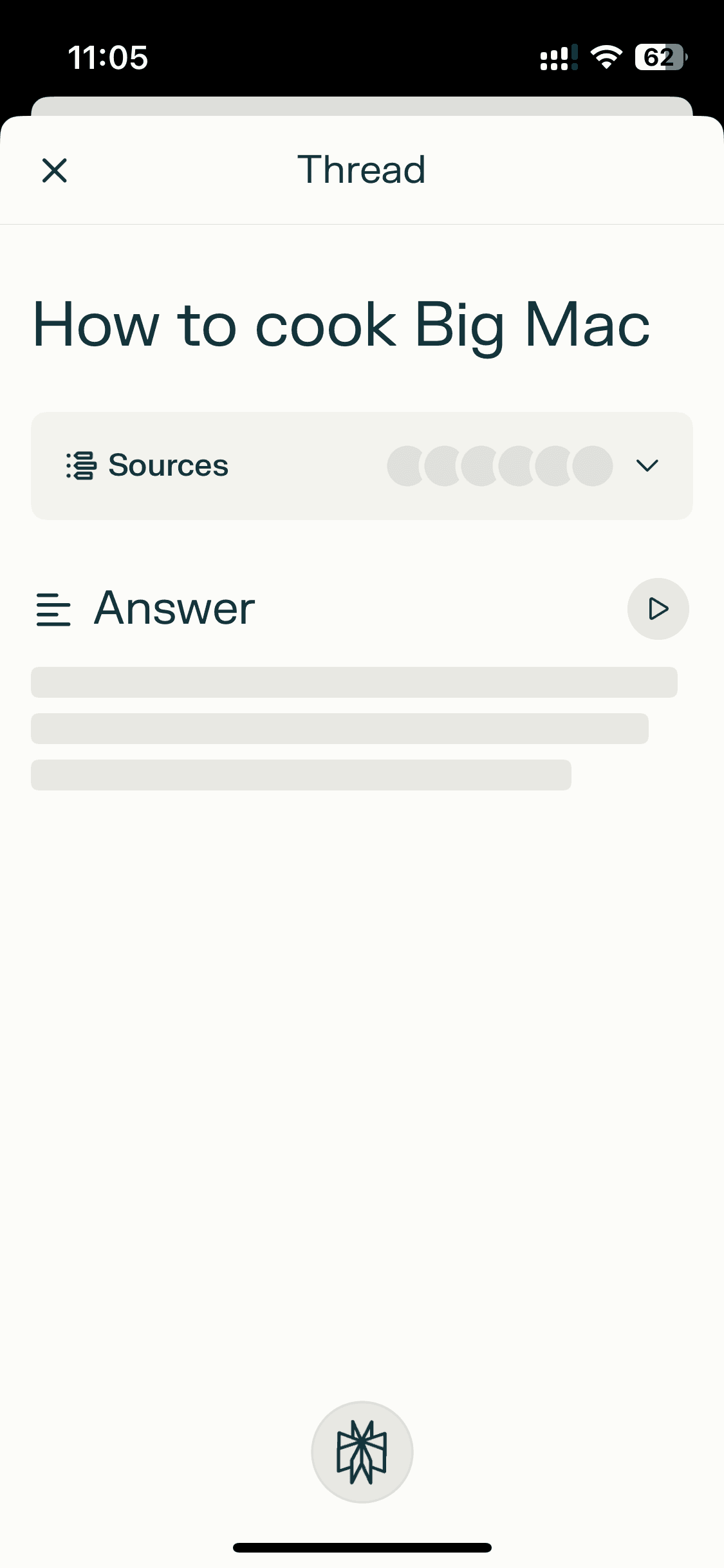
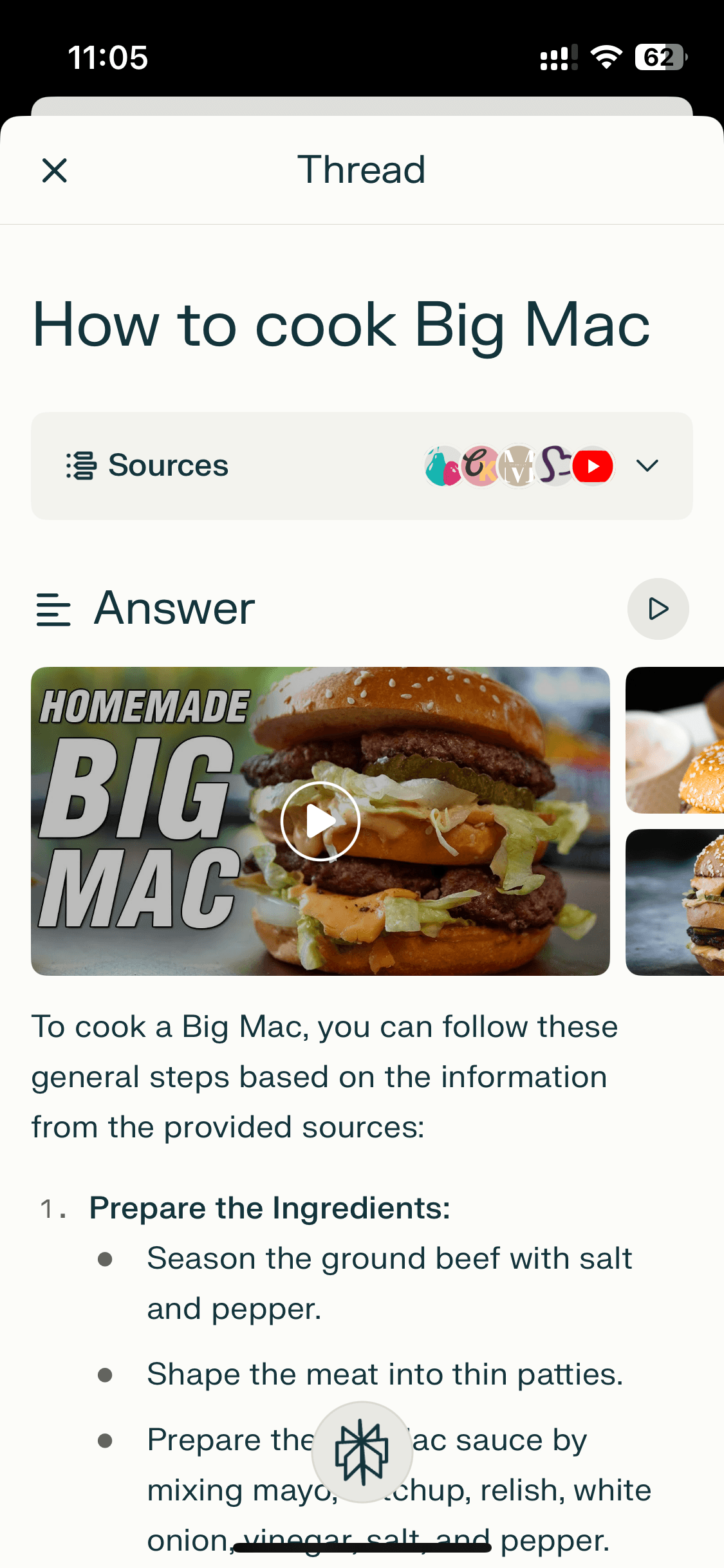
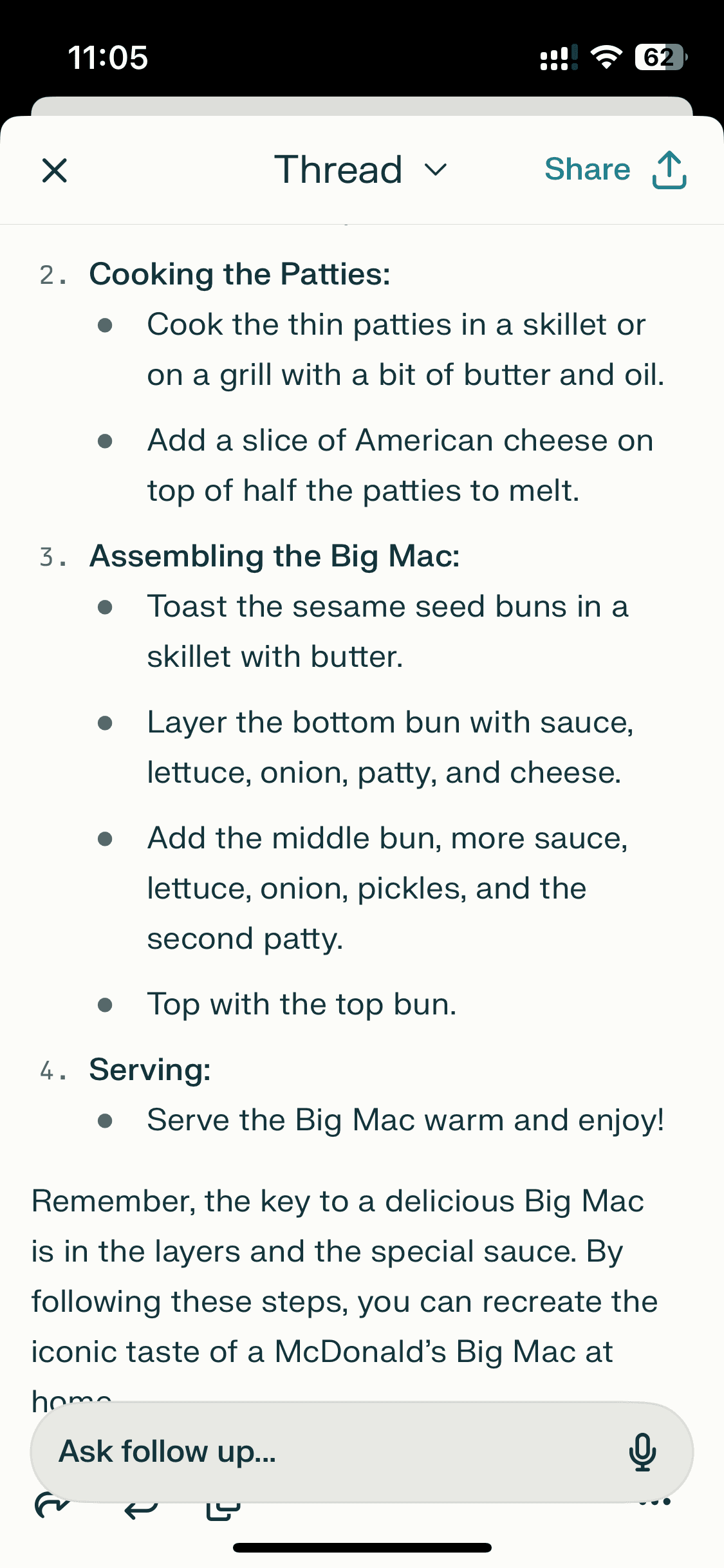
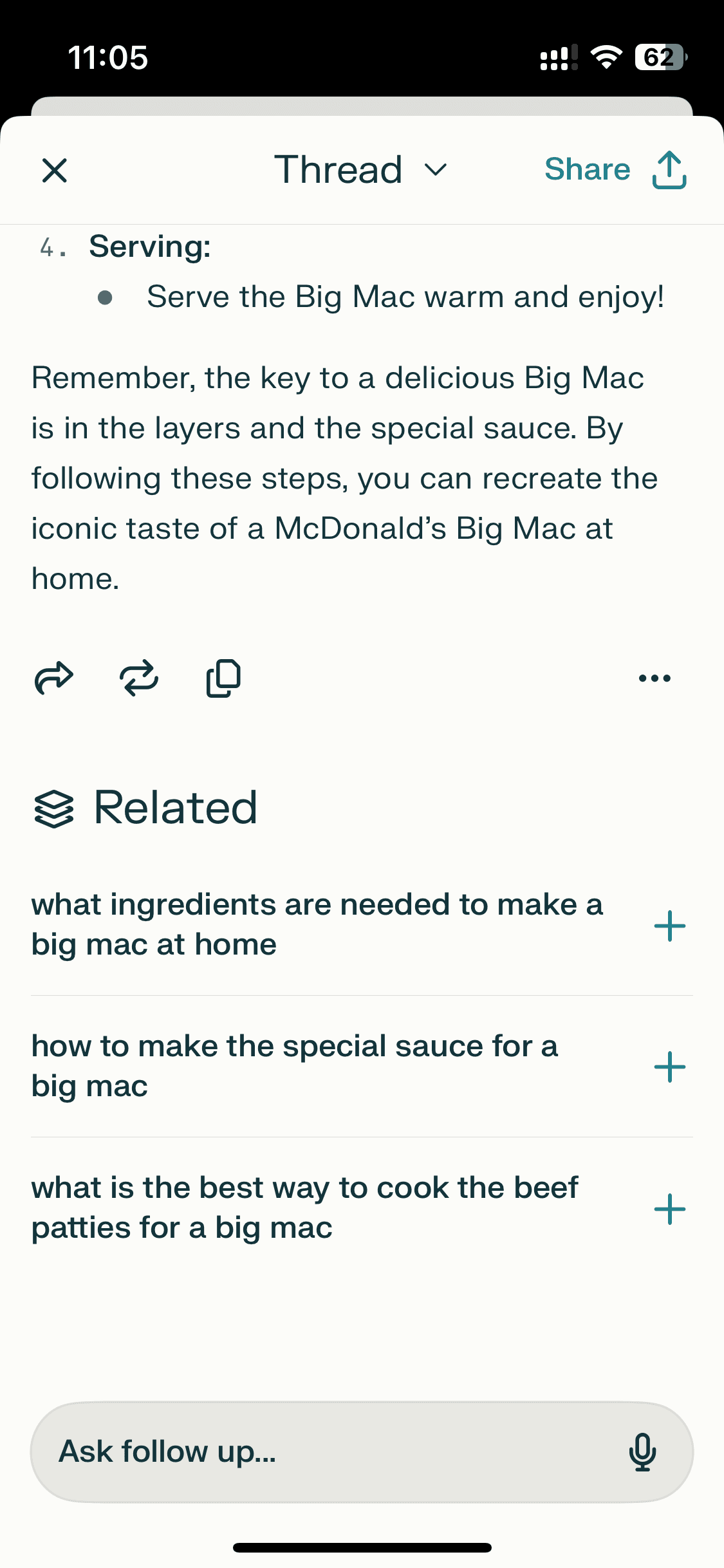
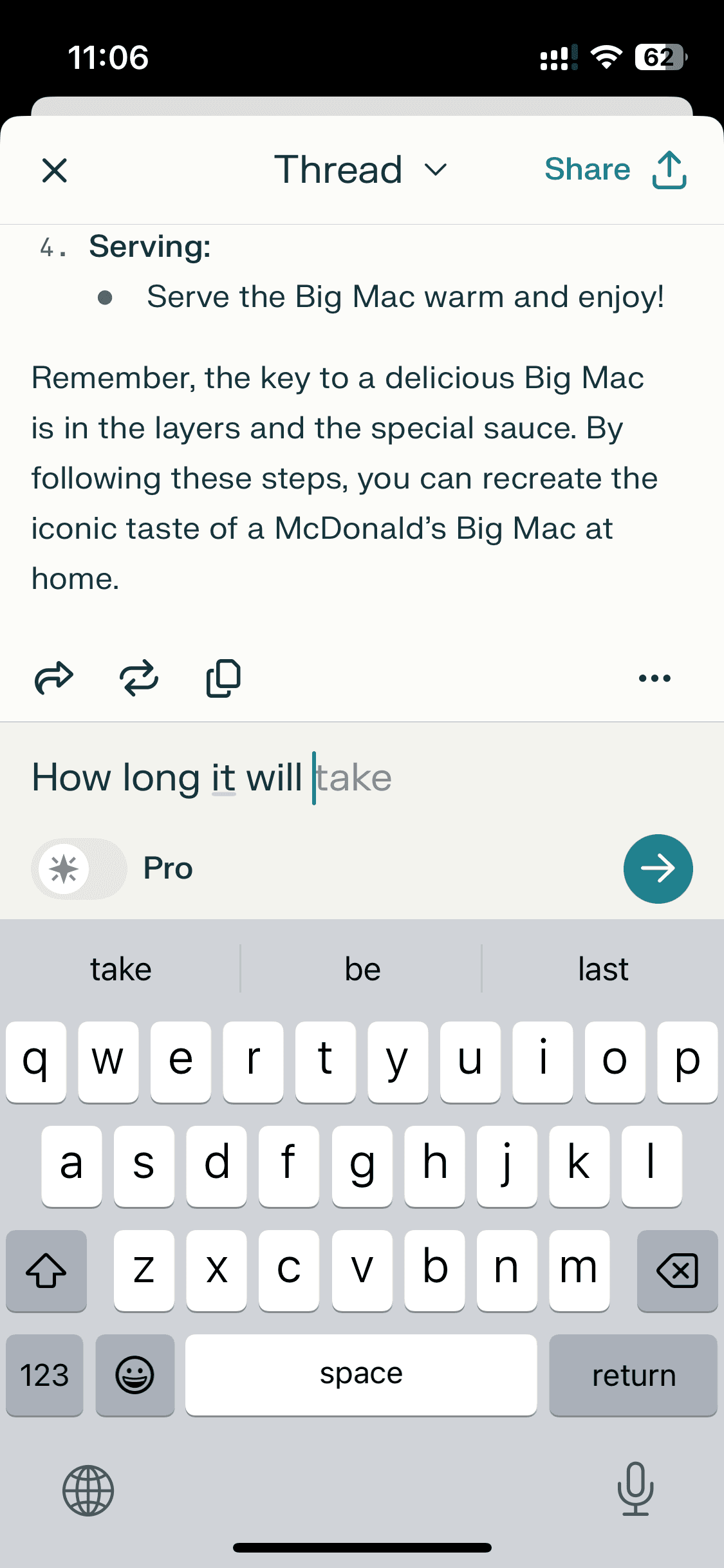
Chatting
Chatting
8 screens
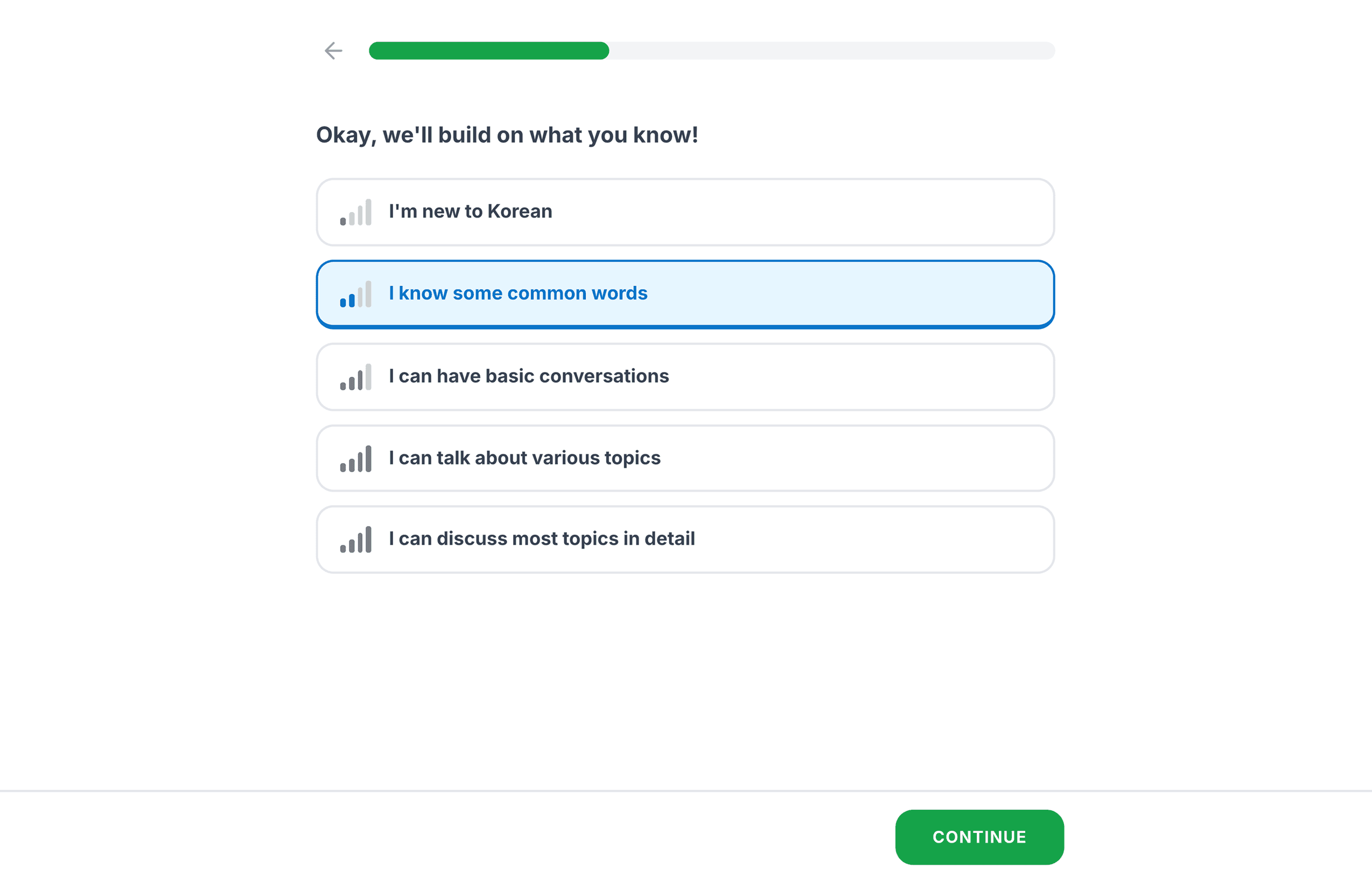
Profile
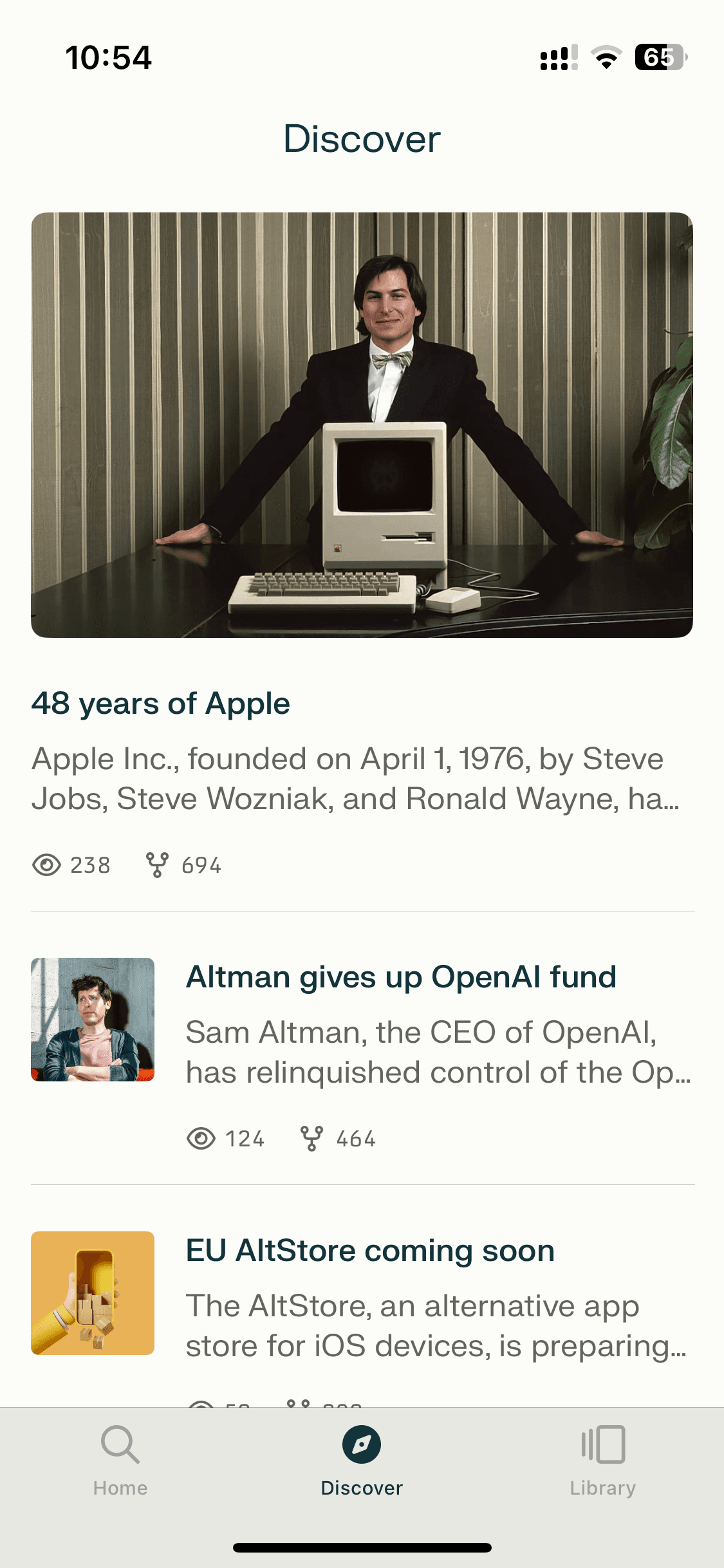
Profile
4 screens



Recently added
View all

Tinder
NEW
Meet New People & Date Singles
Calm
Sleep, Meditation, Relaxation

Threads
Share ideas & trends with text

Blinkist
Learn something new every day

ChatGPT
The official app by OpenAI

Airbnb
Vacation Rentals & Experiences

Things 3
Organize your life
Arc Search
Find it, Faster
FAQs on Perplexity UI
Why reference Perplexity UI for app design?
Perplexity UI solved a problem ChatGPT UI struggled with: making AI-generated answers feel trustworthy. It does this through inline citations, source cards, and a results UI that shows its work — all without breaking the conversational flow. Its follow-up question design is also worth studying closely for anyone building an AI assistant app.
If you're designing any conversational UI, Perplexity UI screens are one of the influential references available right now.
Perplexity UI solved a problem ChatGPT UI struggled with: making AI-generated answers feel trustworthy. It does this through inline citations, source cards, and a results UI that shows its work — all without breaking the conversational flow. Its follow-up question design is also worth studying closely for anyone building an AI assistant app.
If you're designing any conversational UI, Perplexity UI screens are one of the influential references available right now.
Is Perplexity UI available on Mobbin?
Yes, Perplexity screens are on Mobbin. But full flow access and downloads sit behind a paid plan (like most apps in their library). However, you can view and explore the complete Perplexity UI on a free Mobbin alternative alongside 100s of other mobile app UI screens.
Yes, Perplexity screens are on Mobbin. But full flow access and downloads sit behind a paid plan (like most apps in their library). However, you can view and explore the complete Perplexity UI on a free Mobbin alternative alongside 100s of other mobile app UI screens.
Why use Banani AI as a Mobbin alternative to view Perplexity screens UI?
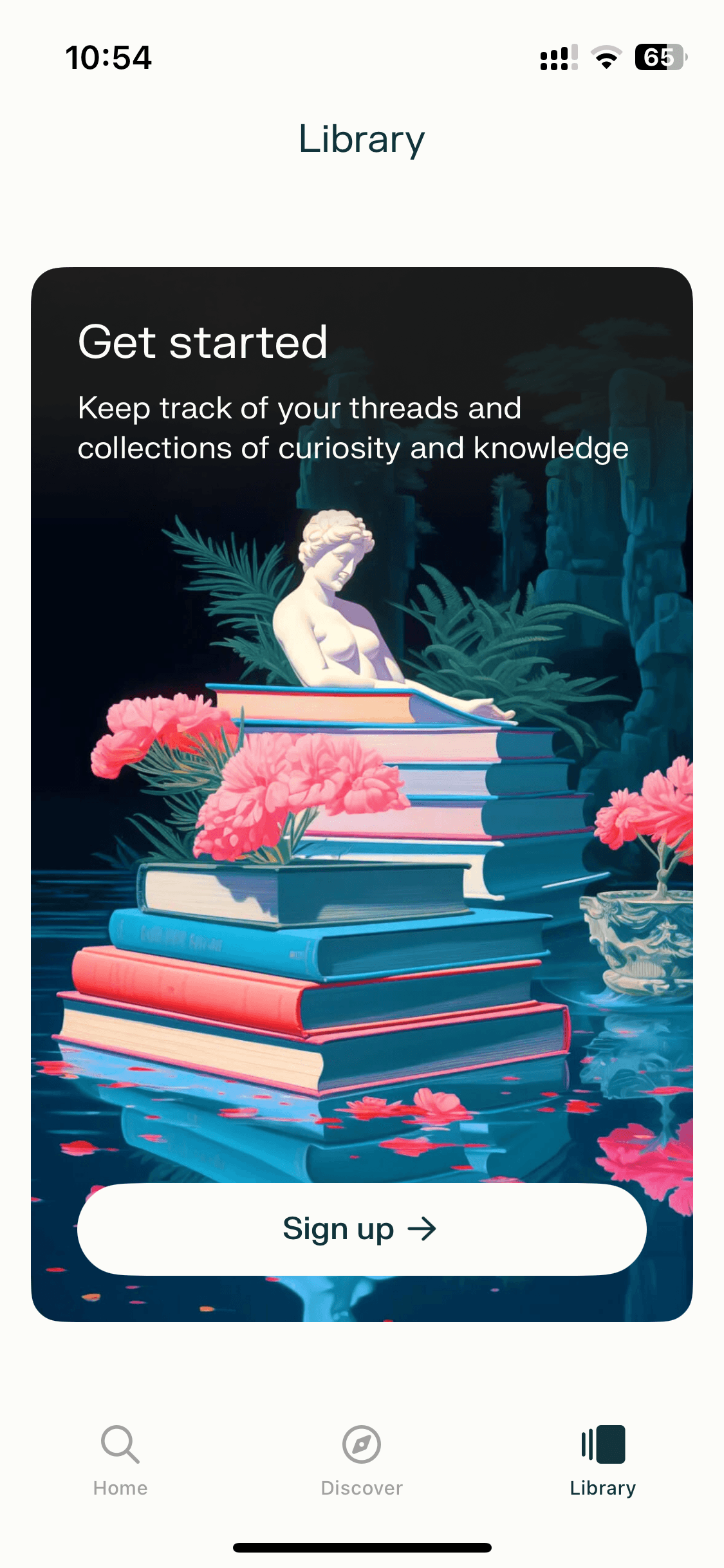
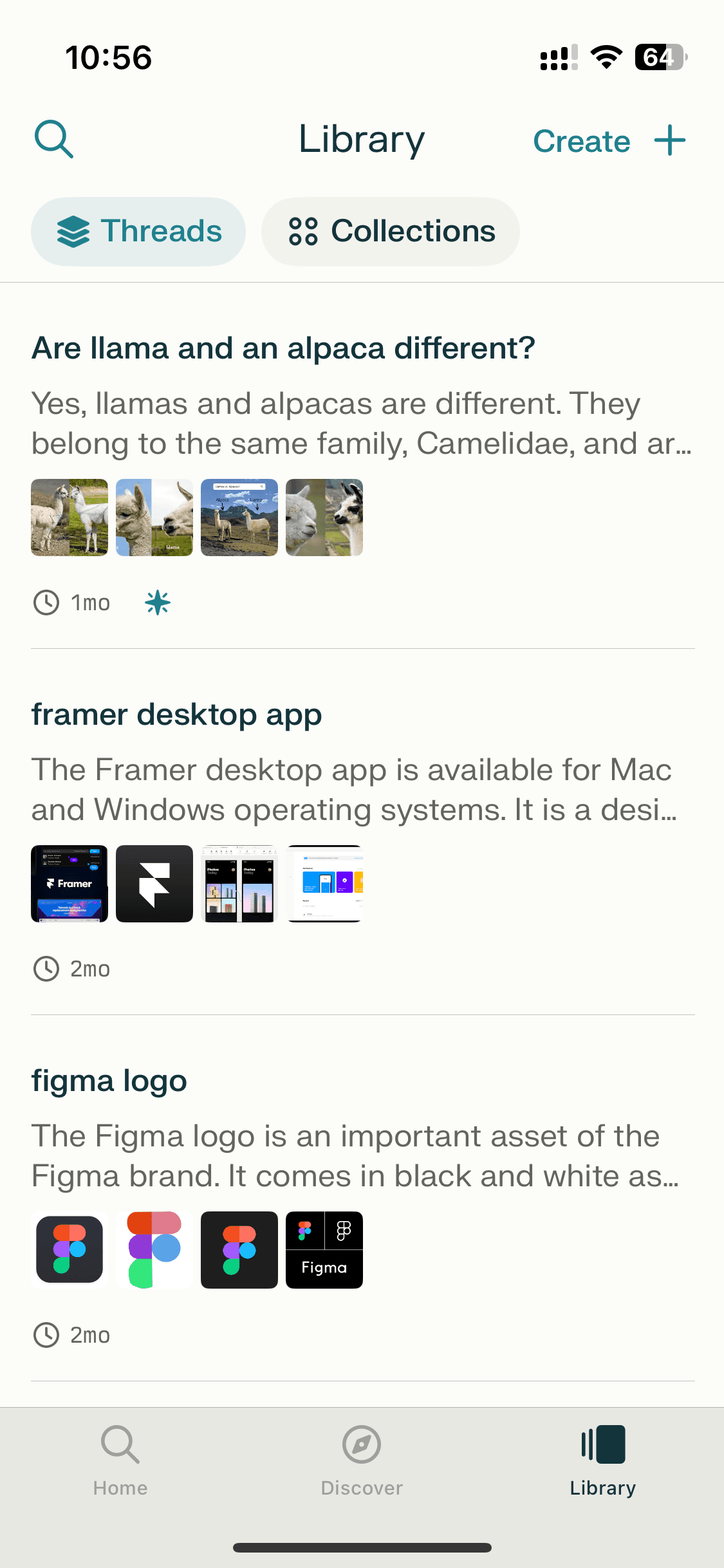
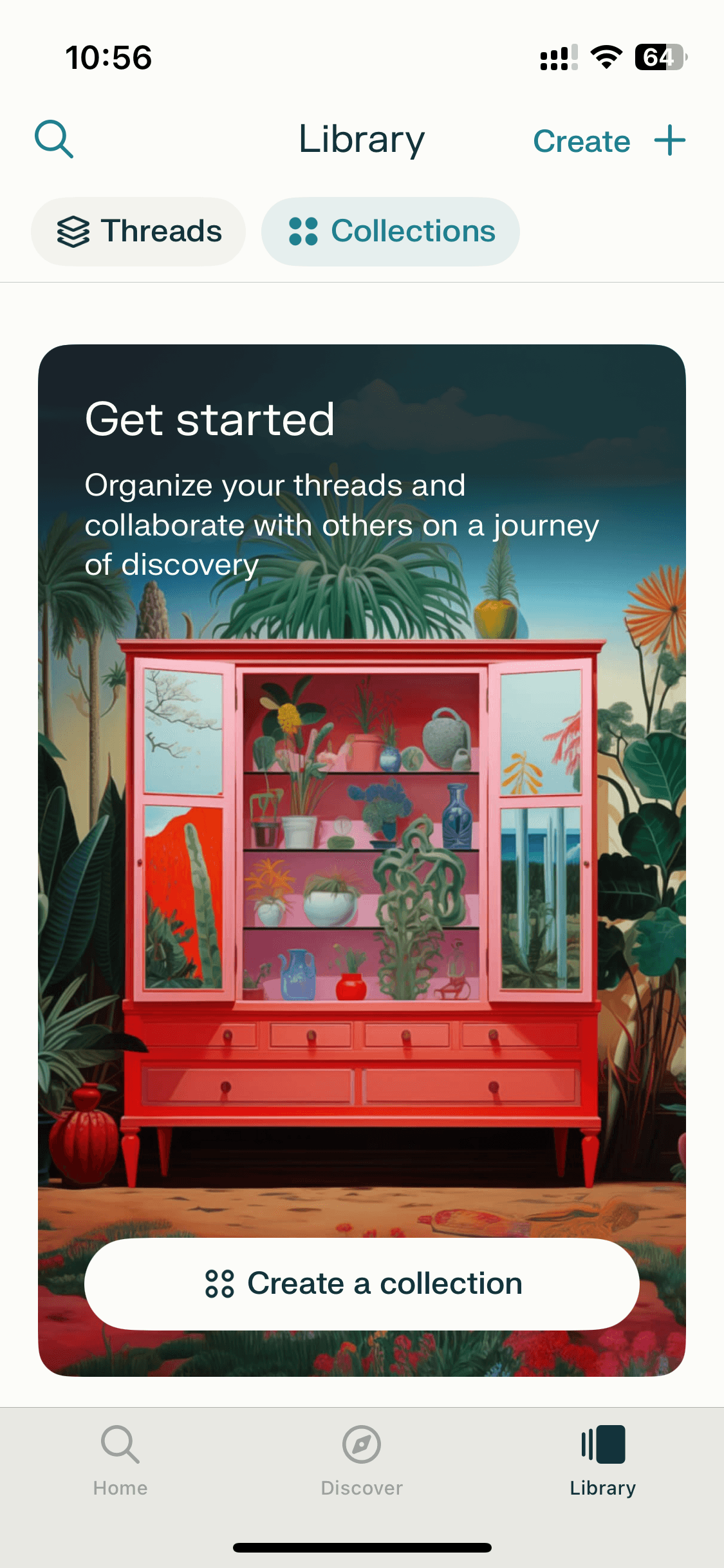
On Banani, Perplexity's full UI — login, chatting, profile, thread, collections, etc. — is free to browse, no account needed. Copy any screen, upload to Banani AI, and adapt the search or answer UI for your own product. You can also export your remixed Perplexity UI screens as Figma or HTML/CSS.
On Banani, Perplexity's full UI — login, chatting, profile, thread, collections, etc. — is free to browse, no account needed. Copy any screen, upload to Banani AI, and adapt the search or answer UI for your own product. You can also export your remixed Perplexity UI screens as Figma or HTML/CSS.