Duolingo
Learn Spanish, French, German
iOS
Education
Games
Community
Duolingo App UI design
Duolingo App UI design
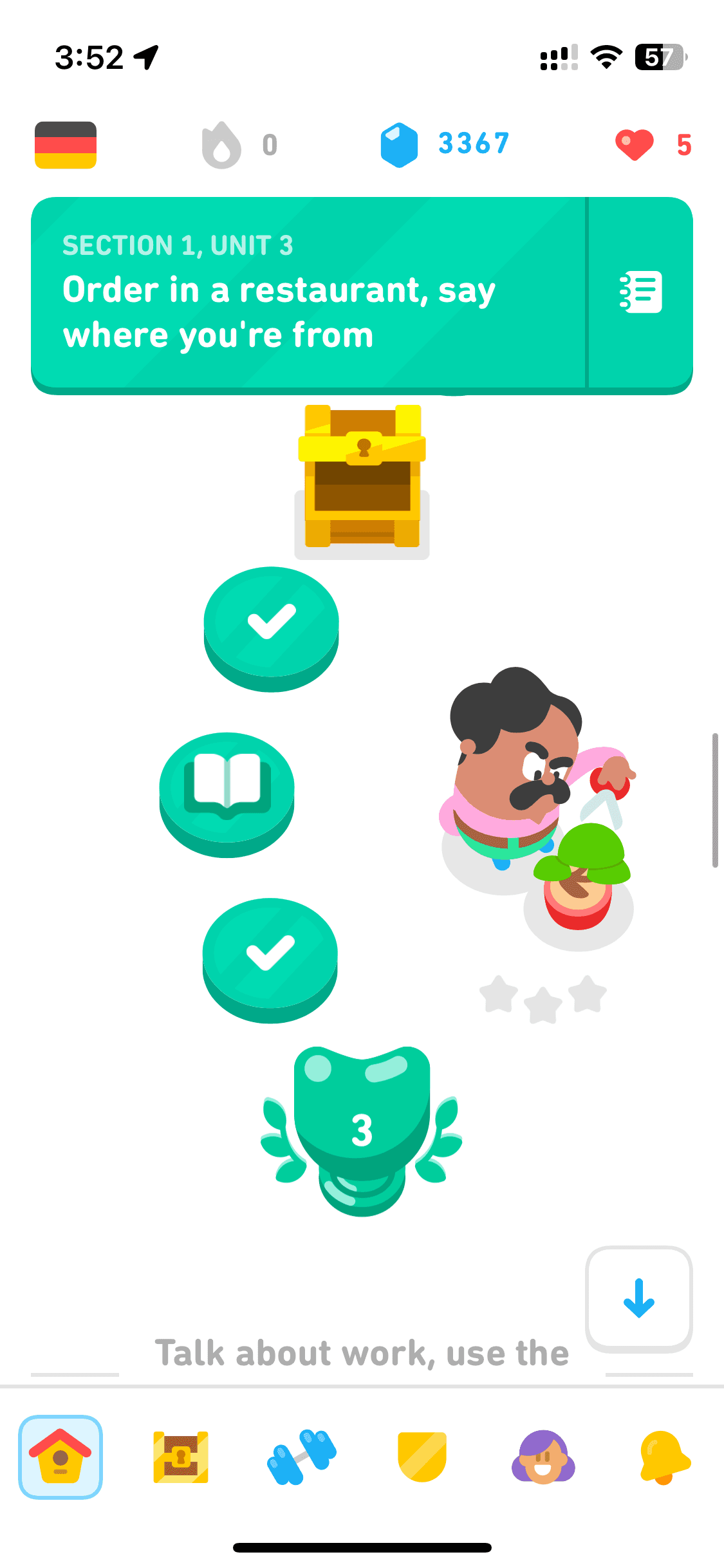
Duolingo offers language learning through interactive bite-sized lessons. It covers reading, writing, listening, and speaking exercises and gamifies education.
Duolingo offers language learning through interactive bite-sized lessons. It covers reading, writing, listening, and speaking exercises and gamifies education.
It wrote the playbook on gamified app design across categories. Browse Duolingo interface — login, lessons, dashboard & more — on our free Mobbin alternative!
It wrote the playbook on gamified app design across categories. Browse Duolingo interface — login, lessons, dashboard & more — on our free Mobbin alternative!
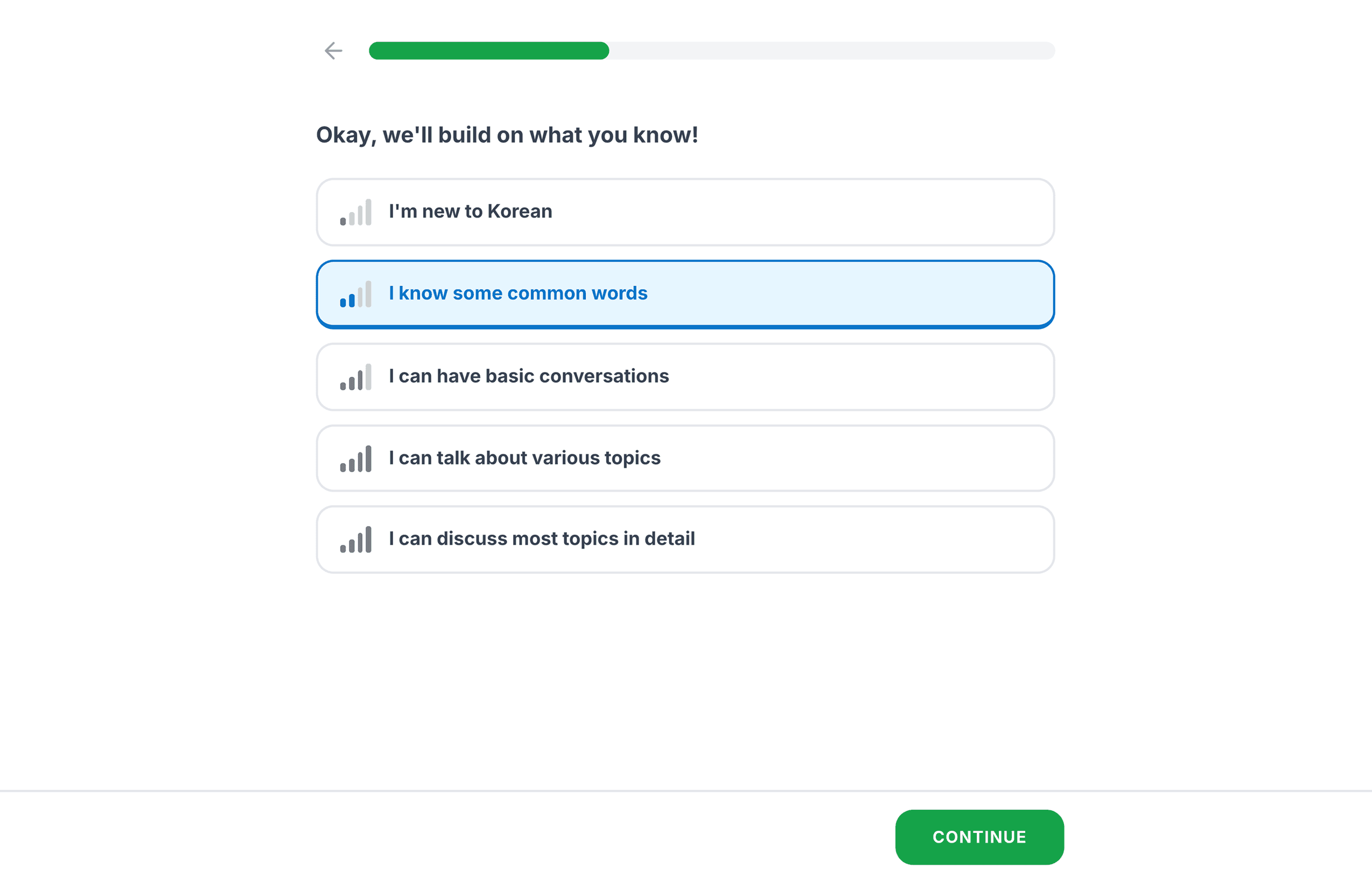
Onboarding
Onboarding
15 screens
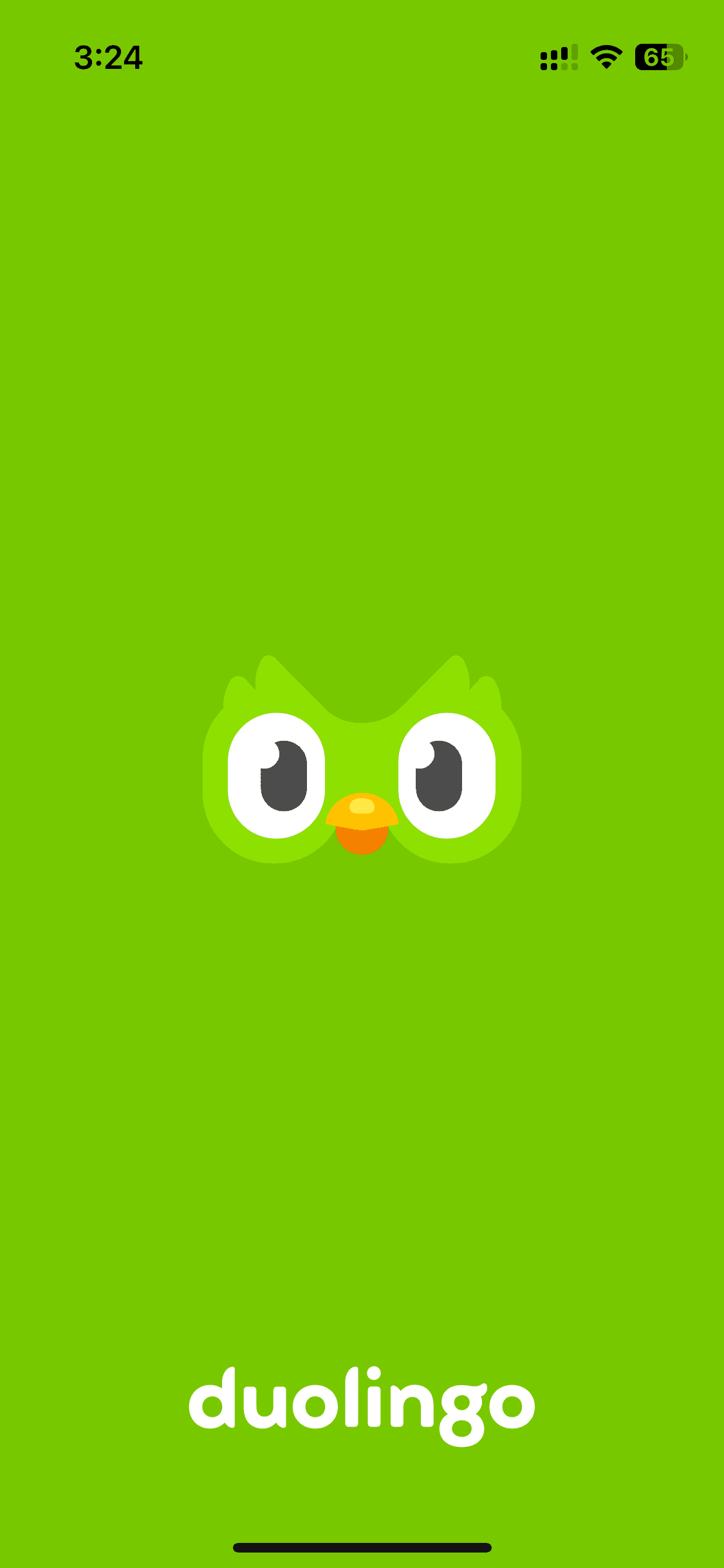
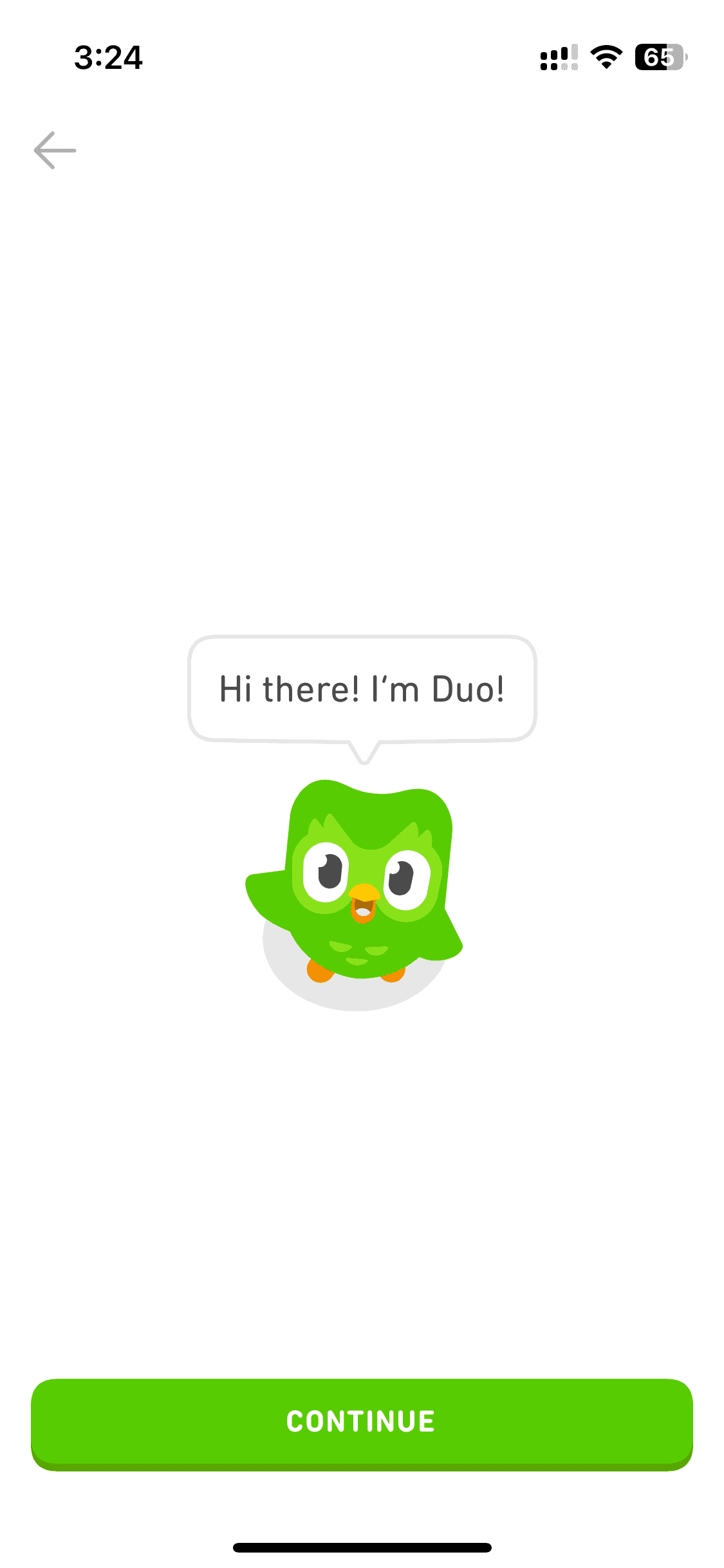
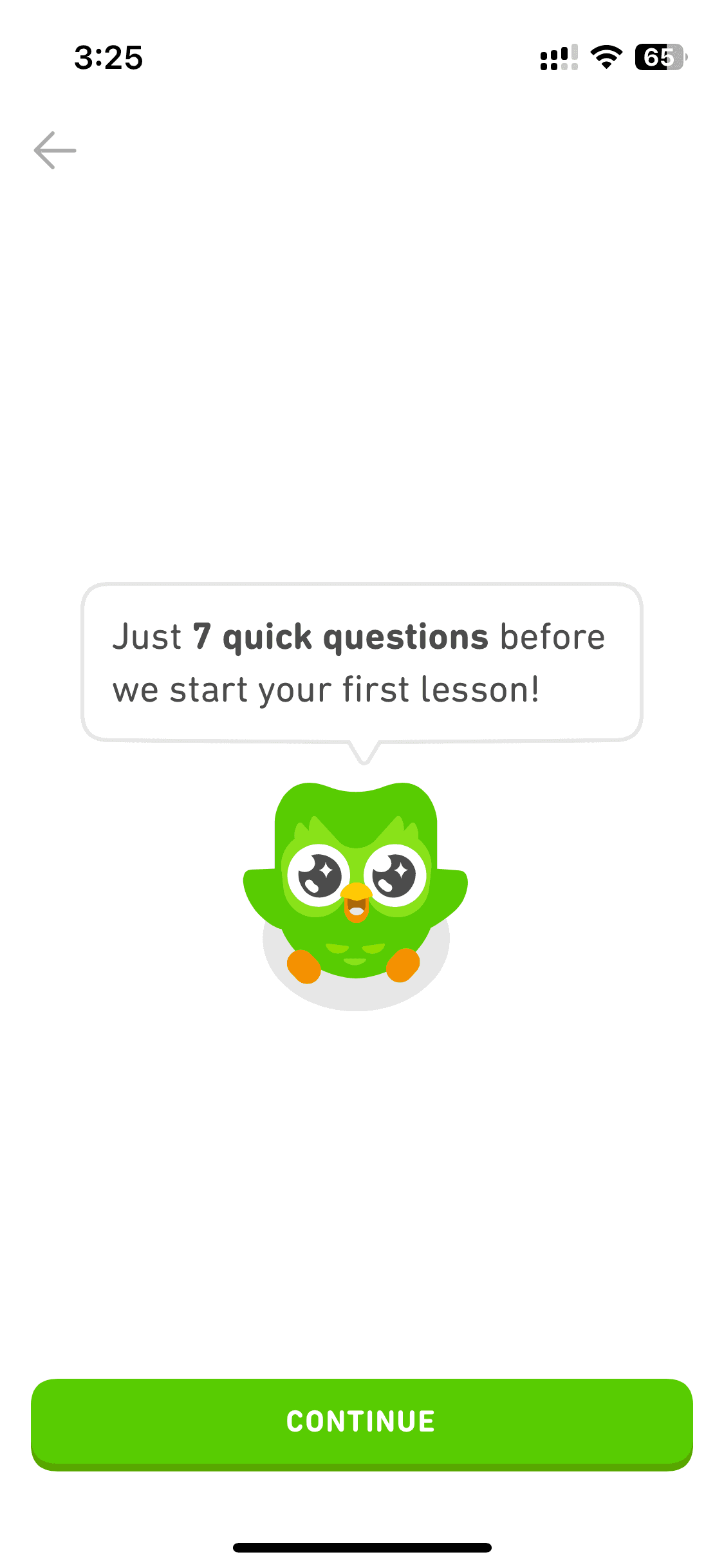
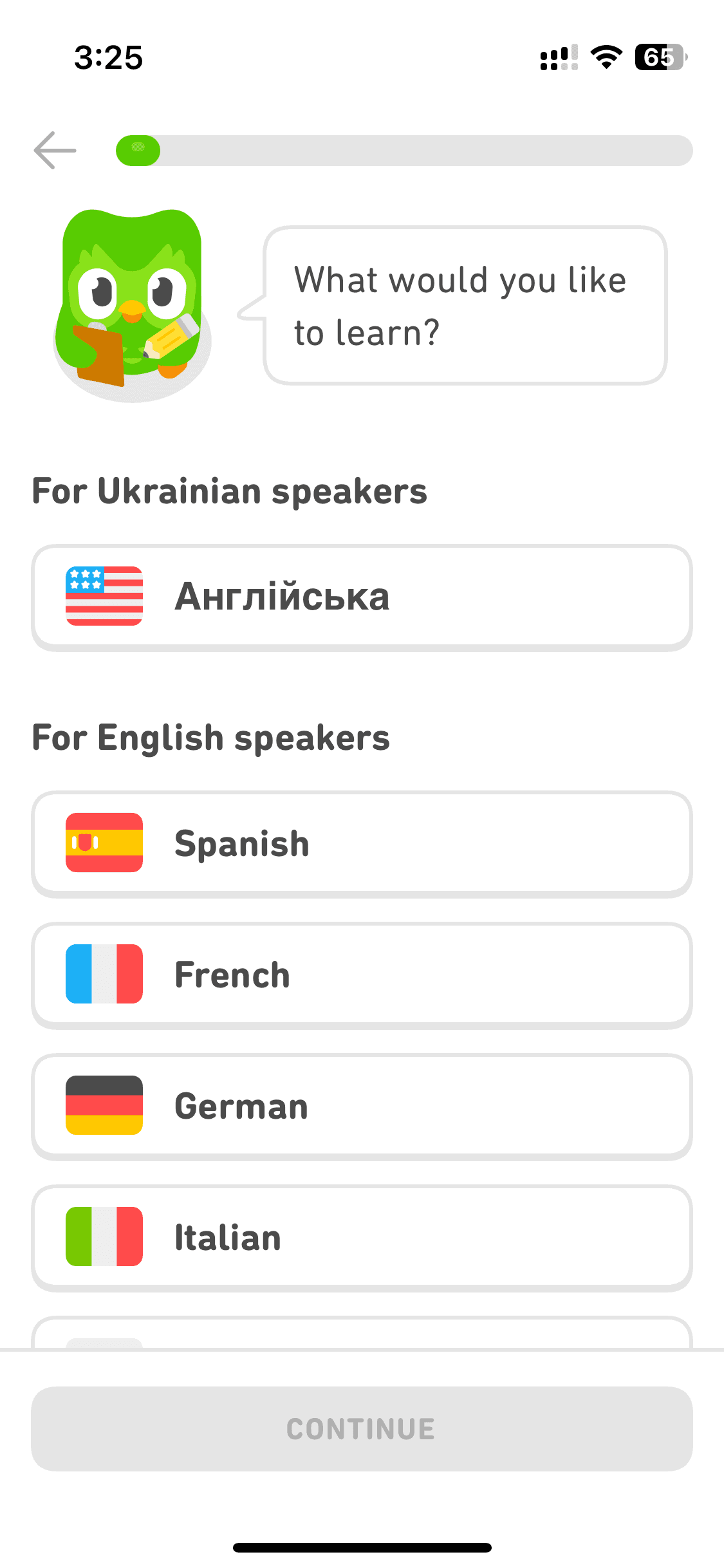
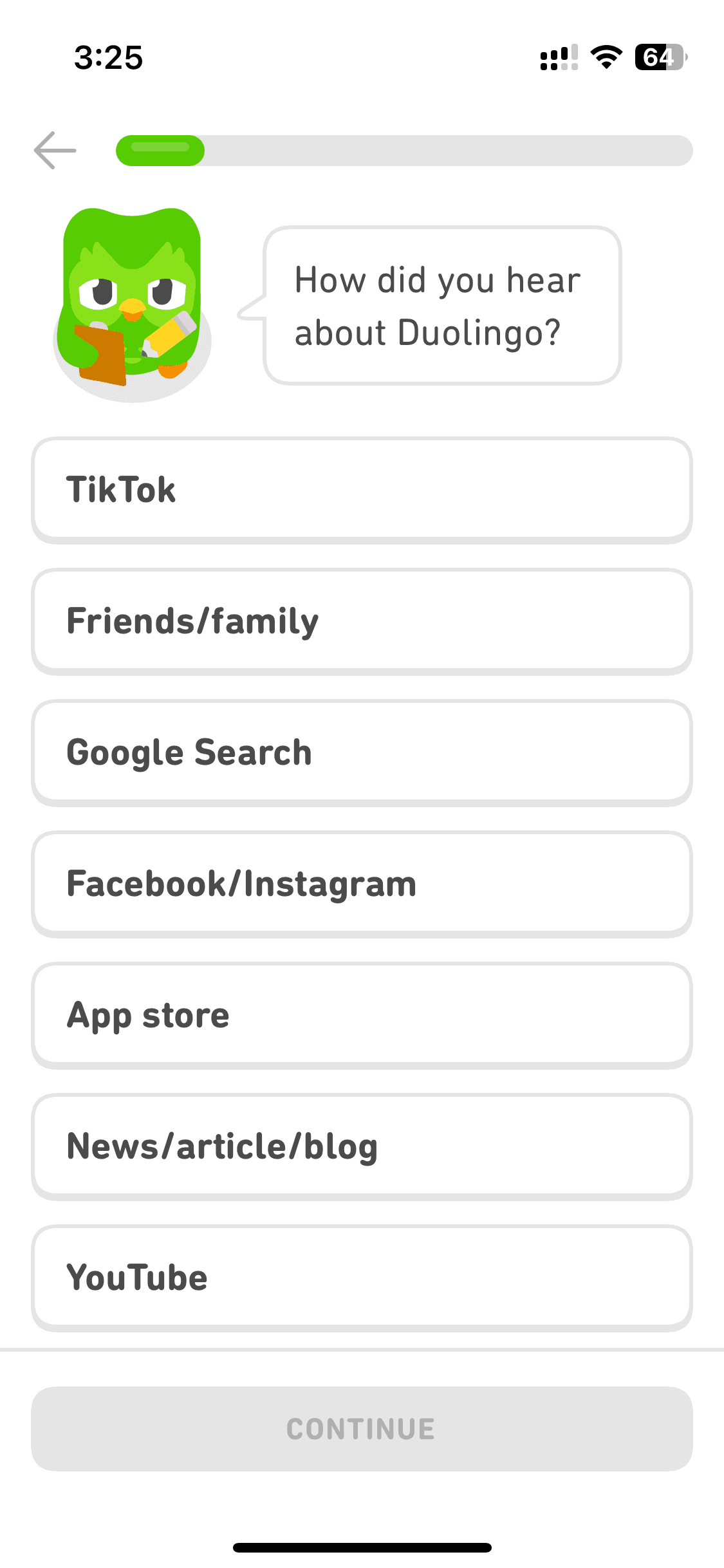
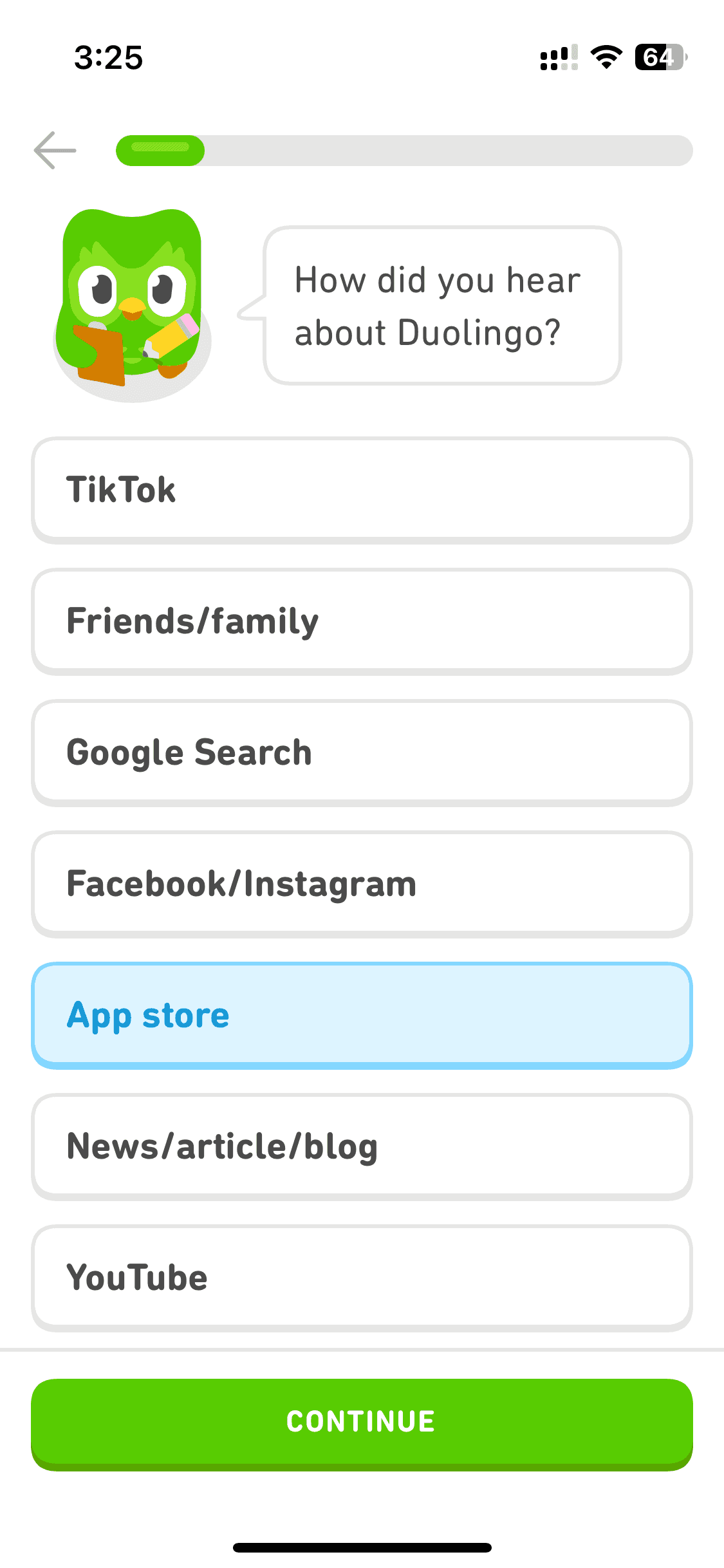
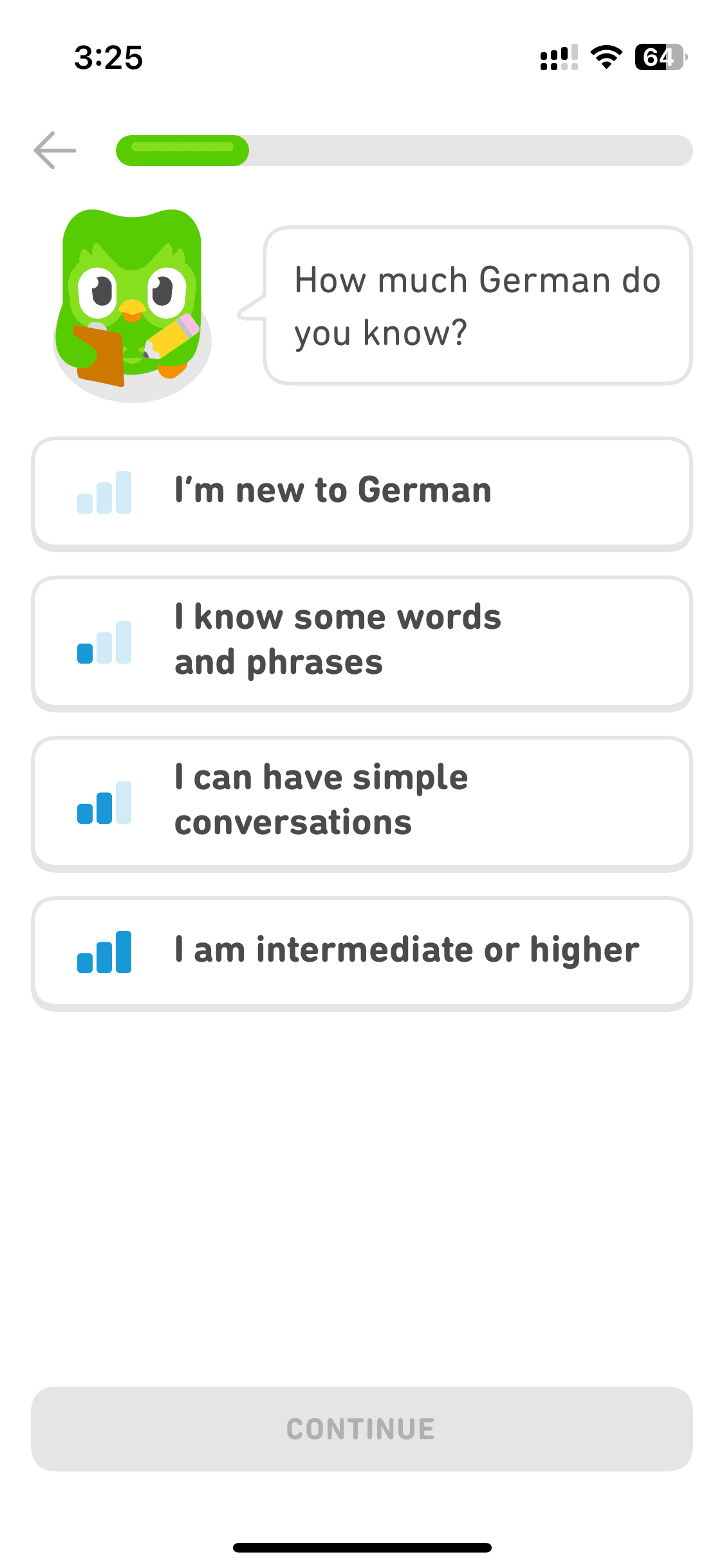
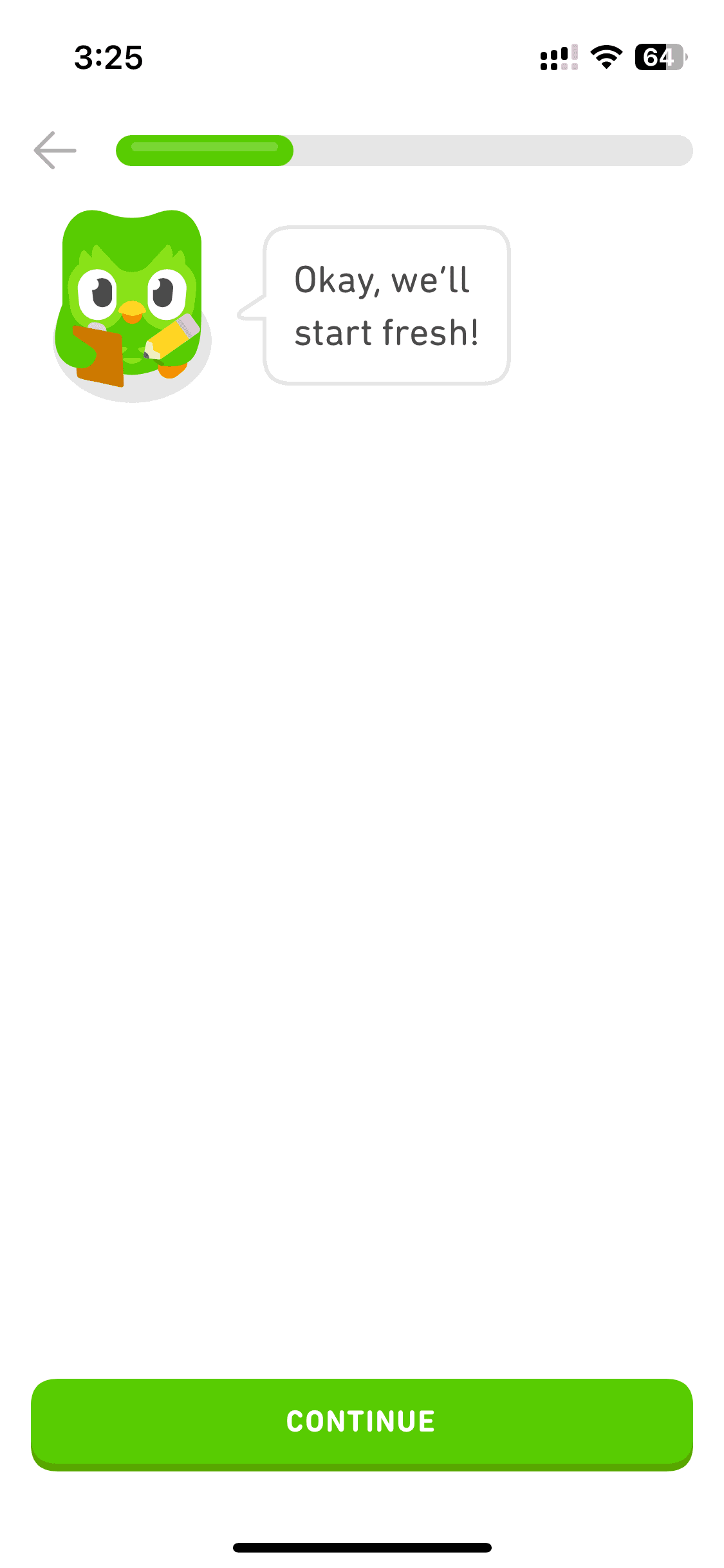
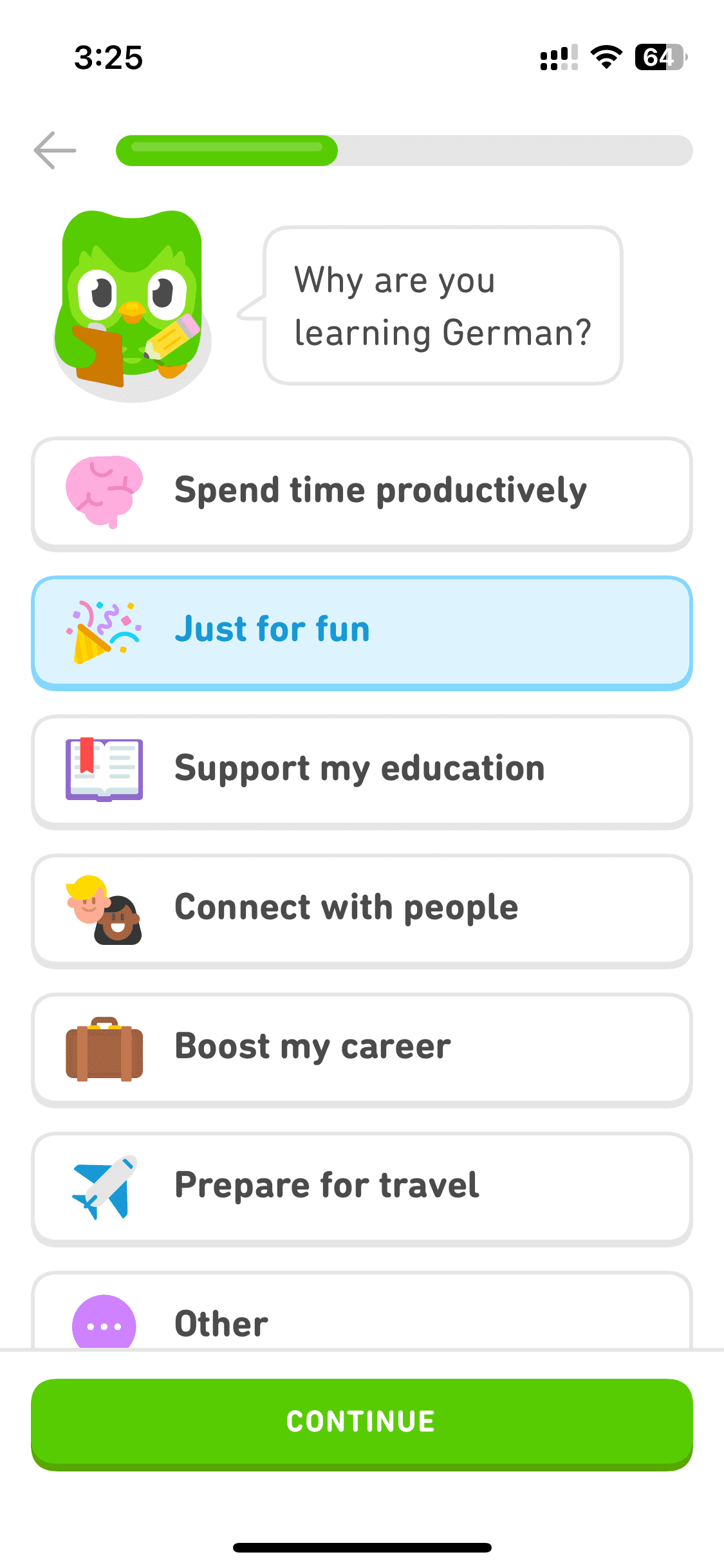
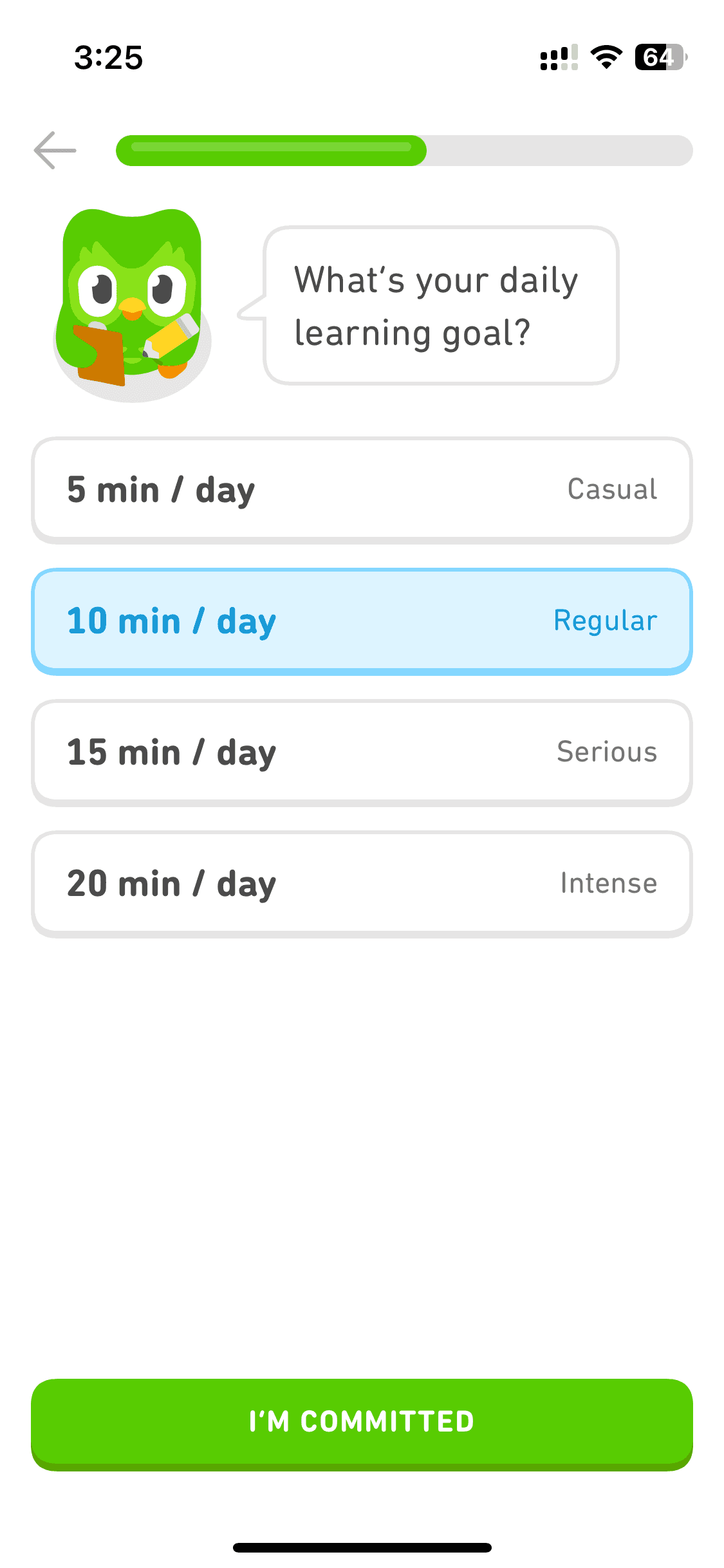
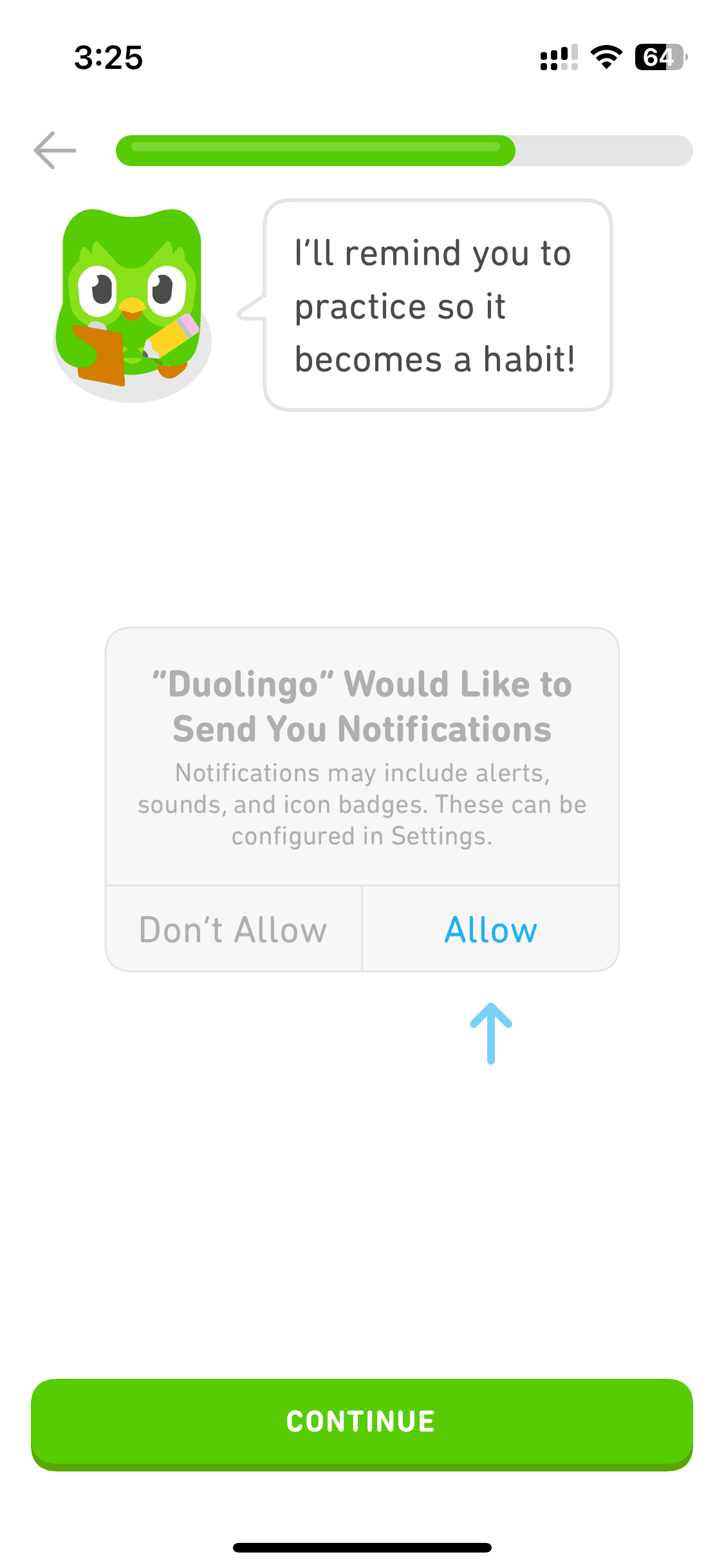
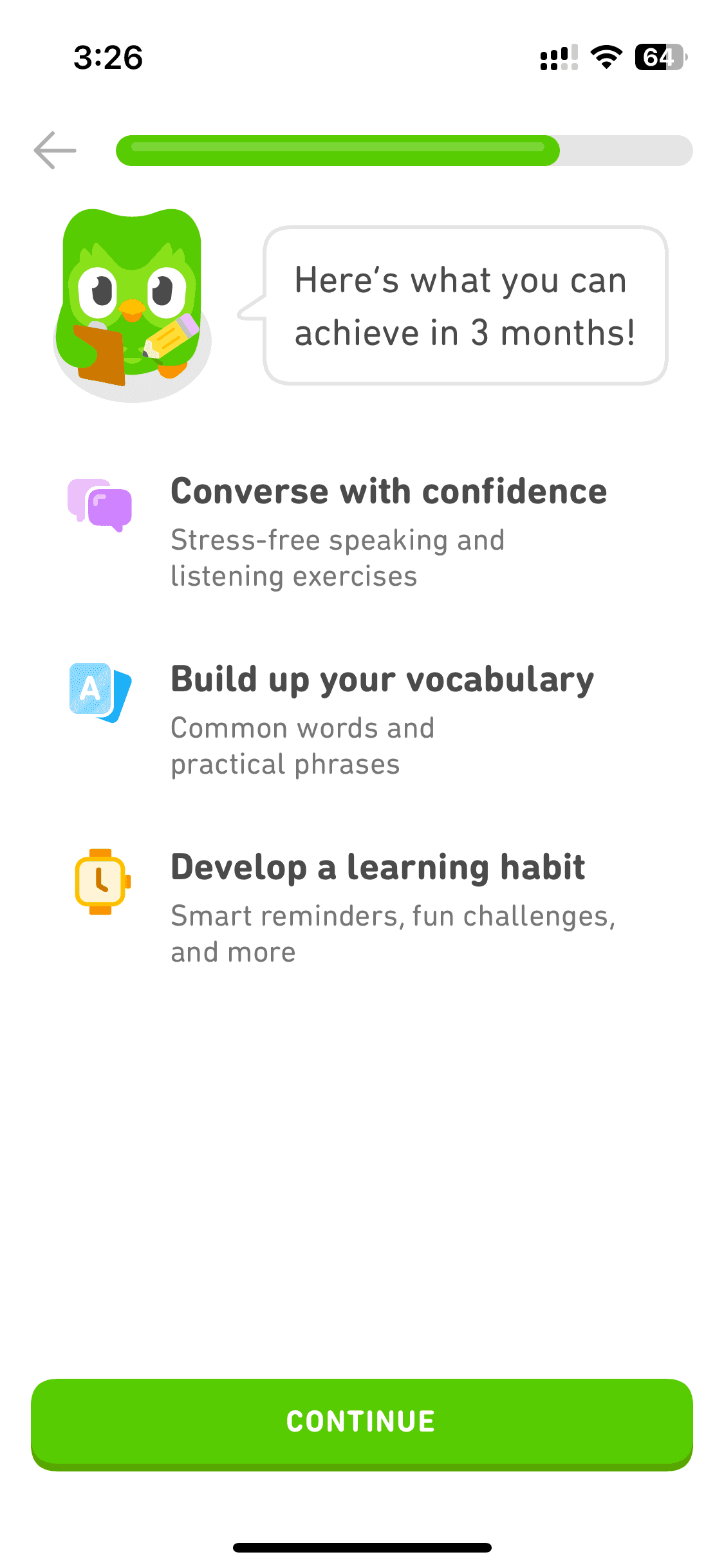
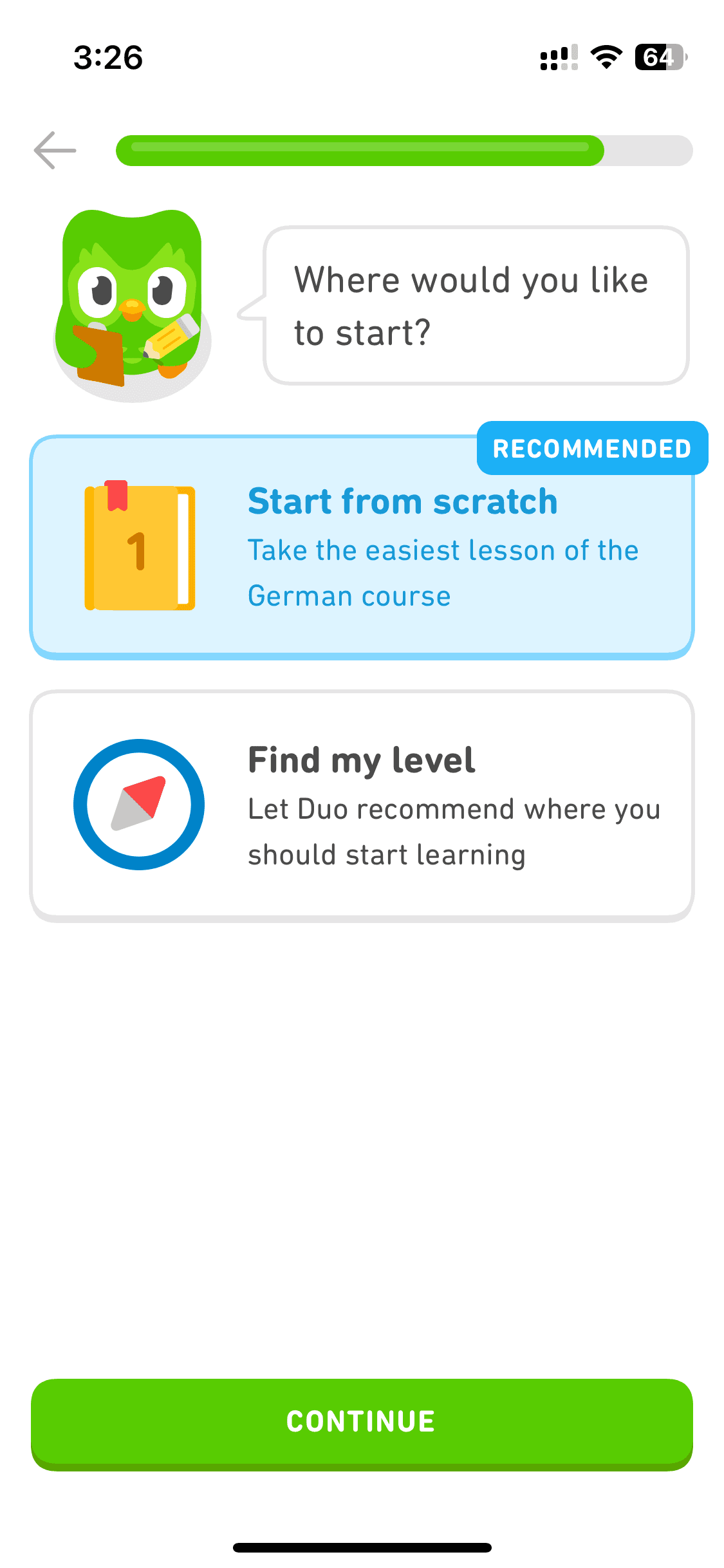
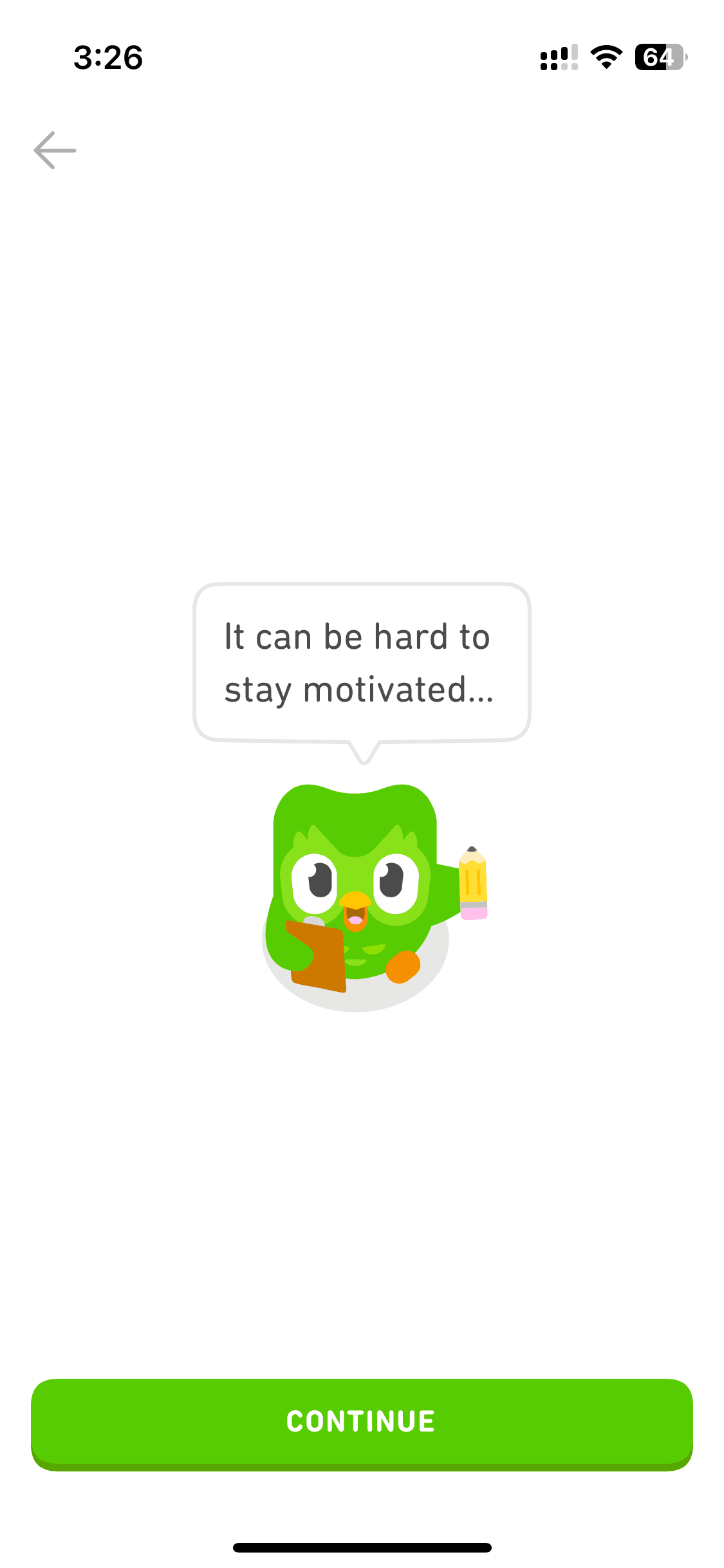
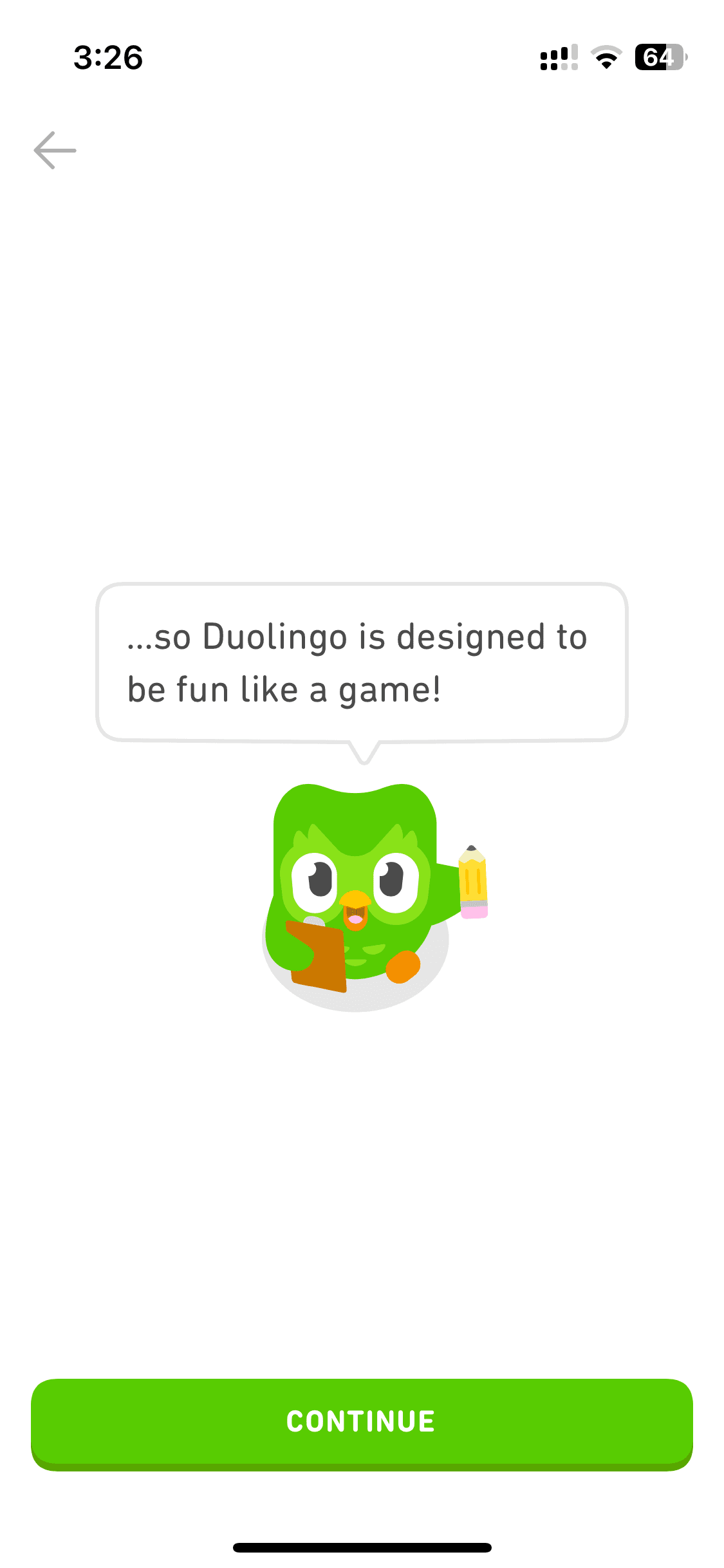
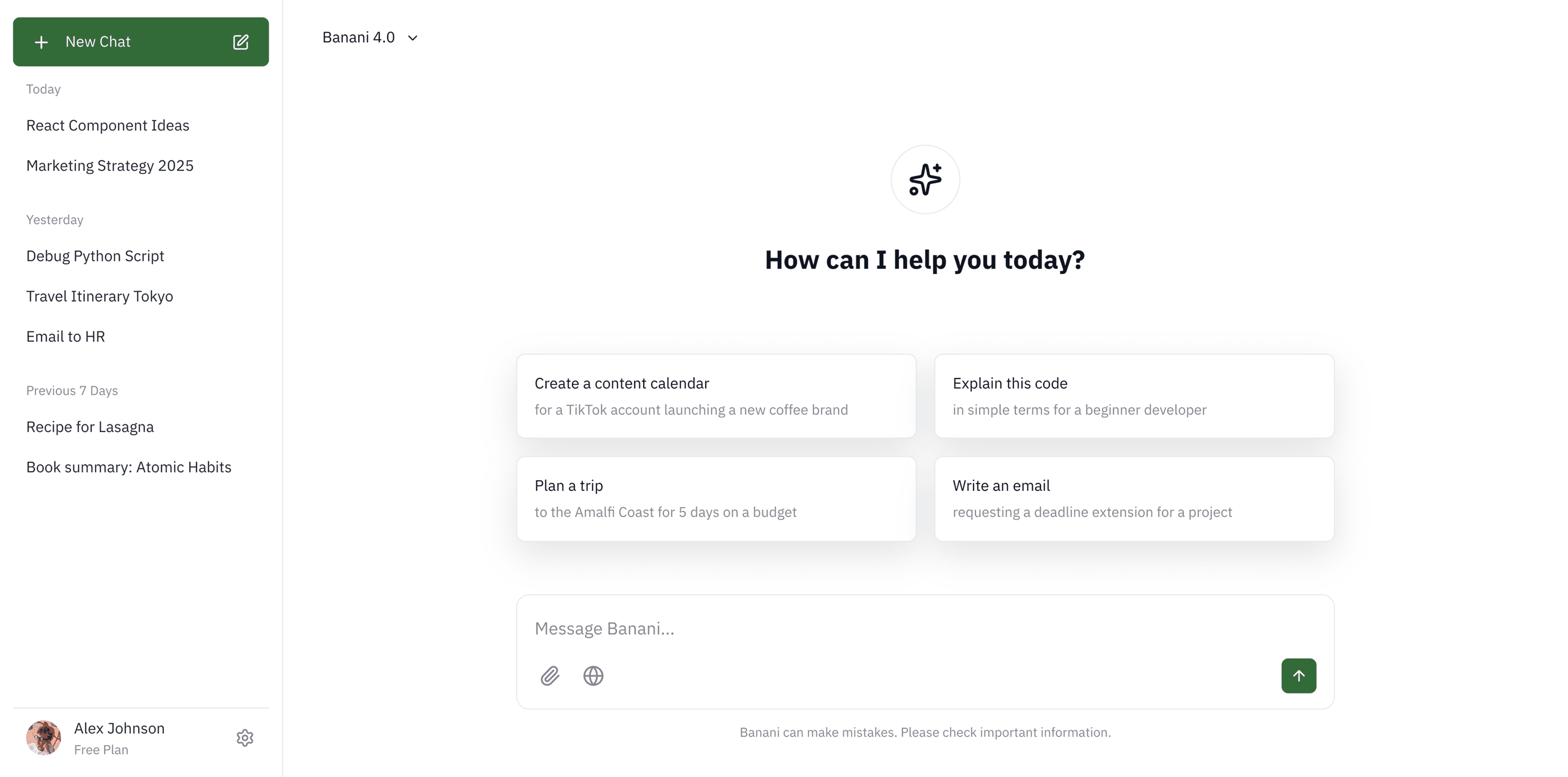
How to reference Duolingo screens with Banani AI?
1
Copy a UI Screen
Select to download or copy a UI screen you like.
Select to download or copy a UI screen you like.
2
Edit UI with AI
Upload in Banani and type the changes you want.
Upload in Banani and type the changes you want.
2
Get wireframes
Upload in Banani and type the changes you want.
3
Figma or Code Export
Export the new design as Figma or clean HTML/CSS.
Export the new design as Figma or clean HTML/CSS.
Language lesson
Language lesson
16 screens
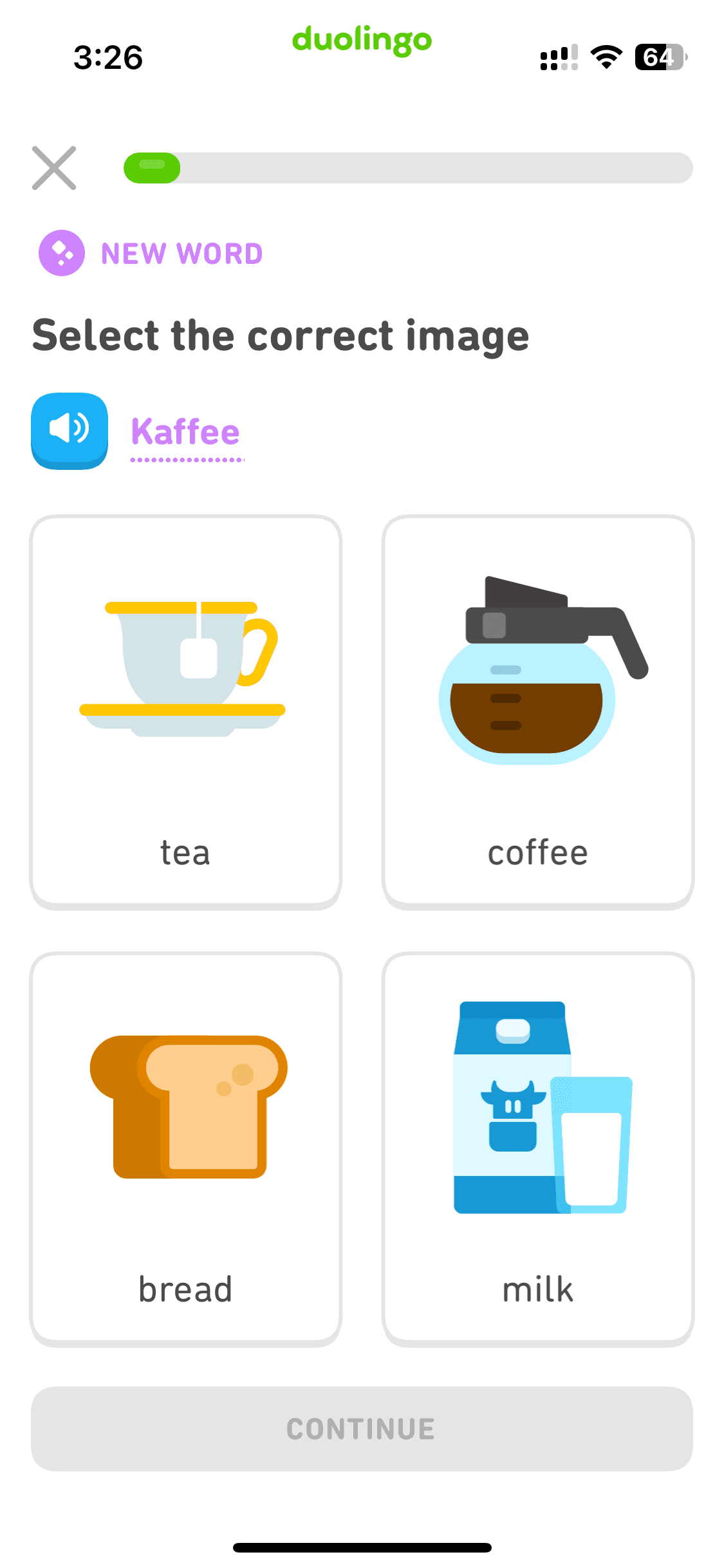
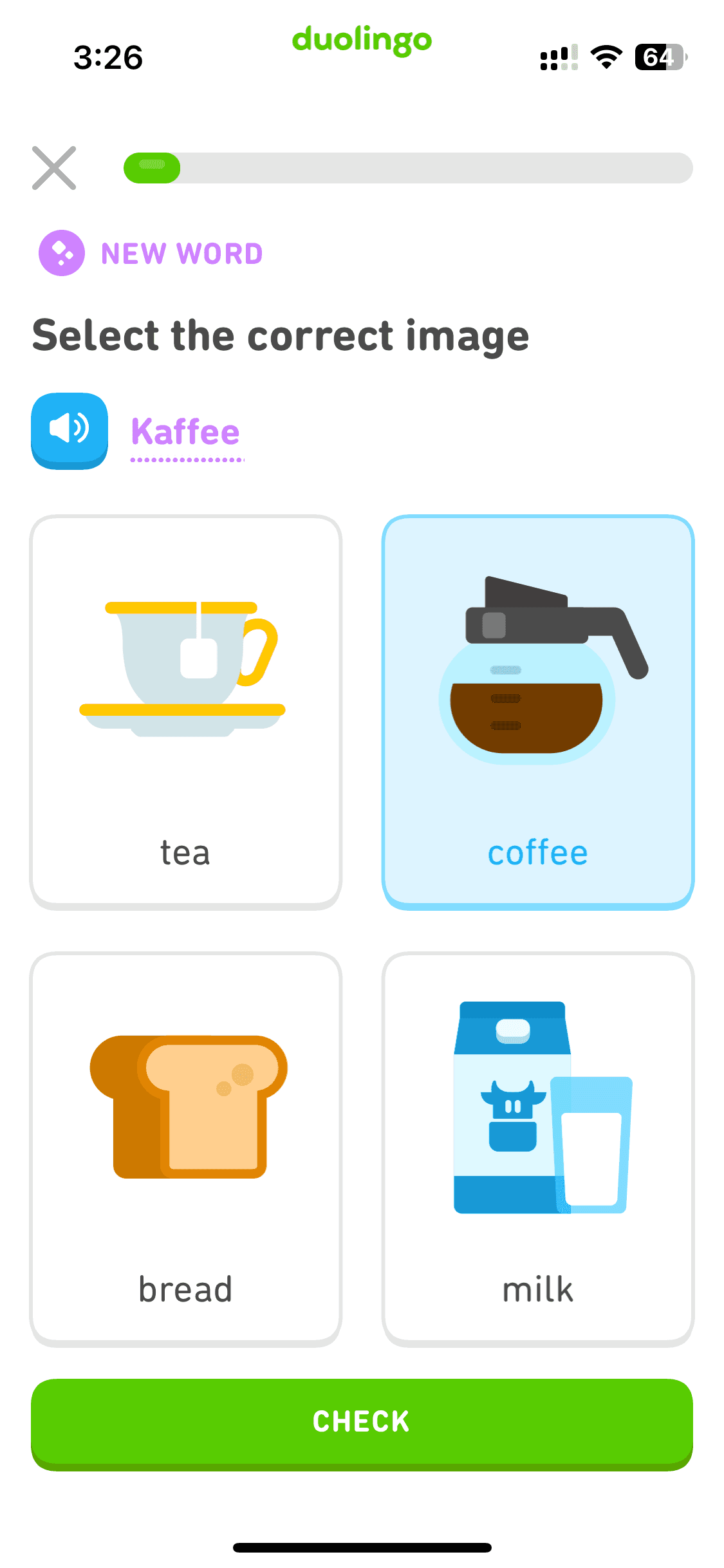
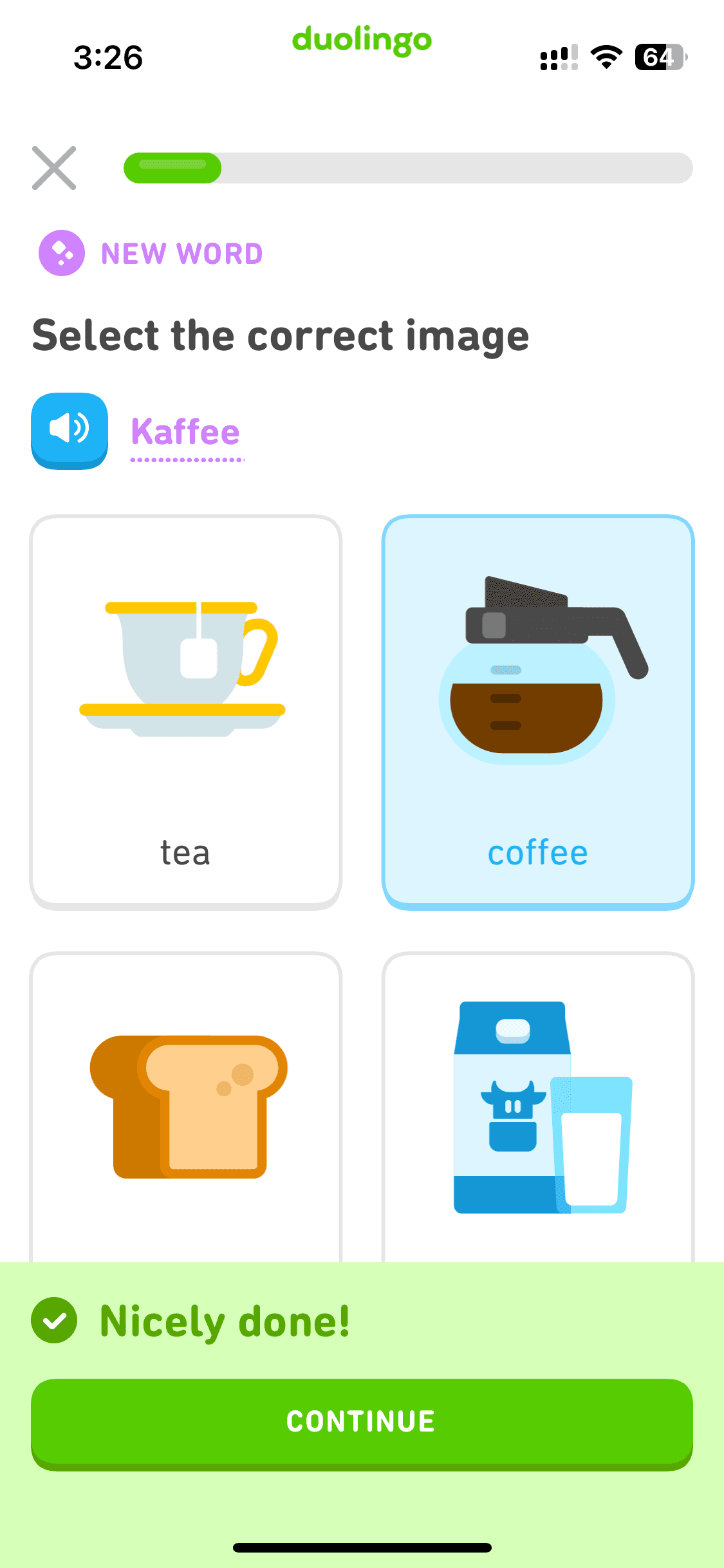
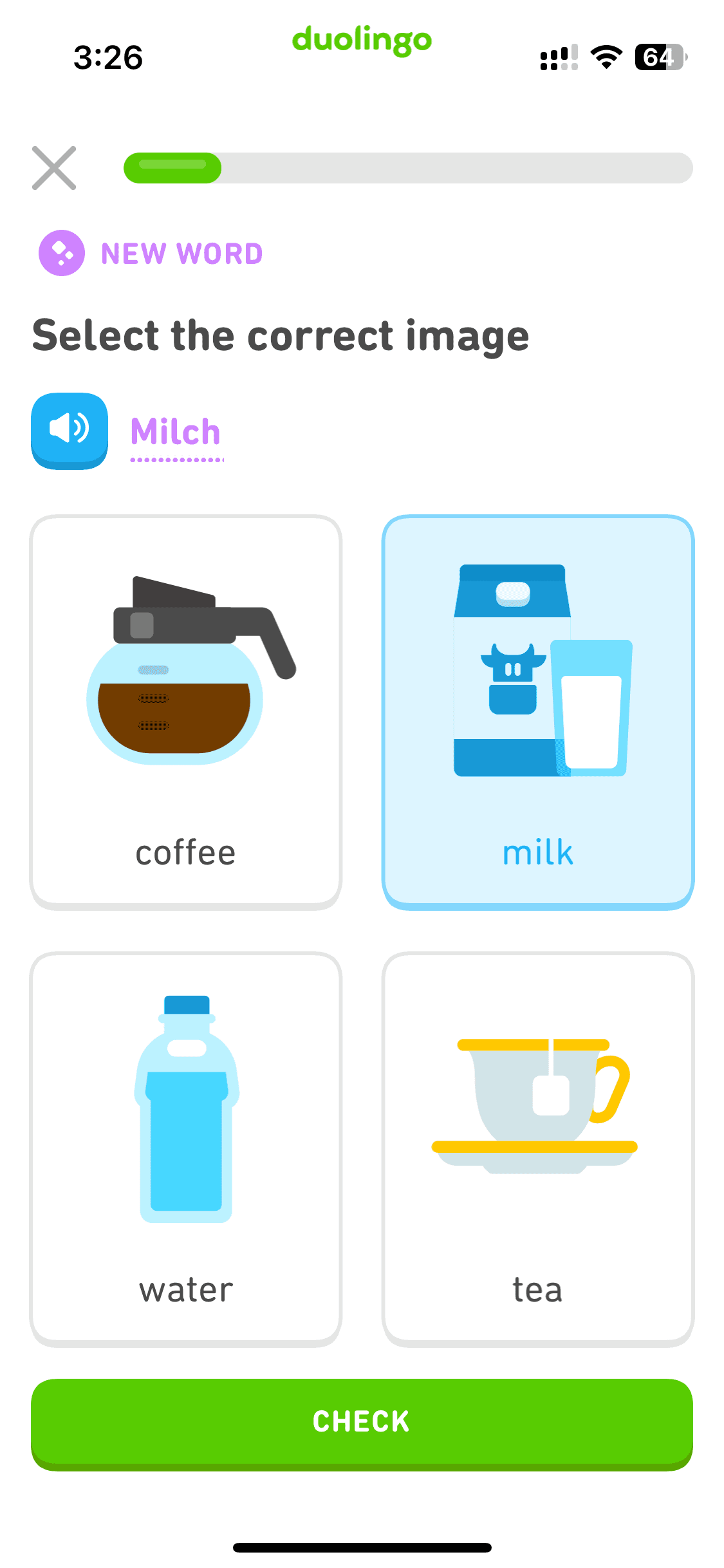
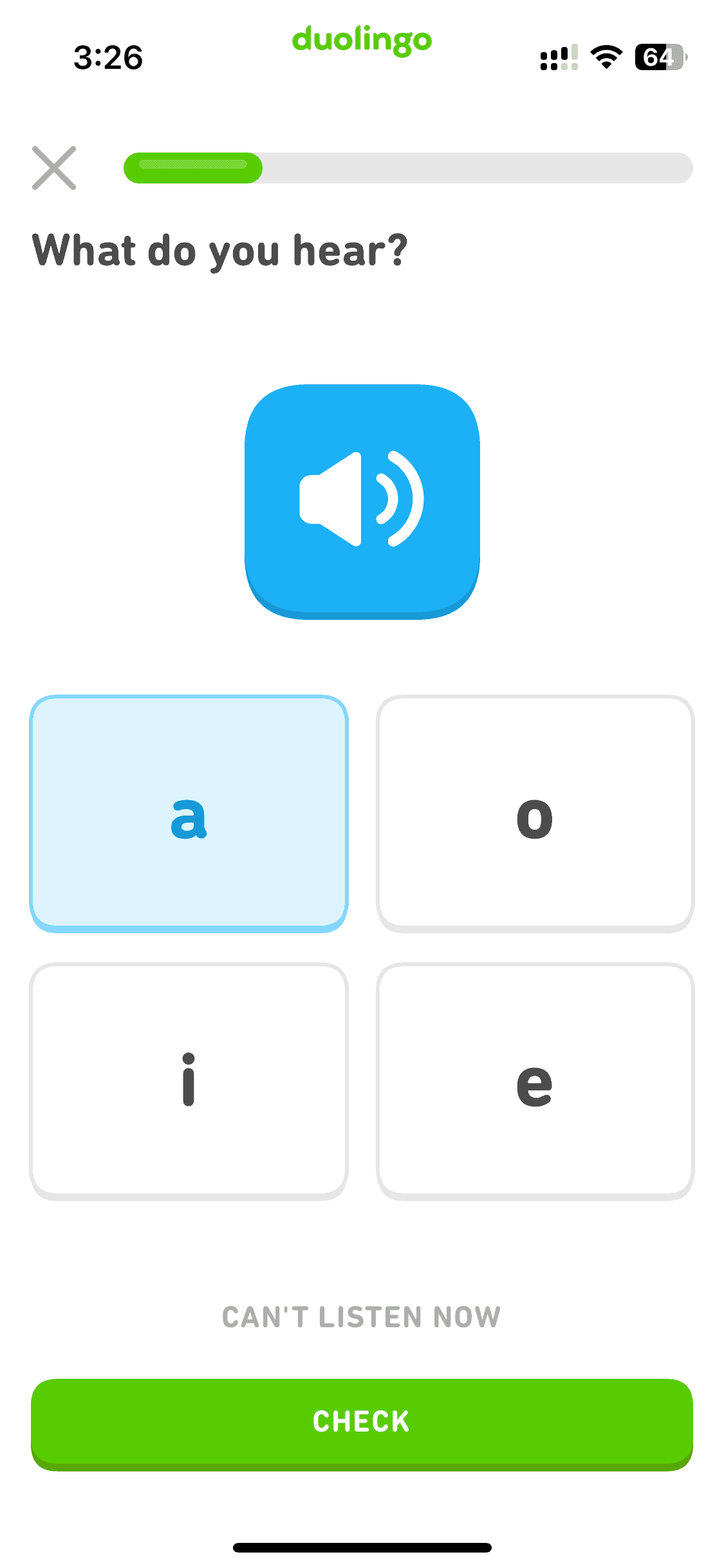
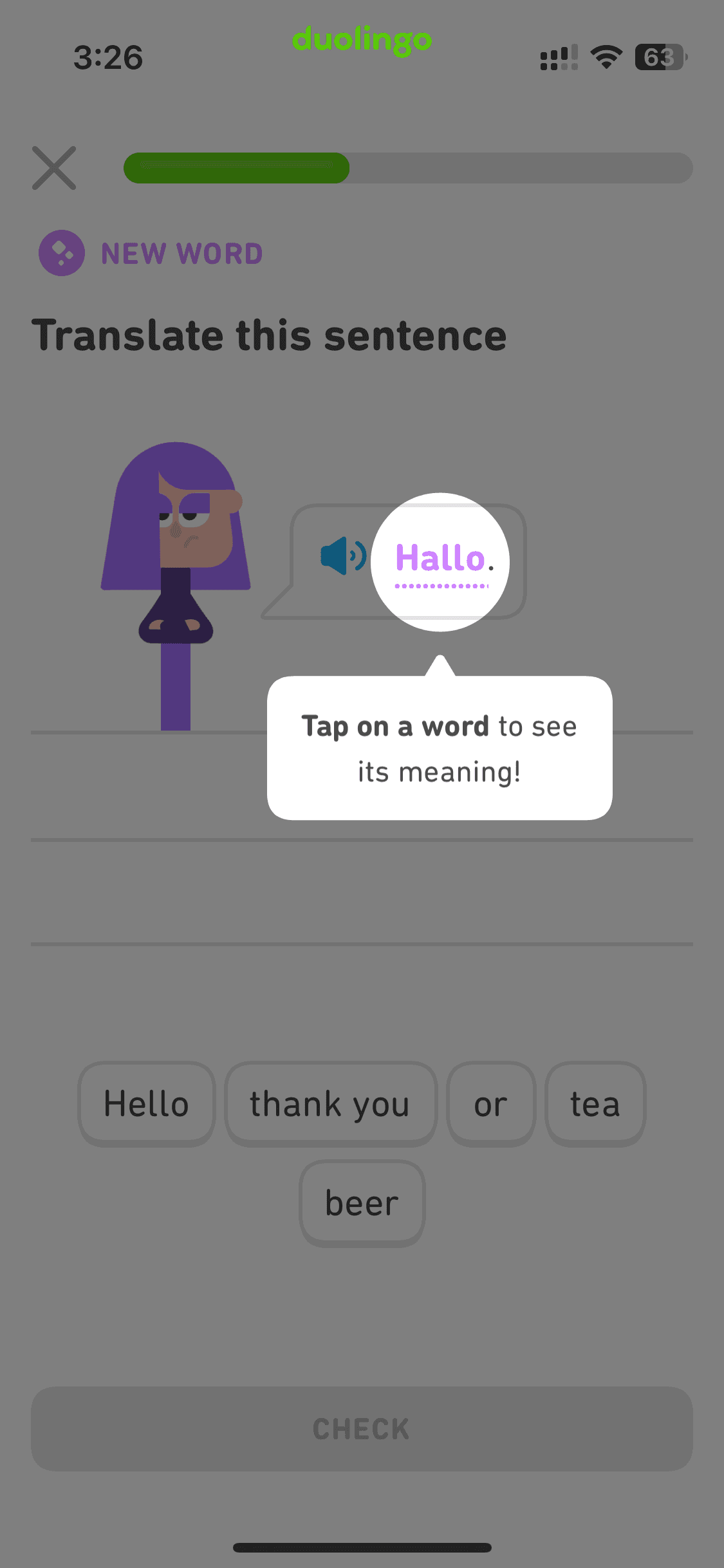
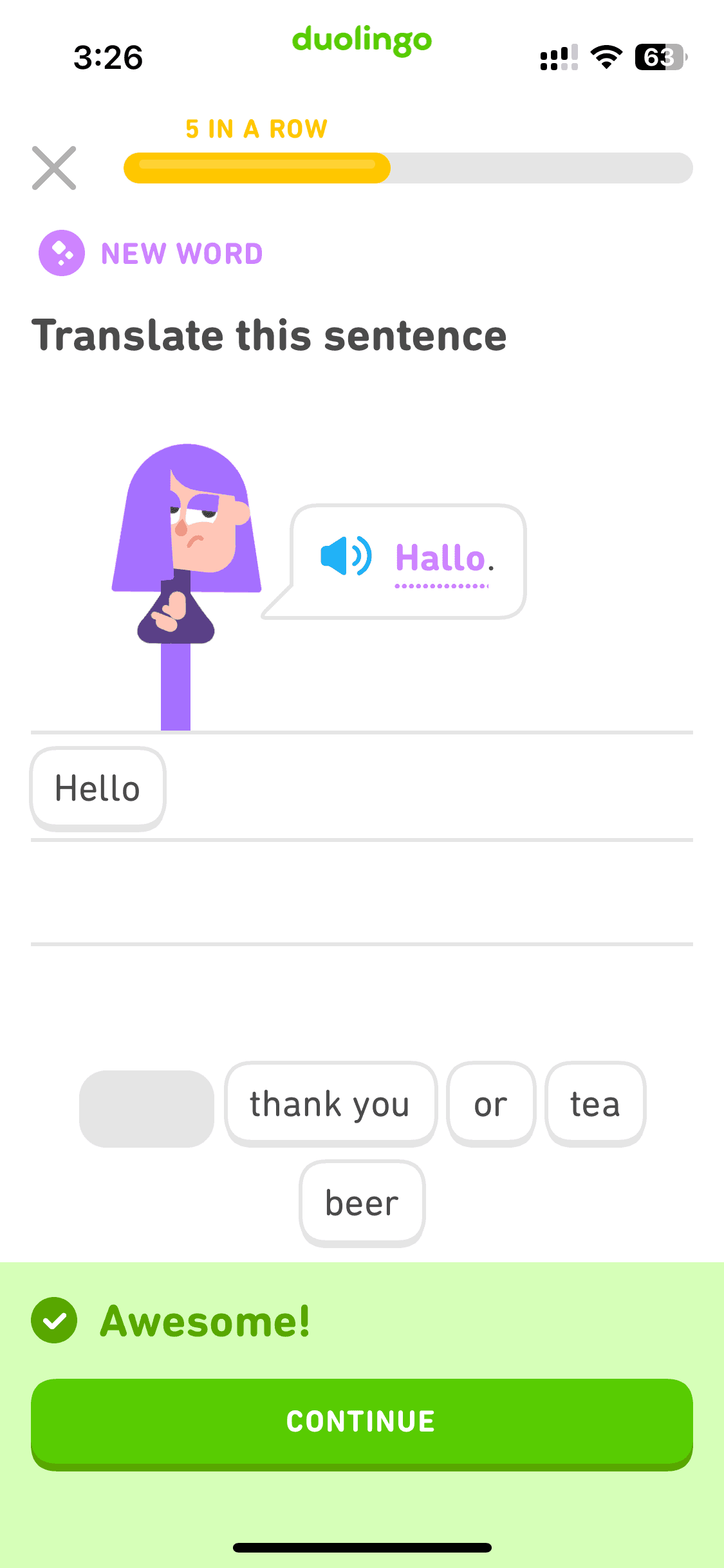
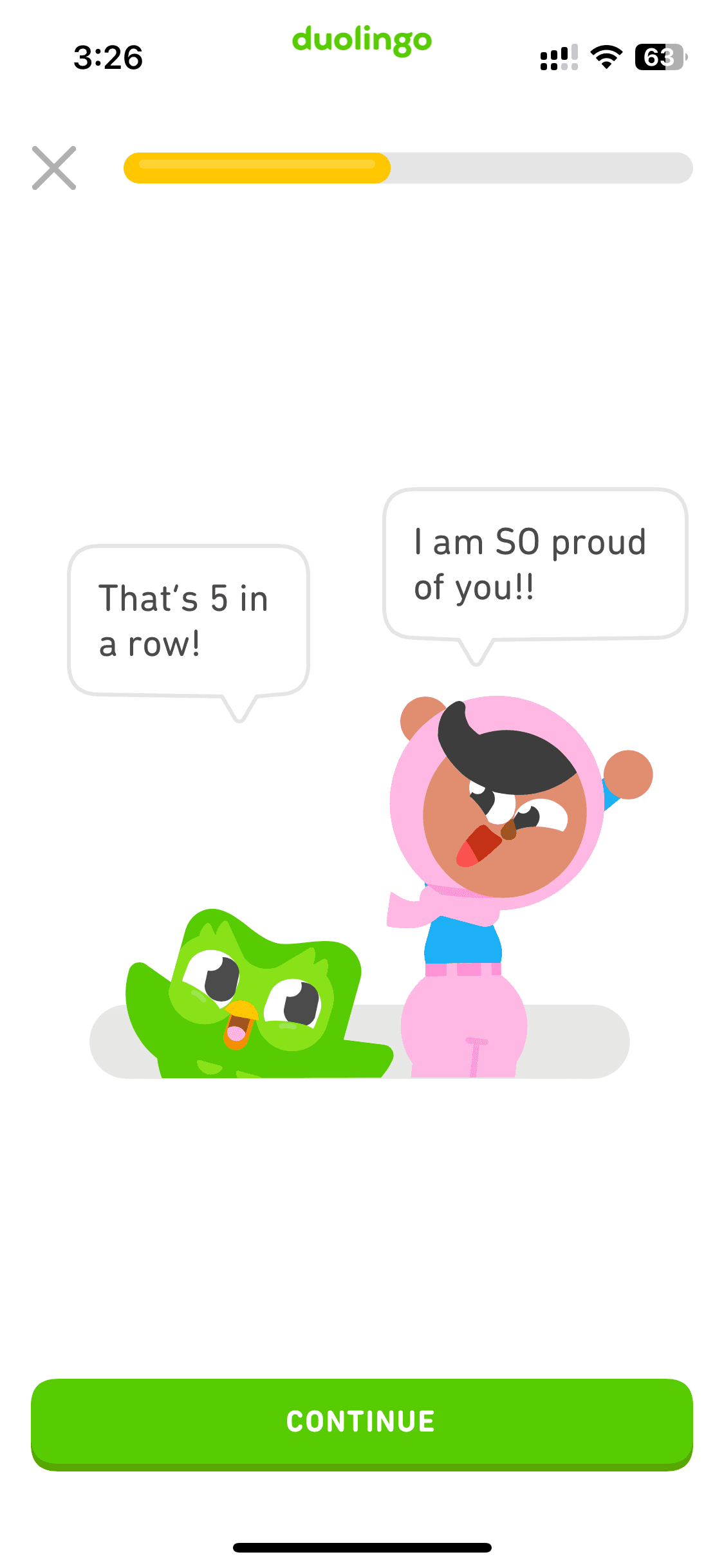
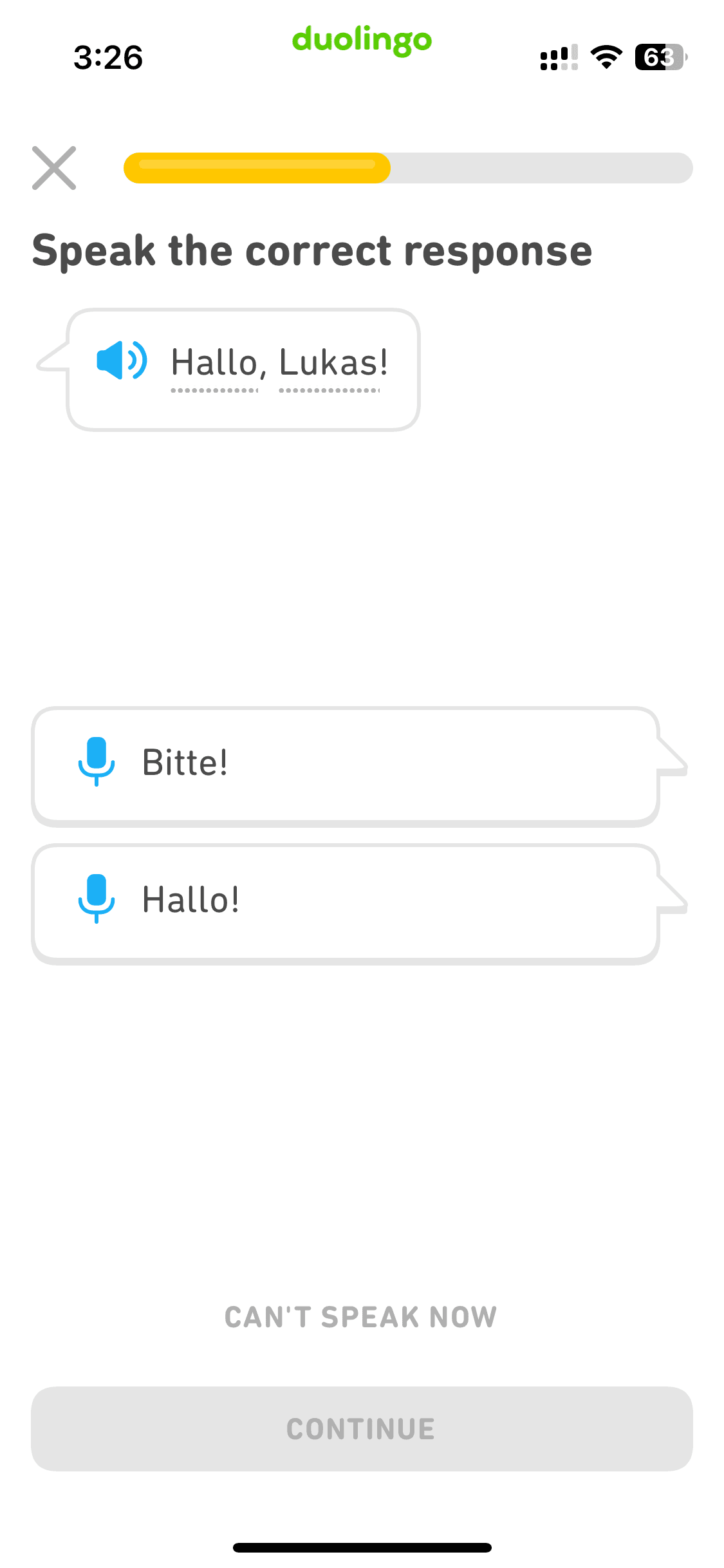
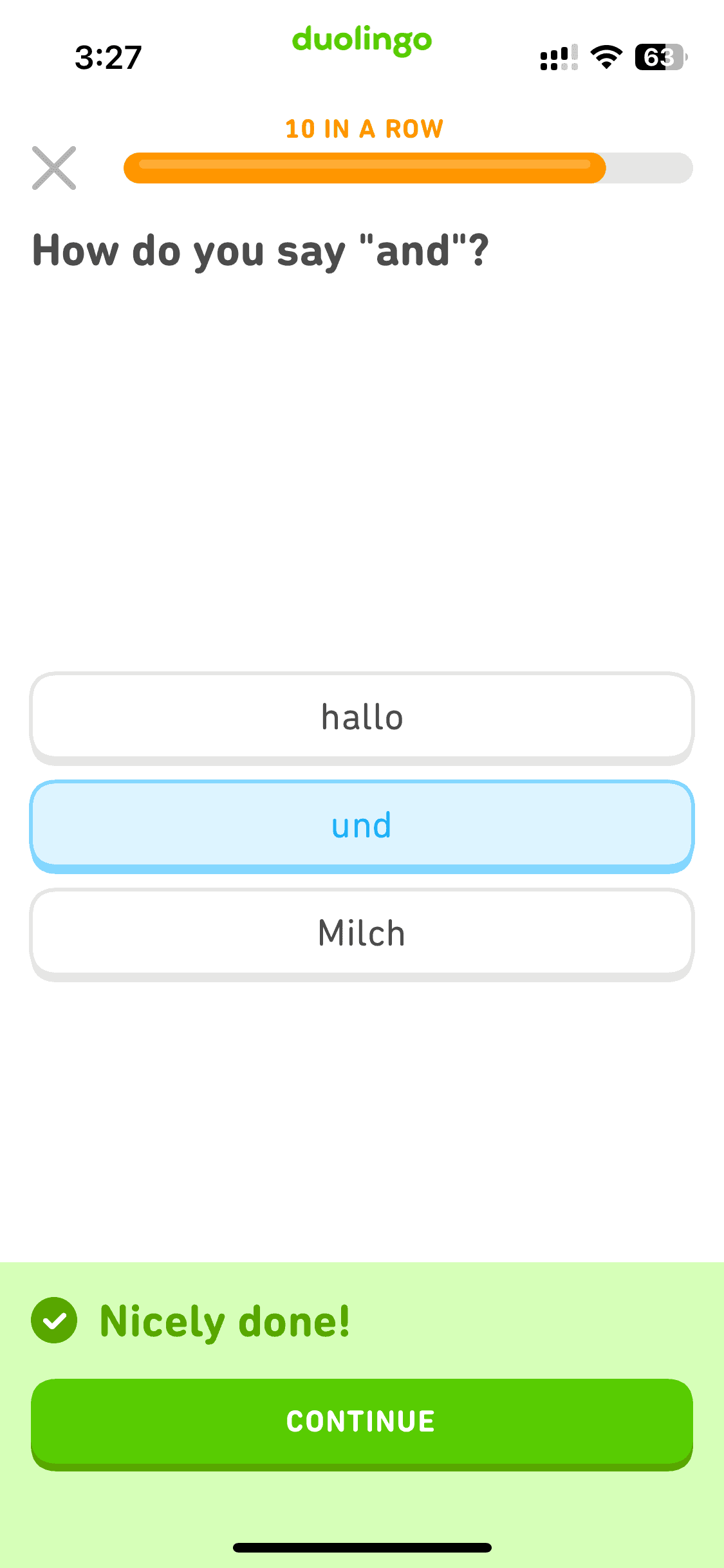
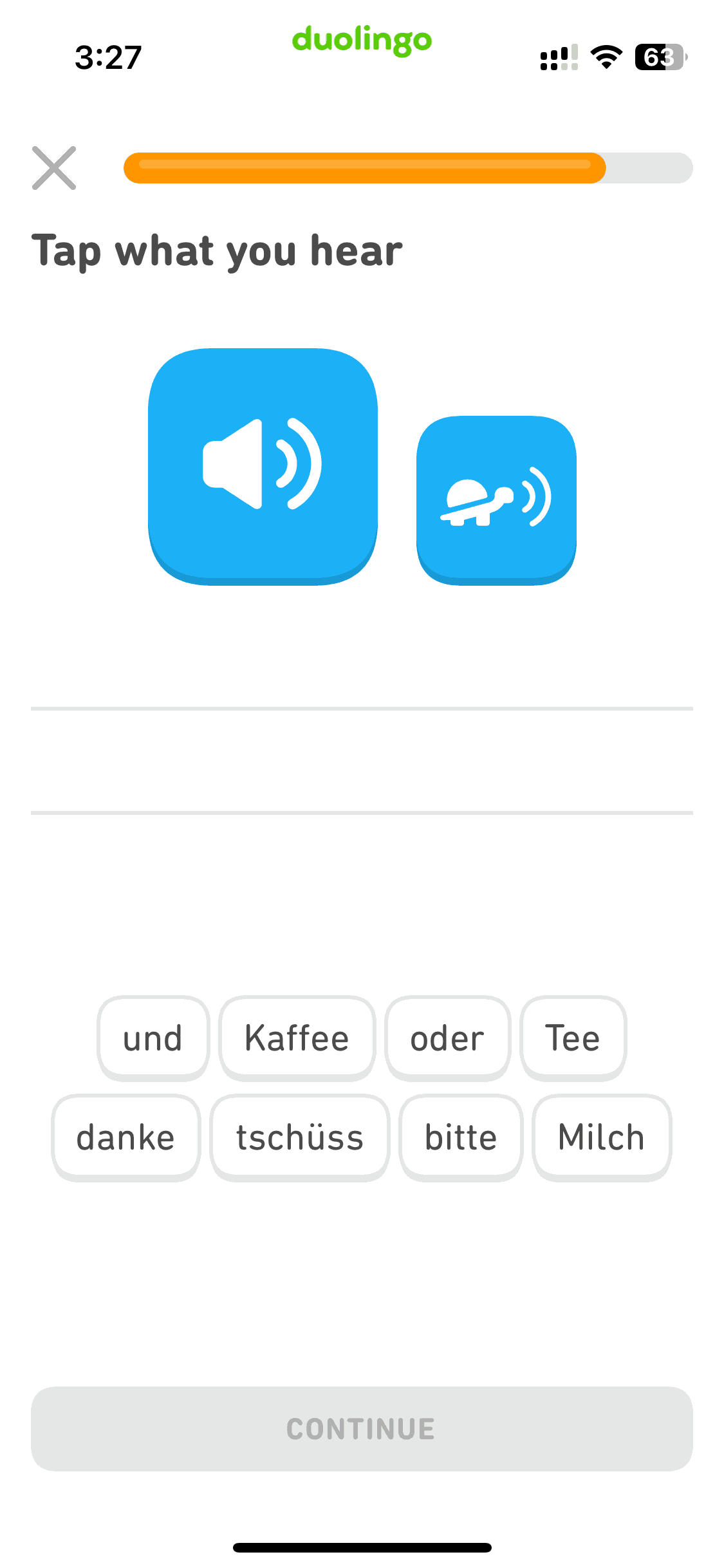
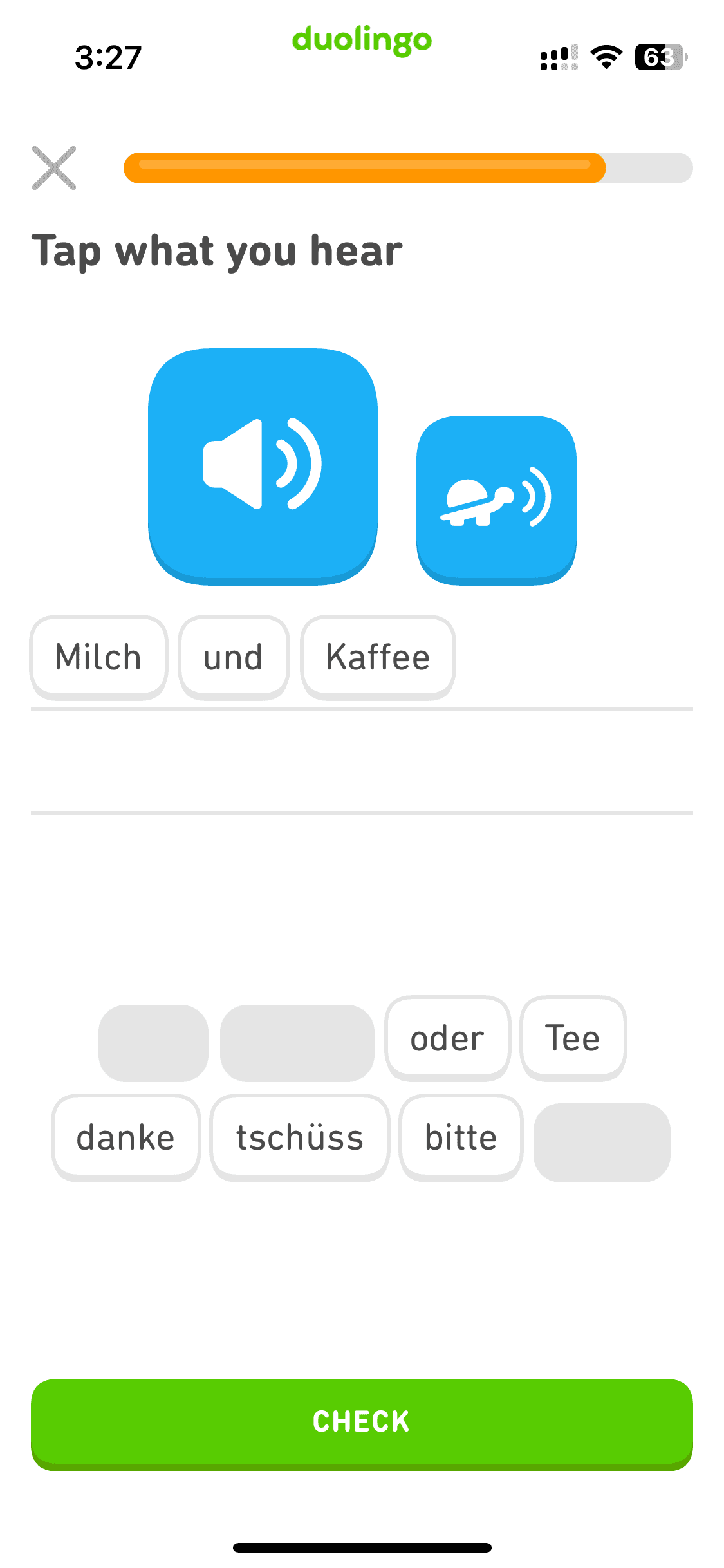
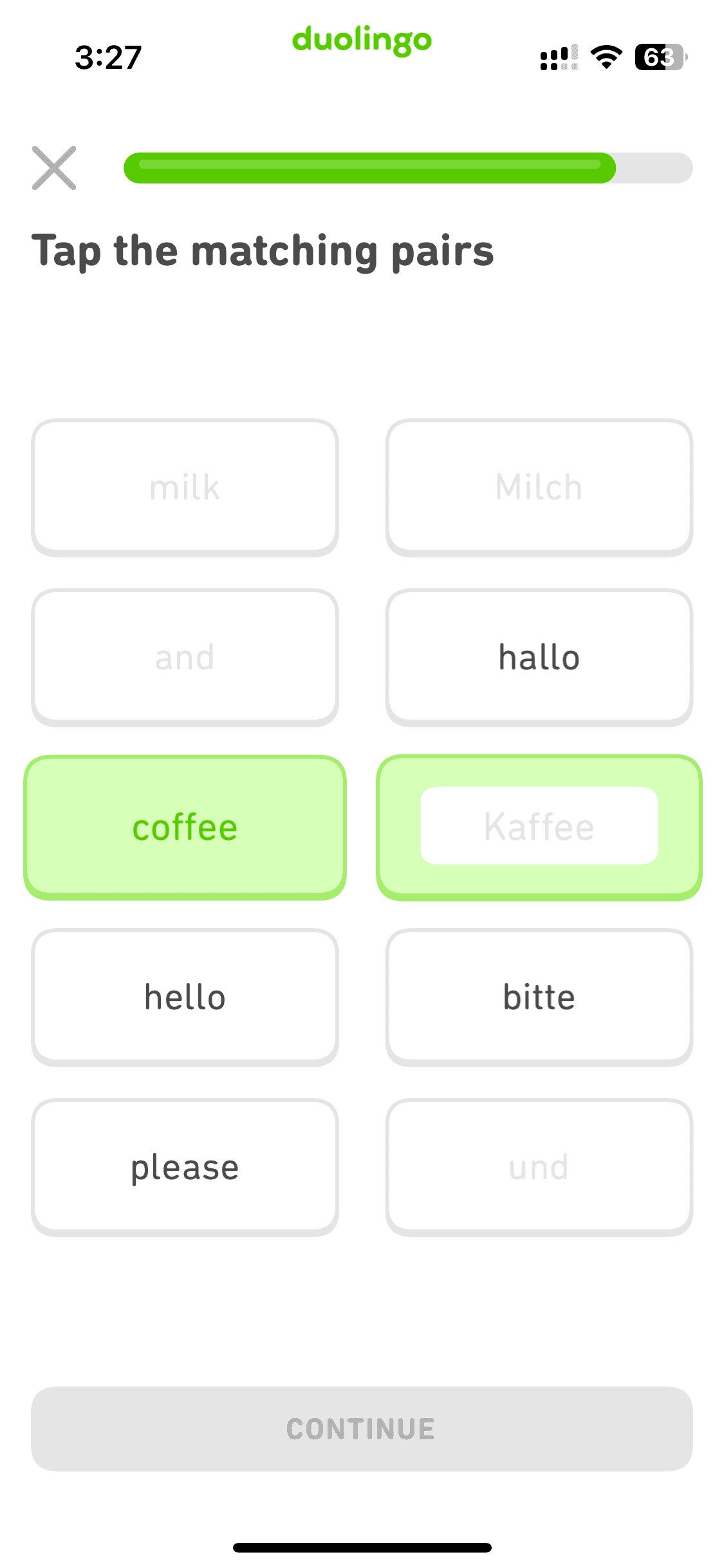
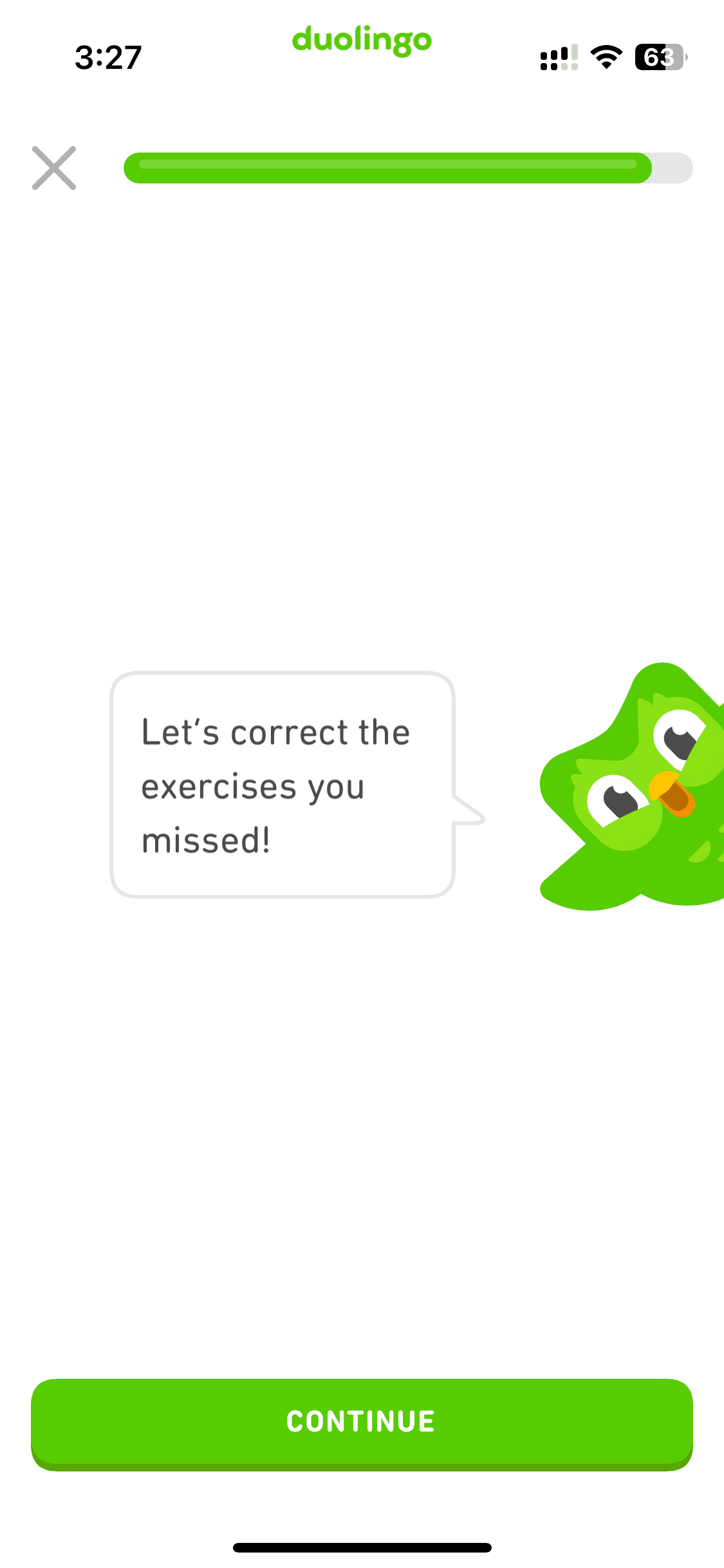
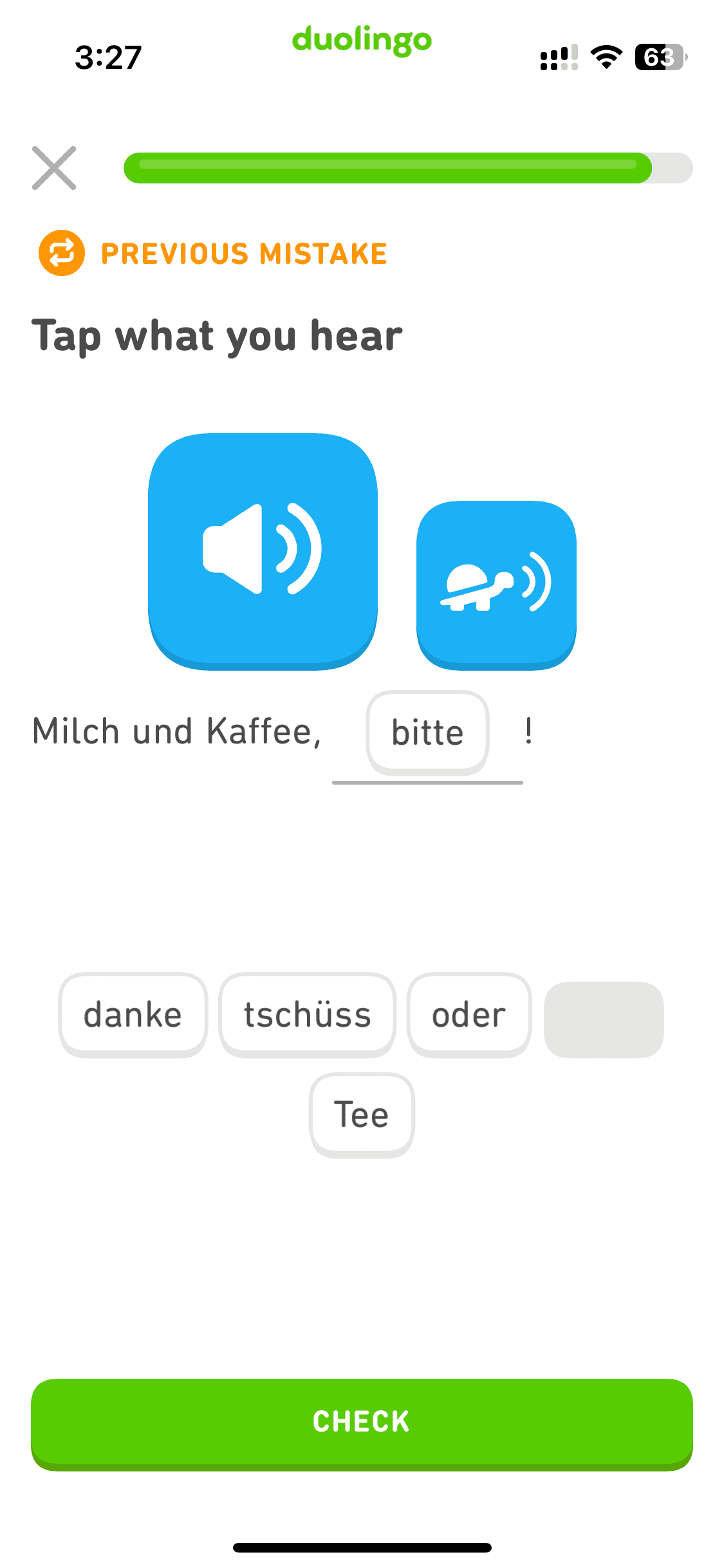
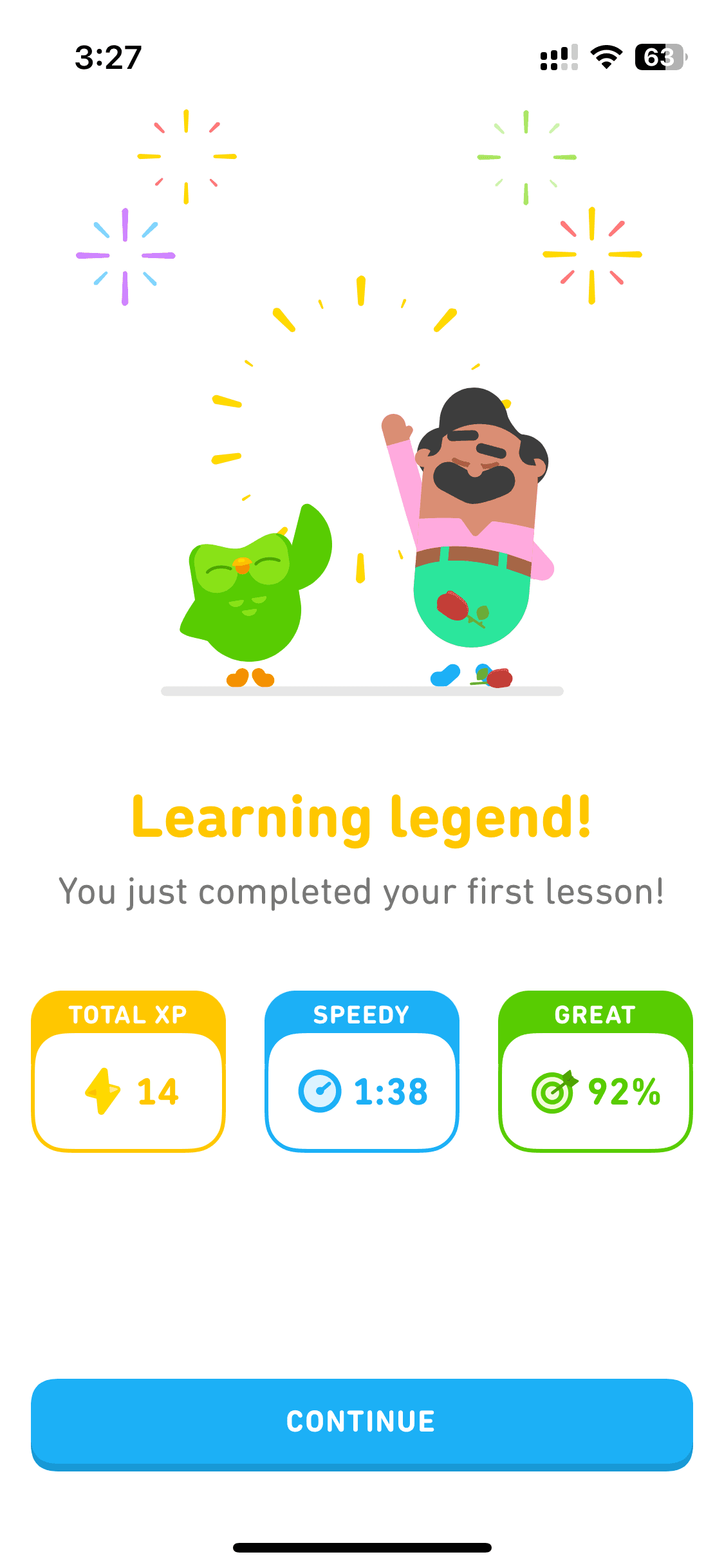
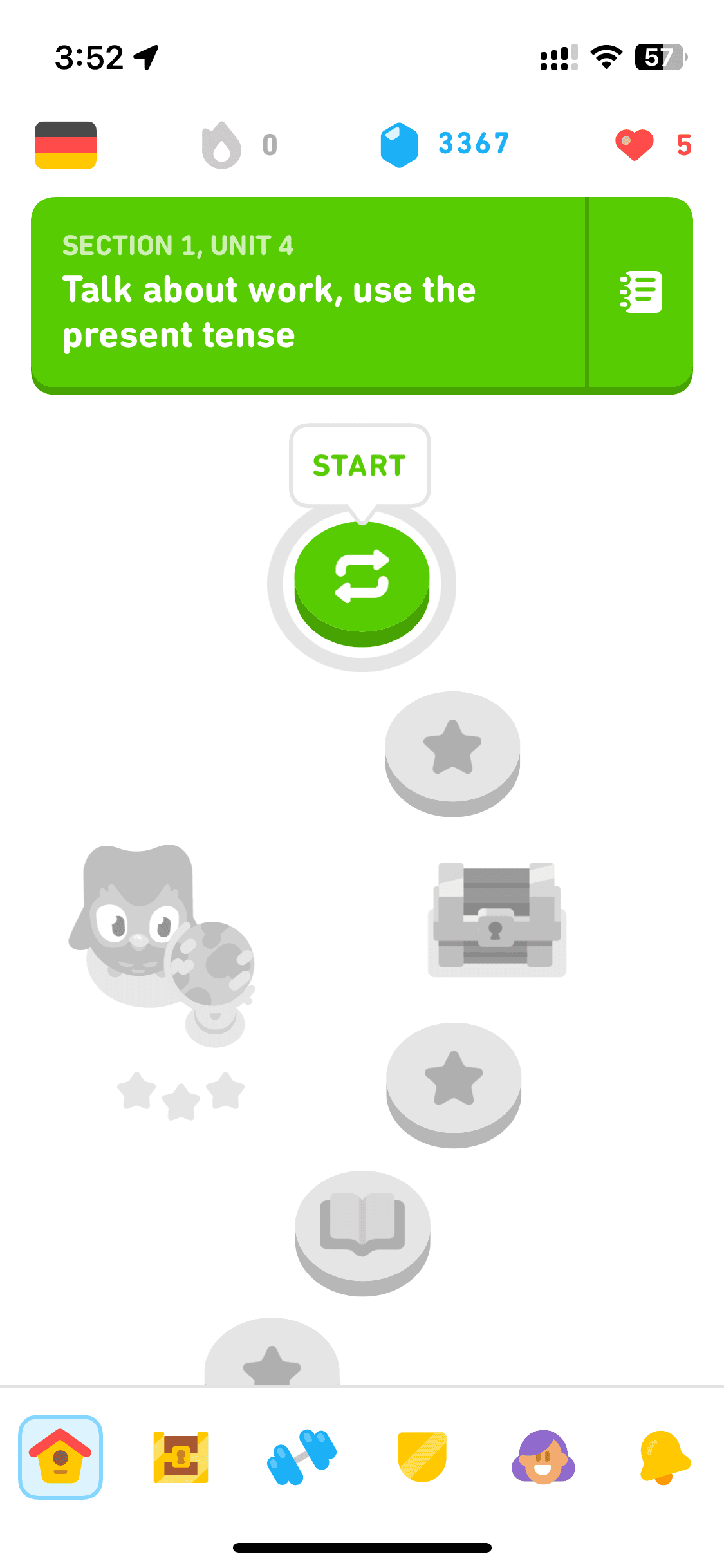
Home screen
Browsing
Browsing
4 screens




Recently added
View all

Tinder
NEW
Meet New People & Date Singles
Calm
Sleep, Meditation, Relaxation

Threads
Share ideas & trends with text

Blinkist
Learn something new every day

ChatGPT
The official app by OpenAI

Airbnb
Vacation Rentals & Experiences

Things 3
Organize your life
Arc Search
Find it, Faster
FAQs on Duolingo UI
Why reference Duolingo UI for app design?
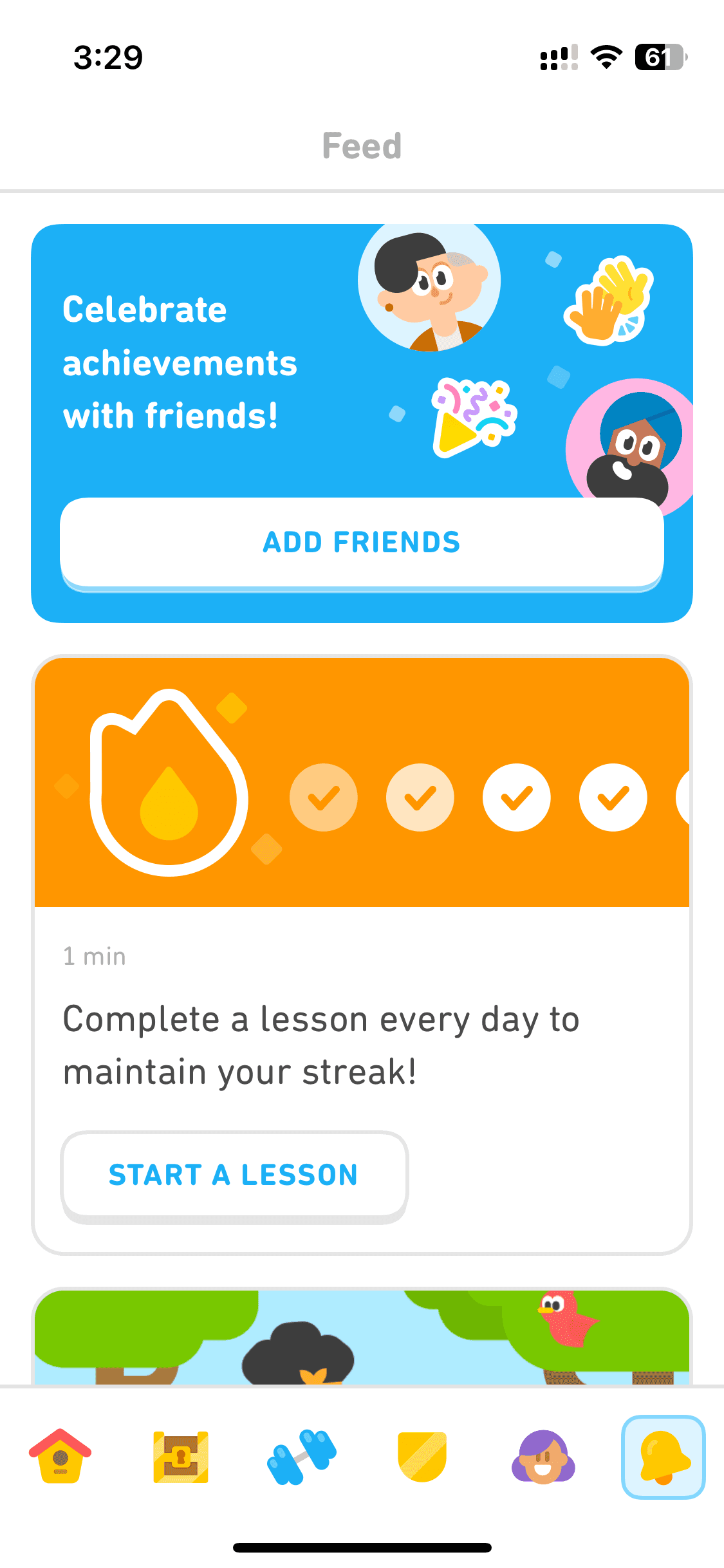
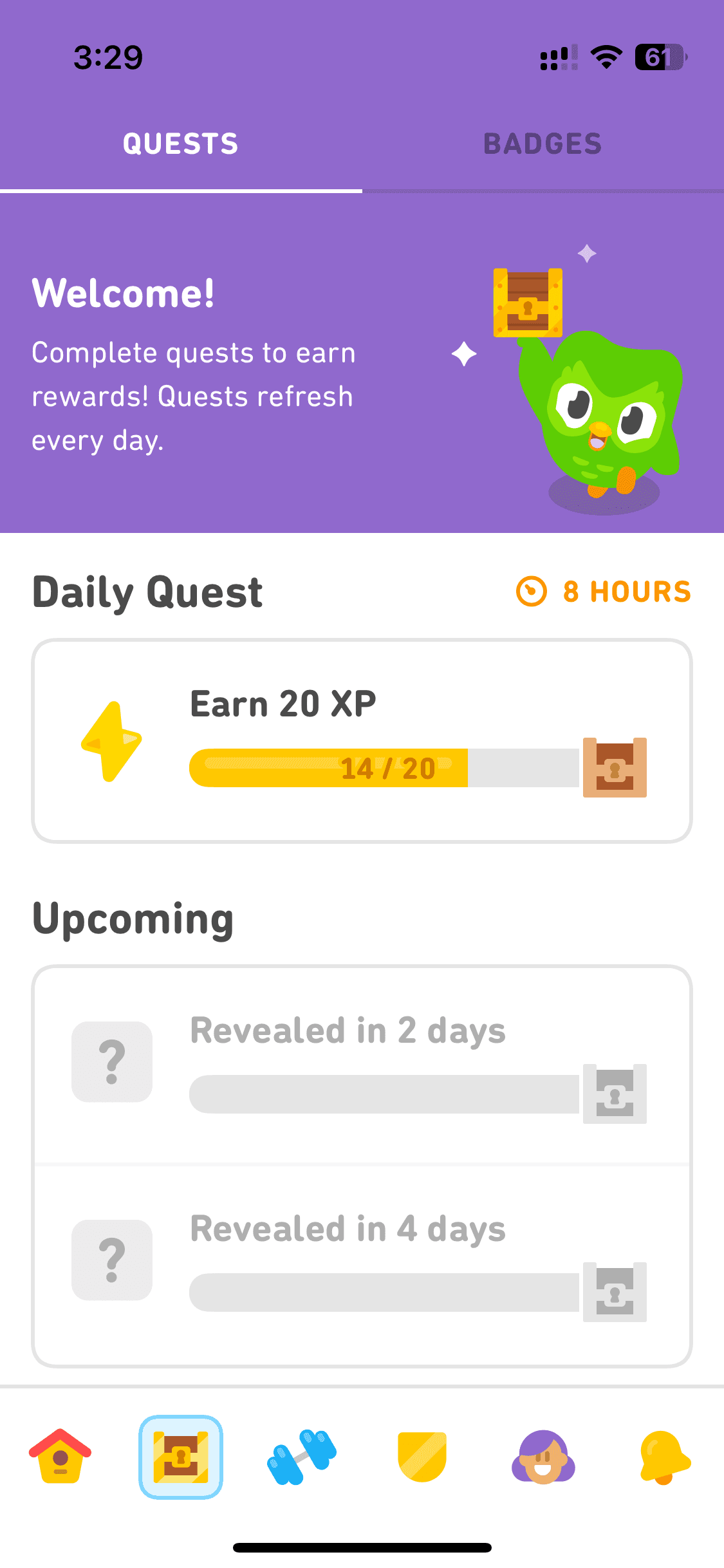
The Duolingo app UI is the gold standard for gamification in consumer apps. Its streak mechanic, XP system, and lesson progress UI have inspired not only language learning apps but also fitness, finance, and productivity apps. What makes Duolingo's UI genuinely special is its emotional design.
If you're designing any app that needs to build a daily habit or keep users coming back, Duolingo UI screens are a must-see reference.
The Duolingo app UI is the gold standard for gamification in consumer apps. Its streak mechanic, XP system, and lesson progress UI have inspired not only language learning apps but also fitness, finance, and productivity apps. What makes Duolingo's UI genuinely special is its emotional design.
If you're designing any app that needs to build a daily habit or keep users coming back, Duolingo UI screens are a must-see reference.
Is Duolingo UI available on Mobbin?
Yes, Duolingo screens are on Mobbin. But full flow access and downloads are behind a paid plan, like most apps there. Free alternatives to Mobbin are a better bet for browsing the full Duolingo UI, where you can also find several mobile UI screen templates across industries.
Yes, Duolingo screens are on Mobbin. But full flow access and downloads are behind a paid plan, like most apps there. Free alternatives to Mobbin are a better bet for browsing the full Duolingo UI, where you can also find several mobile UI screen templates across industries.
Why use Banani AI as a Mobbin alternative to view Duolingo screens UI?
On Banani, Duolingo's full UI — onboarding, lessons, and home screen containing progress, streaks, and quests — is free to browse, no sign-up needed. Copy any screen, upload to Banani AI, and adapt the gamification patterns for your own app. Export your remixed Duolingo UI screens as Figma or HTML/CSS.
On Banani, Duolingo's full UI — onboarding, lessons, and home screen containing progress, streaks, and quests — is free to browse, no sign-up needed. Copy any screen, upload to Banani AI, and adapt the gamification patterns for your own app. Export your remixed Duolingo UI screens as Figma or HTML/CSS.