

UXPilot is a solid AI design tool. It takes text prompts, generates wireframes and high-fidelity screens, and plugs into Figma. For a lot of product teams, that workflow is enough.
But there are real reasons to look elsewhere. Maybe the free plan feels too restrictive (45 credits, one-time). Maybe you want better visual quality from the AI. Or maybe you need something that goes beyond static screens into working prototypes or production code.
We build Banani, so we follow this space closely and test competing tools regularly. For this article, I gave each tool the same task: generate a multi-screen mobile app layout for a budgeting app. I compared them on design quality, editing flexibility, Figma workflow, and how much you can do before hitting a paywall.
Disclosure: Banani is on this list. I've tried to be fair about what each tool does well and where it falls short, including our own.
Quick Comparison
Tool | Best for | Paid from | Free plan | Figma export | Key limitation |
|---|---|---|---|---|---|
Visily | Wireframing + editing | $14/editor/mo | 300 AI credits, 2 boards | Yes | Credit limits even on paid |
Banani | Design quality + flows | $12/mo | 20 gens/mo + 5 daily gens refresh | Yes | No heatmaps or UX research |
Google Stitch | Devs, quick concepts | Free (beta) | 350 std + 200 exp gens/mo | Standard mode only | Limited editing, styling defaults |
Uizard | Non-designers, PMs | $12/mo | 3 gens/mo, 2 projects | Yes (plugin) | Best AI locked behind a paywall |
Figma AI | Existing Figma users | $16/editor/mo | Limited AI features | Native | Weak standalone generation |
Magic Patterns | Design system teams | $15/mo | Limited credits | Yes | Needs existing design system |
Vercel v0 | Developers | $20/mo | 200 credits | No | Code only, not a design tool |
Paid prices reflect annual billing where available. Pricing checked March 2026.
What UXPilot Does Well (and Where It Falls Short)
Quick context before we get into alternatives. UXPilot generates wireframes and UI screens from text prompts. It has a Figma plugin, predictive heatmaps, screen flows, and code export. You can read our full UXPilot review for a deeper look.
Its strength is breadth. Wireframes, hi-fi, heatmaps, Figma export, code generation. It covers the full UX workflow in one tool. Where it gets tricky: the free and Standard plans feel limited fast, the interface can be overwhelming, and the visual quality of the output tends to lean generic. Functional layouts, yes. Distinctive, polished design? Not always.
The 7 Best UXPilot Alternatives in 2026
Visily
Best for: non-designers and PMs who want a full wireframing workspace with manual editing control and built-in collaboration.
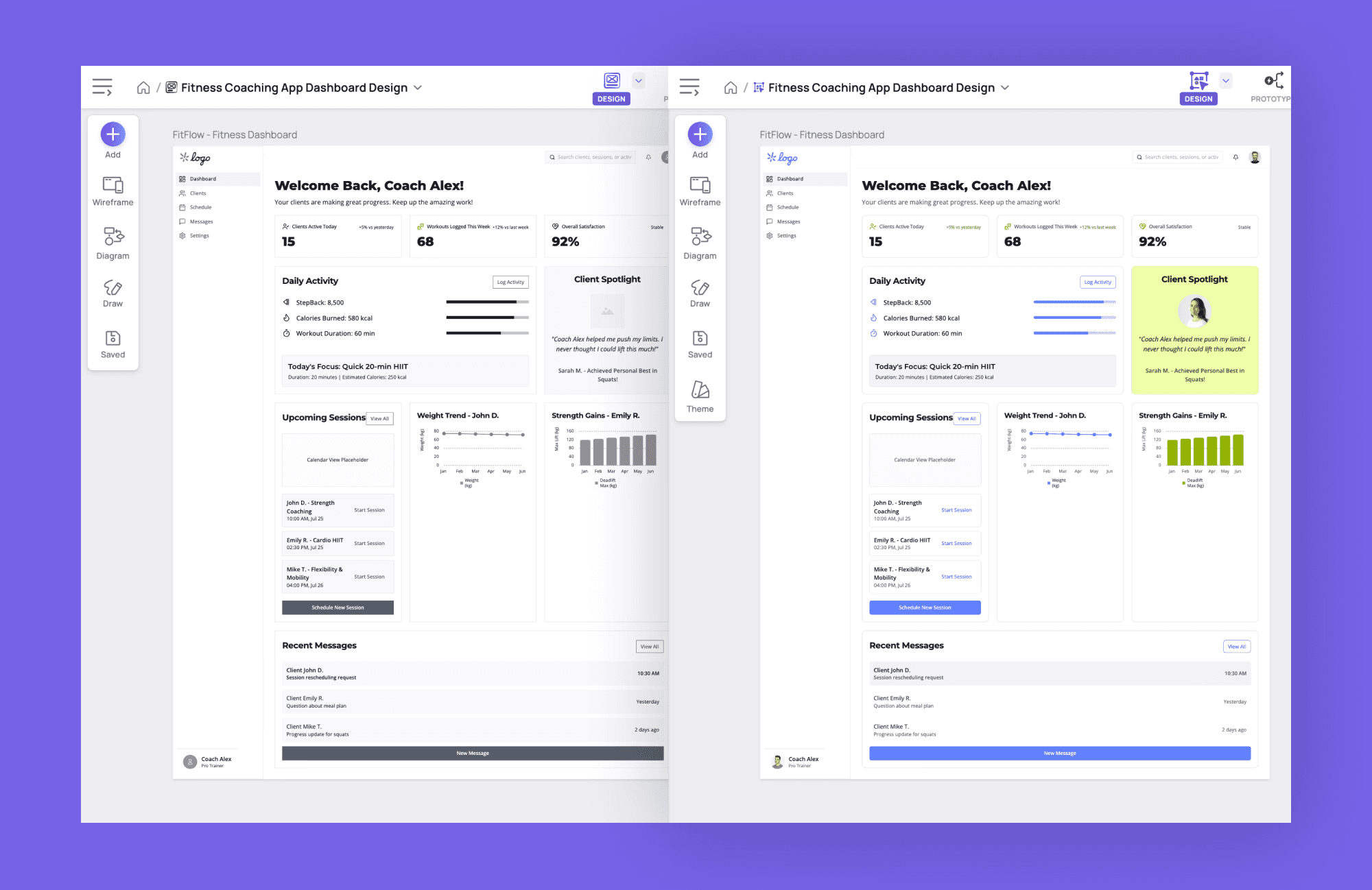
Visily covers a lot of the same ground as UXPilot: AI-generated wireframes from text prompts, screenshot-to-design conversion, a template library with 1,500+ presets, prototyping, and real-time collaboration. If you're comparing feature lists, the overlap is significant.
Where Visily stands out is the editing experience. Its drag-and-drop canvas feels like a lighter version of Figma. You can manually refine anything the AI generates, apply consistent themes across your project, and toggle between wireframe and high-fidelity modes with one click. That lo-fi/hi-fi switch is genuinely useful when you need to present the same screens to different audiences.
Why choose Visily over UXPilot
Stronger manual editing tools, a cleaner canvas, and the ability to switch between wireframe and polished UI on the same project. The theme system gives you more visual consistency across screens.
Limitation
AI credits are capped even on paid plans (3,000/month on Pro at $14/editor/month). No auto-layout, so complex responsive designs still require manual work.
Banani
Best for design-first teams who want polished wireframes and multi-screen flows without hitting a paywall on day one.
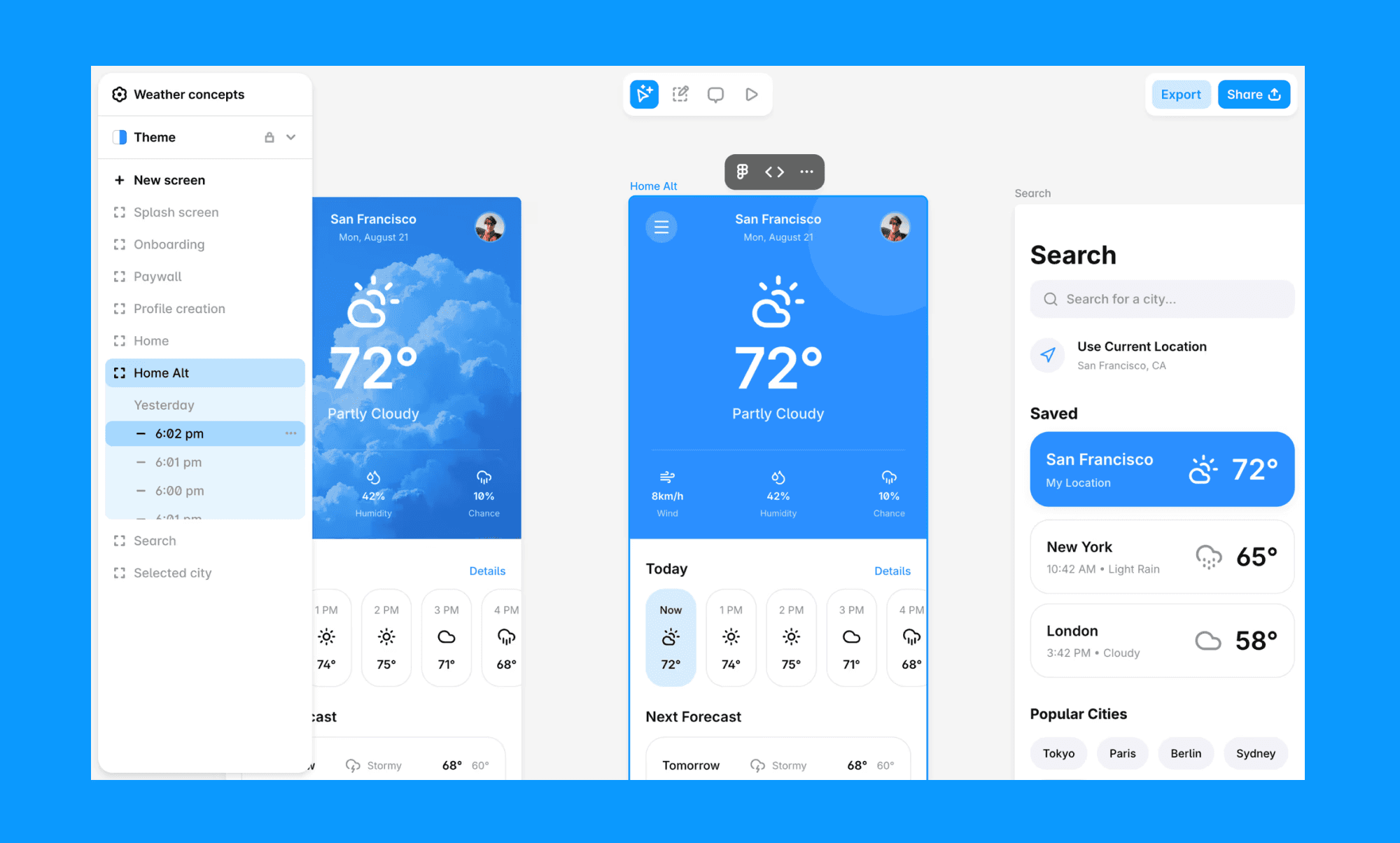
Banani generates wireframes and high-fidelity UI from text prompts or images, similar to UXPilot. Where it differs is in design quality. The AI output looks more polished and intentional, and you get direct control over colors, fonts, and visual style from the sidebar.
Multi-screen design is a strength. You describe a flow, and it generates connected screens with consistent styling. For product builders and founders prototyping an idea, that's usually the core need.
Why choose Banani over UXPilot
Higher design quality, a more generous free plan (20 gens/month + 5 daily refills vs roughly 10 one-time), and no "non-commercial only" restriction on free usage.
Limitation
No heatmaps, design scoring, or UX research features. Banani stays focused on design and prototyping.
Google Stitch
Best for: developers who want quick UI scaffolding with clean code export, or anyone testing a concept at zero cost.
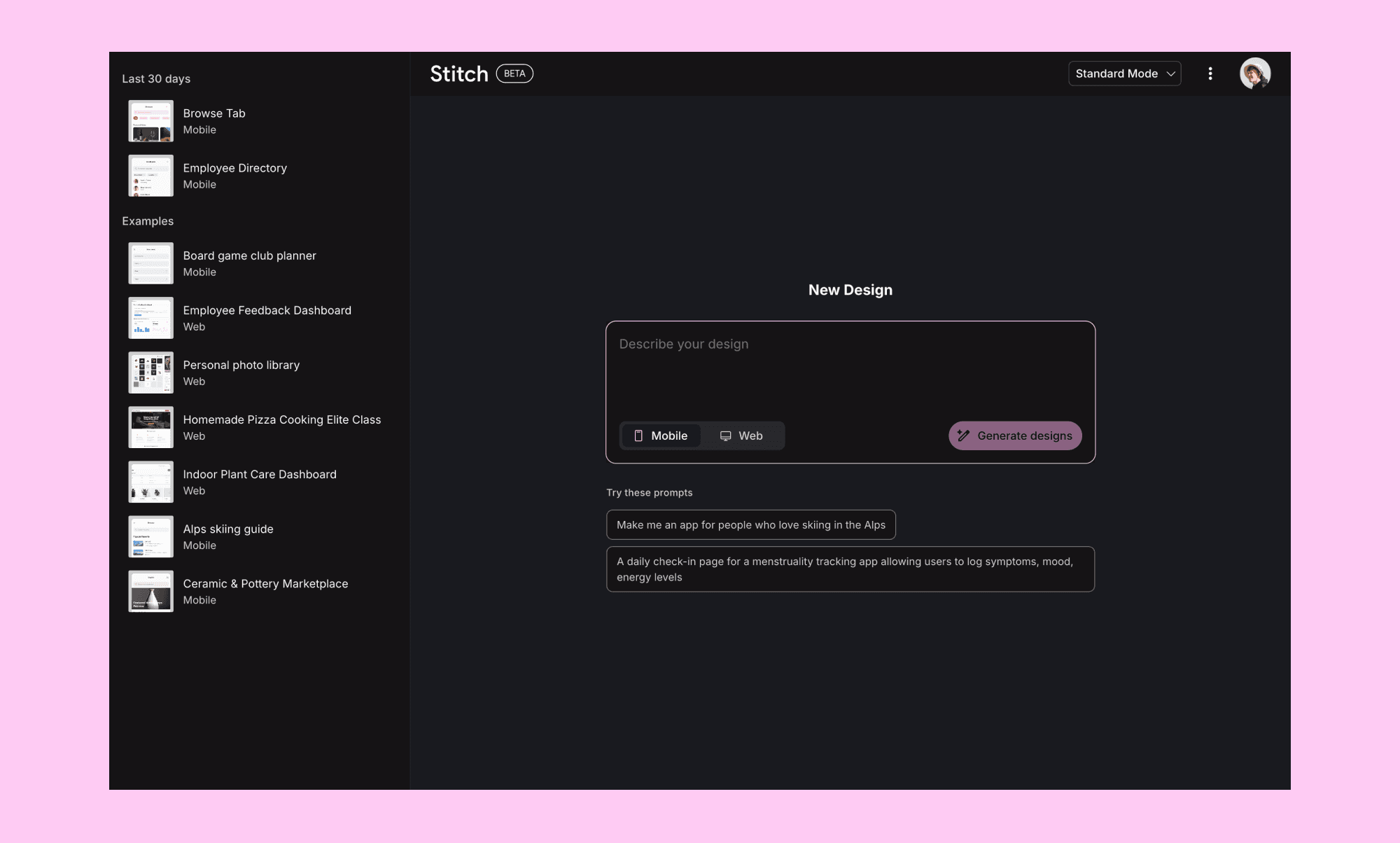
Stitch (formerly Galileo AI, acquired by Google in mid-2025) turns text prompts and sketches into structured UI layouts. It runs on Gemini models: Standard mode uses Gemini 2.5 Flash for fast generation, Experimental mode uses Gemini 2.5 Pro for higher-quality output with image-based prompting.
In my testing, it handled single-screen generation well. Clean layouts, reasonable visual hierarchy. It can generate short multi-screen flows (2–3 screens) but struggles with longer user journeys. The code export produces semantic HTML with Tailwind classes that are actually usable. Figma export works in Standard mode but not Experimental.
Why choose Stitch over UXPilot
Completely free during the Labs phase, with cleaner code export (semantic HTML + Tailwind) than UXPilot's code output.
Limitation
Limited editing control, Material Design styling defaults, and uncertain long-term availability as a Google Labs product.
Uizard
Best for: non-designers and product managers who want fast wireframes with built-in collaboration tools.
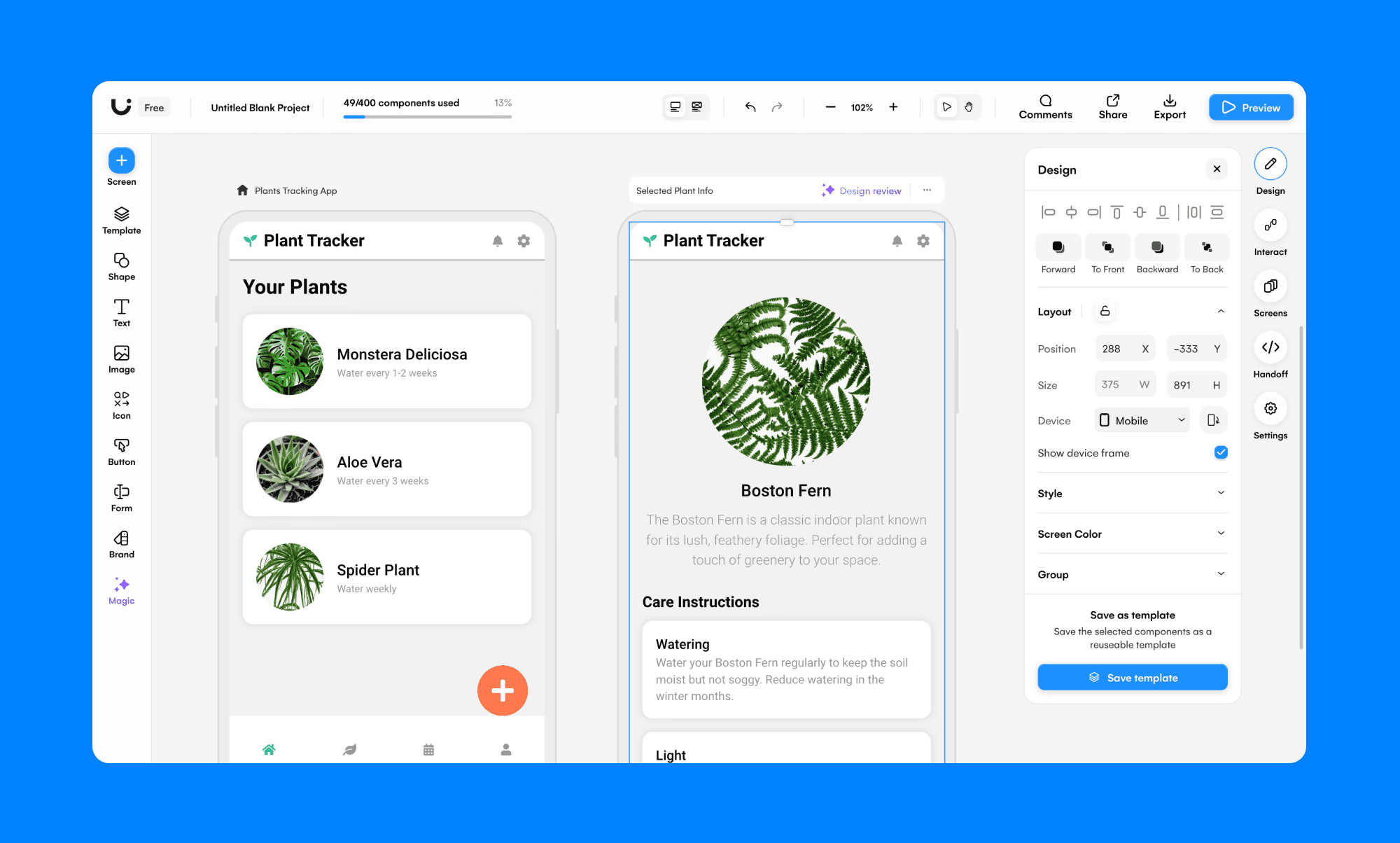
Uizard has been around since 2018 and was acquired by Miro in 2024. Its Autodesigner generates multi-screen flows from text prompts. You also get a drag-and-drop editor, a component library, and the ability to convert hand-drawn sketches into wireframes.
Compared to UXPilot, Uizard gives you more control over manual editing. The collaboration features (commenting, real-time editing) are strong, likely thanks to the Miro connection.
Why choose Uizard over UXPilot
Better manual editing tools, stronger real-time collaboration, and sketch-to-wireframe conversion that UXPilot doesn't offer.
Limitation
Free plan is too restrictive to test properly (3 gens/month). Best AI model (Autodesigner 2.0) locked behind paid plans.
Figma AI (Figma Make)
Best for: designers already working in Figma who want AI features without adding another tool to the stack.
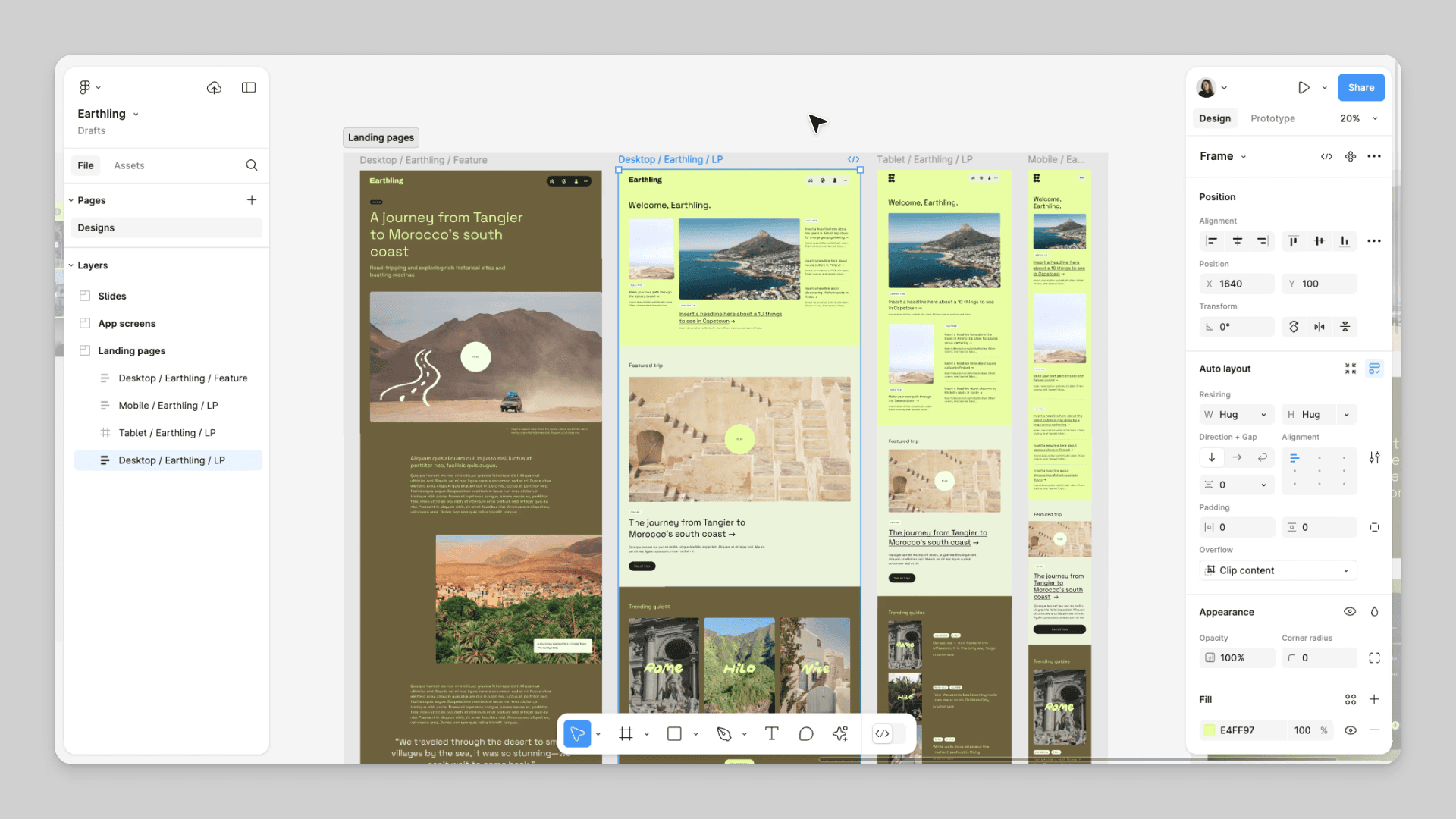
Figma Make generates interactive prototypes from text prompts. There are also AI tools for image generation, background removal, and layer renaming. Everything lives inside Figma AI, which means zero export friction and no context-switching.
For teams already paying for Figma, this is the lowest-friction option. But Figma AI is still catching up on the generation side. It works better as an augmentation of existing workflows than a replacement.
Why choose Figma AI over UXPilot
Zero tool-switching. AI features live directly in Figma, so there's no export step and your whole team already has access.
Limitation
AI generation is weaker than dedicated tools. Better for enhancing existing designs than creating from scratch.
Magic Patterns
Best for: product teams who want AI-generated UI that matches their existing design system and exports as production code.
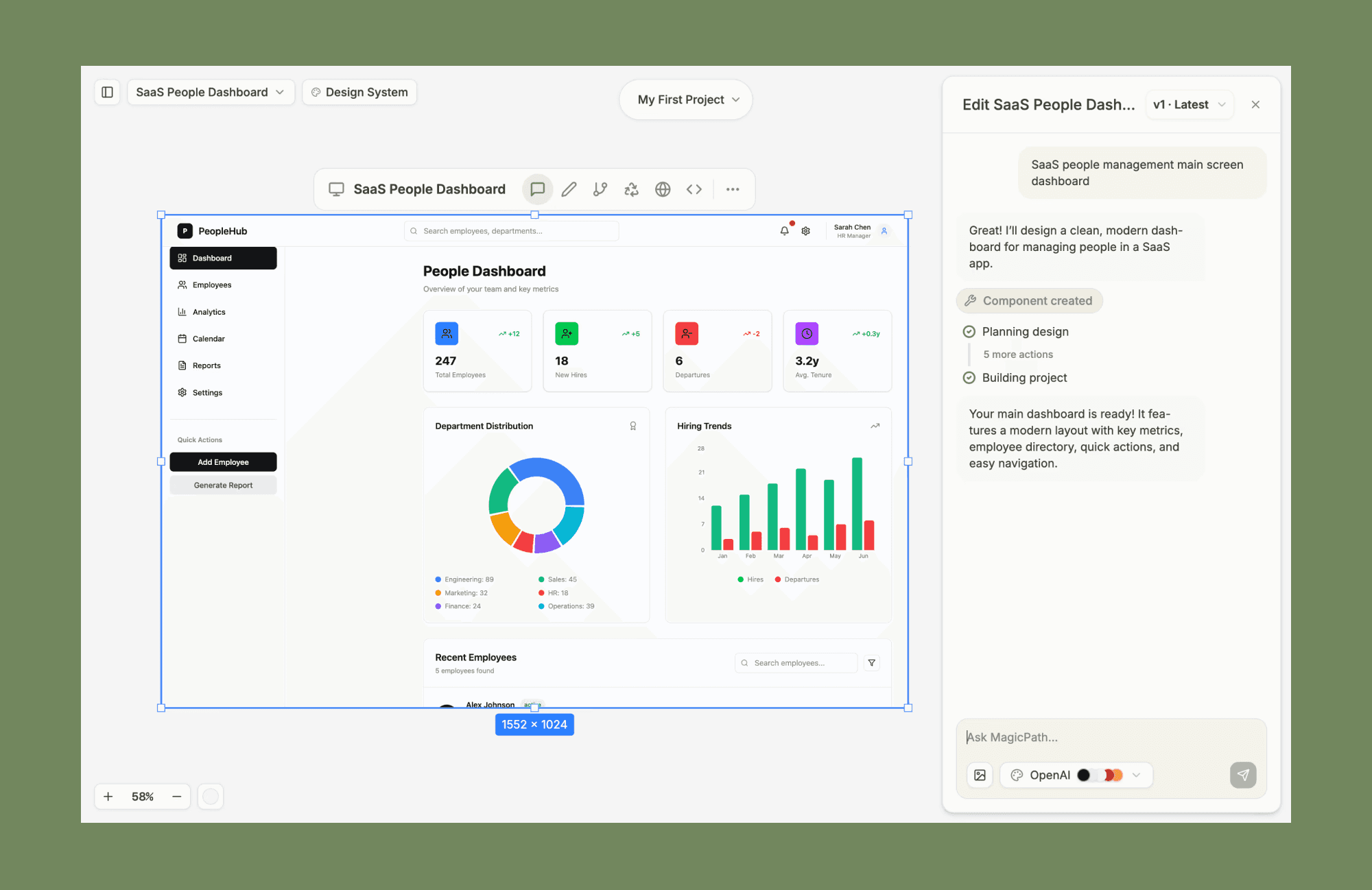
Magic Patterns sits between a design tool and a code generator. You describe what you need, and it generates front-end screens using your existing styling. The standout feature is design system import: upload your branding, spacing, and typography rules, and Magic Patterns applies them to every generation. This matters most for teams adding features to an existing product, where visual consistency is critical.
The output is code-backed. Every screen generates Tailwind/React/Vue code alongside the visual design. You can export to Figma for review or drop code directly into your project. The multiplayer canvas supports real-time collaboration, and a Chrome extension lets you capture any website's UI as a design reference.
Why choose Magic Patterns over UXPilot
Design system integration and dual code/design output. If your team has an established product with specific styling, Magic Patterns generates screens that match it rather than producing generic layouts.
Limitation
Most useful when you have an existing design system to import. If you're starting from scratch, the core advantage doesn't apply, and the output can feel less polished than dedicated design tools.
Vercel v0
Best for: developers who want production-ready React components and don't need a visual design tool at all.
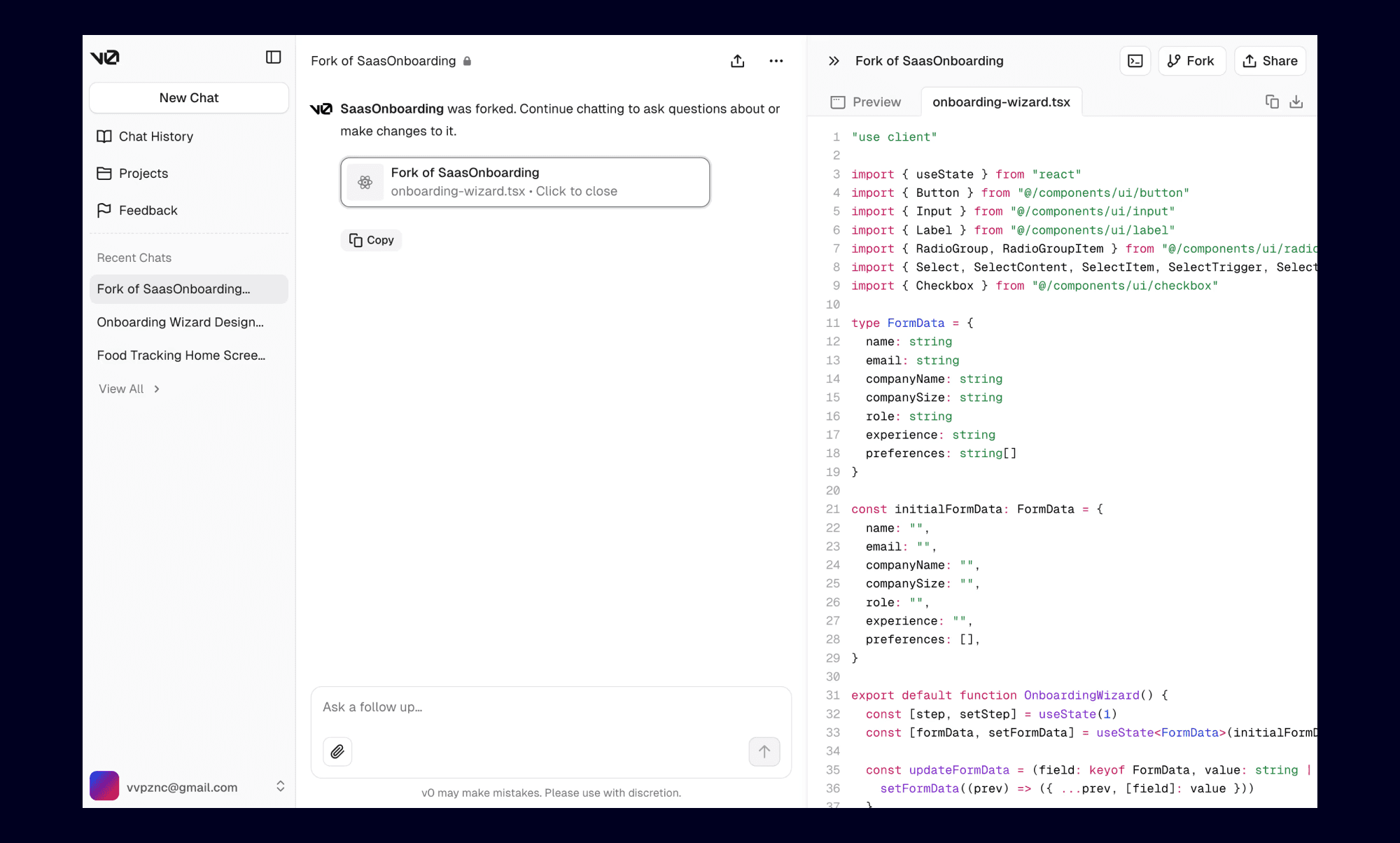
Vercel v0 is a different category from the other tools on this list. It generates functional UI components using shadcn/ui and React. The output is code, not a design file. If you're building with Next.js or React and you ended up on this article because you're a developer looking for UXPilot alternatives, v0 is probably what you actually want. It skips the entire design-to-code translation and lets you work in code from the start.
Why choose v0 over UXPilot
Eliminates the design-to-code handoff entirely. You go straight from idea to shippable React components.
Limitation
Not a design tool. No Figma export, no visual editing, no collaboration features. Only useful if your team writes code. For alternatives in the same space, see our list of v0 alternatives.
Which UXPilot Alternative Should You Pick?
There's no single "best" option here. The right choice depends on what you actually need:
For a full wireframing workspace with editing control: Visily gives you the closest feature parity to UXPilot, plus stronger manual editing and the lo-fi/hi-fi toggle. Good fit if you want to refine what the AI generates.
For better design quality and multi-screen flows: Banani produces more polished output than UXPilot and handles connected screen flows well. Start here if design aesthetics matter to you.
For bridging design and code: Magic Patterns if you have an existing design system, or v0 if you just want React components. Both cut the design-to-dev handoff significantly.
If you're already paying for Figma, try Figma AI first. It might be enough, and you avoid adding another tool.
And if you want to test something at zero cost, Google Stitch is free during its Labs phase and handles quick UI concepts well.
FAQ
What is the best free alternative to UXPilot?
Google Stitch is completely free during its Labs beta with 350 Standard generations per month — the most generous free tier on this list, though it's better suited for developers wanting code export than teams doing multi-screen design. Visily's free plan includes 300 AI credits, which works out to roughly 10–20 generations depending on the feature used. Banani offers 20 free AI generations per month with 5 daily refills, making it the most practical free option for design-focused work.
Is UXPilot better than Figma for AI design?
They do different things. UXPilot is a standalone AI design generator that exports to Figma. Figma AI (Figma Make) is built into Figma itself. If you already use Figma and want AI as an add-on, Figma AI is more convenient. If you need a dedicated text-to-UI tool with heatmaps and screen flows, UXPilot offers more on that front.
Can I use UXPilot alternatives for mobile app design?
Yes. Banani, Visily, Uizard, and Google Stitch all support mobile app wireframes and UI generation. Magic Patterns can generate mobile layouts if you set up the right design system. Vercel v0 outputs React code, which works for mobile-responsive web apps but not native mobile design.
What is the cheapest UXPilot alternative?
Google Stitch is free during its Labs beta. Among paid tools, Banani and Uizard both start at $12/month on annual billing. Visily Pro is $14/editor/month. Magic Patterns starts at $15/month. UXPilot's Standard plan is $15/month.


