
tl;dr: Top UX AI Tools by Stage
Gen AI research assistant | |
Participant recruitment & management | |
Surveys, repository & analytics | |
AI UI/UX prototyping | |
User testing & validation |
My favorite AI tools for PMs in 2026 >
What is an AI User Research Tool?
As the name suggests, it’s user research tools powered by AI; they leverage machine learning to accelerate how teams gather, analyze, and organize insights.
Unlike traditional UX research tools and methods, these platforms combine human research with intelligent automation, enabling faster transcription, prototyping, data synthesis, pattern detection, and such. The code idea is to save weeks of manual work while preserving the empathy essential to understanding user behavior.
How I Use AI for User Research
Start Brainstorming with Gen AI
Manus: Autonomous UX research
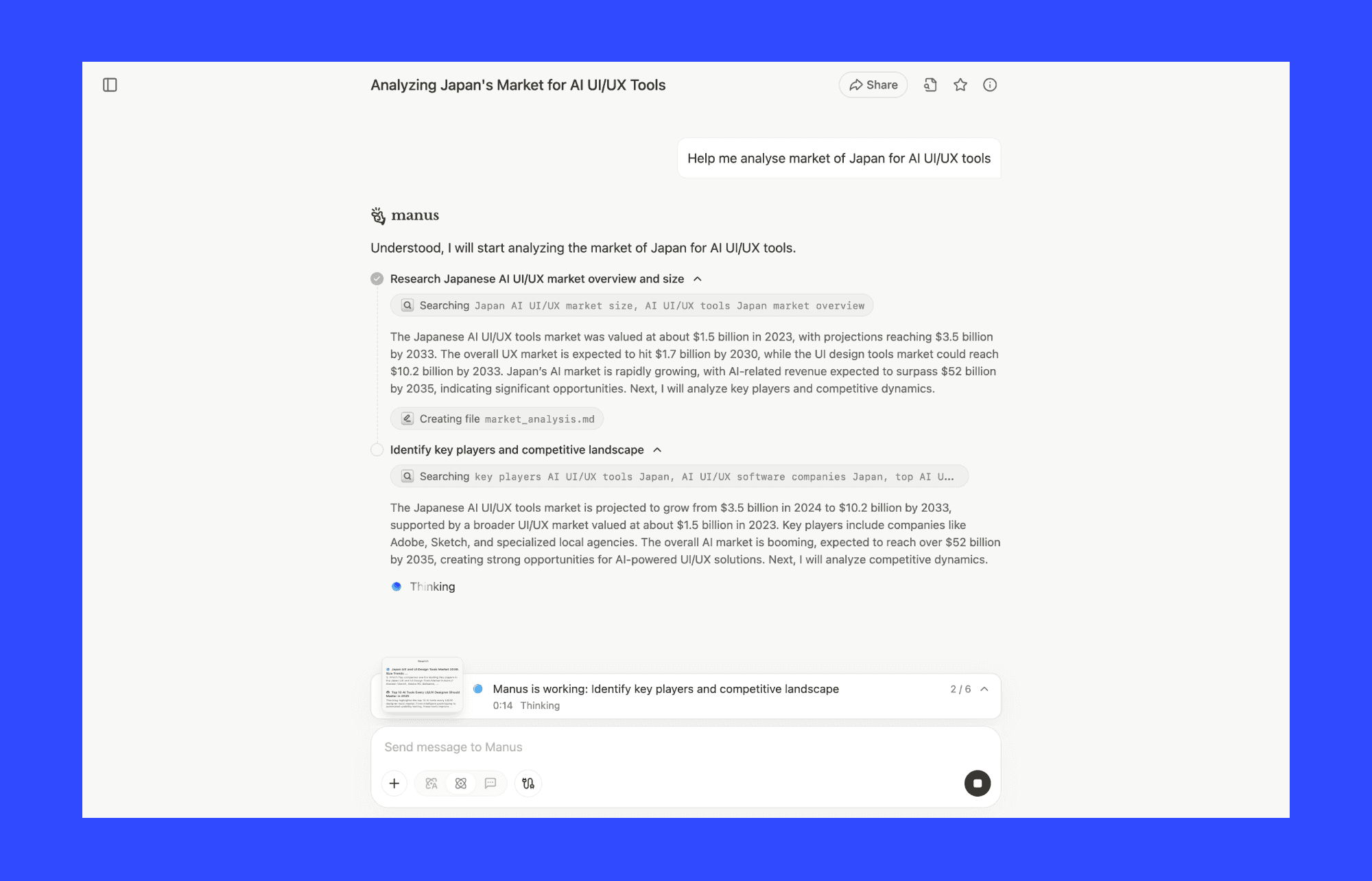
Often, before jumping to user validation, I dig into user patterns, market trends, and competitive landscape. Manus is my GenAI user research assistant who collects and structures information on any topic.
I must add that on paper, it sounds similar to ChatGPT, but Manus’s power lies in its ability to browse deeper and synthesize real data.
Why use Manus AI for user research:
Access to advanced research capabilities across multiple model versions
Set complex research tasks for Manus to perform end-to-end
Generates organized, shareable research reports
Limitations:
The free tier (viz. Manus 1.6 Lite) is restrictive; only deeper analysis
Complex research tasks consume credits unpredictably
Pricing:
Free (1k monthly credit, 300 daily limit). Pro starts at $20/month (4,000 credits).
How to use ChatGPT for UX research >
Miro AI: Team ideation and mapping
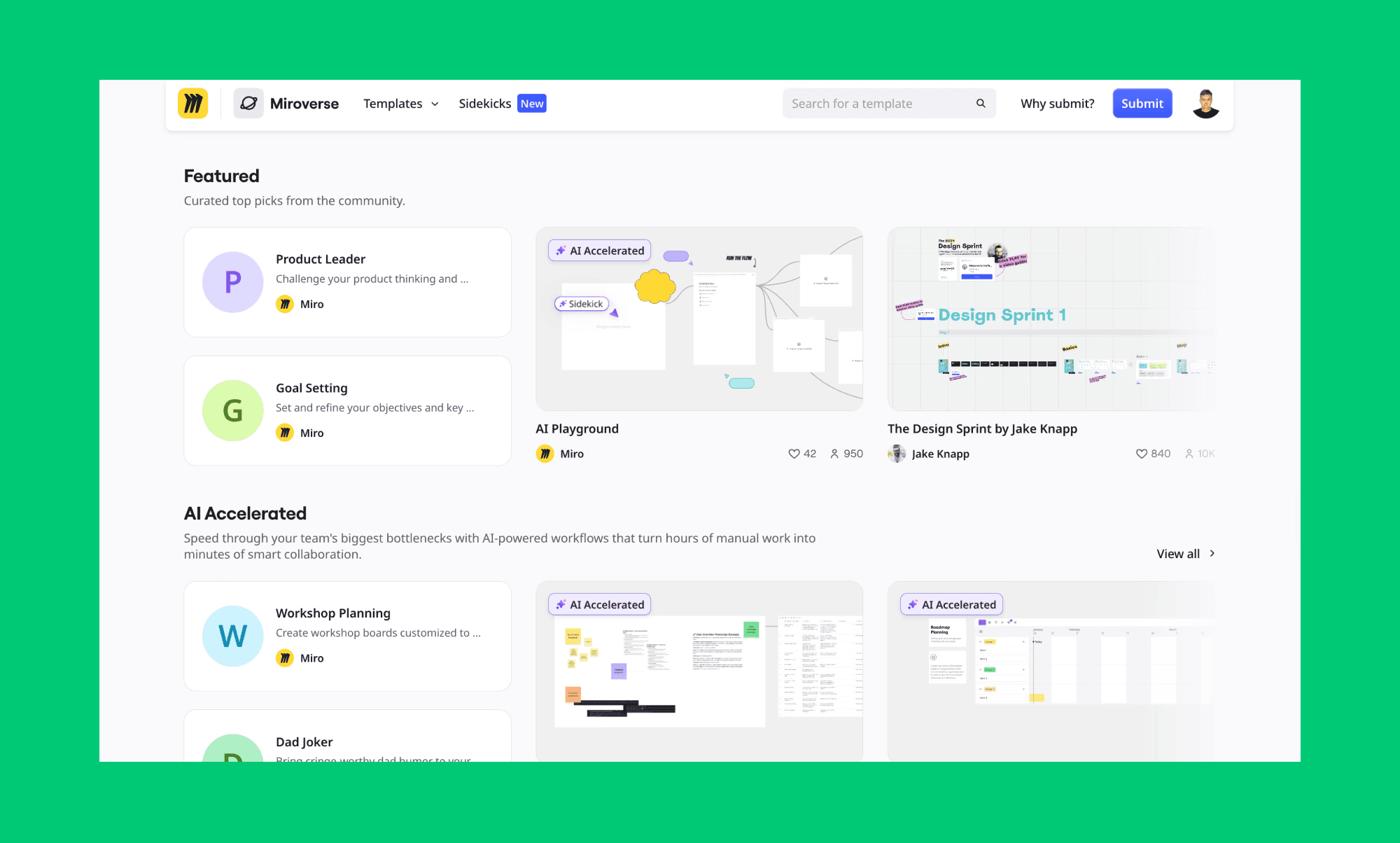
During ideation sessions with my team, I use Miro's AI canvas to turn brainstorms into structured insights. It’s arguably the most popular of the AI UX tools for team collaboration. With AI Sidekicks and Flows, I can visualize research findings, synthesize team feedback, and map user journeys—all in one collaborative space.
Why teams use Miro AI for user research:
Having a mix of text and visual input makes AI UX outputs richer
Miro Sidekicks and Flows automate team brainstorms without context-switching
Real-time collaboration keeps everyone aligned during ideation
Limitations:
Best suited for teams; limited value for solo researchers working independently
Pricing:
Free (10 AI credits/month). Starter from $8/month (25 AI credits/month).
Automate participant recruitment and management
Respondent: Find research participants fast
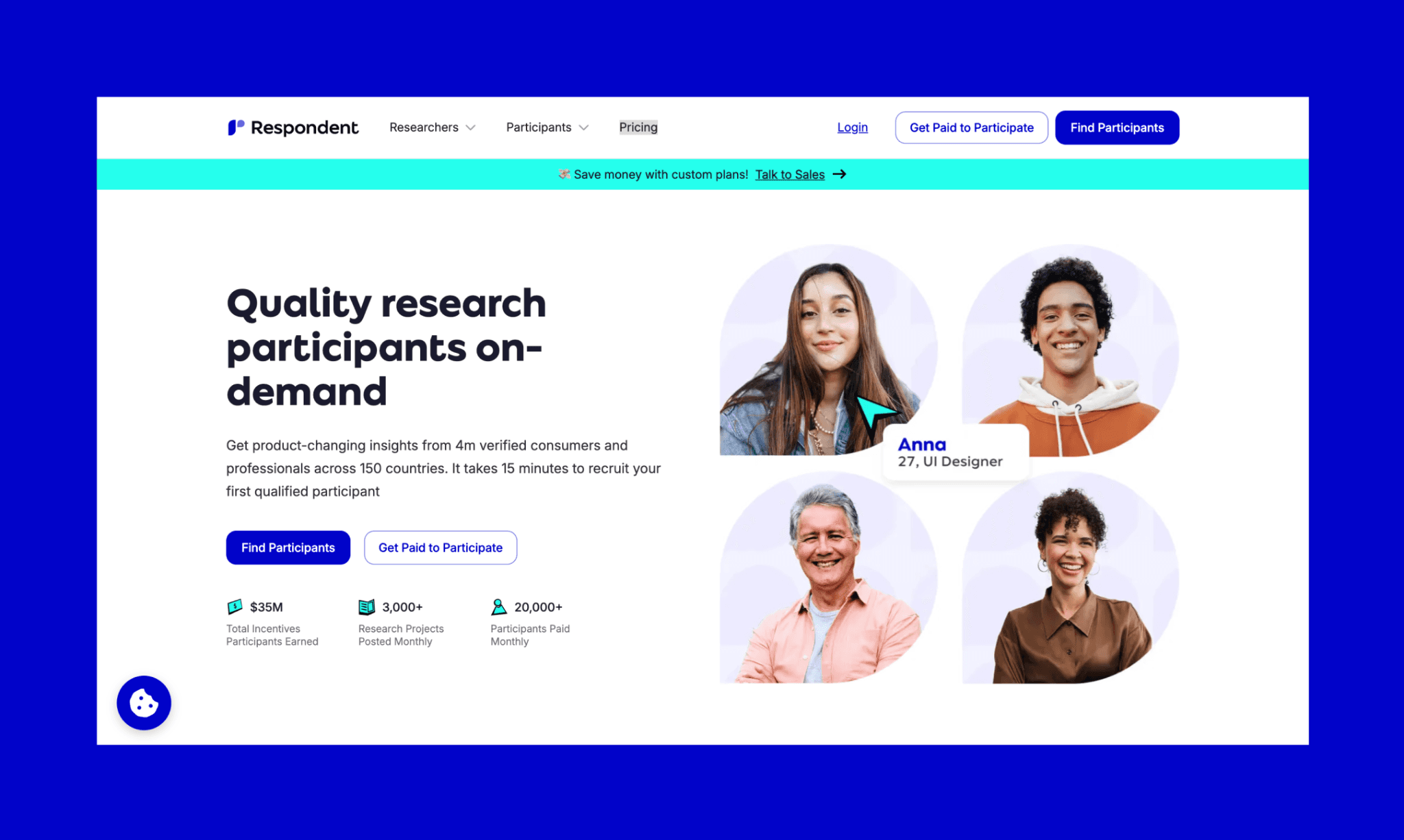
When it comes to recruiting vetted participants for large-scale user research, I find Respondent quite fast and reliable.
With access to 4M+ verified consumers and professionals across 150 countries, I can target 23+ demographic and behavioral criteria, screen efficiently, and pay participants in one platform.
Why use Respondent for UX participant search:
Verified audience with <1% fraud rates; little bouncing participants
15 mins to first qualified participant, 1.5 days to fill a full study
Screening, scheduling, and automatic incentive payouts are built in
Limitations:
Panel skews toward English-speaking markets
Less control over participant pool quality compared to recruiting directly
Pricing:
Pay-as-you-go $40/session. Credit Bundle $34/session (15% discount, 63 sessions).
How businesses benefit from UX consulting >
Prolific: Academic/consumer panels for quick studies
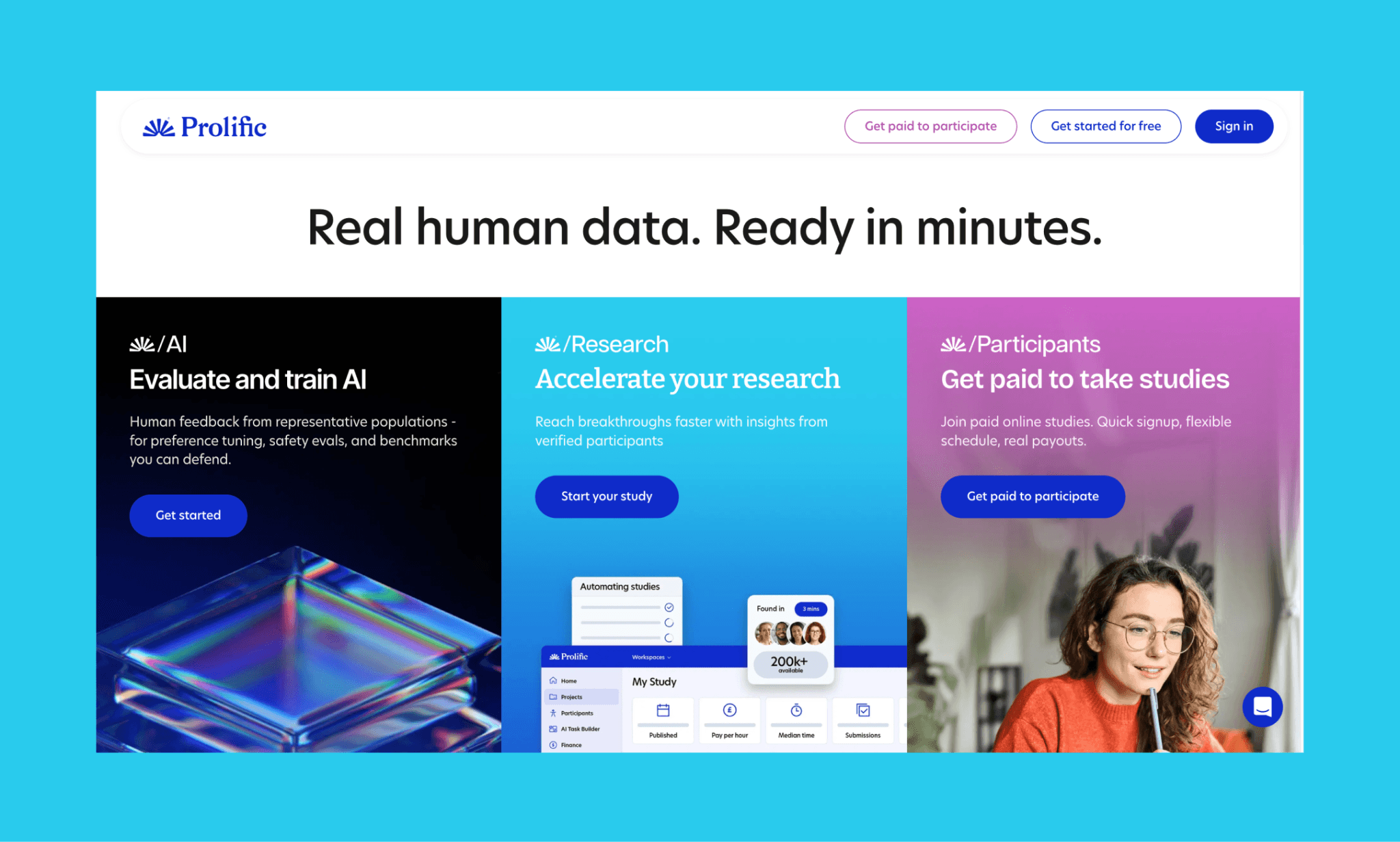
When I need high-quality responses from mainly consumer survey professionals or academic populations, I prefer Prolific. They offer 200,000+ active, carefully verified participants from 40+ countries, 300+ attributes. And allow us to build studies in Qualtrics, Gorilla, or custom platforms.
Why use Prolific for high-quality UX participants:
Fair-compensation model attracts engaged participants
Protocol AI runs 47+ checks to eliminate bots and low-quality respondents
Limitations:
Pay-as-you-go model means screening loss and service fees compound
Pricing:
You set participant reward + 42.8% platform fee (corporate) or 33.3% (academic/non-profit). No subscriptions or setup costs.
Analyze surveys for user insights
Looppanel: Interview summaries and takeaways
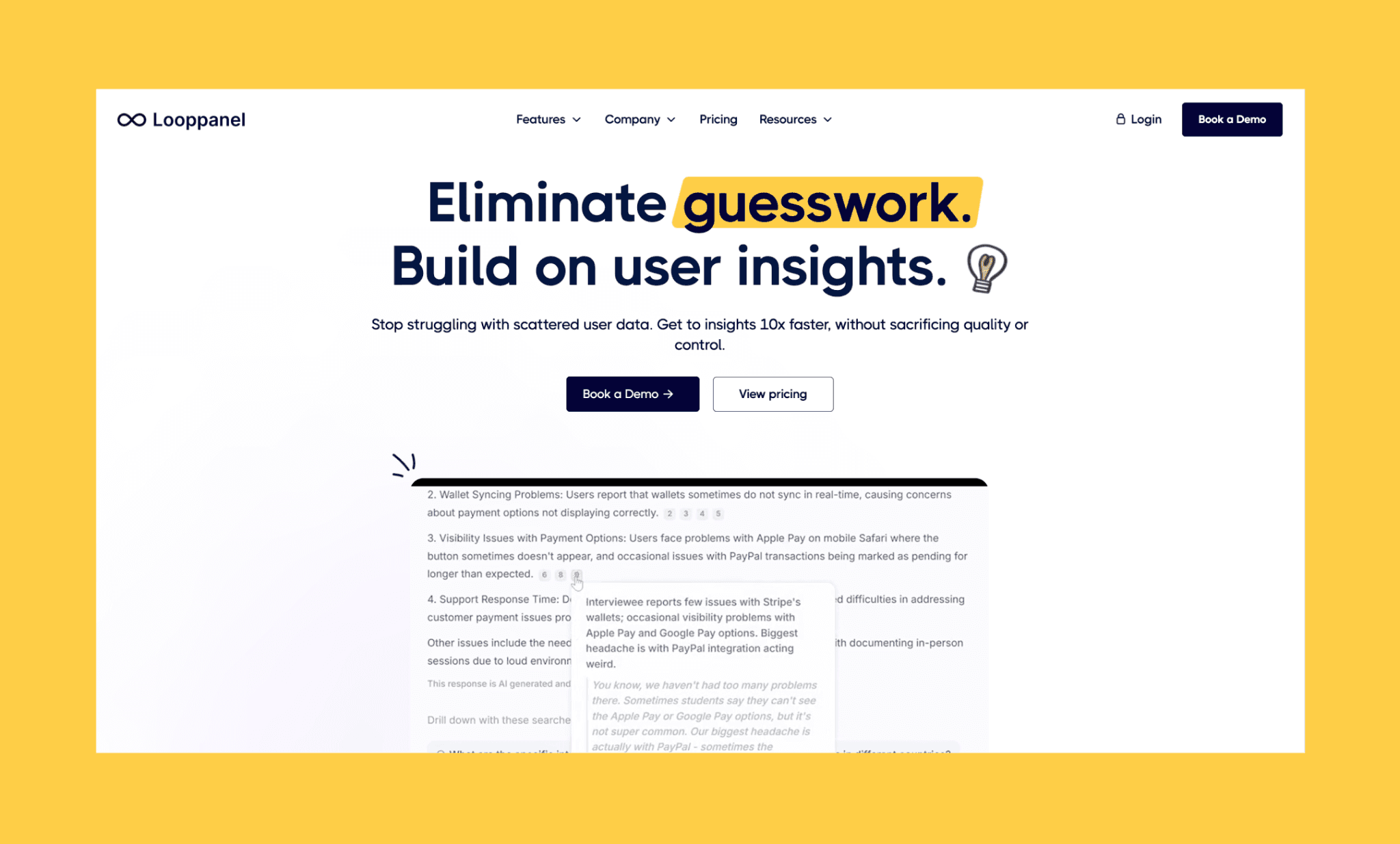
One of my favorite usage of AI in user research is to record interviews, transcribe them with high accuracy, and instantly tag themes without manual coding. I’d recommend Looppanel for it. This AI transforms hours of manual tagging into minutes of analysis. Gives me complete control while eliminating research bottlenecks, plus I get Google-like search across my entire repository.
Why use LoopPanel AI for qualitative UX analysis:
Accurate transcription in 17 languages for global research
Video snippets shareable across Slack, teams align on customer truth instantly
Repository scales; find answers across all past research in seconds
Limitations:
Less ideal for surveys or unstructured text
AI analysis runs once per project, not recurring (limits continuous discovery workflows)
Pricing:
Looppanel does not have a free tier. And their paid plan starts from $395/mo.
Sprig: In-product user feedback
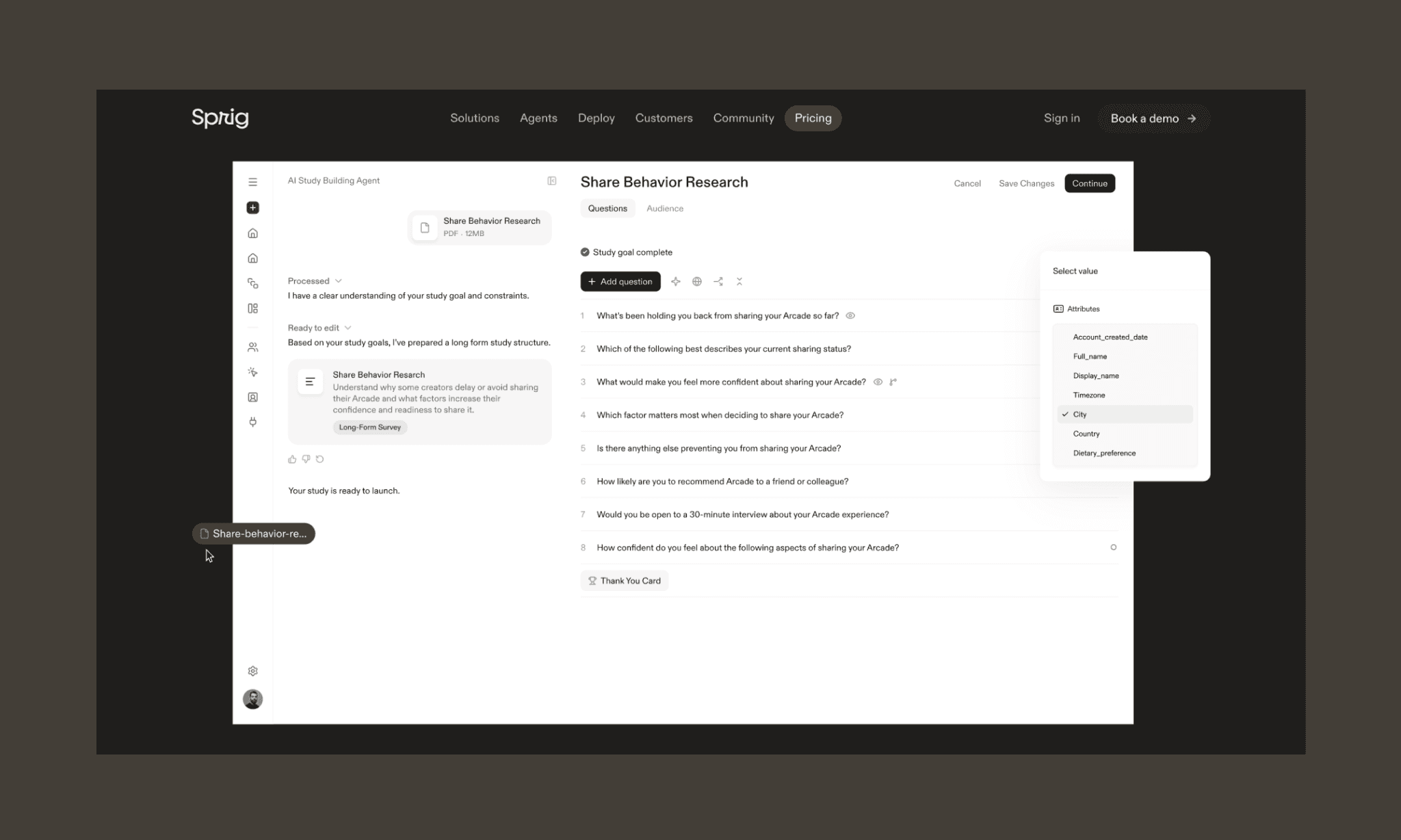
I use Sprig AI for user research survey deployment in-product. With their Design, Field, and Synthesize Agents, I can skip manual survey building; just upload goals and the AI generates (mostly) unbiased questions and deploys adaptively. And most importantly, automatically synthesizes sentiment from open-ended responses.
Why use Sprig AI for survey analysis:
Omnichannel deployment (web, mobile, email) to capture raw feedback
Built-in bias detection prevents leading questions and ensures neutral phrasing
Synthesize Agent turns open-ended feedback into structured insights reports
Limitations:
Their heavy reliance on agents gives limited control for hands-on survey design
More suited for enterprise-scale use case for complex research programs
Pricing:
Free (core survey capabilities, limited responses). No upfront pricing for Starter or Enterprise. Need to contact sales.
Generate UX prototypes with AI
Banani: Rapid UX prototyping
Tell me, how often do you have some insight, hypothesis, or idea that you want to test, but you lack time to prototype it, or your designer is busy with other tasks? I bet it happens quite often.
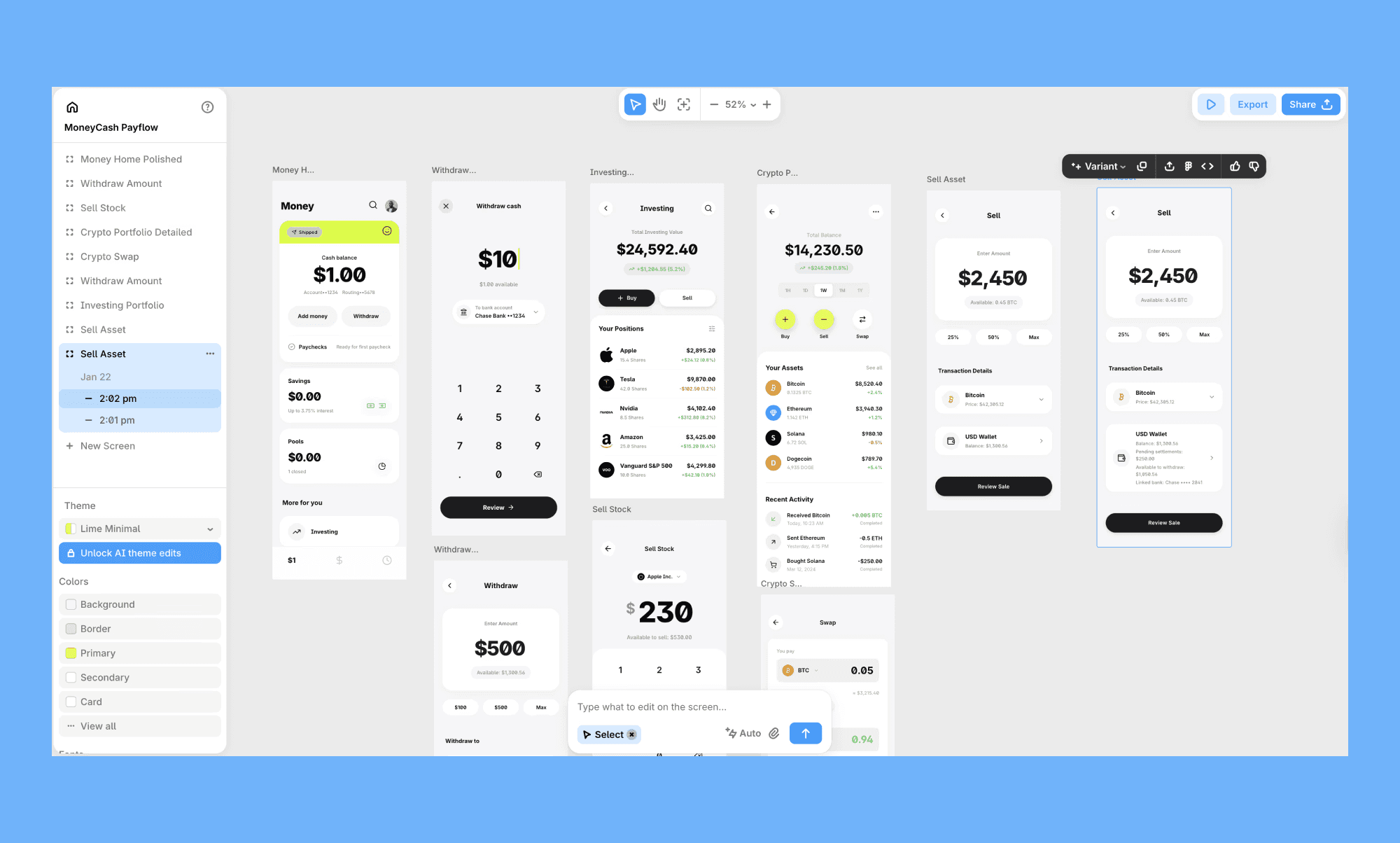
Banani AI solves this by providing a simple AI UX designer that allows you to generate them with simple text or image prompts. You can edit them with AI chat, generate full UX flow from a single screen, export as Figma or code in a click.
Why Banani is the best rapid UX prototyping AI:
Multi-screen, interactive flows from single text prompts
Edit layouts and designs with AI chat instead of clicking through UI
Generate UX variations with design-first LLM, Gemini 3.1 PRO
Cons
Evolving AI UX tool where strategic editing still requires design fluency.
Pricing
Free tier offers ~170 generations/month. Plus starts at $12/mo for ~400 credits.
Google Stitch: Lightweight UX prototyping
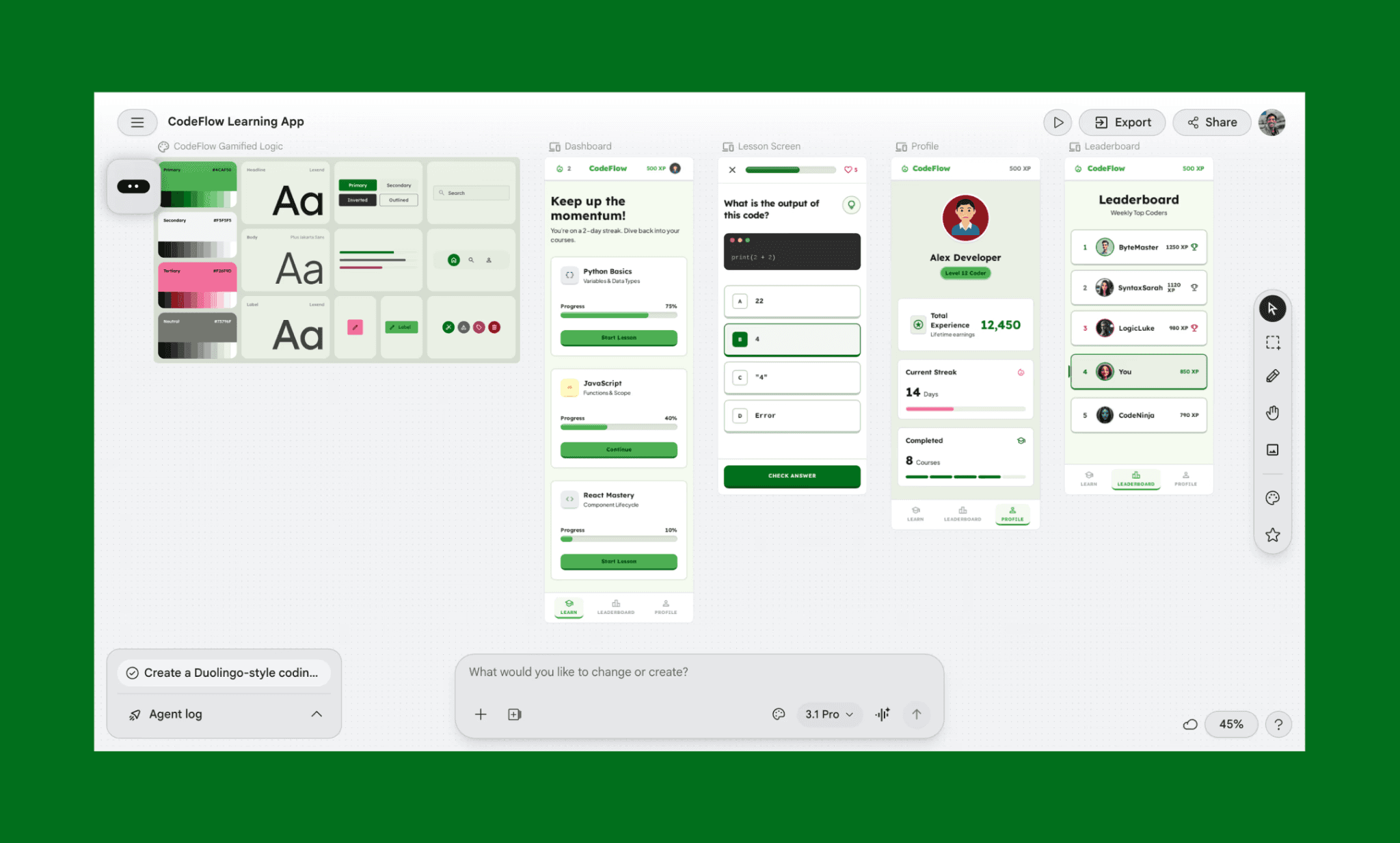
Google Stitch (formerly Galileo AI) turns text prompts and sketches into multi-screen flows with interactive prototyping. It’s Google’s answer to Figma AI for UX. I use it for quick MVP validation when I need functional wireframes before committing design resources. It generates design systems automatically and exports clean Figma or code in one click.
Why use Google Stitch for prototyping:
Understands screen connections and wires multi-screen flows
Generates design systems to maintain visual consistency across screens
Limitations:
Outputs feel like colored wireframes with generic visuals, and lack polish
Cannot buy additional credits if the daily limit is exhausted
Pricing:
Completely free in beta. 400 daily credits. No paid plan available for power users.
Top Google Stitch Alternatives >
Validate designs with automated user testing
Maze: Rapid prototype validation
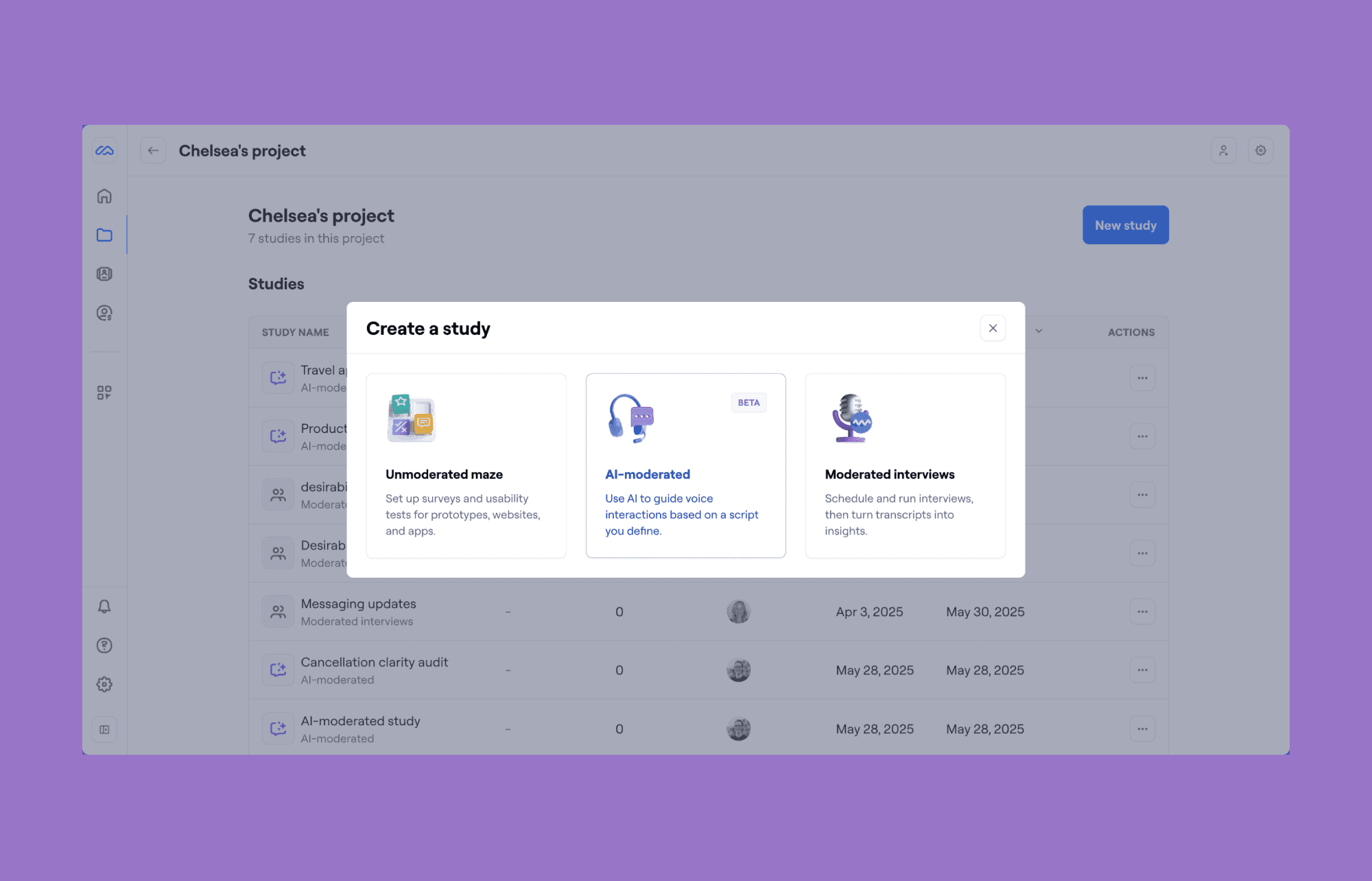
If you want quick validation of a prototype before pushing it to development, I cannot recommend Maze AI enough. Can literally save you days.
Maze started as a usability testing platform and has recently been expanded to include a multitude of AI automations within its platform. You can run unmoderated and moderated AI tests, then ask the AI to summarize results, find recurring friction points, and even suggest improvements.
Why use Maze AI for UI/UX design validation:
Run unmoderated tests in minutes; AI flags friction points + suggests fixes
AI Moderator runs interviews autonomously with transcripts + theme analysis
5M+ participant panel + Figma/Slack/Zoom integrations
Limitations
Steep learning curve for rigorous testing workflows
Costs rise quickly with high participant volume
AI analysis weaker for open-ended qualitative interviews
Pricing
Operates on a per-study model with participant recruitment costs (~$15-30/participant, depending on targeting). Free trial available.
UserTesting: Real-user usability testing
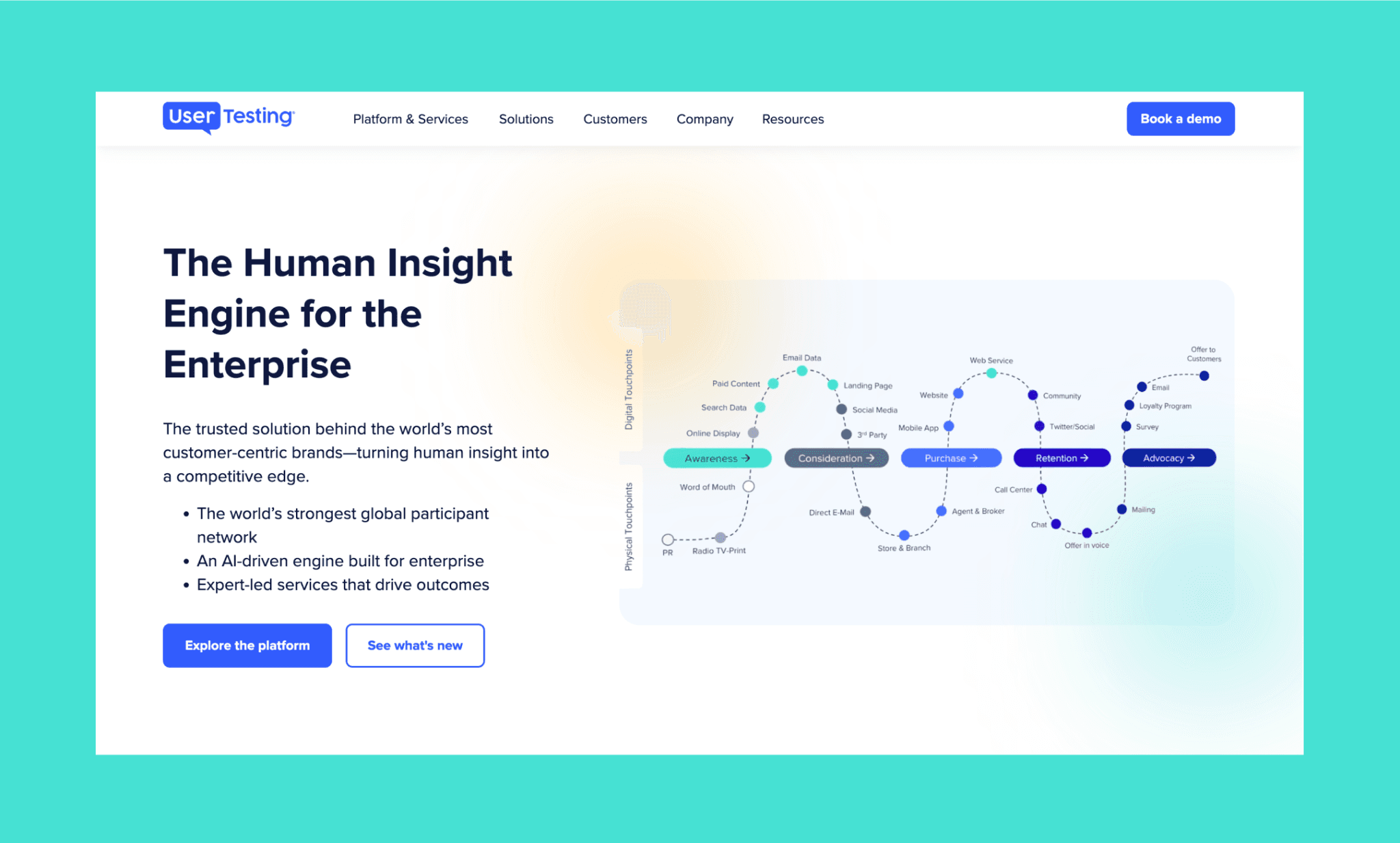
UserTesting is amazing for real human insights at scale to validate prototypes and uncover authentic friction points. With access to 3M+ vetted participants globally, I recruit niche audiences, run unmoderated or moderated tests, and get transcripts + AI-powered theme analysis instantly.
Why use UserTesting for prototype validation:
Global panel in 60+ countries with advanced targeting + AI insight summaries
Supports unmoderated tests and live moderated interviews with transcripts
Figma, Slack, Teams, and Jira integrations streamline collaboration
Limitations:
Enterprise pricing can get expensive for frequent studies
Moderated interviews require scheduling and a slower turnaround
Pricing:
Three tiers: Advanced, Ultimate, Ultimate+. All custom pricing-based.
My tips to validate a product idea >
Other AI UX Tools Worth Trying
AI UX Tool | Use case |
A versatile AI chatbot for brainstorming questions, roleplaying personas, and rewriting content | |
Anthropic’s design assistant for generating UI concepts, UX copy, and rapid prototypes from prompts | |
Dovetail | An AI research repository for analyzing interviews, tagging themes, and centralizing customer feedback |
Granola | An AI transcription assistant for recording interviews and organizing researcher notes automatically |
User Interviews | A participant recruitment platform for sourcing, screening, and managing research participants |
UXtweak | A usability testing platform for moderated studies, analytics, and AI-generated research insights |
Dscout | A diary study platform for capturing real-world user behavior through video and photo submissions |
Optimal | An information architecture testing suite for card sorting, tree testing, and navigation validation |
How is AI changing UX in 2026?
85% of designers and developers say AI will be essential to their future success[1]. Yet half of the respondents of a Design Lab survey said they’re concerned about the impact of AI on design quality[2]. This is because, since a typical AI UX research and design tool produces the average of its training data, it inadvertently threatens the craft.
And, counterintuitively, in my opinion, this shift isn’t replacing UX designers, but it’s raising the bar. Because now the strong UX teams will be differentiated less by execution speed and more by judgment and taste that comes from experimentation and experience.
How vibe design solves the purple UI problem >
Picking the Best UX AI for Self
I’ve been doing UX research as a part of my product design role for the last 10 years. Without exaggeration, over those years, I've conducted thousands of interviews. The main criteria for me to make a short list were:
No reliance on stakeholders to start using the tool
How much time can a tool save compared to manual work
Ease of use and setup
UX research is still human work. AI can't replace empathy or knowing what question to ask. But it can absolutely save you from hours of tagging, transcription, and organizing.
Top AI UX tools like Manus, Maze, and Looppanel give you more time to actually think about what users are saying instead of drowning in manual work. And, if you have already done your research and wish to explore multiple UX directions fast, vibe design it with Banani AI – and share with stakeholders in minutes.
FAQs on AI user research tools
What AI tools do UX researchers use?
Some popular tools used by professional UX researchers for large organizations include Maze for prototype testing, UserTesting for moderated interviews, LoopPanel for interview analysis, and Banani for UX prototyping.
What is the best AI research assistant for product insights?
In my opinion, Sprig excels at synthesizing open-ended survey responses, while Dovetail specializes in centralizing qualitative data from multiple sources. Choice depends on whether you prioritize speed (Sprig) or repository depth (Dovetail).
Which tools offer user research repositories with AI capabilities?
Two leading AI tools for user research repositories are Looppanel and Dovetail. LoopPanel also offers workspace search and AI-powered insight discovery across interview projects.
What are the best UX research analysis tools available?
For qualitative work, Dovetail and LoopPanel excel at auto-tagging and theme synthesis. For quantitative validation, Maze and UserTesting offer rapid testing with AI-generated reports. For academic rigor, NVivo and ATLAS.ti remain industry standards, though they lack AI-native workflows.
Which software helps manage UX research data?
For enterprises managing decades of research, Dedoose and QDA Miner offer institutional-scale management with compliance controls. For SMBs, Dovetail is a good choice to manage UX research data.
Who offers user research tools with advanced testing features?
For niche B2B recruitment, Respondent and Prolific provide advanced audience screening and participant management.
Is there a free UX prototyping tool?
Yes, Banani offers a generous free tier with ~170 monthly UX screen generation and regeneration.
How can I turn my app UX prototype into a working MVP?
You can use tools like Lovable and Basae44, or can even use AI coding agents like Cursor or Codex. Check out my top picks for AI app builders in 2026.
References
[1] https://www.figma.com/resource-library/design-statistics/
[2] https://designlab.com/blog/ai-in-ux-product-design-trends-2026


