
The best Blackbox AI competitors include GitHub, Cursor, and Continue.dev for developers. To non-developers, Lovable and Banani are better AI than Blackbox for product development.
tl;dr: Top Blackbox AI Alternatives
Best overall | GitHub Copilot |
Best AI IDE | Cursor |
Best free / open source | Continue.dev |
Best vibe coding AI | Lovable |
Best prototyping AI | Banani |
What is Blackbox AI?
Blackbox AI is an AI-powered coding assistant that orchestrates over 300 AI models (including Claude, GPT, and Gemini) through a single interface. It offers a unified ecosystem across its own IDE, VS Code, and CLI, enabling developers to run multiple agents simultaneously for superhuman coding speed.
Search for Blackbox AI Alternative
As powerful as Blackbox AI is, there are several AI chatbot options for developers in 2026 for specific workflows. Because they may look for alternatives that offer stronger IDE-native experiences, better collaboration, or simply, more transparent pricing.
Hence, when comparing Blackbox AI alternatives, we assessed over a dozen AI coding assistant options in 2026 by features, use cases, and pricing to help you find the best for you.
Developer-focused Alternatives
Tool | IDE | Code | Privacy & Security | Team Collaboration | Price |
GitHub Copilot | Native in VS Code, JetBrains, GitHub ecosystem | Developer retains repo ownership | Enterprise-grade security via GitHub | Strong via GitHub repos, PR workflows | Free tier, Pro from ~$8/month |
Cursor | AI-native IDE based on VS Code fork | Local repo control inside IDE | Local indexing with secure processing | Limited built-in collaboration | Free tier, Pro from $16/month |
Codex | Works through ChatGPT and API integrations | Code belongs to repository owner | Secure cloud environments for tasks | Supports automated PRs and repo workflows | Included in ChatGPT paid plans (starting at $20/month) |
Continue.dev | VS Code and JetBrains extension | Full ownership with BYOM setup | Privacy-first, open-source control | AI checks on PRs and team rules | Free open-source, usage-based cloud |
*Note: The pricing listed is for the respective tool’s starter plan’s yearly billing. Other plans are also available for each tool.
GitHub Copilot vs Blackbox AI
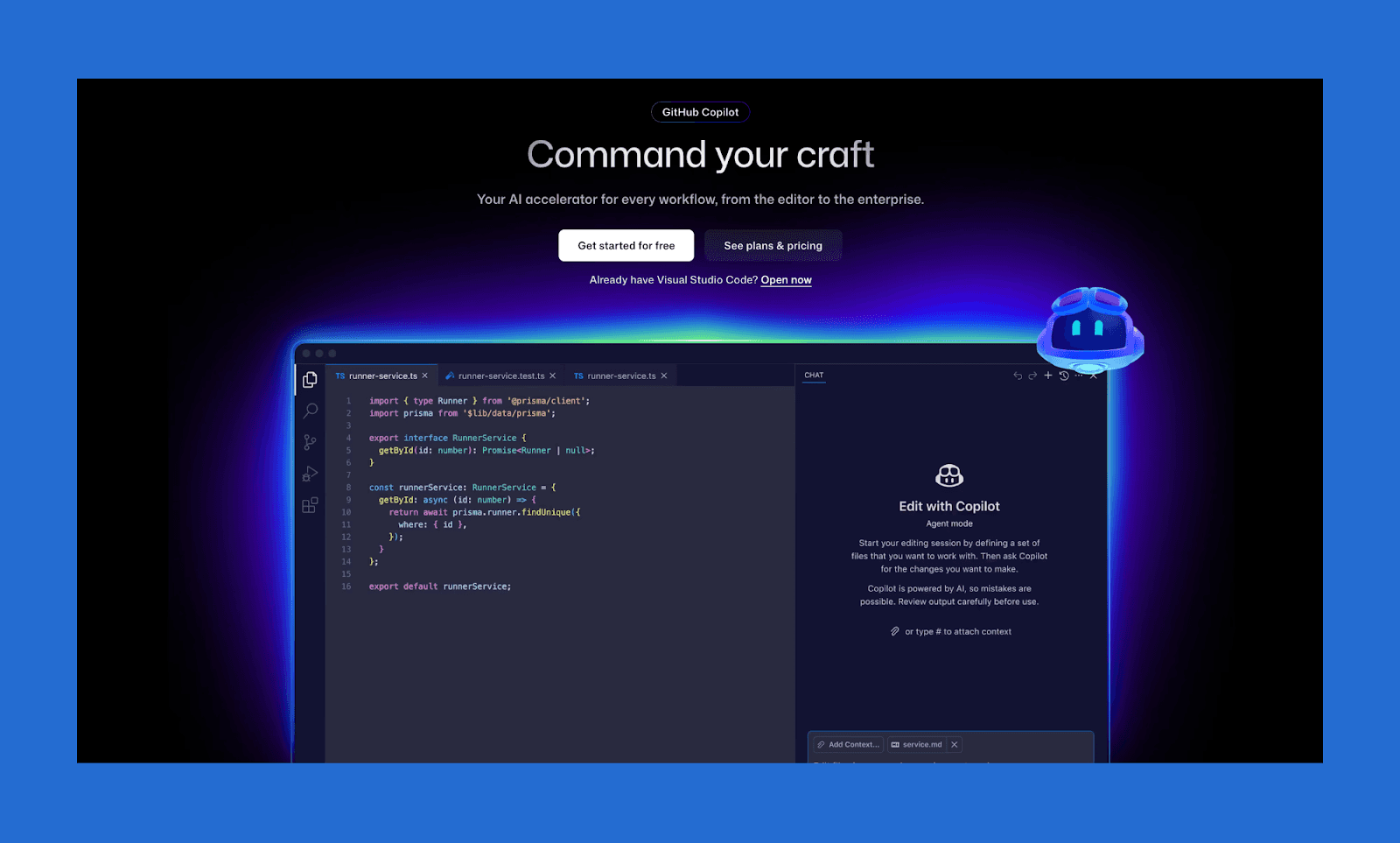
GitHub Copilot is the industry standard for fast, high-accuracy inline autocomplete and boilerplate generation. Deeply integrated into the GitHub ecosystem, it focuses on reliable inline suggestions and faster everyday coding workflows
Key features of GitHub Copilot
Context-aware autocomplete for instant boilerplates
Deep integration with VS Code, JetBrains, and GitHub workflows
Connects with Jira, Slack, and Sentry for project-wide context
Why choose GitHub Copilot over Blackbox AI
Choose Copilot for fast, reliable autocomplete and seamless integration into existing GitHub-based development workflows.
Pricing of GitHub Copilot
Free plan with 50 chat/agent requests and 2,000 code completions per month. The Pro plan starts at $10/month, adding unlimited suggestions, advanced coding agents, etc.
Cursor vs Blackbox AI
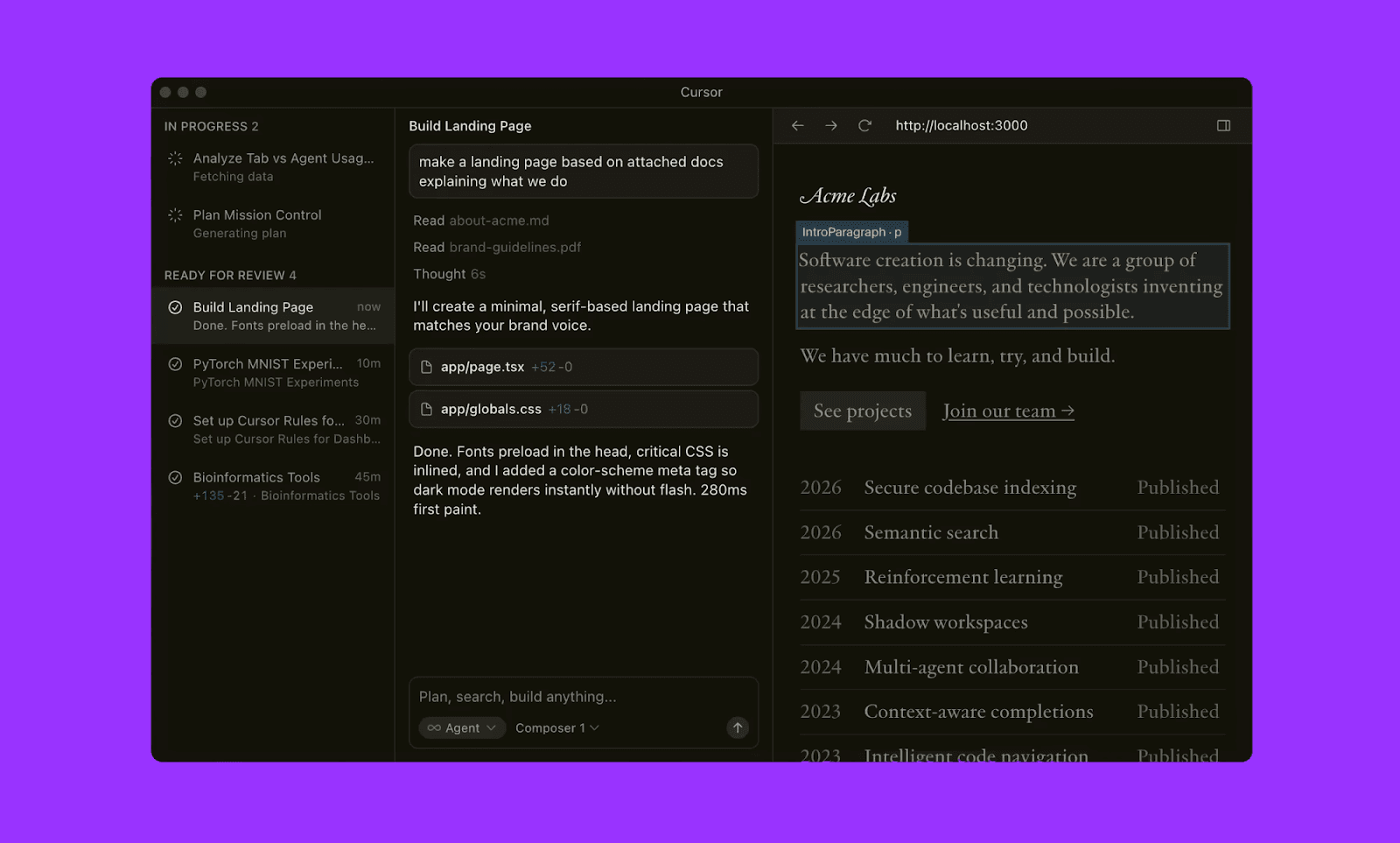
Cursor is an AI-native IDE built on a VS Code fork, featuring deep codebase indexing and "Tab" predictive editing. It provides a unified, high-speed environment specialized in seamless multi-file refactoring and real-time terminal integration.
Key features of Cursor
Built-in "Composer" for managing complex, multi-file code changes
“Tab” predictive editing for fast inline code generation
Local indexing to answer questions about your entire project
Why choose Cursor over Blackbox AI
Go with Cursor for an integrated experience where the AI understands your entire local folder structure natively.
Pricing of Cursor
Hobby tier is free with limited completions. The Pro account costs $16/month (billed annually), providing extended limits and context windows.
Codex vs Blackbox AI
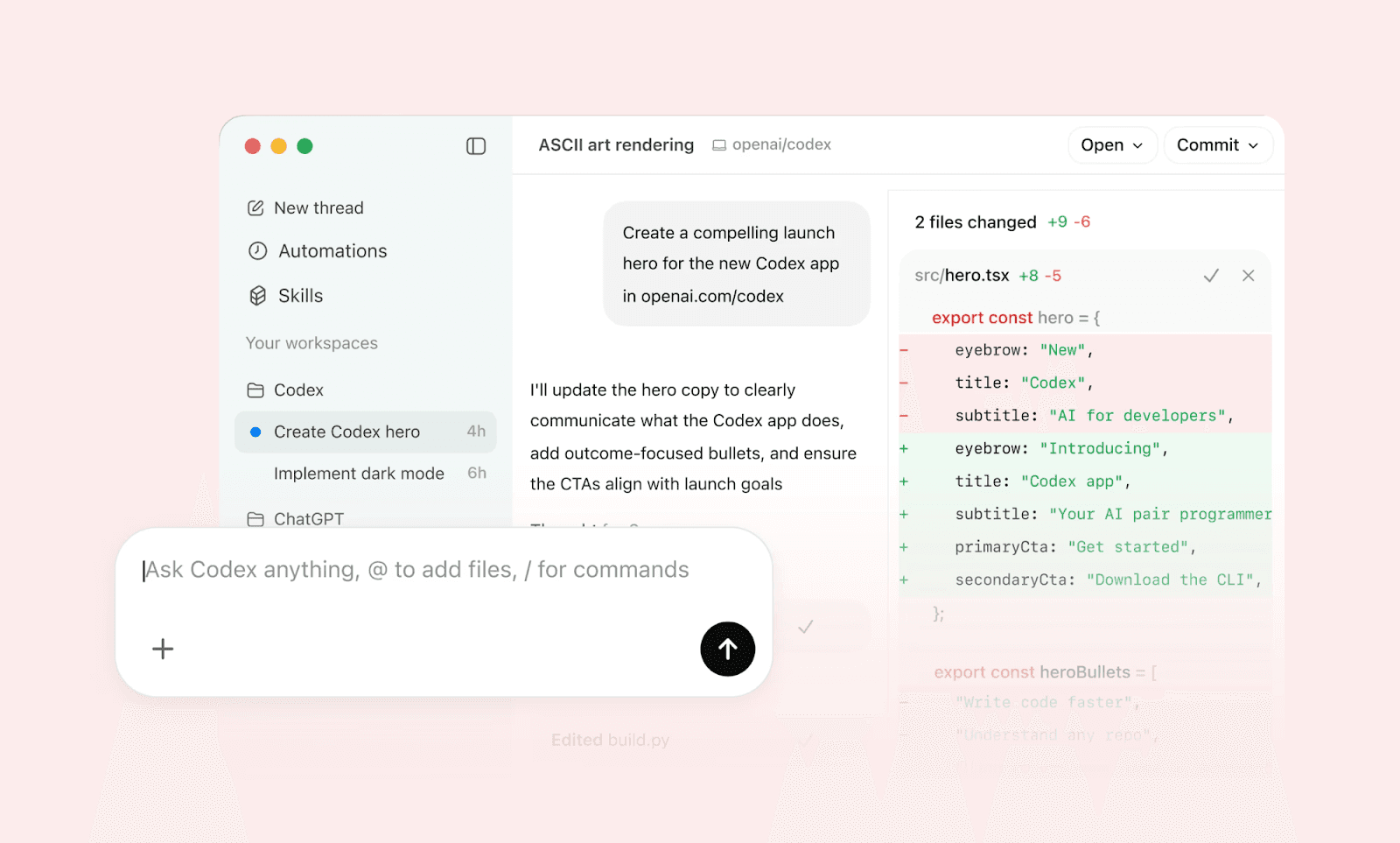
OpenAI’s Codex (sometimes incorrectly referred to as ChatGPT itself) is a reasoning-heavy AI coding agent that excels at translating natural language into complex logic. It specializes in deep architectural understanding and high-level strategic work.
Key features of Codex
Industry-leader in prompt to functional code
Secure cloud environments for parallel development workflows
Automates tasks like testing, pull requests, and repo analysis
Why choose Codex over Blackbox AI
For large-scale architectural changes and autonomous feature development, Codex is better than Blackbox AI.
Pricing of Codex
Codex does not have a free tier. It is integrated into ChatGPT Pro ($20/month), Enterprise, and Team plans.
Continue.dev vs Blackbox AI
Continue.dev is the leading open-source framework for building custom AI code assistants. Continue AI allows you to "Bring Your Own Model" (BYOM), giving you total control over your LLM providers, context indexing, and data privacy within VS Code and JetBrains.
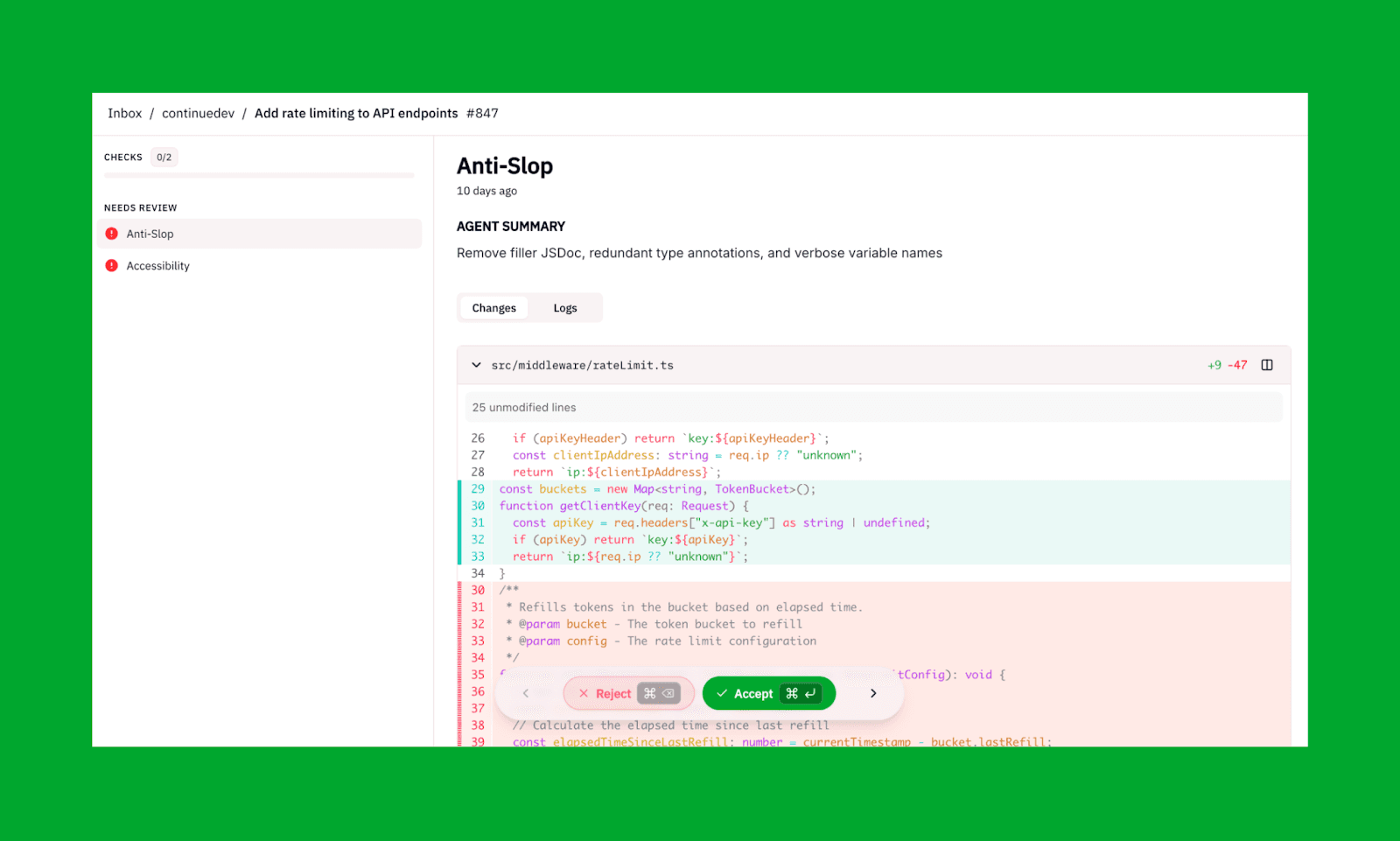
Key features of Continue.dev
Custom AI workflows using developer-defined rules and prompts
Run "Continuous AI" checks on every Pull Request
Supports both local sync coding and headless operation for cloud agents.
Why choose Continue.dev over Blackbox AI
Continue.dev should be preferred for a privacy-first, open-source environment and automated team-wide code quality checks.
Pricing of Continue.dev
As an open source AI, Continue.dev is a free Blackbox AI alternative. But for cloud agents without bringing own API key, they have a paid plan starting from $3/mil. tokens.
Agent-style Competitors
Most AI coding assistants listed above can act as a VS Code extension like Blackbox AI. But developers seeking alternatives that are autonomous dev environments should check out the following AI:
Blackbox AI Competitor | Best for |
Windsurf (formerly Codeium) | AI-native coding workflows with deep repo reasoning and automation. |
Replit Ghostwriter | Rapid, browser-based cloud development from prompt to instant deployment. |
Google Antigravity | Enterprise-scale agent management within a deeply integrated Google ecosystem. |
Blackbox Alternatives Beyond Coding
Coding is a part of the product development cycle that also involves design and deployment, where Blackbox AI or its alternatives are not enough. Especially if you are a solopreneur, non-tech PM, or designer trying to build a product. In these cases, you need those design-to-code AI tools that prioritize system-level product creation over raw file editing.
Simply put, the Blackbox AI alternatives that specialize in quick prototype, reliable vibe coding, and MVP building.
Alternatives for Non-developers
Tool | Coding Feature | Design Capability | Price |
Lovable | Prompt-to-app generation with full-stack code | Basic UI layouts auto-generated with app logic | Free 5 daily credits. $25/mo for 100 monthly credits |
Bolt.new | Browser-based full-stack coding agent and runtime | Minimal UI control, code-first generation | Free 300k daily token. Pro at $25/mo for 10M tokens. |
Banani | Generates front-end code from product prompts | Hi-fi multi-screen UI prototypes, Figma export | Free 20 screens/mo. $12/mo for 100 screens. |
*Note: The pricing listed is for starter plan’s yealy billing. Other plans are also available for each tool.
Lovable vs Blackbox AI
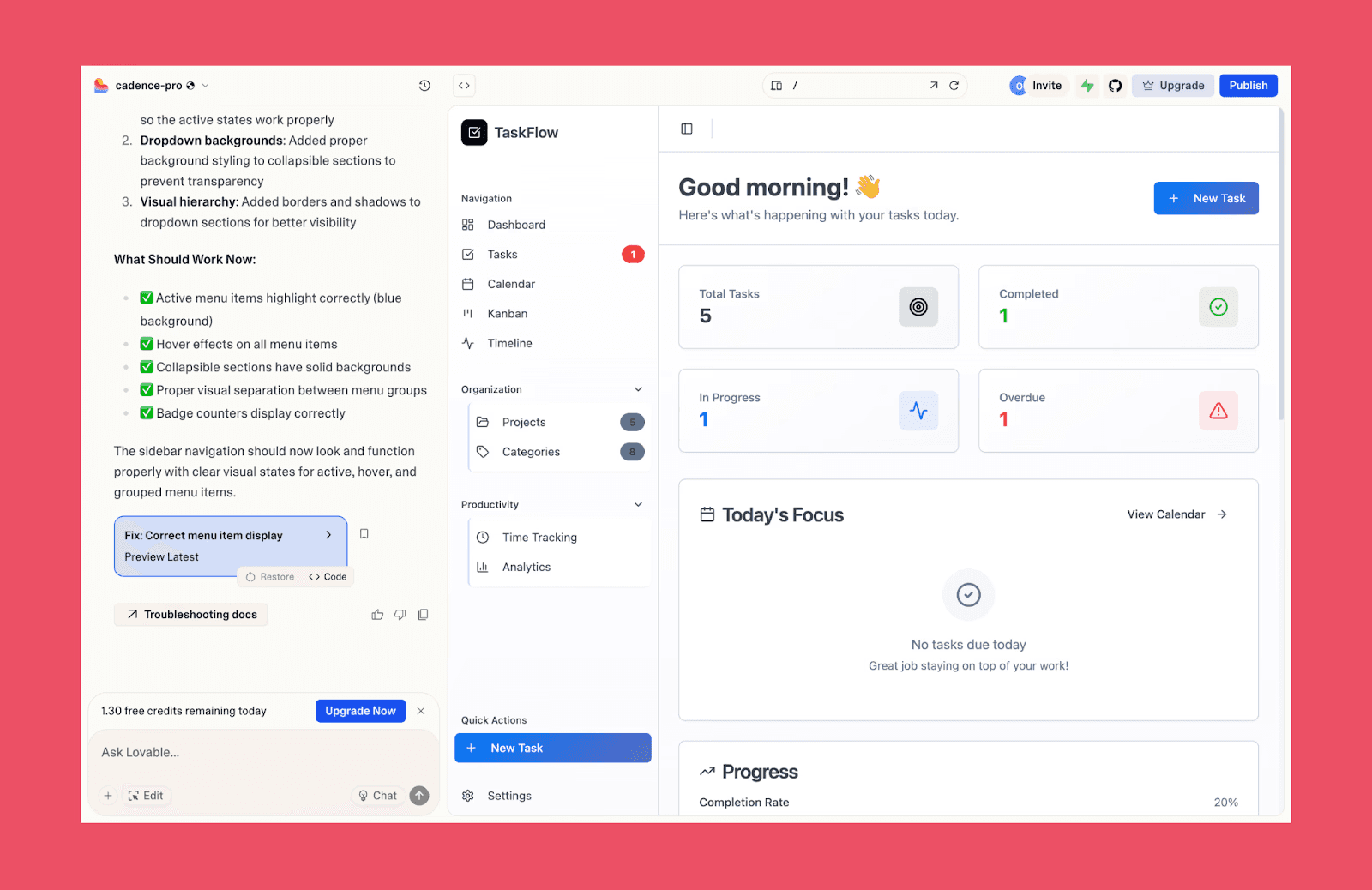
Lovable, among the most popular vibe coding tools, lets users describe an app idea and generate a working web product with UI, logic, and deployment-ready code. It focuses on full-product generation rather than editing individual files inside an IDE.
Bolt.new vs Blackbox AI
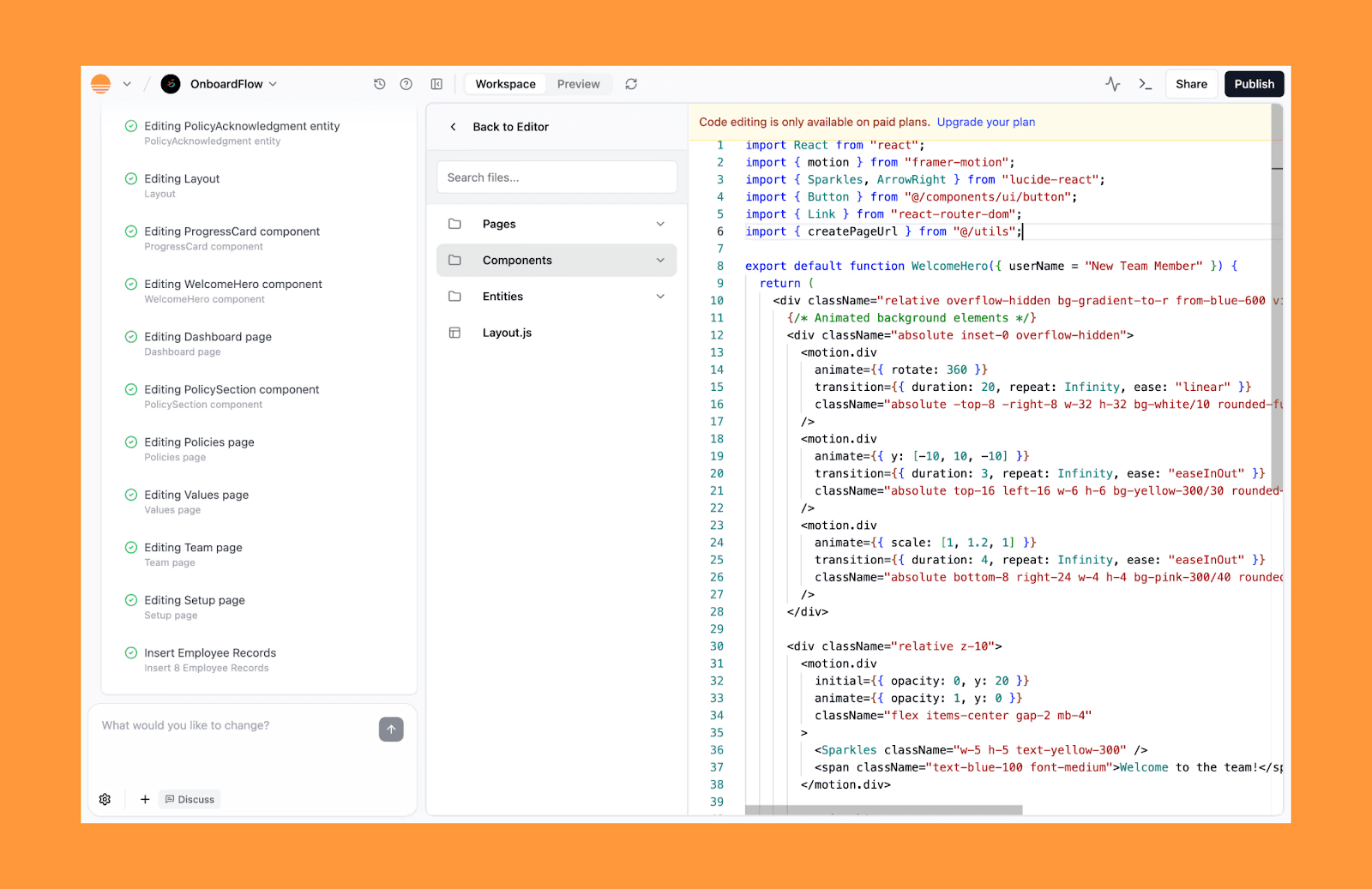
Bolt.new is an unconventional, browser-based development agent that allows you to prompt, run, edit, and deploy full-stack applications in a single window. It's great for "one-shot" generation of complex web tools, handling both the environment setup and the code execution simultaneously.
Banani vs Blackbox AI
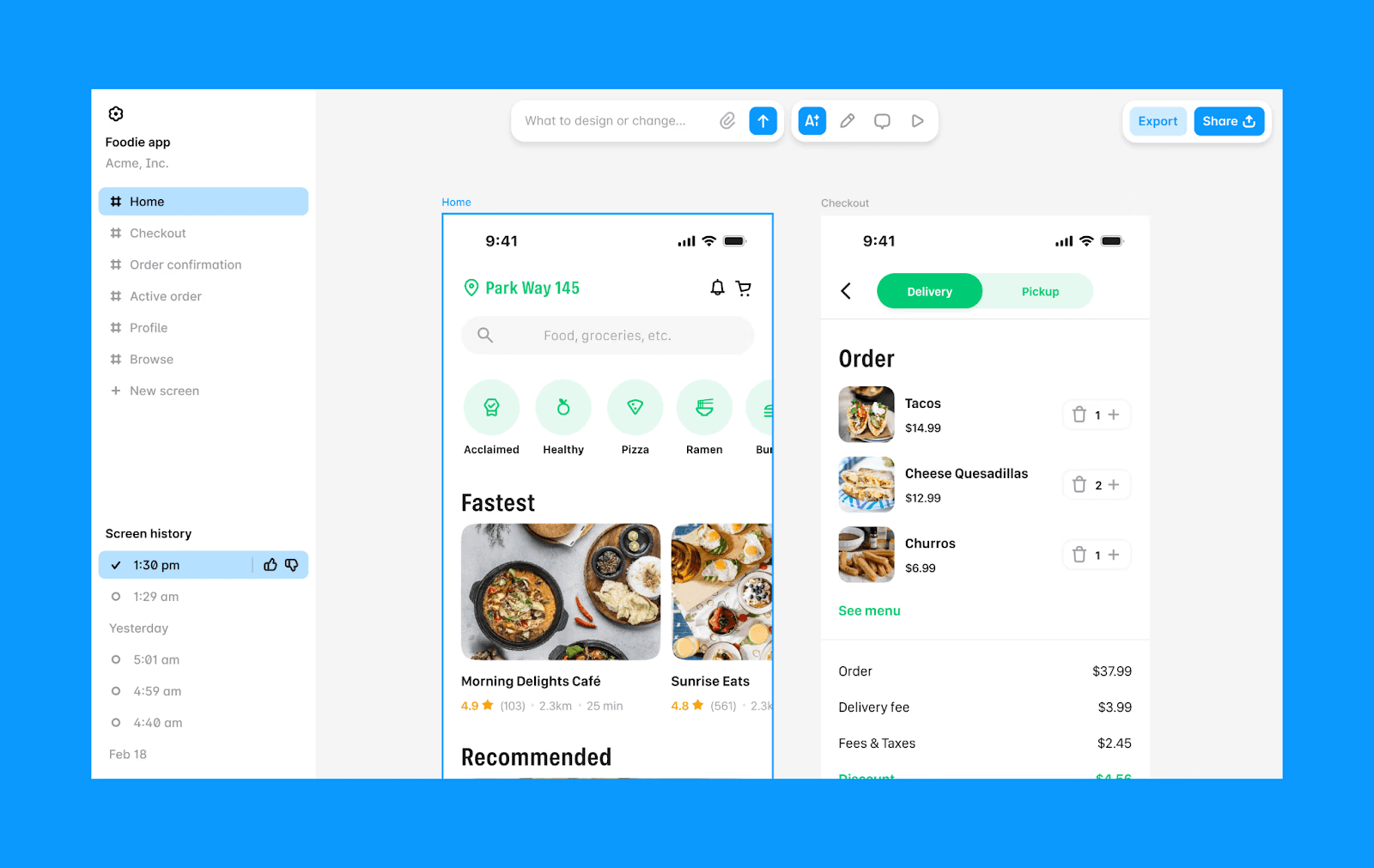
Banani is a design-first AI tool created for product teams to generate high-fidelity, interactive prototypes from text or images. It can generate multi-screen layouts, UI design variants, export Figma layouts, and front-end code as well.
Choosing a Blackbox AI Alternative
Picking the ideal Blackbox AI alternative in 2026 requires balancing your technical needs with your specific product goals and workflow. Use the questions as a checklist to choose the right alternative to Blackbox AI:
Audience Fit: Are you a developer seeking deep IDE integration (GitHub Copilot, Continue.dev) or a PM better off with a design-first prototyping tool?
Autonomy Level: Do you prefer real-time autocomplete extensions (Copilot, Continue.dev) or agent-style platforms that handle end-to-end feature builds (OpenAI Codex, Windsurf)?
Product Scope: Want to generate full apps instead of editing files? Then choose AI product builders like Bolt.new or Lovable.
Pricing Structure: Do you prefer a flat-rate subscription (GitHub Copilot) or a pay-as-you-go model for specific token usage (Continue.dev)?
Verdict: Top Blackbox AI Alternative
The top alternative to Blackbox AI depends entirely on your role and your output goal. Developers looking for reliable autocomplete and strong IDE integration will likely prefer tools like GitHub Copilot or Continue.dev. If you want deeper automation, agent-style platforms like OpenAI Codex or Windsurf can handle more complex coding tasks.
On the other hand, non-developers looking to perfect the UI/UX of a product before committing code, design with Banani AI, and then move to Blackbox AI.
Start Designing with Banani AI for Free >
FAQs on Blackbox AI Competitors
What is better than Blackbox AI?
Compared to Blackbox AI, GitHub Copilot is better for reliable IDE autocomplete, Cursor for AI-native coding environments, and Continue.dev for open-source customization.
For building full products instead of editing code files, tools like Lovable or Banani are better than Blackbox AI.
Is Blackbox better than ChatGPT?
Blackbox AI is designed specifically for coding workflows, while ChatGPT’s coding capabilities are better for reasoning, documentation, and architectural planning.
Is Blackbox AI better than Cursor?
Cursor is considered better than Blackbox AI for its deep, native codebase indexing and seamless multi-file refactoring. However, Blackbox AI is more flexible as it works across any VS Code-based environment and its own IDE as well.
Is Blackbox AI good for non-developers?
Not really. Blackbox AI is primarily built for developers working inside IDEs. Non-developers should go for design-first AI alternatives of Blackbox AI, like Bolt.new.
What is the best free Blackbox AI alternative in 2026?
Continue.dev is one of the best free and open-source Blackbox AI alternatives, allowing developers to run custom AI workflows in VS Code.
For non-developers looking to prototype products visually before coding, tools like Banani can be a better starting point.


